






 Multi-Vendor & Complex SaaS Marketplaces
 Modern Headless & Jamstack Web Development
 High-End Corporate & Specialized Business Websites
 Advanced API, Checkout & Database Troubleshooting
E-commerce SSL & Mixed Content Error Fix | Melbourne
Restore trusted checkout locks for Melbourne online stores—we clear SSL and mixed-content errors that block sales.
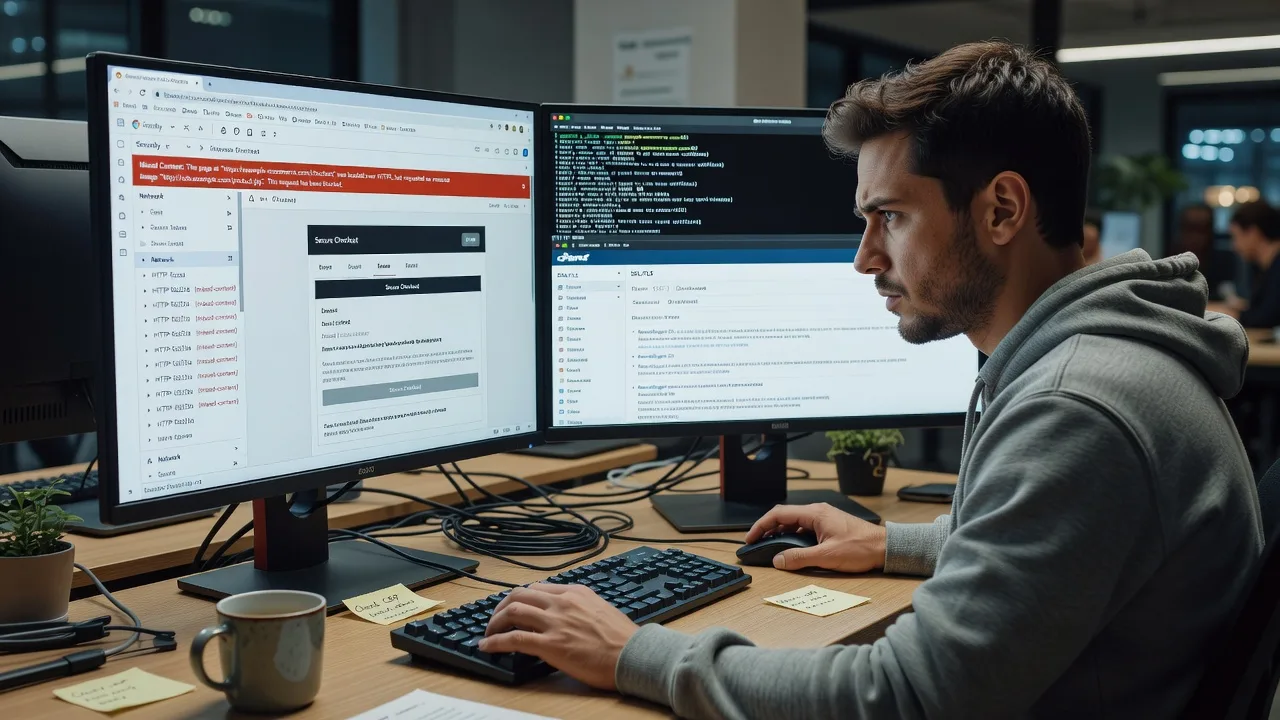
When product images, fonts, or payment scripts still load over HTTP on an HTTPS cart, browsers warn shoppers and conversions drop. We trace certificates, CDN paths, and theme assets for CBD retailers and warehouse-backed catalogues across Melbourne.
Need a hand now? Dial 0421498927 or book at fixwebnode.com.au/contact-support.
About this service
We stop browser security warnings and broken assets on your Melbourne e-commerce site so shoppers can complete checkout with a clean padlock. Direct remote diagnosis of SSL certificates, HTTPS redirects, and mixed-content sources—no freelancers, no bidding.
What You'll Get
- Full mixed-content scan - Every insecure image, script, stylesheet, iframe, and font flagged with the exact URL and page it breaks.
- Certificate & chain review - Domain match, intermediate chain, expiry, and SAN coverage checked against your live hostname.
- HTTPS enforcement cleanup - Correct 301/302 paths, HSTS readiness, and canonical URL alignment so carts do not loop.
- Platform-specific fixes - WooCommerce, Shopify custom themes, Magento, and headless storefront asset paths corrected at source.
- CDN & media URL pass - CloudFront, Cloudflare, Bunny, or local media libraries rewritten to HTTPS-safe origins.
- Plain-English handoff - What changed, what to monitor, and a short retest checklist your team can repeat after theme updates.
Serving Melbourne & surrounds
Melbourne e-commerce is a mix of high-street product brands, CBD gift and fashion labels, and industrial-estate fulfilment stores that ship nationally. Certificate mistakes often surface right before a catalogue drop or freight peak when marketing pushes paid traffic to a half-migrated HTTPS build. We work fully remote with optional screen-share walkthroughs for store owners from the inner metro through to outer warehouse belts, including operators near Dandenong logistics corridors when on-call timing matters.
- CBD and laneway retailers needing padlock-clean product and gift pages before weekend footfall and click-and-collect spikes
- Warehouse and wholesale catalogues where CDN-cached HTTP media still leaks into HTTPS category templates after a domain move
- Remote-first delivery with scheduled video sessions that fit Melbourne business hours; on-site only if your stack truly requires local console access
How We Work
- Step 1: Reach Out - Share your store URL, platform, and what the browser shows (warning text, blocked asset, or failed checkout). We listen first and confirm scope.
- Step 2: Tailored Plan - Fixed quote for the technical path: single-site patch, full-store sweep, or multi-environment (staging + live) remediation.
- Step 3: We Deliver - Remote infrastructure work on certificates, redirects, theme/code assets, and CDN rules, with patient plain-language updates as we go.
- Step 4: Confirm & Follow-up - Joint retest in Chrome/Safari/Firefox, handoff notes, and optional short follow-up window after your next theme or plugin update.
Common Issues & How to Fix Them
These are the patterns we see repeatedly on live Melbourne stores—use the safe checks below before a full engagement.
Padlock broken: active mixed content on product or cart pages
Chrome shows a warning or strips images/scripts because the page is HTTPS but one or more assets still load via http://—common after a partial SSL install or a theme that hard-codes old media URLs.
- Step 1: Open the page in Chrome, press F12, go to the Console and Security panels, and note every request marked mixed content or blocked.
- Step 2: In your CMS or theme, replace hardcoded http:// links for images, CSS, and JS with https:// or protocol-relative paths; for WordPress/WooCommerce run a careful search-replace on post content and options only after a backup.
- Step 3: Hard-refresh, recheck Console/Security, and confirm the padlock is solid with zero mixed-content lines on product, cart, and checkout.
Certificate valid on www but not the apex (or the reverse)
Shoppers hitting the non-covered hostname see NET::ERR_CERT_COMMON_NAME_INVALID even though the other hostname looks fine—frequent when a Melbourne retailer adds a short domain for ads without updating SANs.
- Step 1: Visit both https://yourdomain.com and https://www.yourdomain.com and compare the certificate viewer (Issued to / Subject Alternative Name list).
- Step 2: Reissue or expand the certificate so both apex and www (plus any checkout subdomain) are listed; point DNS and server vhost/SNI to the same cert bundle.
- Step 3: Retest both hostnames in an incognito window and confirm the chain is trusted with no interstitial warning.
Force-HTTPS redirect loop or checkout stuck on HTTP
After enabling “force SSL,” the store bounces between http and https or the cart stays insecure because reverse-proxy, load-balancer, or plugin redirect rules disagree—especially on Cloudflare-fronted Melbourne catalogues.
- Step 1: Check whether SSL is terminated at the CDN/proxy; note Flexible vs Full vs Full (strict) mode and whether the origin already serves HTTPS.
- Step 2: Align one source of truth: proxy Full (strict) to an HTTPS origin, disable duplicate force-SSL plugins if the proxy already redirects, and set the store’s base URL to https://.
- Step 3: Clear CDN cache, test homepage → product → add-to-cart → checkout in a private window, and confirm a single 301 to HTTPS with a stable padlock through payment.
Expert insight (Melbourne scenario): Before a spring catalogue launch we often find “good-looking” certificates that still fail checkout because the payment iframe or a third-party reviews widget was allow-listed on HTTP only in an older CSP or theme partial. A quick Google search tells you to “install SSL”; five-plus years of store rescues teach you to freeze the checkout network waterfall first, map every third-party host, and fix the one insecure script that marketing added last—otherwise you pass the padlock test on the homepage and still lose the sale on pay. Bad looks like a green lock on the home page and a blocked script on /checkout. Good looks like identical secure origins from landing through order confirmation, with HSTS only enabled after that path is clean for a full week.
When DIY is not enough (urgent, unsafe, recurring, or burning time), book Fixwebnode for direct professional support—no freelancers, bidding, or marketplace noise.
Why Choose Fixwebnode
We are a direct two-tier provider: enterprise-grade remote web and server work paired with clear, jargon-light explanations for owners who just need the store selling again. Melbourne retailers get fixed-scope quotes, not open-ended bid threads.
- ✓ Hands-on SSL, reverse-proxy, and e-commerce platform experience across WooCommerce, Shopify themes, and custom stacks
- ✓ Local understanding of Melbourne retail rhythms—catalogue drops, freight peaks, and click-and-collect weekends
- ✓ One accountable team from diagnosis to retest, with phone and portal support when something regresses after a plugin update
Tools & Technologies
OpenSSL and certificate chain inspection, browser Security/Network panels, curl and SSL Labs-style checks, Cloudflare and other CDN SSL modes, nginx/Apache HTTPS vhosts, Let’s Encrypt and commercial CA reissues, WordPress/WooCommerce search-replace and wp-config SSL flags, Magento base-URL and config cache, theme and asset pipeline audits, HSTS and redirect rule review.
Perfect For
Melbourne e-commerce owners, operations managers, and small in-house teams who see browser warnings, missing product images on HTTPS, or checkout friction after a domain or host move. Ideal when you want a direct specialist to fix the stack and explain the result in plain English—not a marketplace of competing bids.
Ready to clear the warnings? Call 0421498927 or continue at fixwebnode.com.au/contact-support.
Choose a package
Single-site mixed-content and SSL symptom pass with critical asset and redirect fixes.
Full store SSL and mixed-content remediation including certificate chain and CDN URL cleanup.
Staging plus production remediation, third-party checkout widgets, HSTS readiness, and post-fix follow-up.
FAQ
Most SSL and mixed-content work is completed remotely with screen-share so we can inspect your admin, CDN, and browser console in real time across Melbourne and surrounds. If your environment truly needs local console access we will say so up front; otherwise remote delivery is faster and keeps your store secure without travel delays.
We change insecure URLs and certificate configuration at the source and retest product, cart, and checkout paths before handoff. Theme and plugin updates can reintroduce hardcoded HTTP links later, which is why Standard and Premium include clear notes and a retest path after your next update.
Basic and Standard scopes typically start within the listed delivery windows once we have admin or DNS access. If checkout is actively failing we prioritise the payment path first, then clean remaining catalogue assets so you are not losing sales while the rest of the sweep finishes.



