






 Multi-Vendor & Complex SaaS Marketplaces
 Modern Headless & Jamstack Web Development
 High-End Corporate & Specialized Business Websites
 Advanced API, Checkout & Database Troubleshooting
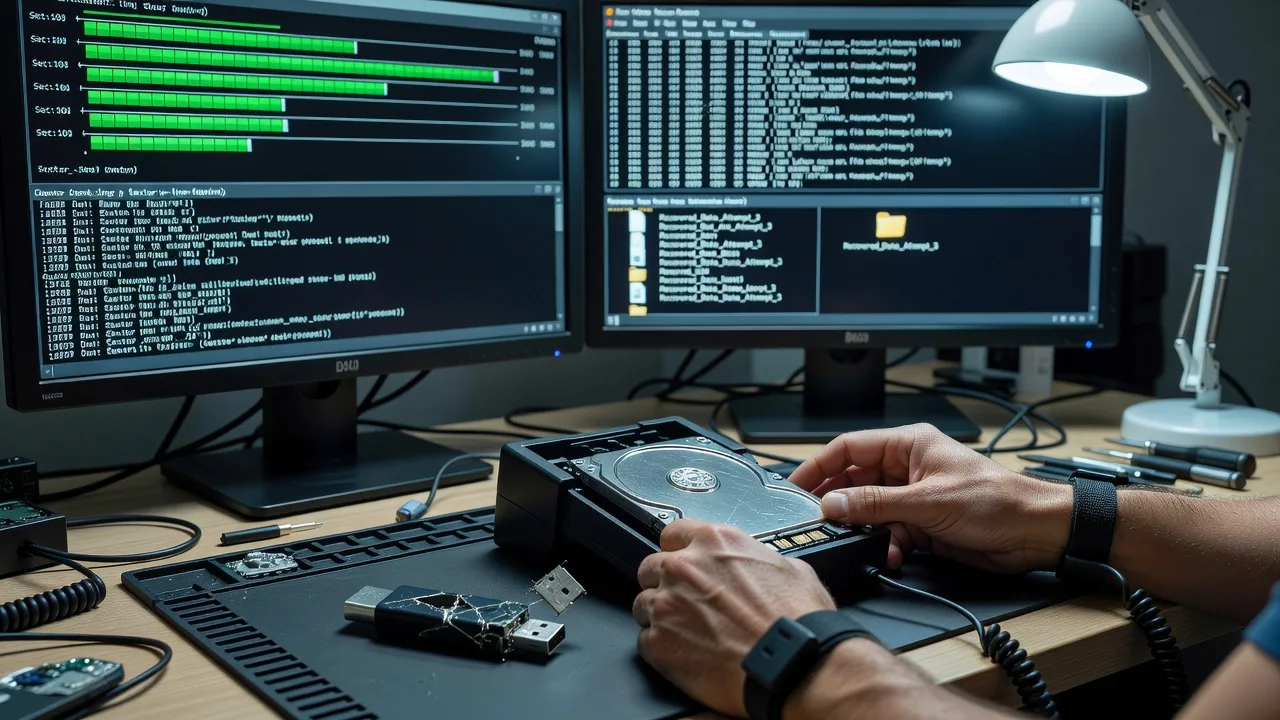
Melbourne Data Recovery: Broken Flash Drives & Dead Disks
Recover critical photos and documents from damaged drives across Melbourne—before another power cycle makes it worse.
We handle physically broken USB sticks, dead hard disks, and unreadable media for CBD offices, warehouse sites, and home studios. Direct Fixwebnode recovery—no marketplace bidding. Clear scope, fixed quotes, and plain-English status updates.
Power up support: dial 0421498927 or book at fixwebnode.com.au/contact-support.
- Logical & physical media triage
- Photo, document & work-file priority extraction
- Secure handoff of recovered data
About this service
When a flash drive snaps, a laptop disk dies mid-project, or a USB full of client photos vanishes from Device Manager, we recover the files that matter for Melbourne businesses and households—directly, without freelancers or bid boards.
What You'll Get
- Drive & media triage report - Honest assessment of logical vs physical failure, recovery odds, and safe next steps before any invasive work.
- Priority file extraction - Photos, contracts, invoices, and project folders recovered first so you are not waiting on every leftover temp file.
- Secure delivery of recovered data - Clean handoff on a new drive or encrypted transfer, with a simple inventory of what came back.
- Clone-first workflow when viable - Imaging the patient media so original evidence stays as untouched as possible.
- Failure notes you can act on - Plain explanation of root cause (connector damage, PCB fault, firmware lock, file-system corruption) so it is less likely to repeat.
- Optional follow-up backup plan - Lightweight guidance on dual-copy habits suited to small teams and home offices.
Serving Melbourne & surrounds
Melbourne’s mix of dense CBD tenancies, industrial estates, café and retail strips, and strata apartments creates a steady stream of “the only copy was on that stick” moments—especially after end-of-month accounting, fit-out photo shoots, and freight paperwork rushes. We support metro clients with remote intake, mail-in media handling, and clear timelines that respect business hours and school-zone logistics. Work is also familiar with nearby needs from Melbourne office floors through to workshop PCs in areas like Sunshine when a dead disk stops the floor.
- CBD and high-street retailers needing POS USB or camera-card recovery before the next trading day
- Warehouse and light-industrial sites losing packing lists, compliance scans, or machine logs on failing disks
- Remote-first intake for metro Melbourne with documented chain-of-custody notes and return shipping options when on-site access is limited
How We Work
- Step 1: Reach Out - Tell us the device type (USB, external HDD/SSD, internal disk), symptoms (not detected, clicking, bent connector, sudden format prompt), and which files matter most. We listen first—no jargon test.
- Step 2: Tailored Plan - You receive a fixed-scope quote path: logical recovery, imaging, or advanced physical work—clear inclusions, not open-ended hourly surprises.
- Step 3: We Deliver - We triage, image where safe, recover priority data, and keep you updated in plain English. Remote coordination plus controlled lab-style handling of the media.
- Step 4: Confirm & Follow-up - You verify key folders with us, we finalise the handoff, and optionally set a simple backup or replacement-media checklist so the next failure is survivable.
Common Issues & How to Fix Them
These are the failures we see repeatedly—and the careful DIY checks that sometimes help before professional recovery is required.
USB flash drive shows up briefly then vanishes, or Windows asks to format it
Often intermittent contact, a failing controller, or a corrupted partition table after the stick was yanked during a write—common with shared café/office USBs and camera dumps.
- Step 1: Stop writing anything to the stick. Try one known-good USB port on another PC, and note whether it appears in Disk Management at all (even as RAW).
- Step 2: If it enumerates, use a read-only imaging approach or a reputable recovery tool in read-only mode aimed at photo/document types—never initialise, format, or run chkdsk /f as a first move.
- Step 3: Verify recovered files open on a separate drive. If the stick disconnects every few seconds or never reappears, halt DIY—further power cycles can worsen controller/NAND damage.
Hard disk clicks, spins up then down, or is not detected in BIOS
Classic signs of mechanical distress (heads, platters, motor) or a failing PCB—continuing to power the drive can score platters and destroy remaining data.
- Step 1: Power the drive off. Do not freeze it, tap it, or “let it click a few more times to see.” Note model/serial from the label for later matching.
- Step 2: If it was an external enclosure, remove the bare drive only if you are comfortable and the case is a simple SATA bridge—then connect once via a quality dock solely to check detection. One brief check max.
- Step 3: If BIOS/OS never sees it, or clicking resumes, disconnect immediately and book professional recovery. DIY head swaps and random PCB swaps without identical firmware revision matching usually make recovery harder or impossible.
Photos or documents deleted, recycle bin emptied, or the volume was quick-formatted
File-system metadata was rewritten while the underlying data clusters may still exist—until new saves overwrite them. This hits hard after laptop clean-ups before tax time or when a second user “tidies” a shared disk.
- Step 1: Stop using that volume for anything (no installs, no downloads, no Windows updates on that drive). Boot from another system or attach the disk as secondary if you can.
- Step 2: Run recovery software against a sector image of the volume when possible, targeting the file types you need (RAW photo signatures, PDF/DOC headers), writing output only to a different disk.
- Step 3: Open samples of recovered files to confirm integrity. If names are gone but content opens, sort by date/size. If results are thin or the disk has bad sectors, escalate before more imaging passes stress failing hardware.
When DIY is not enough (urgent, unsafe, recurring, or burning time), book Fixwebnode for direct professional support—no freelancers, bidding, or marketplace noise.
Expert Insights
After hundreds of failed-stick and dead-disk cases, the pattern that still surprises people in Melbourne’s small-business mix is this: a USB that “works if you wiggle it” is often a cracked solder joint or failing controller—not a Windows driver glitch. Each reconnect can trigger partial writes that scramble the file-allocation structures while the NAND still holds recoverable photo payloads. Our practical rule before any tool run: capture a full bit-level image (or as complete a read as the device allows) and work only on the clone. For spinning disks from workshop PCs that sat in hot summer sheds or non-air-conditioned stockrooms, we also correlate SMART reallocated-sector growth with acoustic click timing—if the drive needs more than a few seconds of spin-up retries, further DIY power-ons are the fastest way to turn a recoverable drive into a donor-parts problem. When PCB swap is discussed online, match not only the board number but the adaptive firmware/ROM content; identical-looking boards without transferred adaptive data frequently leave the drive permanently inaccessible. That clone-first, one-brief-detection-check discipline is the difference between a same-week photo return and a regret call after “I tried everything.”
Why Choose Fixwebnode
Fixwebnode is a direct two-tier provider: enterprise-grade technical recovery discipline paired with patient, jargon-free communication for owners, clinics, educators, and households who just need the files back. You deal with us—not a queue of competing bids—so scope, privacy, and next steps stay clear from first message to handoff.
- ✓ Direct recovery workflow with fixed package scopes and honest triage before invasive steps
- ✓ Melbourne-aware intake for CBD, retail-strip, and industrial timing pressures—not a generic national script
- ✓ Technical depth plus human clarity: status in plain English, priority on the files you name first
Tools & Technologies
Sector imaging and clone-first pipelines; file-system and signature-based carving for photos/documents; Disk Management and SMART health review for triage; controlled USB/SATA docking; write-blocker discipline where applicable; encrypted transfer options; inventory manifests of recovered paths; secure wipe guidance for failed media after successful extraction.
Perfect For
Melbourne small businesses, studios, clinics, and households facing a broken flash drive or dead hard disk that holds irreplaceable photos, client documents, or operational records. Ideal when you want a direct specialist path—clear quote tiers, careful handling, and calm explanation—whether the media failed in a CBD office, a warehouse PC, or a home desk after a sudden click or snap.
Ready to start recovery? Call 0421498927 or reach us via fixwebnode.com.au/contact-support with the device type, symptoms, and must-have folders.
Choose a package
Logical triage and priority file recovery from a single readable USB or disk volume with a clear recovery report.
Clone-first imaging plus deeper recovery for unstable USBs or failing disks, with secure handoff of recovered data.
Complex multi-pass recovery workflow for severely damaged or business-critical media, full inventory, and backup follow-up plan.
FAQ
Most Melbourne jobs start fully remote: you describe symptoms, we scope the package, then you securely ship or drop-coordinate the media for controlled handling. On-site collection is discussed case-by-case for metro access limits, but the recovery work itself is performed in a controlled environment so we are not risking further damage on a noisy workshop bench.
No. Intermittent detection and clicking are signals to power down. Extra reconnect cycles can corrupt remaining structures or score platters. One brief detection check on a known-good port or dock is the maximum DIY we recommend before professional imaging.
We start with the folders and file types you name—client photos, contracts, invoices, coursework, clinical or business records—then expand to remaining recoverable content. You get an inventory so you can confirm the critical set before we finalise handoff.
No. Fixwebnode delivers the service directly. You get a fixed package scope, one accountable team path, and plain updates—not proposals, escrow contests, or freelancer comparisons.



