






 Multi-Vendor & Complex SaaS Marketplaces
 Modern Headless & Jamstack Web Development
 High-End Corporate & Specialized Business Websites
 Advanced API, Checkout & Database Troubleshooting
Cloud Data Backup & Automated Recovery for Melbourne
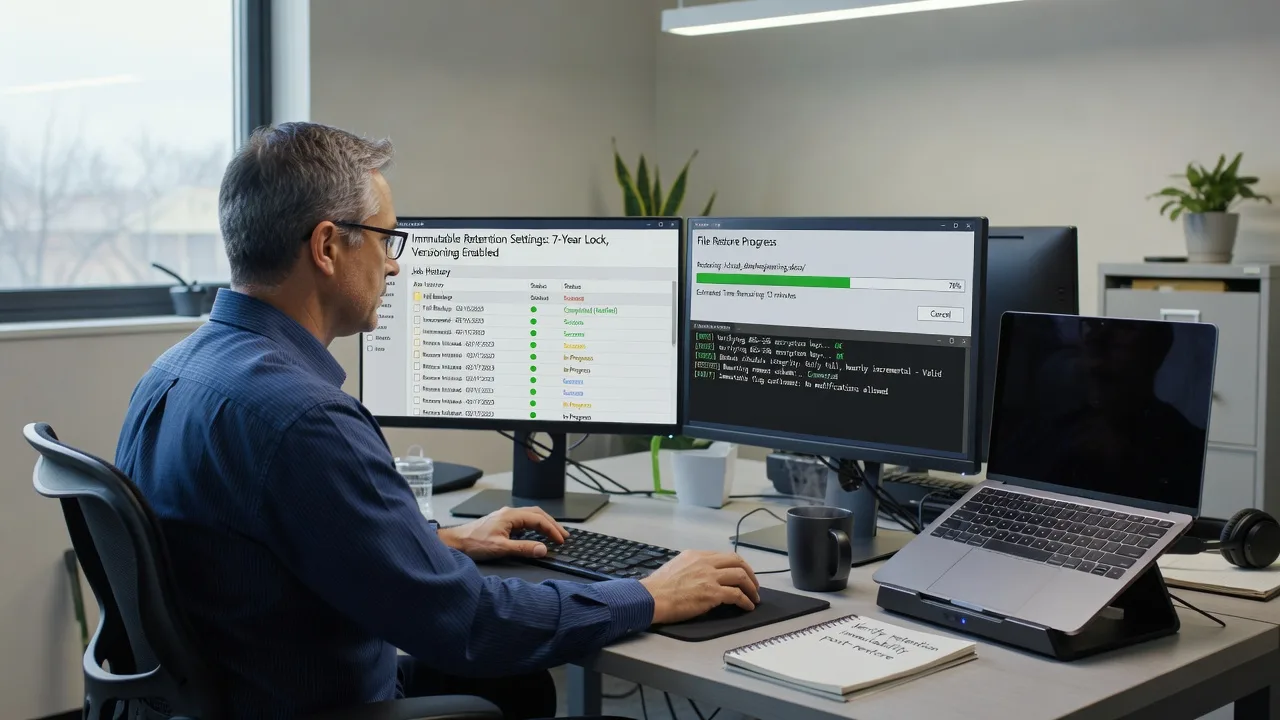
Protect Melbourne corporate and personal data with offsite, immutable cloud backups and automated recovery.
We design immutable backup chains so ransomware, accidental deletes, and hardware failure do not wipe critical files across CBD offices, warehouse systems, and home studios.
Power up your support experience—dial 0421498927 or go to fixwebnode.com.au/contact-support.
- Offsite + immutable retention
- Documented restore drills
- Direct Fixwebnode delivery
About this service
Keep Melbourne business and personal data recoverable with offsite, immutable cloud backups and tested automated recovery—so outages, ransomware, or accidental deletes do not become permanent loss.
What You'll Get
- Offsite backup architecture - Encrypted cloud targets with clear retention, versioning, and isolation from your live network.
- Immutable / WORM-style protection - Object-lock or equivalent retention so malware or compromised credentials cannot quietly purge history.
- Automated recovery runbooks - Scripted or guided restore paths for files, VMs, databases, or endpoint sets you nominate.
- Restore verification drill - We prove a sample restore works and document RTO/RPO expectations in plain English.
- Alerting & health checks - Failed-job notifications, capacity watch, and schedule hygiene so backups do not silently stop.
- Human handoff notes - Jargon-free guides for your team, clinic admin, or household so anyone can start a restore call confidently.
Serving Melbourne & surrounds
Melbourne’s mix of CBD tenancies, industrial and logistics sites, café and high-street retailers, and dense apartment living means backup needs are rarely one-size-fits-all: shared NBN links, strata Wi‑Fi limits, multi-site POS, and hybrid work laptops all change how offsite jobs behave. We design around those local constraints—not a generic national template. Clients in and around Melbourne office floors and Dandenong South warehouse belts often need different bandwidth windows and retention rules than a single home studio.
- CBD and commercial-tower teams needing overnight immutable snapshots without choking daytime SaaS traffic
- Warehouse and light-industrial operators protecting invoice, WMS, and camera archives across freight-heavy weeks
- Remote-first setup with optional on-site device staging across metro Melbourne when hardware handoff is required
How We Work
- Step 1: Reach Out - You describe systems, data criticality, compliance worries, and recovery goals; we listen first across infrastructure and human-support needs.
- Step 2: Tailored Plan - Fixed-quote technical scope for backup design plus a clear support path for training your staff or household on restore steps.
- Step 3: We Deliver - We configure offsite immutable targets, agents/schedules, encryption, and automated recovery paths—remote by default, patient walkthroughs when people need them.
- Step 4: Confirm & Follow-up - Plain-English handoff, restore proof, optional monitoring or a follow-up session so confidence sticks.
Common Issues & How to Fix Them
AUTHORITY_HOWTO_V1 — unique issues Melbourne clients hit, with safe DIY checks before you escalate:
Backup jobs show green but restores only produce empty or partial folders
Often caused by excluding live database files, open Office locks, or cloud-sync placeholders that never materialised on disk—common on hybrid laptops used across Melbourne CBD and home offices.
- Step 1: Pick one small known file and one application data folder; note exact paths and last-modified times before any restore test.
- Step 2: Run a restore to a temporary folder (never overwrite production first); compare file counts and open a sample document/PDF.
- Step 3: Verify the restored copy opens and matches expected size/date; if databases were involved, confirm the job used a VSS/application-aware or dump step—not raw file copy alone.
Cloud backup finishes then storage costs spike or the bucket fills in days
Version explosion from churn folders (temp exports, node_modules, scratch media) or missing lifecycle rules—frequent when creative and ops teams dump large daily folders without filters.
- Step 1: Review the last 7 days of job logs for top-growing paths and note any exclude-list gaps.
- Step 2: Add excludes for temp/cache paths; enable retention/lifecycle so only required versions stay immutable for your policy window.
- Step 3: Re-run one incremental and confirm transferred bytes and object counts drop toward a sane baseline.
After a ransomware scare, you cannot tell which backup version is clean
Without immutability and dated restore points, teams restore infected shares repeatedly—especially painful for multi-user file servers and shared drives.
- Step 1: Isolate affected machines from the network; do not delete backup history while investigating.
- Step 2: Identify the last known-good business day from email/finance activity; select a restore point strictly before that timestamp from an immutable/retained set.
- Step 3: Restore to an isolated volume, scan, spot-check critical files, then promote only cleaned data back—document the point-in-time used.
When DIY is not enough (urgent, unsafe, recurring, or burning time), book Fixwebnode for direct professional support—no freelancers, bidding, or marketplace noise.
Expert Insights
After years of Melbourne restore drills, we treat backup success as a data problem, not a checkbox. Map your estate into criticality tiers (finance/legal, operations, convenience), then graph failed-job rate, change rate (bytes/day), and median restore time per tier for 30 days. Visualise churn hotspots as a simple Pareto of path growth; if 80% of new bytes sit in two folders, fix excludes and schedule windows before buying more cloud capacity. For CBD offices on contended evening uplinks, stagger immutable jobs by tier and prove RPO with a calendar-stamped restore artefact—not a vendor “100% success” dashboard. That single local habit—tiered proof restores after every major policy change—catches silent misconfiguration weeks before an incident.
Why Choose Fixwebnode
Fixwebnode is a direct provider: enterprise-grade remote IT for backup architecture plus patient, jargon-free guidance when your people need to run a restore without panic. Smart Solutions. Human Support. We know Melbourne bandwidth realities, hybrid work patterns, and the difference between a green job log and a recoverable business.
- ✓ Direct fixed-scope delivery—we configure and verify, not a bid board
- ✓ Immutable offsite design with documented restore evidence
- ✓ Dual-tier care: deep technical build plus human digital support for staff or families
Tools & Technologies
Cloud object storage with versioning/object-lock concepts, encrypted backup agents and snapshot tooling, scheduling and retention policies, VSS/application-aware approaches where relevant, restore orchestration scripts, monitoring/alerting hooks, secure remote administration, and plain-English runbooks for non-technical stakeholders.
Perfect For
Melbourne SMEs, professional practices, clinics and telehealth teams, education offices, and households holding irreplaceable archives who need real offsite immutability—not only a consumer sync folder. Ideal when you want one accountable provider for the infrastructure build and the human walkthrough after go-live.
Power up your support experience—dial 0421498927 or visit fixwebnode.com.au/contact-support.
Choose a package
Single-system offsite backup setup with encryption, schedule, and one guided restore test.
Multi-system backup design with immutable retention policy, alerting, and documented recovery runbook.
Organisation-wide backup architecture, automated recovery paths, tiered RPO planning, and staff handoff sessions.
FAQ
Most cloud backup and recovery work is completed remotely across Melbourne with secure access and scheduled change windows. If a device must be staged, seeded, or handed over in person within metro Melbourne, we arrange that as part of the plan and keep the technical build under the same Fixwebnode team—no third-party bidding.
Immutability means retained backup versions cannot be altered or deleted by normal credentials during the lock window, even if an account is compromised. We still pair that with least-privilege keys, separate admin paths, and a proven restore drill so protection is real, not theoretical.
Yes. Alongside the infrastructure work we provide jargon-free walkthroughs so a practice manager, carer, or small-business owner can recognise alerts and start a restore conversation confidently. That is our Human Support tier working with the Smart Solutions build.



