






 Multi-Vendor & Complex SaaS Marketplaces
 Modern Headless & Jamstack Web Development
 High-End Corporate & Specialized Business Websites
 Advanced API, Checkout & Database Troubleshooting
Battery Health & Power Drain Remote Diagnostics Melbourne
Remote battery health and power-drain diagnostics for Melbourne laptops, tablets, and workstations.
We pinpoint why devices die mid-shift—whether that is a CBD meeting stack, warehouse handhelds, or home-office notebooks—then deliver clear findings and safe next steps without jargon. Fixed remote sessions, plain-English reports, and follow-up support from the same specialist who ran the analysis.
Ready to restore reliable runtime? Call 0421498927 or book at fixwebnode.com.au/contact-support.
- Full battery health cycle review
- Background drain process map
- Action plan you can apply same day
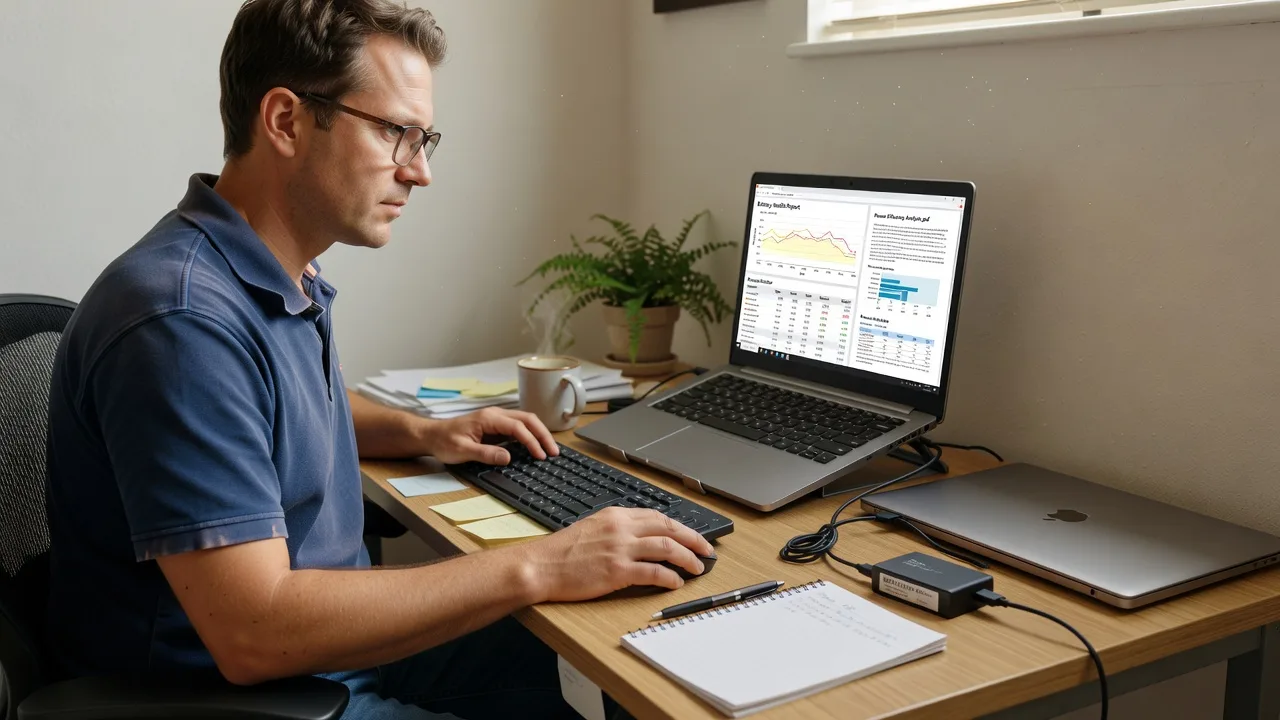
About this service
Stop guessing why Melbourne devices fade before the day is done—we remotely diagnose battery health and power drainage so you keep meetings, clinics, and field work online. You get specialist analysis, plain findings, and a practical fix path from Fixwebnode, not a queue of competing bids.
What You'll Get
- Remote battery health snapshot - Cycle count, design capacity vs current capacity, charge behaviour, and wear indicators explained in plain English.
- Power-drain process map - Which apps, drivers, peripherals, or background services are consuming energy while idle or under light load.
- Thermal and charging path review - How heat, adapters, USB hubs, and dock setups in apartment desks or retail counters affect runtime.
- Prioritised remediation list - What to change first (settings, software, hardware) with expected runtime gain for each step.
- Written diagnostic summary - Shareable notes for your team, IT contact, or strata-managed office so decisions stay documented.
- Optional follow-up check - Re-test after you apply changes to confirm drain is controlled.
Serving Melbourne & surrounds
Melbourne workdays stretch across dense apartment desks, café-strip POS tablets, clinic laptops on telehealth carts, and industrial handhelds that never stay on charge long enough. We tailor remote battery and drain analysis to those patterns—not generic national checklists—so findings match how devices are actually used from the CBD through inner-north warehouses and south-east home offices. Clients in areas such as Melbourne warehouse lofts and suburban telehealth rooms get the same remote depth without waiting on a desk visit for first-pass diagnosis.
- High-street retailers and hospitality counters where tablets sit on constant charge and still fail mid-service
- Hybrid teams juggling docked CBD notebooks then long train or tram commute sessions with rapid unexpected drop-offs
- Fully remote first-pass diagnostics with optional guided on-site steps if a battery or adapter swap is later required across metro Melbourne
How We Work
- Step 1: Reach Out - Tell us the device type, OS, symptoms (sudden drop, heat, never reaches 100%, dies on light load), and whether it is personal, clinic, NDIS, school, or small-business gear. We listen first.
- Step 2: Tailored Plan - You receive a fixed-scope quote for remote diagnostics (Basic through Premium). Human-support paths stay clear if a non-technical user needs patient screen-share guidance.
- Step 3: We Deliver - Secure remote session: health metrics, drain tracing, settings review, and adapter/peripheral checks. We explain every finding without jargon.
- Step 4: Confirm & Follow-up - Plain-English handoff with ranked fixes. Optional re-check after changes or a maintenance note for recurring fleet issues.
Common Issues & How to Fix Them
These are patterns we see repeatedly on Melbourne fleets—use the safe DIY steps first, then escalate when symptoms persist.
Issue 1: Charge jumps from ~40% to shutdown with little warning
Often the battery reports a healthier state than cells can deliver after deep wear, especially on docks that stay plugged in all week in apartment offices.
- Step 1: Note the OS battery report time stamps (Windows powercfg energy/battery report, or macOS System Settings Battery) and whether the jump happens only unplugged.
- Step 2: Fully discharge once under light use, then charge uninterrupted to 100% with the original or known-good adapter—avoid cheap multi-port hubs for this calibration pass.
- Step 3: Re-run the battery report after one full cycle; if design capacity vs full charge capacity still shows severe wear or jumps continue, schedule professional diagnostics—cells may need replacement planning, not more calibration.
Issue 2: Fan spins and battery drains while the lid is closed or the screen is idle
Background indexers, browser hardware acceleration, misbehaving USB devices, or always-on collaboration apps keep the CPU awake—common on shared clinic and café-back-office machines.
- Step 1: Disconnect non-essential USB devices and docks; observe idle power draw or Activity Monitor / Task Manager CPU for 5–10 minutes with only core apps closed.
- Step 2: Disable or quit the top 2–3 wake offenders (cloud sync storms, outdated antivirus full scans, unused browser extensions); set sleep and display-off timers to realistic values for your desk pattern.
- Step 3: Confirm idle CPU stays near baseline and battery percentage holds over a 30-minute idle window; if drain continues with peripherals removed, we trace kernel-level or driver wake sources remotely.
Issue 3: Device only charges slowly—or not at all—on certain desks or trains
Underspec adapters, damaged cables, and power-limited USB-C ports starve charging while software still reports "charging," a frequent commute and hot-desk complaint across metro Melbourne.
- Step 1: Label which cable/adapter/port combinations charge normally versus slowly; test the wall outlet with a known-good phone charger to rule out the socket.
- Step 2: Use the manufacturer-rated wattage adapter on a direct wall path (no unpowered hub); inspect cable ends for bend damage and try a short certified cable if available.
- Step 3: Verify charge rate climbs toward expected behaviour in the OS battery UI; if only one port works or charging never resumes, book a remote port/firmware and battery path check before buying random parts.
When DIY is not enough (urgent, unsafe, recurring, or burning time), book Fixwebnode for direct professional support—no freelancers, bidding, or marketplace noise.
Expert Insights
After years of remote drain cases on mixed Melbourne fleets, one pattern still fools smart owners: a laptop that "passes" a quick capacity percentage check yet fails mid-presentation because peak draw under docked multi-monitor load was never measured. Good diagnostics capture idle, light office, and peak docked profiles plus adapter wattage under load—not a single resting percentage. Bad diagnostics stop at "battery is at 78% health" and leave the real culprit (a dock PD negotiation drop, a stuck GPU profile, or a thermal throttle that forces longer CPU time) untouched. For a typical CBD hybrid notebook we also check whether overnight trickle charge is stuck at 100% for weeks; holding full charge hot accelerates wear far more than people expect in sealed apartment desks.
Why Choose Fixwebnode
We are a direct provider: one specialist path from intake to report, blending infrastructure-grade remote diagnostics with patient, jargon-free guidance for non-technical staff. Melbourne-aware advice means we factor commute docks, clinic carts, and retail charge habits into the findings—not a generic overseas script.
- ✓ Fixed-scope remote diagnostics with written deliverables you can act on immediately
- ✓ Technical depth for IT-minded owners plus calm screen-share support for NDIS, aged care, education, and small-business users
- ✓ Local understanding of Melbourne device use patterns and optional guided next steps if hardware service is required later
Tools & Technologies
Secure remote desktop sessions; Windows powercfg battery and energy reports; macOS battery analytics and console logs; Linux upower and TLP-style reviews where relevant; process-level CPU/GPU sampling; USB-C power delivery behaviour checks; thermal observation via OS sensors; adapter and peripheral isolation testing; plain-English remediation write-ups suitable for managers and support workers.
Perfect For
Melbourne small businesses, clinics running telehealth, NDIS and aged-care digital helpers, educators, and hybrid professionals whose laptops or tablets lose hours of runtime without a clear cause. Ideal when you need a direct remote analyst who explains battery health and drain in human terms, then stays available for a clean follow-up—not a marketplace bidding thread.
Book your remote diagnostic session: dial 0421498927 or visit fixwebnode.com.au/contact-support.
Choose a package
Single-device remote battery health check with top drain findings and a concise action list.
Deeper single-device drain analysis including adapter/peripheral review, written report, and one re-check window.
Multi-device or fleet-oriented power diagnostics with ranked remediation plan, stakeholder handoff notes, and extended follow-up.
FAQ
Yes. Battery health and power-drain work is delivered fully remote for Melbourne and surrounds, which covers CBD desks, suburban home offices, clinic carts, and warehouse tablets without a first-visit delay. If a later battery or adapter swap needs hands-on help, we guide you through safe local options and re-test remotely after the change.
Device model and OS version, a short symptom timeline (sudden drops, heat, slow charge, dies on idle), whether a dock or USB hub is involved, and admin access for the session. Photos of the adapter label help us verify wattage. Non-technical users are welcome—we walk through every step calmly.
Absolutely. We blend infrastructure-grade checks with patient, jargon-free screen sharing so you or the person you support understands each finding. We never rush, we explain options in everyday language, and we leave simple written next steps.
Remote diagnostics identify whether replacement is justified and which adapter or settings issues are fake alarms. Physical cell replacement is hardware work; we provide clear specs and verification after your chosen local repair so you do not buy the wrong part.



