







 Multi-Vendor & Complex SaaS Marketplaces
 Modern Headless & Jamstack Web Development
 High-End Corporate & Specialized Business Websites
 Advanced API, Checkout & Database Troubleshooting
Install Let's Encrypt SSL & Fix Broken HTTPS on Plesk | Remote
Secure your Plesk domains with working Let's Encrypt SSL and clean HTTPS—delivered remotely worldwide.
We install certificates, repair mixed-content and redirect loops, and leave browsers showing a trusted lock—not warnings. Ideal when agency client sites, clinic portals, or multi-domain Plesk boxes lose HTTPS after renewals or panel upgrades.
Need help fast? Power up your support at fixwebnode.com.au/contact-support or chat with us for a fixed-scope remote fix.
- Let's Encrypt issue, renew & force HTTPS
- Broken chain, HSTS & mixed-content cleanup
- Direct provider—no marketplace bidding
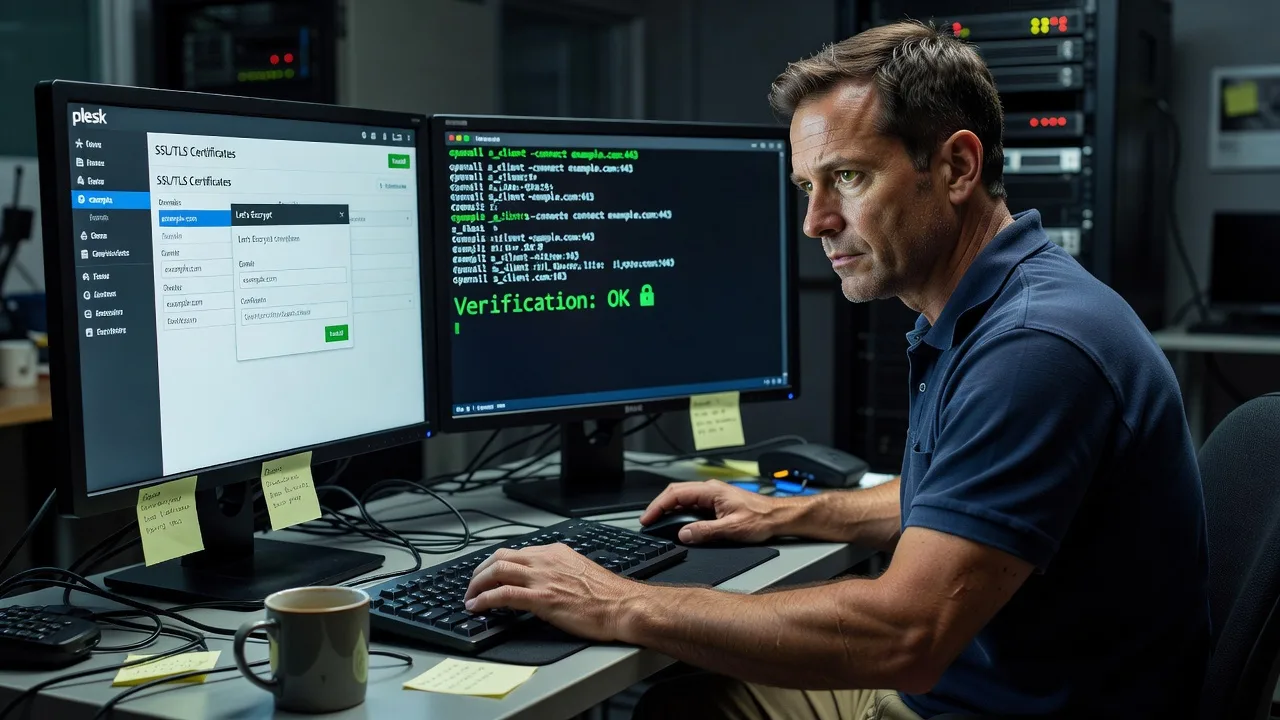
About this service
Get trusted Let's Encrypt SSL on Plesk and stop broken HTTPS, browser warnings, and failed renewals—remote support for multi-domain hosts, agencies, and business sites worldwide.
What You'll Get
- Working Let's Encrypt certificates - Issue or re-issue free certs for primary domains, www, and required aliases with correct webroot or DNS challenge paths on Plesk.
- HTTPS forced cleanly - Permanent redirects, HSTS where appropriate, and no infinite redirect loops between HTTP and HTTPS.
- Broken SSL diagnosis - Fix expired certs, incomplete chains, wrong vhost bindings, and panel SSL mismatches after migrations or updates.
- Mixed-content cleanup guidance - Locate hard-coded http:// assets, CDN leftovers, and CMS base URLs that keep the padlock broken.
- Auto-renew verification - Confirm Plesk/Let's Encrypt renewal hooks, cron, and domain validation still succeed before the next expiry.
- Plain-English handoff - What changed, how to check the lock in Chrome/Safari, and when to re-run SSL It! after adding domains.
Serving Remote & surrounds
This service is built for remote delivery worldwide: we connect securely to your Plesk server, apply certificate and vhost fixes, and verify HTTPS from external checks—no local shopfront required. Demand spikes when agencies launch seasonal campaigns, clinics open telehealth portals, or hosting providers push panel upgrades that reset SSL bindings.
- Digital agencies managing client WordPress/Magento stacks on shared or VPS Plesk who need every staging and live domain trusted before go-live week
- Clinics, education providers, and small SaaS teams whose patient or student portals must stay on HTTPS after domain swaps
- Available remotely worldwide; on-site only where practical for locked-down networks that cannot grant temporary admin access
How We Work
- Step 1: Reach Out - Tell us the Plesk version, domain list, and what you see (NET::ERR_CERT_DATE_INVALID, redirect loop, mixed content). We listen first and note access method (SSH, Plesk admin, or guided screen share).
- Step 2: Tailored Plan - Fixed quote for the tech scope: single domain, multi-domain pack, or full HTTPS repair plus renewal hardening—clear deliverables, no hourly surprise bids.
- Step 3: We Deliver - Remote install/repair of Let's Encrypt on Plesk, vhost and nginx/Apache SSL directives, force-HTTPS rules, and live browser verification.
- Step 4: Confirm & Follow-up - You get a short checklist of what was fixed, optional monitoring tips, and a path for extra domains or scheduled renewals if needed.
Common Issues & How to Fix Them
These are patterns we see repeatedly on real Plesk boxes—not generic "enable SSL" advice.
Certificate issued but browser still shows "Not secure" or incomplete chain
Often the leaf cert is present while the intermediate is missing, or the wrong certificate is bound to the IP/SNI after a migration—Chrome fails the chain even though Plesk shows a green tick.
- Step 1: Open the site in an incognito window, click the padlock (or "Not secure"), view certificate details, and note issuer and validity; also run an external SSL checker against the exact hostname.
- Step 2: In Plesk → Domains → SSL/TLS Certificates, confirm the Let's Encrypt cert is assigned to that domain (and www if used); re-run SSL It! / Let's Encrypt with "Assign certificate to the domain" and mail/web as needed; if you use nginx reverse proxy, ensure the proxy SSL cert matches the backend binding.
- Step 3: Hard-refresh, re-check the chain online, and confirm the served cert fingerprint matches the one shown in Plesk—not an old self-signed or default server cert.
Infinite HTTPS redirect loop after enabling "Permanent SEO-safe 301 redirect from HTTP to HTTPS"
Typical when the application already forces HTTPS (WordPress siteurl, Cloudflare Flexible SSL, or a custom.htaccess rule) while Plesk also rewrites—each side thinks the other is still on HTTP.
- Step 1: Temporarily disable Plesk's force-HTTPS redirect only, clear browser cache, and test whether the loop stops; note any Cloudflare/SSL mode (Flexible vs Full).
- Step 2: Align one source of truth: set CMS URLs to https://, remove duplicate RewriteRule https blocks in.htaccess if Plesk handles the redirect, and if using Cloudflare set SSL to Full (strict) once a valid origin cert exists—never leave Flexible with origin force-HTTPS.
- Step 3: Re-enable a single 301 path, curl -I http://yourdomain and confirm one hop to https:// with 301/302 then 200—no multi-hop bounce between hosts.
Let's Encrypt renewal fails with NXDOMAIN, timeout, or "Invalid response from http-01"
Common after changing DNS, locking directories, disabling the challenge path with a global redirect, or pointing the domain at a CDN that does not forward /.well-known/acme-challenge/.
- Step 1: From outside the server, request http://yourdomain/.well-known/acme-challenge/test-file (create a simple text file in that path) and confirm it returns 200 without HTTPS redirect stripping the path.
- Step 2: Ensure DNS A/AAAA records point at this Plesk server; exclude /.well-known from force-HTTPS and auth rules; in Plesk re-issue with webroot challenge or switch to DNS challenge if the site is CDN-only; fix disk quotas and disabled cron if renewals never run.
- Step 3: Trigger renewal/re-issue, watch the log for success, and calendar-check expiry dates so the next auto-renew is not the first time you learn it failed.
When DIY is not enough (urgent, unsafe, recurring, or burning time), book Fixwebnode for direct professional support—no freelancers, bidding, or marketplace noise.
Why Choose Fixwebnode
We work as your direct remote provider on Plesk SSL and HTTPS—technical depth for server bindings and renewals, plus clear explanations so non-technical owners know the padlock is real. You deal with one accountable team, not a bid board.
- ✓ Hands-on Plesk, nginx/Apache, and Let's Encrypt renewal experience across multi-domain VPS and shared-style panels
- ✓ Fixed-scope remote packages with verification steps you can repeat after adding domains
- ✓ Balance of infrastructure competence and plain-language handoff for agencies, clinics, and small business operators
Tools & Technologies
Plesk Obsidian (and supported earlier builds), SSL It! / Let's Encrypt extension, nginx and Apache vhost SSL directives, HTTP-01 and DNS-01 challenges, openssl s_client, curl header checks, external SSL chain testers, Cloudflare SSL modes where used, WordPress/ Magento HTTPS URL alignment, HSTS basics, and secure remote access via SSH or supervised Plesk admin sessions.
Perfect For
Agencies, hosting resellers, clinic and education portals, and small businesses running sites on Plesk who need certificates installed correctly and broken HTTPS repaired without guesswork. Ideal when a go-live, payment gateway, or patient login demands a trusted lock this week—and you want a direct specialist, not a marketplace auction. Available remotely worldwide; on-site only where practical.
Ready to lock the padlock for good? Contact support via fixwebnode.com.au/contact-support or chat with us to schedule your remote SSL session.
Choose a package
Single primary domain: issue or repair Let's Encrypt on Plesk and verify HTTPS loads with a valid chain.
Up to three domains/aliases: certs, redirect cleanup, mixed-content pointers, and renewal sanity check.
Multi-domain Plesk HTTPS overhaul: certificates, bindings, CDN/SSL mode alignment, HSTS advice, and priority remote support.
FAQ
Almost all Plesk SSL and HTTPS repairs are completed remotely worldwide once we have agreed secure access (SSH and/or Plesk administrator). On-site is only considered where practical for networks that cannot allow temporary remote admin. We confirm access method and scope before work starts.
Typically Plesk admin for the subscription or server, plus SSH when nginx/Apache directives or challenge paths need direct repair. We prefer least-privilege time-boxed access, document what we change, and you can revoke credentials after handover.
Yes—with careful SSL mode alignment. Flexible SSL plus origin force-HTTPS often causes loops or false padlocks; we aim for a valid origin certificate and Full (strict) where Cloudflare is in use, and we keep ACME challenge paths reachable for renewals.
A straightforward single-domain issue often lands inside the Basic package window (about one to two business days including verification). Multi-domain loops, wrong bindings, or CDN conflicts take longer and suit Standard or Premium so renewals and redirects are fixed properly—not just patched once.



