






 Multi-Vendor & Complex SaaS Marketplaces
 Modern Headless & Jamstack Web Development
 High-End Corporate & Specialized Business Websites
 Advanced API, Checkout & Database Troubleshooting
HTTP 502/504 Bad Gateway Fix — Remote Web Server Resuscitation
Get your site answering again when 502/504 Bad Gateway errors hit production—remote worldwide.
We diagnose upstream timeouts, crashed workers, reverse-proxy misfires, and exhausted pools on nginx, Apache, and app backends, then restore traffic with clear root-cause notes. Ideal for SaaS, e-commerce, and clinic portals under peak load.
Power up recovery support—dial 0421498927 or visit fixwebnode.com.au/contact-support.
- Live gateway & upstream triage
- Fixed-scope remote resuscitation
- Post-fix stability checks
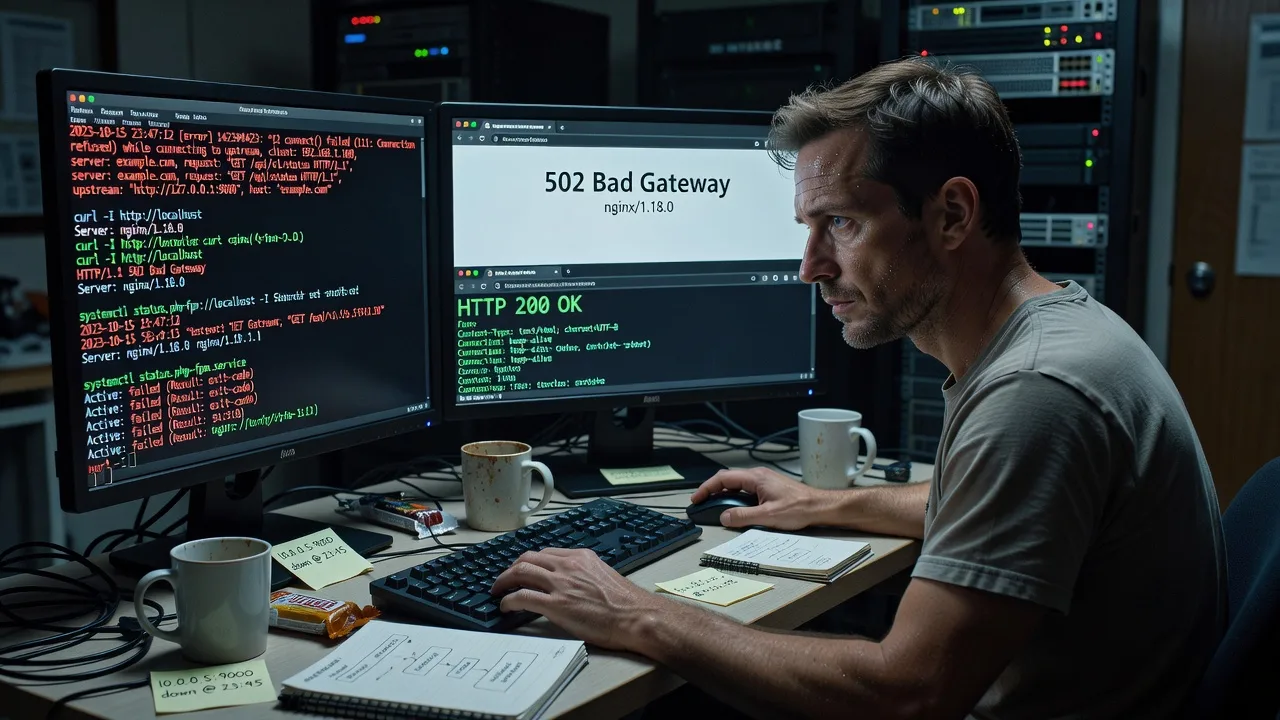
About this service
When shoppers, patients, or staff see HTTP 502 or 504 Bad Gateway, we remotely resuscitate the web stack and bring the origin path back online—available worldwide. Fixwebnode stabilises reverse proxies, app workers, and backends so downtime minutes stop compounding into lost bookings and support tickets.
What You'll Get
- Gateway path diagnosis - Trace 502/504 from edge proxy through upstream sockets to the failing process or timeout.
- Worker & pool recovery - Restart or reconfigure PHP-FPM, Node, Gunicorn, uWSGI, or container sidecars safely.
- Proxy & timeout tuning - Align nginx/Apache proxy_read_timeout, buffers, and keepalive with real app latency.
- Resource & OOM checks - Confirm memory pressure, disk full, inode exhaustion, and thrashing that kill backends.
- Plain-English incident notes - What failed, what we changed, and what to watch so the same outage does not return overnight.
- Optional harden pass - Health checks, restart policies, and alert hooks on Standard/Premium scopes.
Serving Remote & surrounds
This is a remote-first resuscitation service for teams whose revenue depends on always-on web front doors—SaaS product companies, multi-store e-commerce, telehealth booking portals, and seasonal campaign sites that spike after marketing drops. No fake storefront geography: we work over secure remote access worldwide, with on-site only where practical and pre-agreed.
- Subscription platforms that 504 during billing-run or feature-flag deploys
- Retail and ticketing sites that collapse when ads drive concurrent checkout traffic
- Secure remote access (SSH/VPN/panel) with change windows matched to your region’s business hours
How We Work
- Step 1: Reach Out - Share the error code, URL, stack (nginx/Apache/Cloudflare origin), and when it started—we listen first and confirm access path.
- Step 2: Tailored Plan - Fixed quote for the resuscitation scope (single host vs multi-node, logs depth, harden add-ons)—no bidding theatre.
- Step 3: We Deliver - Live remote triage, restore upstream health, validate HTTP 200 paths, and capture metrics before/after.
- Step 4: Confirm & Follow-up - Handoff in plain English, optional monitoring window, and next steps if the root cause needs a deeper capacity project.
Common Issues & How to Fix Them
These are the 502/504 patterns we see constantly on production stacks—use the DIY checks only if you already have root and a rollback path.
502 from dead upstream: nginx open() failed / connect() to unix socket refused
The reverse proxy is up, but PHP-FPM, the Node process, or the container socket is gone—classic after a failed deploy or OOM kill.
- Step 1: On the origin, run curl -I http://127.0.0.1:APP_PORT or test the unix socket path from the nginx proxy_pass/fastcgi_pass line; note connection refused vs timeout.
- Step 2: Check the unit: systemctl status php8.2-fpm (or your app unit), journalctl -u SERVICE -n 200 --no-pager, and dmesg | tail for OOM killer lines; restart only if config tests clean (nginx -t, php-fpm -t).
- Step 3: Confirm the public URL returns 200 and that ss -lntp shows the upstream listening again; watch error.log for one full request cycle.
504 Gateway Timeout: proxy_read_timeout shorter than slow app or DB lock
Users hang then 504 while the app is still chewing a slow query, cold cache, or external API—common on report pages and checkout.
- Step 1: Correlate access.log request time with upstream logs; if upstream TTFB exceeds your proxy_read_timeout/fastcgi_read_timeout, you found the mismatch—do not blindly raise timeouts without fixing the slow path.
- Step 2: Identify the blocker (long SQL, lock waits, DNS to a dependency). Temporary safe bump of read timeout by 10–30s can stop bleeding while you kill the worst query or scale the worker count.
- Step 3: Re-test the slow endpoint under light load; confirm p95 latency sits comfortably under the new timeout and error rate for 504 drops in the edge metrics.
Intermittent 502 under load: worker exhaustion, backlog full, or upstream keepalive storms
Site works at night, fails at campaign hour—pm.max_children saturated, queue full, or too-aggressive keepalive recycling thrashing the pool.
- Step 1: Snapshot free -h, load average, and FPM/status or app metrics (active workers vs idle); check nginx upstream queue and connect() failed (11: Resource temporarily unavailable) style lines.
- Step 2: Right-size workers to RAM (rough rule: leave headroom so max_children × avg RSS does not exceed available memory), enable or tune backlog, and align keepalive / upstream keepalive so you are not opening a new TCP handshake per asset.
- Step 3: Run a controlled concurrency check and confirm active workers stay below ceiling with idle capacity; 502 rate should fall without swapping.
When DIY is not enough (urgent, unsafe, recurring, or burning time), book Fixwebnode for direct professional support—no freelancers, bidding, or marketplace noise.
Why Choose Fixwebnode
We deliver the resuscitation ourselves as a direct infrastructure provider: terminal-first diagnosis, conservative change control, and handoff notes your team can act on. Empathy shows up as calm communication during outages—not as vague marketplace copy.
- ✓ Deep nginx/Apache + PHP-FPM/Node/container gateway experience on live revenue sites
- ✓ Fixed remote scopes with before/after validation, not open-ended guesswork
- ✓ Worldwide remote delivery; on-site only where practical and agreed
Tools & Technologies
nginx, Apache httpd, PHP-FPM, Gunicorn/uWSGI, Node process managers, systemd/journalctl, Docker/Compose healthchecks, curl/openssl s_client, ss/netstat, free/vmstat/iostat, MySQL/PostgreSQL slow-query review, Cloudflare/origin dual-path checks, Let’s Encrypt/cert paths when TLS misreads as gateway failure, basic Prometheus/node_exporter or panel metrics when present.
Perfect For
Product and ops owners at SaaS, e-commerce, education portals, and clinic booking systems who need the public site answering again today—not a forum thread. If marketing just launched, checkout is 504’ing, or your status page is red while the proxy still pings green, this remote resuscitator is built for that window.
Ready to restore the gateway path? Call 0421498927 or start at fixwebnode.com.au/contact-support.
Choose a package
Single-host remote triage and restore for one 502/504 incident with concise root-cause notes.
Deeper multi-log analysis, timeout/worker tuning, and a short stability watch after restore.
Full resuscitation plus harden pass: health checks, restart policy, multi-node review, and extended follow-up.
FAQ
We work over your approved SSH, VPN, or panel access from wherever your servers live. You share the failing URL, stack details, and a change window; we triage upstream health, apply conservative fixes, and confirm public responses. On-site is only added when practical and pre-agreed—most 502/504 resuscitations complete fully remote.
Ideally: SSH or equivalent with sudo for web and app units, recent deploy notes, whether Cloudflare or another edge sits in front, and examples of failing paths. Read-only log access is enough to start diagnosis; we never make irreversible changes without your go-ahead on production.
Sometimes a small timeout alignment stops immediate bleeding, but recurring 504s usually mean slow queries, saturated workers, or a dependency stall. We treat timeout changes as temporary guards while we find the real bottleneck so the outage does not return on the next traffic spike.
We regularly resuscitate nginx and Apache reverse proxies in front of PHP-FPM, Node, Python WSGI servers, and containerised apps. If your edge is Cloudflare or similar, we still focus on origin health so the edge stops serving 502/504 from a dead backend.



