







 Multi-Vendor & Complex SaaS Marketplaces
 Modern Headless & Jamstack Web Development
 High-End Corporate & Specialized Business Websites
 Advanced API, Checkout & Database Troubleshooting
Google Blacklist Removal: Fix Malware Warnings & Re-Index
Clear Google "site ahead contains malware" warnings and get your site re-indexed—remote, worldwide.
We clean infected sites, reverse Safe Browsing / blacklist flags, and submit proper Search Console reconsideration so traffic and trust return. Ideal for clinics, e‑commerce, and small teams hit by sudden red interstitial pages.
Power up your recovery path—go to fixwebnode.com.au/contact-support or chat with us for a direct scope and fixed quote.
- Malware cleanup + blacklist review prep
- Search Console re-indexing support
- Plain-English handoff, no marketplace bidding
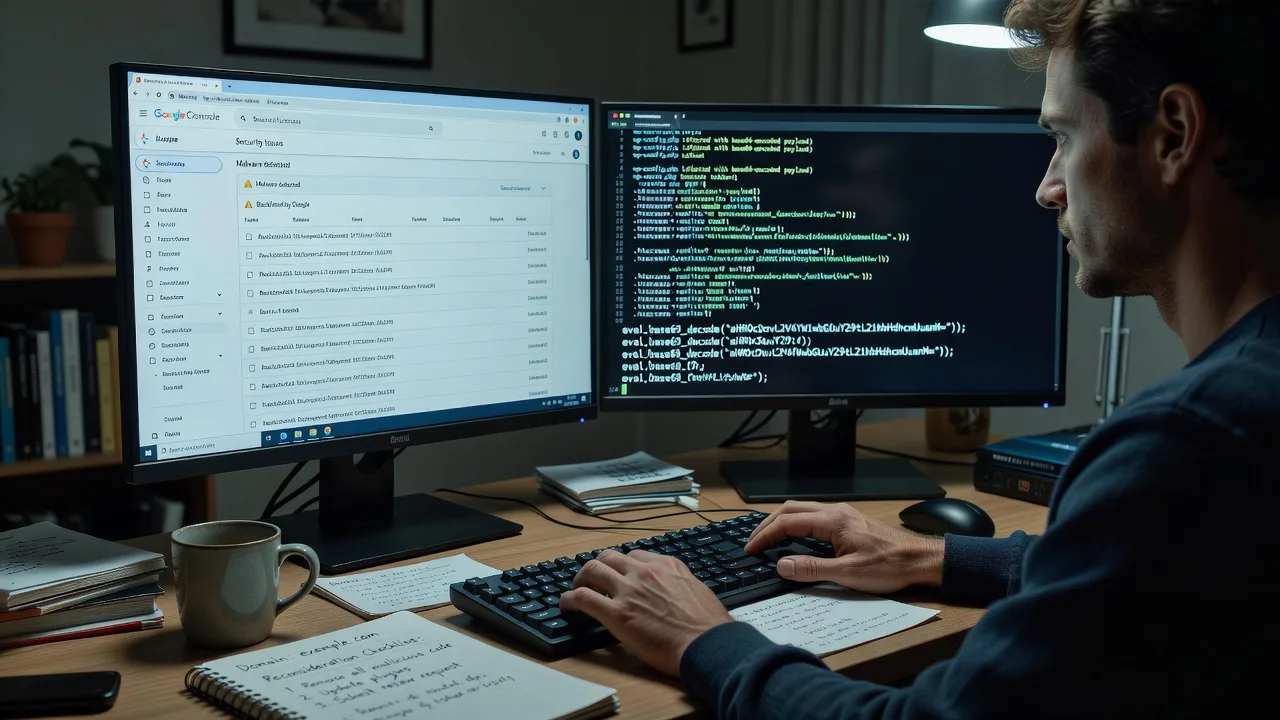
About this service
We remove Google malware and blacklist warnings and guide Search Console re-indexing so remote businesses worldwide stop losing visitors to scary interstitial pages. When Chrome, Search, or ads show "This site ahead contains malware," we treat it as an infrastructure and trust incident—not a generic SEO tip list.
What You'll Get
- Full infection triage - Identify injected scripts, rogue admins, webshells, and compromised CMS plugins that triggered Safe Browsing.
- Malware and blacklist cleanup - Remove malicious code, harden access, rotate credentials, and document what Google and scanners will re-check.
- Search Console reconsideration package - Prepare evidence, request review, and track status until the warning clears.
- Re-indexing and crawl recovery - Submit sitemaps, inspect key URLs, and fix index blocks left after the incident.
- Hardening checklist - File permissions, updates, WAF/basic firewall rules, and monitoring so the flag is less likely to return.
- Plain-English incident summary - What happened, what we fixed, and what you should watch next week.
Serving Remote & surrounds
This service is delivered remotely worldwide for owners who cannot wait for an on-site visit when Google already blocks the homepage. Demand spikes after plugin mass-exploits, holiday campaign launches, and telehealth or education enrolment windows when a red warning kills conversions overnight. We work across time zones with secure remote access and clear change windows.
- Online clinics and allied-health sites that cannot afford a Safe Browsing block during booking peaks
- Seasonal e‑commerce and course funnels hit by injected spam pages just before paid traffic goes live
- Available remotely worldwide; on-site only where practical for server room or office handoff
How We Work
- Step 1: Reach Out - Share the exact warning text, domain, CMS/host, and whether Search Console or hosting already shows infection alerts—we listen first and confirm scope.
- Step 2: Tailored Plan - Fixed-quote Basic, Standard, or Premium path based on site size, multi-site risk, and whether cleanup plus reconsideration is needed.
- Step 3: We Deliver - Remote cleanup, verification scans, Search Console actions, and optional patient screen-share walkthrough of what changed.
- Step 4: Confirm & Follow-up - You get a clear before/after report, monitoring tips, and optional follow-up check after Google’s review window.
Common Issues & How to Fix Them
These are patterns we see repeatedly on blacklisted WordPress, Magento, and custom PHP sites—specific symptoms, not generic "update everything" advice.
Chrome interstitial says "Deceptive site ahead" or malware, but the homepage looks normal to you
Often a conditional redirect or hidden iframe only fires for Googlebot, new visitors, or certain countries—so logged-in admins never see it.
- Step 1: Open the URL in an incognito window and via Google’s Safe Browsing site status (or a clean mobile network). Note whether the warning is malware, social engineering, or unwanted software.
- Step 2: In hosting file manager or SFTP, search recently modified PHP/JS for base64_decode, eval(, gzinflate, and unknown <script> tags in header/footer theme files; check.htaccess for odd RewriteRules to external domains.
- Step 3: After removing injects, purge CDN/cache and retest the URL with Google’s URL Inspection and a second clean device. If the interstitial remains, the blacklist flag still needs an official review—even when the code is gone.
Search Console shows "Hack" or security issues, yet plugins all show as updated
Compromised admin users, nulled themes, or old backup folders left web-accessible often keep the flag alive after a partial cleanup.
- Step 1: Export the full user list; disable unknown administrators and force password resets on every remaining account, including hosting and FTP/SFTP keys.
- Step 2: Delete unused themes/plugins, quarantine /backup/, /old/, and publicly reachable.sql or.zip archives, and replace core CMS files from a clean package matching your version.
- Step 3: Run a fresh malware scan and resubmit the Security Issues report in Search Console only after clean results—premature requests delay clearance.
Warning cleared in Safe Browsing but organic pages still missing or marked "Excluded"
Google may drop spammy doorways or noindex tags left by the attacker; cleanup alone does not rebuild the index.
- Step 1: In Search Console, open Pages / Indexing and sample excluded URLs for noindex, soft 404, or redirect chains to irrelevant domains.
- Step 2: Restore clean canonical templates, remove attacker-created spam URLs (or 410 them), fix robots.txt disallow mistakes, and resubmit an accurate XML sitemap.
- Step 3: Use URL Inspection on top landing pages, request indexing for priority URLs, and watch impressions over 7–14 days rather than expecting instant full recovery.
When DIY is not enough (urgent, unsafe, recurring, or burning time), book Fixwebnode for direct professional support—no freelancers, bidding, or marketplace noise.
Why Choose Fixwebnode
We handle blacklist incidents as both a technical recovery and a calm, jargon-free client briefing—so owners and clinic managers know what to tell staff and customers while Google re-evaluates the site. You work with us directly on a fixed scope, not a rotating pool of bidders.
- ✓ Hands-on malware, server, and CMS cleanup experience across WordPress and custom stacks
- ✓ Search Console reconsideration and re-index workflow built into the same engagement
- ✓ Remote-first delivery worldwide with plain-English reports for non-technical stakeholders
Tools & Technologies
Google Search Console, Google Safe Browsing / transparency checks, server logs, WP-CLI and CMS file integrity checks, SFTP/SSH, malware pattern scanners,.htaccess and nginx config review, CDN cache purge, PHP/JS static review, credential rotation, optional WAF rules, and sitemap/URL Inspection workflows.
Perfect For
Remote small businesses, telehealth and clinic sites, educators, and ecommerce owners who woke up to a malware interstitial or lost ads/organic traffic overnight. If you need the infection gone, the blacklist reviewed, and indexing restarted without marketplace haggling, this is the direct path.
Ready to clear the warning? Contact support at fixwebnode.com.au/contact-support or chat with us to lock a package and change window.
Choose a package
Single-site malware scan, critical inject removal, and guidance to prepare a Search Console security review.
Full cleanup plus Search Console reconsideration support and priority URL re-index requests for one production site.
Multi-layer cleanup, deeper server/CMS hardening, reconsideration follow-through, and extended monitoring for high-traffic or multi-site risk.
FAQ
Yes. We deliver cleanup, verification, and Search Console reconsideration support remotely worldwide with secure access you approve. On-site help is only arranged where practical; most malware and blacklist cases complete without a physical visit.
Cleanup can finish in days, but Google’s review often takes additional business days after a clean reconsideration request. We only submit when scans and spot-checks look clean, which shortens repeat rejections. We stay available to interpret status changes while you wait.
Typically hosting panel or SFTP/SSH, CMS admin, and Google Search Console ownership or temporary access. We use least-privilege access, document changes, and help you revoke temporary credentials after handover.



