







 Multi-Vendor & Complex SaaS Marketplaces
 Modern Headless & Jamstack Web Development
 High-End Corporate & Specialized Business Websites
 Advanced API, Checkout & Database Troubleshooting
Fix WordPress Scheduled Maintenance Loop Error — Remote
Get your WordPress site out of the scheduled maintenance loop fast — remote recovery for live stores, clinics, and busy teams.
We clear stuck .maintenance locks, repair failed updates, and restore front-end access without marketplace bidding. Ideal when a plugin or core upgrade freezes checkout, booking, or staff portals during peak trading hours.
Power up support when you need it: fixwebnode.com.au/contact-support — or chat with us for a direct handoff.
- Root-cause fix, not a temporary refresh
- Fixed remote scopes in AUD
- Plain-English status after recovery
About this service
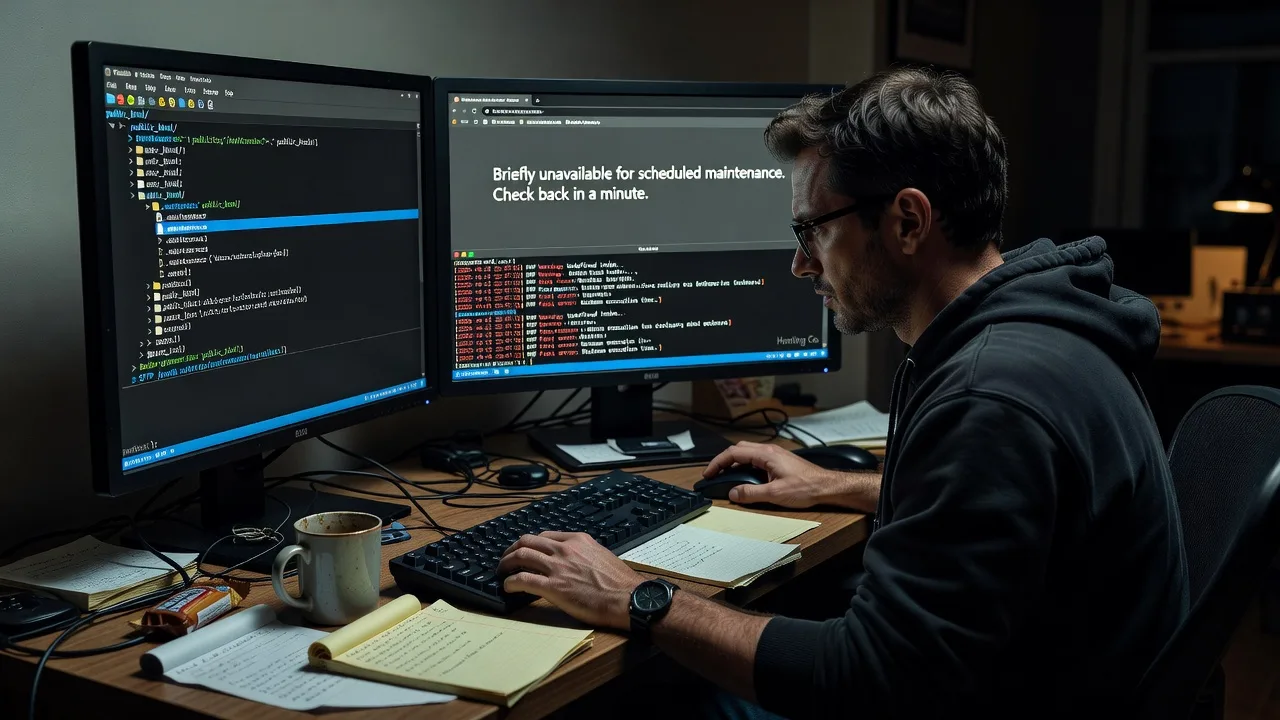
We break WordPress out of the "Briefly unavailable for scheduled maintenance" loop and put your site back online with a clean, verified recovery — remote, direct, and built for production sites that cannot stay dark.
What You'll Get
- Immediate lock clearance - Safe removal or repair of the stuck maintenance flag so visitors and staff can load the site again.
- Failed-update diagnosis - Identify which core, theme, or plugin step left the site mid-upgrade.
- Integrity checks - Confirm wp-admin, front end, and critical plugins respond after unlock.
- Rollback guidance when needed - Stabilise a half-applied update so you are not stuck between versions.
- Prevention notes - Practical steps so the next bulk update does not strand the site again.
- Plain-English handoff - What failed, what we fixed, and what to watch on the next deploy.
Serving Scheduled Maintenance & surrounds
This service exists for teams who hit a scheduled maintenance lock during real trading windows — not for generic "website help." We routinely recover sites that freeze mid-update when inventory syncs, clinic booking plugins, or multi-site networks leave a lock file behind. Remote coverage suits Australian businesses running WordPress from CBD offices, warehouse fulfilment desks, and high-street retailers who cannot wait on a marketplace queue.
- E-commerce and café-strip operators who lose card payments the moment maintenance mode sticks
- Professional services and strata/admin portals that must stay open outside school-zone peak hours
- Fully remote access via secure credentials — no on-site travel required; we work when your maintenance window failed overnight
How We Work
- Step 1: Reach Out - Tell us the exact message, when the update started, and whether wp-admin still loads. We listen for symptoms before touching files.
- Step 2: Tailored Plan - Fixed-scope quote for lock removal, update repair, or full recovery path — clear AUD pricing, no bidding.
- Step 3: We Deliver - Remote filesystem and database checks, maintenance file handling, plugin/theme conflict isolation, and front-end verification.
- Step 4: Confirm & Follow-up - You confirm pages load; we leave brief notes and optional hardening or monitoring next steps.
Common Issues & How to Fix Them
These are the maintenance-loop patterns we see after real production updates — not textbook theory.
Stuck.maintenance file after a plugin bulk update
WordPress creates a temporary lock at the site root; if PHP times out or the connection drops, the lock never deletes and every visitor sees the maintenance screen — even when the update actually finished.
- Step 1: Via SFTP or your host file manager, open the WordPress root (same folder as wp-config.php) and look for a file named exactly .maintenance (dot-file; enable hidden files).
- Step 2: Download a copy for evidence, then delete only that file — do not delete wp-config.php or the wp-content folder.
- Step 3: Hard-refresh the homepage and /wp-admin/. If both load, the lock was the sole blocker; note which plugin batch was running so you can re-run updates one at a time.
Maintenance loop with a white screen or critical error behind it
Sometimes the lock clears briefly then returns, or you see a fatal error after removal — usually a half-updated plugin that fatals on every request and re-triggers protective behaviour on managed hosts.
- Step 1: Enable short-term debugging only if you can access wp-config.php: set WP_DEBUG true and log to a file (avoid displaying errors publicly on a live store).
- Step 2: Rename the newest plugin folder under wp-content/plugins by appending -off so WordPress skips it; start with the plugin you were updating when the site froze.
- Step 3: Reload admin and front end. If the site stays up, update or replace that plugin cleanly; then disable debug logging and confirm no new.maintenance file appears.
Multisite or reverse-proxy cache still serving the maintenance page
Origin is healthy but CDN, host page cache, or a reverse proxy keeps serving the old maintenance HTML for minutes — common on high-traffic retail and membership sites.
- Step 1: Confirm origin directly (hosts file or host "purge cache" / staging URL) so you know WordPress itself is unlocked.
- Step 2: Purge full-page cache at the host panel, object cache if present, and any CDN edge cache tied to the domain.
- Step 3: Test in a private window and from a second network (phone data). If origin is clean but edge still shows maintenance, extend the purge to HTML/CSS and wait one TTL cycle before changing more code.
When DIY is not enough (urgent revenue loss, unsafe file edits, recurring locks, or burning hours), book Fixwebnode for direct professional support—no freelancers, bidding, or marketplace noise.
Why Choose Fixwebnode
We are a direct provider for WordPress infrastructure recovery, not a bid board. You work with specialists who have cleared hundreds of stuck maintenance states on live commerce, clinic, and membership stacks — and who explain the failure in plain language so your next update window is safer.
- ✓ Production-first recovery: unlock, stabilise, then explain — without rewriting your whole stack
- ✓ Remote Australian-friendly hours and fixed AUD scopes for predictable cost
- ✓ Technical depth on core/plugin update failures plus calm communication when the site is down
Tools & Technologies
WordPress core & wp-cli where available, SFTP/SSH file access, host panels (cPanel, Plesk, managed WP dashboards), MySQL/MariaDB checks, plugin/theme conflict isolation, object & full-page cache purge (Redis, host CDN, Cloudflare-style edges), PHP error logs, and safe wp-config debugging patterns.
Perfect For
Store owners, clinic and telehealth sites, education portals, and small business WordPress installs that went dark mid-update and need a remote specialist — not a long RFP. If revenue, bookings, or staff logins depend on the front end coming back cleanly, this recovery path is built for you.
Ready to restore access? Contact support at fixwebnode.com.au/contact-support or chat with us for a direct quote.
Choose a package
Remote clearance of a stuck scheduled maintenance lock with front-end and admin verification.
Maintenance loop recovery plus failed-update isolation and cache purge guidance for one live site.
Full remote recovery for complex or high-traffic sites including rollback path, stability pass, and follow-up check.
FAQ
We deliver this entirely remotely. Share secure hosting or SFTP access (and wp-admin if available), and we clear the maintenance lock and verify the site from our side. No travel is required for standard WordPress scheduled-maintenance loop fixes.
That usually means a failed plugin or core update is fatalling in the background, or cache is still serving the old page. In Standard and Premium we isolate the faulty extension, review logs, and purge host/CDN caches so the live origin is what visitors see.
Basic lock clearance is scoped for same-day remote work when credentials work and the host is reachable. Complex half-upgrades or multisite cases move to Standard or Premium so we have time to stabilise without rushed file deletes.
No. This service restores availability and stabilises the update path. Design rebuilds and feature projects are separate; here we focus on ending the maintenance loop safely and documenting what failed.



