







 Multi-Vendor & Complex SaaS Marketplaces
 Modern Headless & Jamstack Web Development
 High-End Corporate & Specialized Business Websites
 Advanced API, Checkout & Database Troubleshooting
Fix WordPress INP — Cut Main-Thread JS Blocking | Remote
Stop Google INP failures on WordPress by clearing main-thread JavaScript blocking — delivered remotely worldwide.
We profile long tasks, defer non-critical scripts, and harden theme/plugin stacks so clicks, taps, and form inputs paint fast again. Ideal for WooCommerce, membership, and lead-gen sites under Search Console pressure.
Need a hand fast? Power up support at fixwebnode.com.au/contact-support or chat with us for a direct technical review.
- INP diagnostics with before/after evidence
- Main-thread & third-party script triage
- Fixed-scope remote delivery — no marketplace bidding
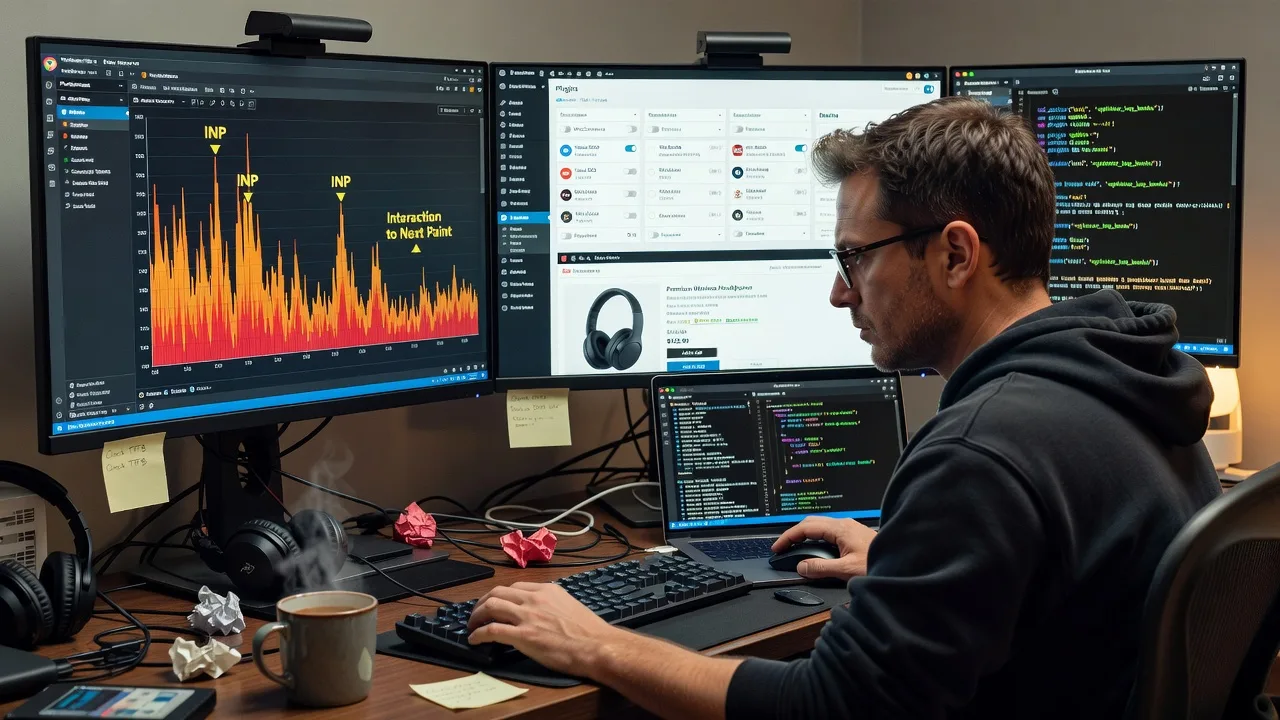
About this service
We fix WordPress Interaction to Next Paint (INP) by reducing JavaScript main-thread blocking so real user interactions stay responsive — available remotely worldwide, with on-site where practical. If Search Console flags poor INP, checkout buttons feel sticky, or mobile menus stall after a tap, we treat the root cause in code and load order—not cosmetic caching alone.
What You'll Get
- INP field & lab baseline - CrUX/Search Console context plus controlled interaction traces so we know which pages and gestures fail.
- Main-thread long-task map - Identification of scripts, plugins, and inline handlers that monopolise the main thread during click/keydown/pointer events.
- Script load-order surgery - Defer, delay, split, or conditional-load of non-critical JS without breaking checkout, auth, or booking flows.
- Theme & plugin conflict cleanup - Removal or rewrite of expensive DOM work, forced reflows, and duplicate libraries common on bloated WordPress stacks.
- Third-party tag containment - Tag managers, chat widgets, pixels, and A/B tools constrained so they stop stealing interaction budget.
- Verification pack - Re-tested interaction timings, clear change log, and practical next steps for ongoing Core Web Vitals hygiene.
Serving Remote & surrounds
This engagement is built for remote-first WordPress operators: multi-region ecommerce brands, SaaS marketing sites on WP, clinic and telehealth booking stacks, education portals, and agencies managing client fleets across time zones. Delivery is fully remote worldwide; on-site pairing is available where practical for stakeholder workshops or release windows.
- Peak-season catalogue and campaign sites where promo scripts spike main-thread work overnight
- Membership and LMS WordPress builds with heavy front-end frameworks fighting the theme
- Distributed teams needing after-hours deploy windows and plain-English release notes across regions
How We Work
- Step 1: Reach Out - Share Search Console INP URLs, a staging login if available, and the interactions users complain about (add-to-cart, filters, mobile menu, form submit). We listen first and scope the infrastructure work.
- Step 2: Tailored Plan - You receive a fixed quote for tech scope: pages in scope, plugins under review, risk notes, and delivery window—no bidding rounds.
- Step 3: We Deliver - Remote profiling, safe staging changes, main-thread reductions, and controlled production rollout with rollback awareness.
- Step 4: Confirm & Follow-up - Plain-English handoff, evidence of improved interaction timing, and optional maintenance or monitoring cadence.
Common Issues & How to Fix Them
These are patterns we see repeatedly on WordPress INP failures—and safe checks you can run before escalating.
Click feels dead for 300–800ms after a menu or filter tap
Often a mega-menu, AJAX filter, or animation library runs long synchronous work on the main thread before paint.
- Step 1: Open Chrome DevTools Performance, enable Screenshots, start recording, tap the control once, stop after ~3s, and note any Long Task (>50ms) yellow/red blocks aligned to the click.
- Step 2: In the Bottom-Up/Call Tree view, expand the long task and identify the top script URL (theme.js, plugin bundle, or GTM-injected file). Temporarily disable that plugin or dequeue the script on a staging copy only.
- Step 3: Re-record the same tap. If the long task shrinks and the UI paints sooner, you found the culprit—keep it deferred/conditional rather than loading sitewide.
INP is fine on home but fails on product, cart, or booking pages
Page-specific stacks (variation swatches, live search, calendar widgets, upsell carousels) often attach heavy listeners only on money pages.
- Step 1: Compare Network waterfalls for home vs product/cart: count JS kilobytes, duplicate jQuery/React builds, and third-party hosts unique to the failing template.
- Step 2: On staging, load money-page scripts only on those templates (or after first interaction) and strip unused carousels/sliders that initialise on DOMContentLoaded.
- Step 3: Retest add-to-cart, variation select, and coupon apply on mobile throttling. Confirm no console errors and that INP lab interactions stay under your internal budget (aim well under 200ms for good field odds).
Third-party tags look "async" but still wreck interaction timing
Many tags parse async yet schedule expensive timers, DOM writes, or hydration work that collides with the user’s first real gesture.
- Step 1: In DevTools Coverage and Performance, filter for third-party domains during the first 5–10 seconds after load, then again right when you click a primary CTA.
- Step 2: Move non-essential tags behind consent and interaction gates; keep only revenue-critical pixels early. Prefer server-side or delayed injection over eager GTM containers full of unused tags.
- Step 3: Validate that consent denial still allows core site JS, then re-measure CTA INP. If a single vendor still dominates long tasks, isolate it to post-conversion pages only.
When DIY is not enough (urgent, unsafe, recurring, or burning time), book Fixwebnode for direct professional support—no freelancers, bidding, or marketplace noise.
Expert Insights
After hundreds of WordPress INP rescues, the wins rarely come from another generic "defer all JS" toggle. Good looks like interaction-scoped loading: variation logic boots on product templates only, chat loads after first idle or first scroll, and admin-bar/editor scripts never touch the public main thread. Bad looks like one 900KB theme bundle initialising every slider, sticky header mutation observer, and parallax listener on every URL—including legal pages. Another field pattern: WooCommerce sites that “fixed LCP” with a hero image CDN still fail INP because fragment caching serves HTML that immediately runs three competing cart-fragment scripts. We also watch for forced synchronous layout—reading offsetWidth inside loops inside click handlers—which never shows up in a simple Lighthouse pass if you only scroll the page. Measure the actual gesture users make. Finally, treat plugin updates as INP regression risks: a minor release that switches a filter from CSS to JS can erase months of gains; keep a staging checklist that re-runs the same three money-page interactions after every deploy.
Why Choose Fixwebnode
We are a direct provider focused on enterprise-grade remote WordPress performance engineering—not a board of bidders. You work with specialists who explain trade-offs in plain language and ship fixed-scope technical outcomes.
- ✓ Deep Core Web Vitals practice with emphasis on INP main-thread remediation, not vanity scores alone
- ✓ Safe staging-first workflow with rollback awareness for ecommerce and lead-gen stacks
- ✓ Worldwide remote delivery with clear handoff docs your developers or marketers can maintain
Tools & Technologies
Chrome DevTools Performance & Coverage, Web Vitals / INP debugging workflows, Query Monitor, WordPress script dequeue and conditional enqueues, WP-CLI where appropriate, staging mirrors, CDN edge caching coordination, Google Tag Manager audits, WooCommerce template-aware JS loading, Lighthouse (lab context only), Search Console CWV reports, and selective code splitting for theme child overrides.
Perfect For
WooCommerce operators, membership and course publishers, multi-location service brands on WordPress, and marketing teams under Search Console INP pressure who need main-thread JavaScript reduced without breaking conversions. If your stack is remote-managed and you want a direct technical partner—not a freelance auction—this service is built for you.
Ready to clear INP errors? Start at fixwebnode.com.au/contact-support or chat with us for a scoped remote engagement.
Choose a package
Single-template INP triage with main-thread long-task map and priority fix list for one key WordPress journey.
Hands-on remote remediation across key templates: script load-order fixes, plugin triage, and verified interaction retests.
Full-stack WordPress INP programme: deep main-thread reduction, WooCommerce/booking path hardening, GTM cleanup, and 30-day regression check.
FAQ
We work entirely over secure remote access to staging and production as you approve. You share Search Console evidence and the interactions that feel slow; we profile, implement on staging, and coordinate a controlled release in your timezone window. On-site sessions are optional only where practical—most WordPress INP work completes fully remote.
Protecting conversions is part of the scope. We never blindly defer every script. Money-path scripts are inventoried first, changes land on staging, and we retest add-to-cart, checkout steps, and booking interactions before production. If a vendor script is required early, we isolate it rather than remove revenue-critical behaviour.
Speed plugins mostly automate cache and generic defer rules. INP failures usually need interaction-level diagnosis: which handler runs on click, which plugin forces layout, and which tags schedule work during the gesture. We deliver targeted main-thread reductions and evidence for those gestures—work a single toggle rarely solves.
URLs flagged in Search Console, a list of priority user actions, staging credentials when available, and notes on recent plugin or theme changes. If staging is missing, we help you define a safe path before touching production.



