







 Multi-Vendor & Complex SaaS Marketplaces
 Modern Headless & Jamstack Web Development
 High-End Corporate & Specialized Business Websites
 Advanced API, Checkout & Database Troubleshooting
Fix WordPress Database Connection Error Instantly | Remote
Restore your live WordPress site fast when the database connection fails—remote recovery worldwide.
We diagnose wp-config credentials, MySQL/MariaDB availability, host resource limits, and plugin corruption that blank your storefront or clinic booking site during peak traffic. Clear fixed-scope repair, then optional hardening so the same white screen does not return overnight.
Power up your support path: fixwebnode.com.au/contact-support — or chat with us for urgent remote triage.
- Root-cause DB reconnect, not temporary restarts
- wp-config, table prefix & host socket checks
- Post-fix health report in plain English
About this service
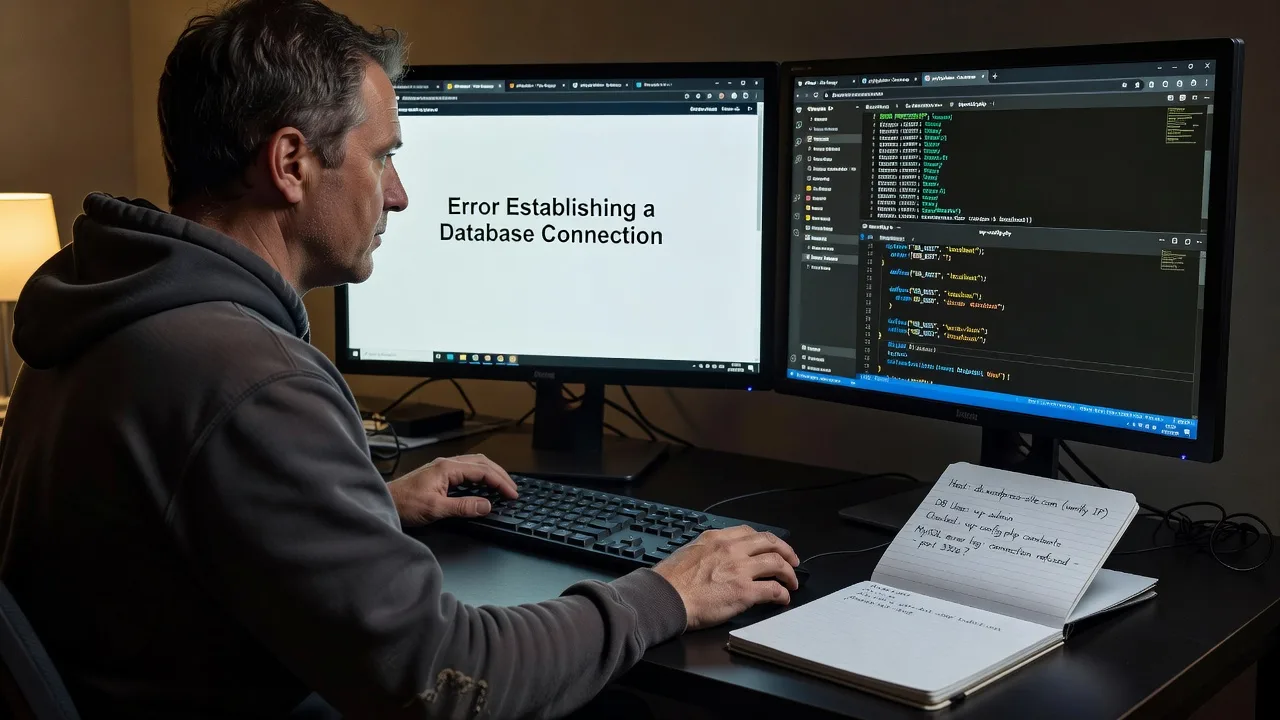
Get your WordPress site back online when visitors hit "Error establishing a database connection"—direct remote repair for e-commerce, membership, and booking platforms that cannot wait on generic hosting tickets.
What You'll Get
- Live connectivity diagnosis - We verify MySQL/MariaDB process state, socket vs TCP host strings, and credential mismatches against the real server, not guesswork.
- wp-config.php credential & table-prefix repair - Safe edits for DB_NAME, DB_USER, DB_PASSWORD, DB_HOST, and $table_prefix with backup before every change.
- Database service recovery path - Restart guidance, privilege grants, and corrupt-table checks when the engine is up but WordPress still cannot handshake.
- Plugin/theme conflict isolation - Identify heavy or broken extensions that exhaust connections under load.
- Resource & connection-limit review - max_connections, wait_timeout, and PHP memory clues that trigger intermittent white screens on sale days.
- Plain-English handoff notes - What failed, what we fixed, and how to spot early warning signs next time.
Serving Remote & surrounds
This gig is built for worldwide remote delivery: shared hosting, VPS, and managed WordPress stacks used by online retailers, course creators, and appointment-driven practices that go dark the moment MySQL refuses WordPress. Seasonal spikes—Black Friday catalogues, enrolment weeks, flu-season booking surges—often surface connection failures that local "restart and hope" tickets never fully explain. We work over secure remote access so your production storefront or patient portal is restored without waiting for an on-site visit.
- High-traffic WooCommerce and multi-vendor catalogue sites that lose checkout mid-campaign
- Membership and LMS platforms where login spikes exhaust DB connection pools
- Clinic and telehealth booking WordPress installs needing same-day remote recovery when practical on-site is unavailable
How We Work
- Step 1: Reach Out - Share the exact error screen, host panel type (cPanel, Plesk, Cloudways, raw VPS), and whether front-end and /wp-admin both fail—we listen first and confirm urgency.
- Step 2: Tailored Plan - Fixed-scope quote for credential repair, DB service recovery, or deeper schema/connection-limit work; no open-ended bidding.
- Step 3: We Deliver - Secure remote session: backups, config verification, MySQL checks, minimal safe changes, and staged verification on front-end plus admin.
- Step 4: Confirm & Follow-up - You approve the restored site; we leave concise notes and optional monitoring or maintenance if the root cause was capacity-related.
Common Issues & How to Fix Them
These are the failure patterns we see repeatedly on production WordPress stacks—use the DIY steps only when you have panel access and a recent backup.
Wrong DB_HOST after a host migration (TCP vs localhost socket)
The site shows the classic database error right after moving hosts or enabling remote MySQL, even though phpMyAdmin still opens with the same user.
- Step 1: In hosting panel MySQL settings, note whether the database server is listed as localhost, 127.0.0.1, or a remote hostname/IP—and whether a non-default port is shown.
- Step 2: Download wp-config.php via SFTP/File Manager, set define('DB_HOST', '...') to the exact host string the panel documents (often 127.0.0.1:3306 instead of localhost on containerised stacks), save, and re-upload.
- Step 3: Reload the homepage and /wp-admin in a private window; if both load, the host string was the mismatch. If only admin fails, continue to table-prefix checks rather than repeatedly restarting MySQL.
Connection pool exhaustion under checkout or cron bursts
The error appears intermittently—fine at 10am, failing every few minutes during flash sales or when Action Scheduler / backup plugins fire together.
- Step 1: From the host metrics or SHOW STATUS LIKE 'Threads_connected'; compare current connections to max_connections; note any spike aligned with cart or cron windows.
- Step 2: Temporarily disable non-essential object-cache drop-ins and stagger heavy crons; raise max_connections only if RAM headroom exists, and lower wait_timeout for abandoned clients where your host allows.
- Step 3: Re-test under a controlled load (open several product pages plus checkout). Stable Threads_connected and a clean front-end confirm the pool—not random DNS—was the culprit.
Corrupted or missing core tables after a failed import
Credentials are correct and MySQL is running, yet WordPress still cannot establish a usable connection or throws table-related fatals right after a partial SQL import.
- Step 1: Open phpMyAdmin (or mysql CLI), select the WordPress database, and confirm tables such as wp_options, wp_users, and wp_posts exist with your real prefix—not an empty schema or a leftover staging prefix.
- Step 2: Run CHECK TABLE on wp_options and wp_posts; if corrupt, REPAIR TABLE (MyISAM) or restore those tables from the last known-good dump before editing application code again.
- Step 3: Align $table_prefix in wp-config.php with the restored prefix, purge any full-page cache, and verify options can be read (siteurl/home values present). A clean admin login confirms schema integrity, not just a listening port.
When DIY is not enough (urgent, unsafe, recurring, or burning time), book Fixwebnode for direct professional support—no freelancers, bidding, or marketplace noise.
Why Choose Fixwebnode
We deliver the repair ourselves as a direct infrastructure provider: production WordPress plus MySQL diagnostics under pressure, with empathy for owners who just need the storefront or booking calendar alive again. Remote-first means faster triage than waiting on a generic ticket queue that only restarts the service.
- ✓ Hands-on experience with shared, VPS, and managed WordPress stacks under real traffic spikes
- ✓ Credential, socket, privilege, and schema checks before risky "rebuild everything" advice
- ✓ Fixed-scope packages and plain-English reporting—no multi-vendor bid theatre
Tools & Technologies
WordPress core config (wp-config.php), MySQL/MariaDB (SHOW STATUS, PROCESSLIST, CHECK/REPAIR TABLE), phpMyAdmin and mysql CLI, WP-CLI where available, cPanel/Plesk/Cloudways/RunCloud panels, SSH/SFTP, New Relic or host metrics for connection graphs, object-cache drop-in review (Redis/Memcached), PHP-FPM/nginx or Apache error logs, and staged front-end plus /wp-admin verification.
Perfect For
Online retailers, course and membership operators, agencies maintaining client catalogues, and appointment-led practices whose WordPress stack must stay connected through campaign peaks. Ideal when you need a specialist who treats database connectivity as infrastructure—not a forum thread—and can restore service remotely worldwide with clear next steps.
Ready to restore connectivity? Start at fixwebnode.com.au/contact-support or chat with us for priority remote triage.
Choose a package
Remote triage and fix for a single WordPress site database connection error with credential and host-string repair.
Full remote recovery including DB service checks, table-prefix validation, and a written root-cause summary.
Comprehensive remote recovery plus hardening, plugin/cron isolation, and follow-up stability check for high-traffic sites.
FAQ
Yes. This service is remote-first and available worldwide. We work through your hosting panel, SFTP/SSH, and database tools to restore connectivity. On-site help is only discussed where practical and explicitly needed; most production recoveries complete without a physical visit.
Typically hosting control-panel login, SFTP or SSH, and database access (phpMyAdmin or equivalent). We never ask you to post passwords in public tickets. After the fix we recommend rotating credentials if they were shared for the session.
We treat restarts as a last-resort stabiliser, not the deliverable. Basic covers credential and host-string repair with verification; Standard and Premium dig into privileges, schema integrity, connection limits, and recurring load patterns so the same error is less likely to return on the next traffic spike.



