







 Multi-Vendor & Complex SaaS Marketplaces
 Modern Headless & Jamstack Web Development
 High-End Corporate & Specialized Business Websites
 Advanced API, Checkout & Database Troubleshooting
Fix WooCommerce Stripe, PayPal & Afterpay Gateway Errors
Restore live checkout on your WooCommerce store — Stripe, PayPal & Afterpay errors fixed remotely worldwide.
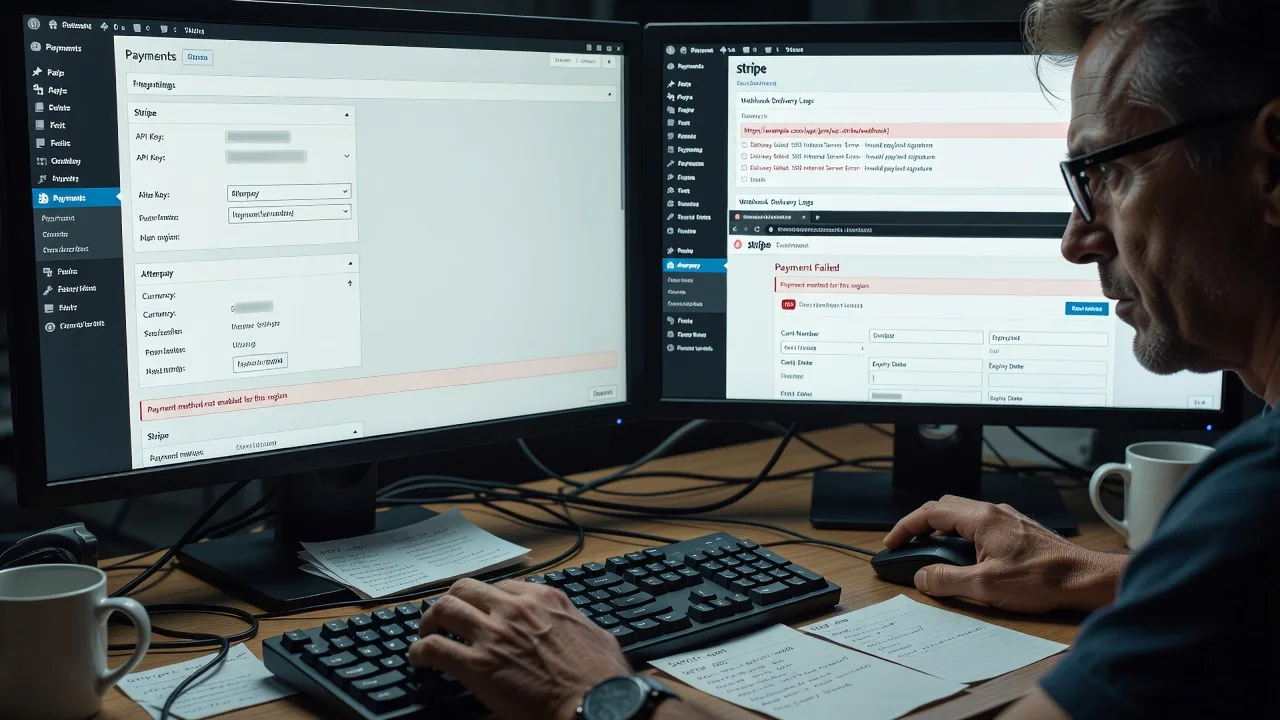
We diagnose failed payments, webhook mismatches, currency/API key issues, and Afterpay declines so carts convert again. Ideal for AU retail, fashion, and subscription brands that cannot afford silent checkout failure during peak sales.
Power up your support: fixwebnode.com.au/contact-support — or chat with us for a same-day triage path.
- Direct provider fix (no bidding)
- Plain-English root cause report
- Test order verification included
About this service
Get checkout working again when WooCommerce payment gateways fail — we fix Stripe, PayPal, and Afterpay errors remotely for online retailers, clinics selling products, and small brands who need payments live today.
What You'll Get
- Full gateway health check - Stripe, PayPal, and Afterpay plugin, API, webhook, and SSL review against live WooCommerce settings
- Root-cause diagnosis - Exact error codes (e.g. authentication_required, INVALID_RESOURCE_ID, Afterpay order total mismatch) explained in plain English
- Configuration repair - Keys, webhooks, currency, tax, shipping totals, and capture modes aligned so paid orders mark correctly
- Test order proof - Controlled sandbox or low-value live tests with screenshots of success path
- Conflict scan - Theme/plugin conflicts that break checkout JS, nonce failures, or double-submit
- Handoff notes - What changed, what to monitor, and when to re-check after plugin updates
Serving Remote & surrounds
This service is delivered remotely worldwide with optional on-site where practical. Demand spikes for Australian and NZ DTC brands around EOFY sales, Boxing Day, and Afterpay Day — when a single webhook outage can stall hundreds of paid-but-unconfirmed orders. We prioritise stores that mix Stripe cards, PayPal express, and Afterpay instalments on the same checkout.
- Fashion and beauty DTC labels running high Afterpay share at checkout
- Clinic and telehealth product shops needing reliable card capture for scripts and devices
- Subscription and meal-kit operators where failed renewals compound overnight
How We Work
- Step 1: Reach Out - Tell us which gateway fails, the exact customer-facing message, and whether orders stay Pending/Failed; we listen before touching keys
- Step 2: Tailored Plan - Fixed-scope quote for Basic single-gateway repair through Premium multi-gateway + conflict cleanup
- Step 3: We Deliver - Secure remote access (or guided screenshare), staged fixes, and patient walkthrough if your team needs clarity
- Step 4: Confirm & Follow-up - Verified test payment, plain-English summary, optional monitoring window after the next plugin update
Common Issues & How to Fix Them
These are patterns we see repeatedly on live WooCommerce checkouts — not generic plugin FAQ copy.
Stripe shows "No such payment_intent" or orders stuck Processing after successful charge
Usually a webhook endpoint pointing at staging, a stale signing secret after a domain move, or the Order Status Controller conflicting with Stripe’s capture mode.
- Step 1: In Stripe Dashboard → Developers → Webhooks, confirm the endpoint URL matches your live site (https, correct path, no staging subdomain) and that recent deliveries show 2xx, not 404/500.
- Step 2: In WooCommerce → Settings → Payments → Stripe, re-paste the live webhook signing secret, disable test mode if you are live, and match capture mode (auth/capture vs sale) to how you fulfil stock.
- Step 3: Place a low-value test order; confirm the Payment Intent succeeds in Stripe, the order moves to Processing/Completed, and the webhook event appears as successful for payment_intent.succeeded.
PayPal Express returns to cart with "Something went wrong" or duplicate pending orders
Classic causes: mismatched return URLs after HTTPS or www changes, PayPal REST app still on sandbox credentials, or a caching layer serving stale checkout nonces.
- Step 1: Compare WooCommerce PayPal plugin credentials (Client ID/Secret) to the live REST app in PayPal Developer; ensure environment is Live, not Sandbox.
- Step 2: Purge full-page and object cache on cart/checkout only (never cache checkout for logged-out users); re-save permalinks; confirm SSL is valid end-to-end.
- Step 3: Run a PayPal Express test; you should land on order-received, see one order only, and find a matching capture in PayPal Activity without a second ghost Pending order.
Afterpay declines at review even when the cart total looks fine
Afterpay is strict on currency, shipping inclusion, and min/max thresholds. Tax-inclusive vs exclusive display, multi-currency plugins, or fees added after the Afterpay session starts will fail the amount check.
- Step 1: Note the exact cart total (products + shipping + tax + fees) and your store currency; confirm it sits inside Afterpay’s merchant min/max and that the plugin currency matches the Afterpay merchant account.
- Step 2: Disable experimental multi-currency or late fee plugins on a staging copy; ensure shipping method is selected before Afterpay launches; update the Afterpay plugin and clear transients.
- Step 3: Retry checkout; Afterpay’s review screen total must match WooCommerce order total to the cent, then complete and verify the order status and Afterpay merchant portal entry align.
When DIY is not enough (urgent, unsafe, recurring, or burning time), book Fixwebnode for direct professional support—no freelancers, bidding, or marketplace noise.
Why Choose Fixwebnode
We are a direct technical provider: enterprise-grade WooCommerce and gateway work paired with clear, jargon-free explanations for store owners and ops teams. You get one accountable specialist path — not a bid queue — and fixes aimed at stopping revenue loss, not endless plugin toggles.
- ✓ Hands-on experience with Stripe webhooks, PayPal REST, and Afterpay amount-validation edge cases on real AU/NZ DTC checkouts
- ✓ Fixed-scope packages so you know cost before we touch production keys
- ✓ Remote worldwide delivery with plain-English handoff your team can reuse after updates
Tools & Technologies
WooCommerce Payments settings; official Stripe for WooCommerce; PayPal Payments (PPCP) and legacy Express; Afterpay/Clearpay plugin; Stripe Dashboard webhooks & Logs; PayPal Developer REST apps; browser network/console for checkout JS; staging clones; SSL/TLS checks; object & page cache exclusions; WP-CLI where appropriate; order notes and gateway debug logs.
Perfect For
Online retailers, fashion and beauty brands, clinic product shops, and subscription operators who rely on Stripe cards, PayPal, and Afterpay together. If checkout fails only for some methods, only on mobile, or only after a plugin/theme update, this service is built for that mess — remote, direct, and focused on getting paid orders flowing again.
Ready when you are: go to fixwebnode.com.au/contact-support or chat with us to start triage.
Choose a package
Single-gateway triage and fix for Stripe or PayPal or Afterpay with one verified test path.
Two-gateway repair plus conflict scan and plain-English root-cause report for your live store.
Full multi-gateway stabilisation, checkout JS conflict cleanup, and follow-up after your next plugin update cycle.
FAQ
We deliver remotely worldwide. Australian and NZ stores are a strong fit because Afterpay and multi-gateway checkouts are common, but any WooCommerce site with Stripe, PayPal, or Afterpay/Clearpay issues can book us. On-site is only where practical and agreed in advance.
Yes for a complete fix. We use least-privilege access where possible, work on staging first when you have it, and never change live keys without confirming the environment. You can revoke access after handoff.
That is a frequent pattern — often currency, shipping timing, or total mismatch rather than a full site outage. Basic can target Afterpay alone; Standard/Premium make sense if you want the other gateways stress-checked so the next sale event does not surprise you.
No. We fix the failing gateway path with minimal, reversible changes and explain every setting we touch. Broad redesign or new plugin stacks are out of scope unless you explicitly upgrade the package for that work.



