







 Multi-Vendor & Complex SaaS Marketplaces
 Modern Headless & Jamstack Web Development
 High-End Corporate & Specialized Business Websites
 Advanced API, Checkout & Database Troubleshooting
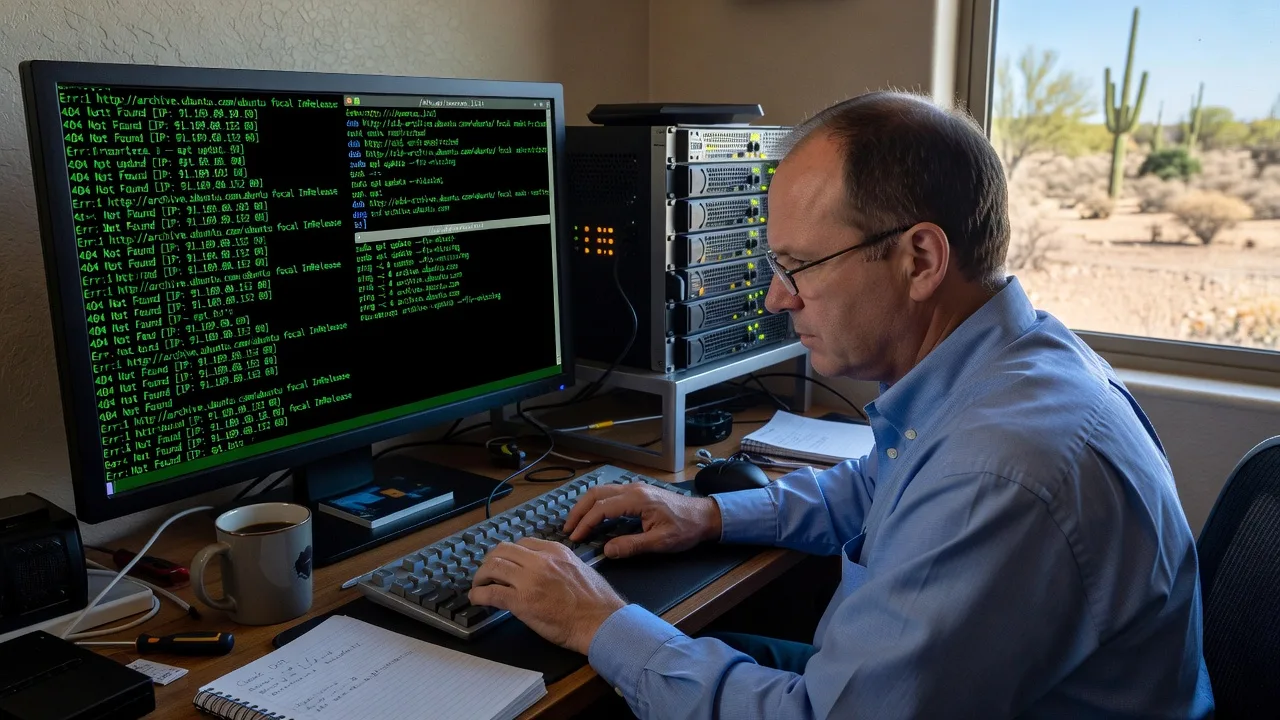
Fix Linux APT Sources.list Corruption - Arizona Remote Support
Restore your Linux system's package manager instantly with expert APT sources.list repair. Avoid broken updates and security risks. Contact me today for fast remote diagnosis and fix tailored to Arizona users.
About this service
Restore reliable package management and eliminate broken updates with professional Linux APT sources.list repair, designed for Arizona businesses and power users who need their systems stable fast.
What You'll Get
- Full sources.list audit and backup - Secure copy of your current configuration before any changes
- Corruption diagnosis report - Detailed breakdown of syntax errors, missing repositories, and mirror issues
- Repaired and validated sources.list - Clean file with correct architecture and signed-by entries
- apt update verification - Confirmed successful package list refresh with no errors
- Post-fix security check - Ensure GPG keys and HTTPS repositories are properly configured
My Process
- Step 1: Remote Connection & Backup - Secure SSH access, create timestamped backup of /etc/apt/sources.list and sources.list.d/
- Step 2: Error Analysis - Run apt update with verbose output and parse error logs to identify exact corruption points
- Step 3: Repair & Validation - Rebuild file using correct Ubuntu/Debian mirror templates, test with apt update and apt-cache policy
- Step 4: Delivery & Handoff - Provide cleaned file, command history log, and 30-day support notes via email
Expert Insights: What Most People Get Wrong
Based on 12 years of experience, here are the critical mistakes I see clients make—and how I fix them:
- Directly editing without backup or testing - Users overwrite sources.list then run apt update and break everything; I always create dated backups and test with apt update -qq before committing changes
- Using outdated or unsigned repositories - Copy-pasting old mirror lists causes 404s and key errors; I validate against official release files and enforce signed-by paths for every repo
- Ignoring sources.list.d/ directory conflicts - Third-party PPAs create duplicate entries that silently fail; I audit every file in sources.list.d/ and consolidate into a single maintainable list
- Skipping architecture and codename verification - Mixing amd64 with arm64 entries breaks updates; before hiring, run `dpkg --print-architecture` and `lsb_release -sc` and share the output so I can prepare the correct template immediately
When you hire me, you get all this expertise applied directly to YOUR project—saving you time, money, and headaches.
Why Choose This Service
Specialized remote Linux support for Arizona clients who need their servers and workstations back online without data center visits or generic forum advice.
- ✓ 12 years focused exclusively on Debian/Ubuntu package management
- ✓ Proven track record fixing production systems for remote Arizona teams
- ✓ Same-day response and 30-day follow-up support included
Tools & Technologies
apt, apt-cache, dpkg, nano/vim, rsync for backups, official Ubuntu/Debian release files, GPG key verification commands, and custom mirror validation scripts.
Perfect For
Arizona-based developers, sysadmins, and small businesses running Ubuntu or Debian servers who suddenly see "Failed to fetch" errors or broken package updates after a failed upgrade or manual edit.
Choose a package
Remote diagnosis and repair of single corrupted sources.list file.
Full audit, repair, verification, and documentation for production systems.
Comprehensive fix plus ongoing monitoring setup and future-proofing for Arizona teams.
FAQ
I use encrypted SSH key authentication only. You generate a temporary key pair and revoke access immediately after the job is complete.
I preserve legitimate custom repositories while removing duplicates and broken entries, then validate each one with apt update before finalizing.
No. Direct terminal access is required to safely backup, edit, and test the package configuration in real time.



