






 Multi-Vendor & Complex SaaS Marketplaces
 Modern Headless & Jamstack Web Development
 High-End Corporate & Specialized Business Websites
 Advanced API, Checkout & Database Troubleshooting
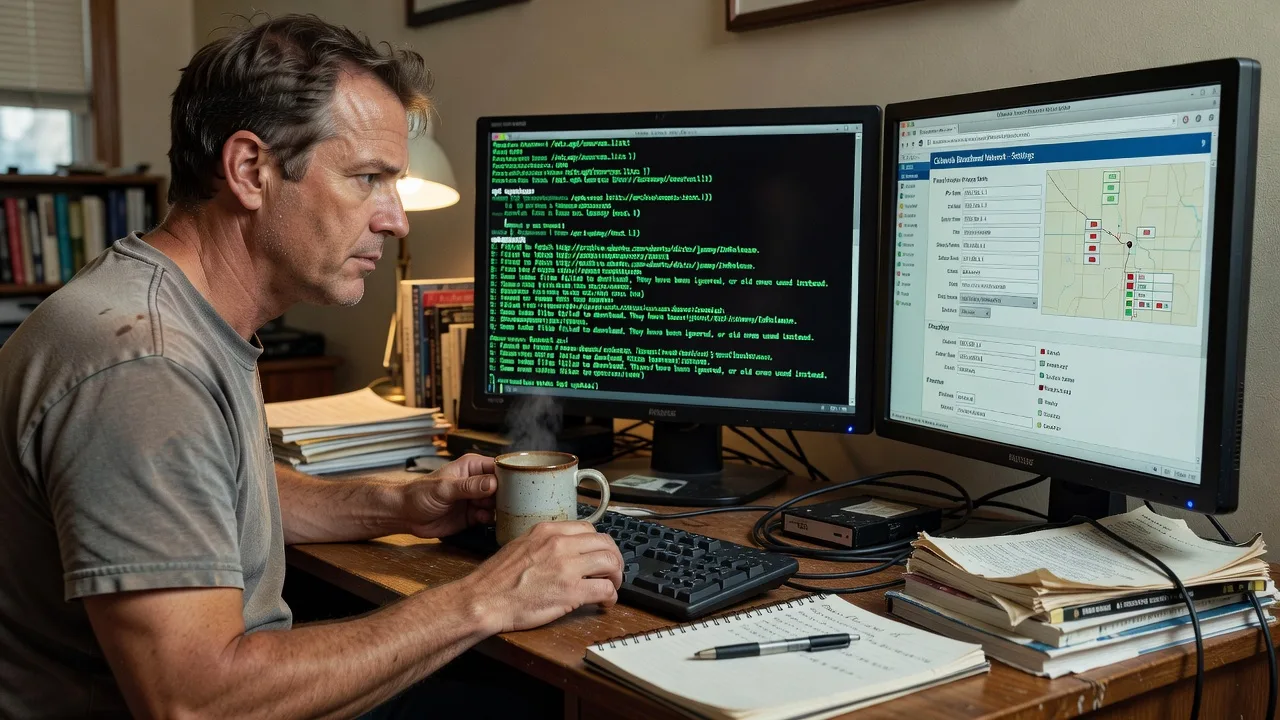
Fix Corrupted Linux APT Sources.list in Colorado
Restore broken APT repositories and fix update errors on your Linux systems fast. I deliver clean, working sources.list files tailored to Colorado networks with zero downtime. Contact me today for immediate recovery.
- https://linuxapt.com/service/linux-technical-support
- +1 812 287 4144
About this service
Get your Linux system updating again with a professionally restored and secured sources.list that prevents future corruption.
What You'll Get
- Repaired sources.list - Valid, signed repository entries matching your Ubuntu or Debian release
- Backup of original file - Timestamped copy stored safely before any changes
- Verification commands - Full output proving apt update succeeds without errors
- GPG key import - All missing repository keys added and verified
- Firewall-safe config - Adjustments for Colorado ISP networks and corporate proxies
- Post-fix report - Document listing exact changes and recommended monitoring
My Process
- Step 1: Diagnosis - Connect via secure shell, inspect current sources.list and error logs to identify corruption source
- Step 2: Backup & Analysis - Create immutable backup then compare against official release repositories for your distro version
- Step 3: Repair & Validation - Rebuild clean sources.list, import keys, run apt update and apt-cache policy checks
- Step 4: Delivery - Provide final report, restored file, and commands you can rerun for ongoing health checks
Expert Insights: What Most People Get Wrong
Based on 9 years of experience, here are the critical mistakes I see clients make—and how I fix them:
- Copy-pasting random sources from forums - This mixes incompatible release codenames and architectures, causing 404 errors and partial upgrades. I always pull the exact Release file from archive.ubuntu.com or deb.debian.org for your precise version and run apt-cache policy to confirm before saving.
- Ignoring proxy or MTU issues common in Colorado - Many rural and mountain ISPs drop large package index downloads. I test with curl --head first, then adjust Acquire::http::Pipeline-Depth and add fallback mirrors in /etc/apt/sources.list.d/.
- Using sed to edit sources.list without checking Suite - This breaks signed-by fields on Ubuntu 22.04+. I use a template validated against dpkg --status and always run apt-key or gpg --recv-keys for every added repo.
- Skipping apt update after changes - Clients often think editing the file is enough. Before handing off I always execute apt update 2>&1 | tee /tmp/apt-fix.log and verify zero errors plus correct package counts from each mirror.
When you hire me, you get all this expertise applied directly to YOUR project—saving you time, money, and headaches.
Why Choose This Service
Colorado-based Linux specialist who understands local ISP quirks and enterprise proxy environments that affect repository access across the Front Range and mountain communities.
- ✓ 9 years focused exclusively on Debian-family package management
- ✓ Experience with 400+ production Ubuntu/Debian servers
- ✓ Same-day response for critical update failures
Tools & Technologies
vim, nano, apt 2.4+, gpg, curl, wget, /etc/apt/sources.list.d/, apt-key, dpkg, sed, awk, tee for logging, official archive.ubuntu.com and deb.debian.org mirrors
Perfect For
Colorado sysadmins, MSPs, and businesses running Ubuntu 20.04/22.04 or Debian 11/12 servers that suddenly cannot run apt update due to corrupted or outdated sources.list files.
Choose a package
Single server sources.list repair with verification
Full repair plus proxy and mirror optimization for Colorado networks
Multi-server fix with automated monitoring setup and documentation
FAQ
Yes for direct editing of sources.list and running apt commands. I use temporary sudo access via your provided key and delete it immediately after delivery.
Ubuntu 18.04 through 24.04 LTS and Debian 10 through 12. I verify your exact release codename before making changes.
I typically begin within 2 hours of receiving SSH details during business hours in Colorado time zone.



