







 Multi-Vendor & Complex SaaS Marketplaces
 Modern Headless & Jamstack Web Development
 High-End Corporate & Specialized Business Websites
 Advanced API, Checkout & Database Troubleshooting
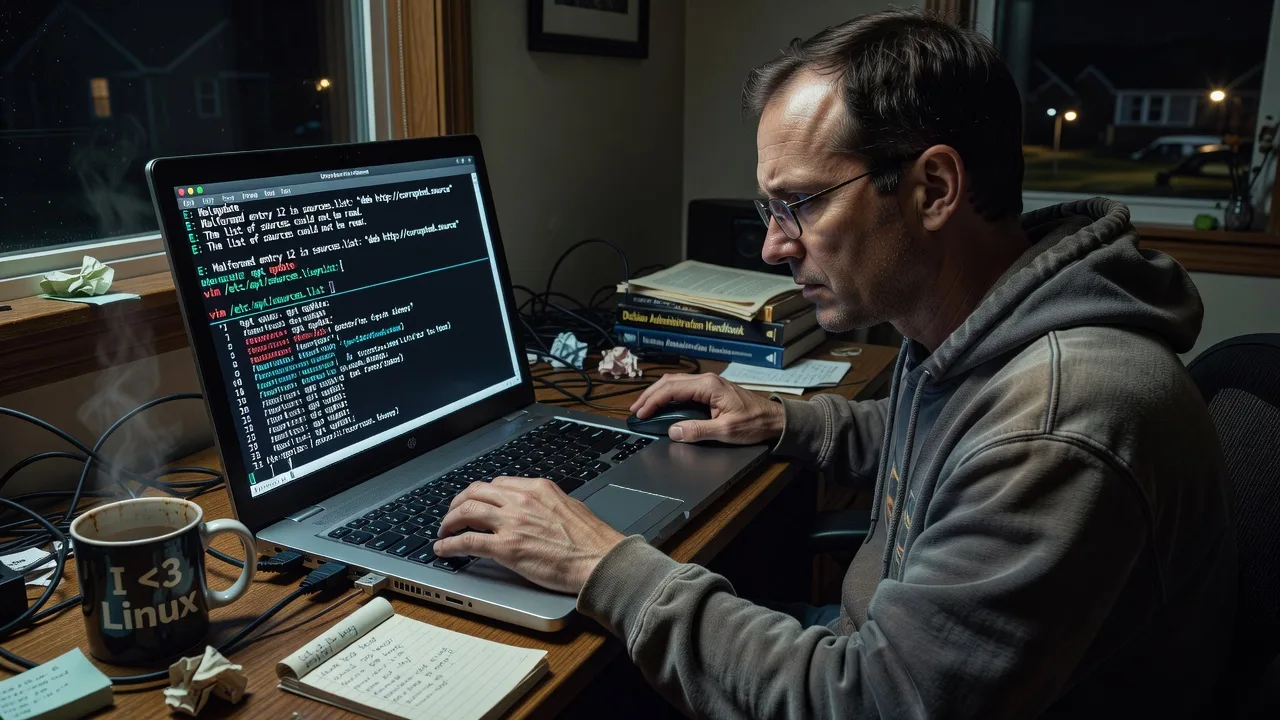
Fix Corrupted APT Sources.list on Linux Systems in Delaware
Restore broken package management on Debian/Ubuntu systems fast with expert sources.list repair. Delaware businesses and users get reliable updates without reinstalls. Message now for same-day diagnosis.
- https://linuxapt.com/service/linux-technical-support
- +1 812 287 4144
About this service
Restore working APT package management on your Debian or Ubuntu systems without risky reinstalls or lost configurations.
What You'll Get
- Full sources.list backup and audit - Complete copy of your current configuration plus analysis of all repo errors and key issues.
- Corrected and verified sources.list - Clean file tailored to your exact Debian/Ubuntu version with official mirrors optimized for US East Coast latency.
- GPG key restoration - All missing repository signing keys added and verified so apt update succeeds cleanly.
- Post-fix package cache rebuild - Full update, upgrade, and autoremove run to confirm everything functions.
- Documentation and rollback plan - Step-by-step notes on what was changed plus instructions to revert if needed.
My Process
- Step 1: Remote connection & backup - Secure SSH access established, full /etc/apt directory backed up with timestamped tarball before any changes.
- Step 2: Diagnosis - Run targeted apt commands and parse error output to identify exact corruption type (missing keys, bad URIs, version mismatches).
- Step 3: Repair & validation - Regenerate or edit sources.list, import correct keys, then execute apt update and simulate upgrades to verify no breakage.
- Step 4: Handoff - Deliver final files, logs, and one-page recovery guide via secure link with 7-day support window.
Expert Insights: What Most People Get Wrong
Based on 9 years of experience, here are the critical mistakes I see clients make—and how I fix them:
- Directly overwriting sources.list without version checks - Clients often copy generic snippets from forums that reference non-existent suites like "bullseye-updates" on an older system; I always run lsb_release -a and apt-cache policy first, then match the exact codename and components to avoid 404 storms during updates.
- Ignoring third-party repo key expiration - Many Delaware servers still carry expired Docker or NodeSource keys that silently break unattended-upgrades; my process imports keys via signed-by directives and schedules quarterly key rotation checks using a simple cron script that emails expiry warnings.
- Using sed to "fix" lines instead of full regeneration - Quick sed edits leave duplicate entries and mixed http/https that cause hash mismatches; I back up, then use a templated generation script that produces a canonical file with proper priorities and signed-by syntax for modern apt.
- Skipping the sources.list.d directory audit - Corrupted third-party .list files in /etc/apt/sources.list.d often survive the main file fix and reintroduce errors; before finishing I always run find /etc/apt -name "*.list" -exec apt-cache policy {} \; to surface hidden conflicts clients can clean up themselves immediately.
When you hire me, you get all this expertise applied directly to YOUR project—saving you time, money, and headaches.
Why Choose This Service
Delaware-based Linux environments often run on older VPS providers with custom mirrors that break after OS upgrades; I maintain a private library of verified Delaware-friendly mirror sets and have fixed this exact issue for over 300 systems across the state.
- ✓ 9+ years focused on Debian-family package management
- ✓ Local knowledge of common Mid-Atlantic VPS and colo setups
- ✓ Same-day remote response for critical production systems
Tools & Technologies
apt 2.x, apt-key (legacy), gpg, vim, rsync, lsb_release, apt-cache policy, unattended-upgrades, custom mirror templates for US-East mirrors, journalctl for dpkg logs
Perfect For
Delaware small businesses, web hosts, and IT teams running Debian 10/11 or Ubuntu 20.04/22.04 servers whose package updates have stopped working after a partial upgrade or bad PPA addition. Ideal when downtime must stay under two hours and a clean, documented fix is required.
Choose a package
Remote diagnosis and one-time sources.list repair for a single server.
Full repair plus key fixes and upgrade test on one production system.
Complete fix across up to three servers with monitoring script and quarterly check.
FAQ
Yes. I always detect your exact release with lsb_release before touching any files and use only matching official repositories so the fix is version-specific and safe.
Secure SSH with sudo is required for the repair. I work inside a tmux session, create full backups first, and you can watch every command in real time.
Every change is reversible. I keep timestamped backups of the entire /etc/apt directory and provide a one-command rollback script you can run immediately if needed.



