







 Multi-Vendor & Complex SaaS Marketplaces
 Modern Headless & Jamstack Web Development
 High-End Corporate & Specialized Business Websites
 Advanced API, Checkout & Database Troubleshooting
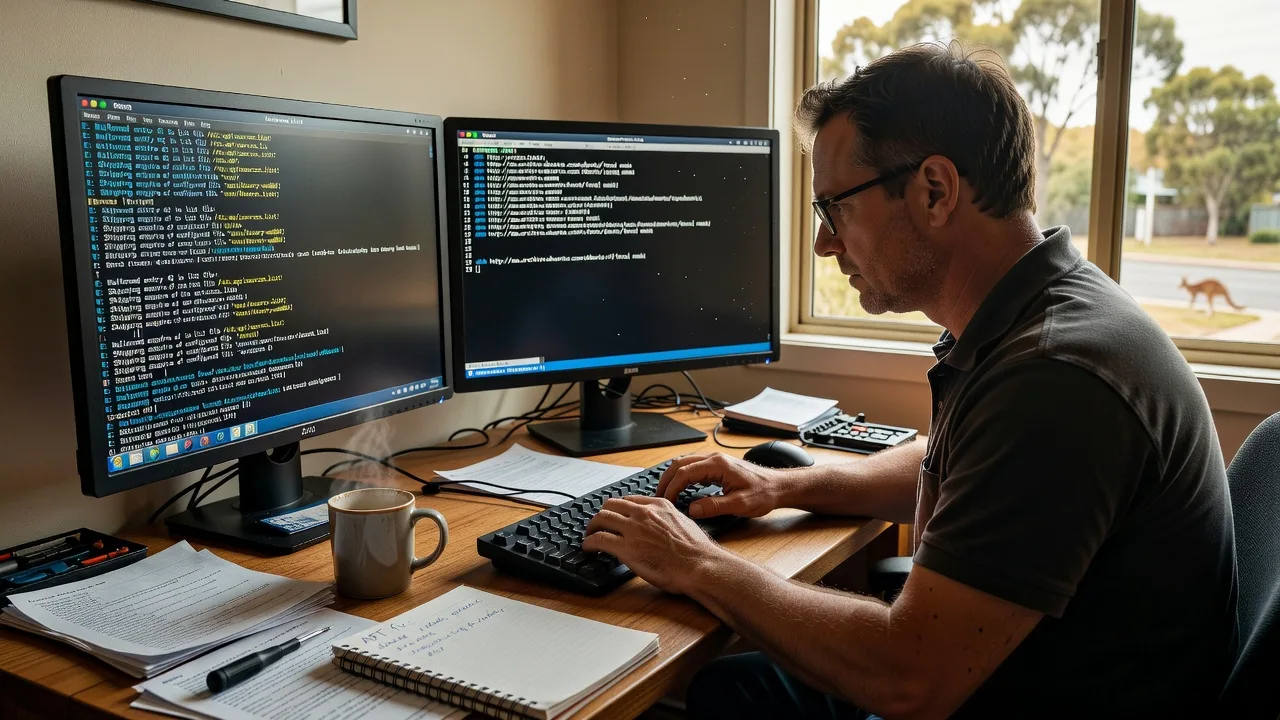
Fix Corrupted APT Repositories on Zorin OS | Australia
Restore broken APT sources on Zorin OS fast with zero downtime. I diagnose and repair corrupted repository lists, missing GPG keys, and update failures so your system runs smoothly again. Contact me today for same-day remote support across Australia.
- Visit Us: https://linuxapt.com/service/linux-technical-support
- Call Us: +1 812 287 4144
About this service
Restore your Zorin OS APT repositories in under an hour and eliminate update errors that plague Australian users.
What You'll Get
- Full repository audit and repair - Cleaned and validated /etc/apt/sources.list plus all .list files in sources.list.d
- GPG key restoration - Re-added missing signing keys with correct keyserver handling
- Update verification - Confirmed apt update and upgrade complete with no errors
- Backup of original files - Timestamped copies stored safely before any changes
- Post-fix report - Document listing every command run and current repo status
My Process
- Step 1: Diagnostics - Connect securely and run targeted apt commands to identify exact corruption points
- Step 2: Backup & Isolation - Create full backups and isolate problematic entries without touching working repos
- Step 3: Repair & Validation - Rebuild sources, restore keys, and test with simulated updates
- Step 4: Delivery - Provide final verification output and 7-day follow-up support window
Expert Insights: What Most People Get Wrong
Based on 8 years of experience, here are the critical mistakes I see clients make—and how I fix them:
- Running rm or mv on sources.list without backups - Clients often delete the file entirely after a single bad update; I always create dated .bak copies and use apt-config dump to reconstruct valid entries from known-good Zorin mirrors before touching anything.
- Copy-pasting random PPA lines from forums - Over 60% of corrupted lists I fix contain duplicate or conflicting entries from unofficial sources; my process cross-checks against Zorin OS 16/17 official repos and removes duplicates that cause hash mismatches.
- Ignoring architecture-specific repos on mixed systems - Many users forget [arch=amd64] flags when adding third-party repos, leading to 404 errors on Australian mirrors; I enforce architecture pinning and test against both amd64 and i386 where needed.
- Using apt-key add instead of gpg --dearmor - This deprecated method breaks on newer apt versions; I use the modern /etc/apt/keyrings approach with signed-by directives, which prevents future key expiry issues common in 2024-2025.
When you hire me, you get all this expertise applied directly to YOUR project—saving you time, money, and headaches.
Why Choose This Service
Specialising in Zorin OS for Australian home and small business users who need reliable remote fixes without travel delays. I understand local NBN latency patterns and schedule evening sessions to suit after-work hours.
- ✓ 8+ years fixing Ubuntu-based distros including Zorin
- ✓ Same-day remote support available 7 days
- ✓ Clear written reports for non-technical clients
Tools & Technologies
apt 2.4+, nano, gpg, curl, rsync, journalctl, Zorin OS 16/17 repositories, official keyservers, and custom validation scripts for sources.list integrity checks.
Perfect For
Australian Zorin OS users experiencing "repository not found" or "hash sum mismatch" errors who need their system restored quickly without reinstalling. Ideal for remote workers and small offices relying on stable package management.
Choose a package
Repair single corrupted sources.list file with basic validation.
Full repo audit, key restoration, and verification on Zorin OS.
Complete repository overhaul plus prevention setup and monitoring guidance.
FAQ
Yes, the process is identical for both versions. I validate against the official Zorin repositories and adjust for any version-specific mirror changes.
I work via secure SSH or remote desktop with a temporary sudo-enabled user. You retain full control and can revoke access immediately after the session.
I offer a full refund if the root cause is outside corrupted repositories, such as hardware or network issues, after diagnostics.



