







 Multi-Vendor & Complex SaaS Marketplaces
 Modern Headless & Jamstack Web Development
 High-End Corporate & Specialized Business Websites
 Advanced API, Checkout & Database Troubleshooting
Fix Broken Facebook Pixel & Google Analytics on Shopify | Remote
Restore accurate Meta Pixel and Google Analytics purchase tracking on your Shopify store—delivered remotely worldwide.
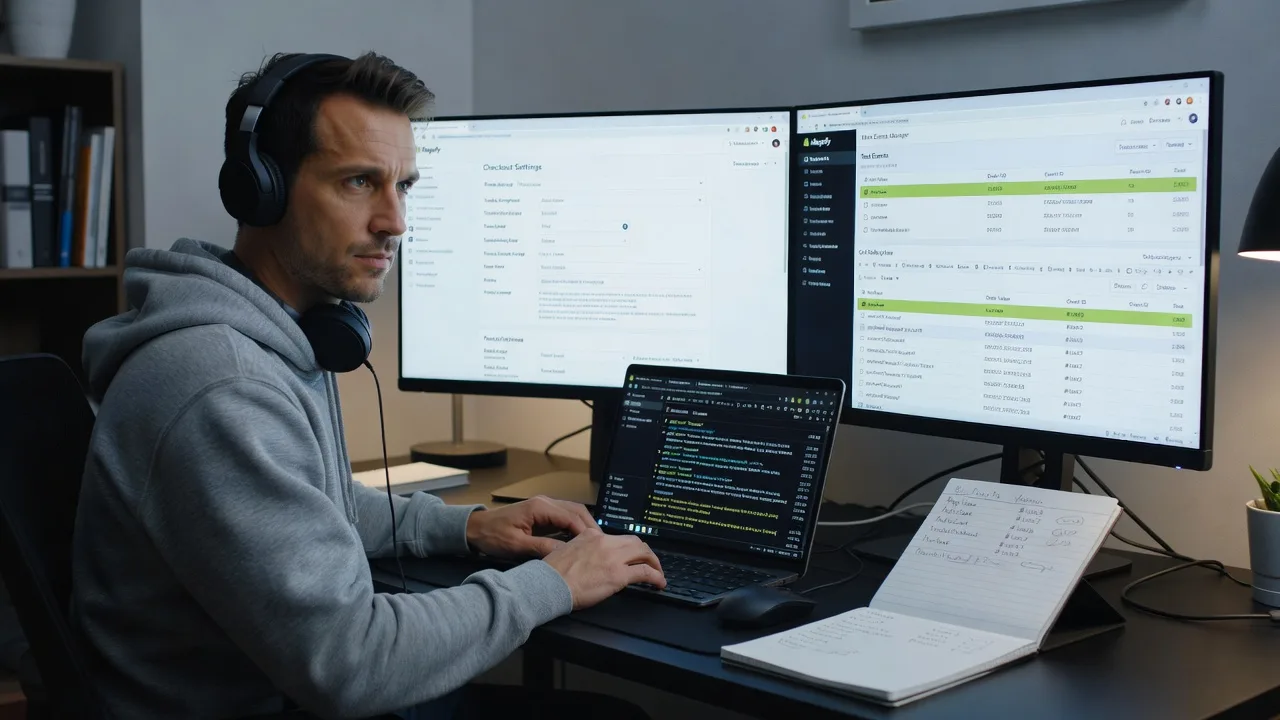
We diagnose missing conversions, thank-you page gaps, and consent-mode breaks that quietly waste ad spend for DTC and seasonal ecommerce brands. You get plain-English fixes plus proof in Events Manager and GA4 real-time.
Need hands-on help fast? Reach us at fixwebnode.com.au/contact-support or chat with us—we deliver the work directly.
About this service
Get your Shopify Meta Pixel and Google Analytics (GA4) firing again so ad spend, ROAS, and revenue reports match real orders—fixed remotely for stores selling worldwide. We specialise in the silent tracking failures that hit DTC brands hardest after theme updates, checkout changes, and consent banners.
What You'll Get
- Full tracking health audit - Pixel Helper, Events Manager Test Events, GA4 DebugView, and Shopify customer events reviewed end-to-end
- Pixel & tag repair - Base code, Purchase/AddToCart/InitiateCheckout, and GA4 purchase/view_item events restored where they broke
- Consent & duplicate cleanup - Consent Mode / CMP conflicts fixed; double-counting and inflated ROAS cleaned up
- Verification pack - Screenshots of live test purchases, event match quality notes, and a plain-English handoff
- Optional CAPI / enhanced setup guidance - Server-side Conversion API path and catalog event alignment on higher packages
- Direct specialist support - We do the work ourselves; no marketplace bidding or hand-offs
Serving Remote & surrounds
This service is built for online retailers who run Meta and Google ads against Shopify checkouts—fashion, beauty, supplements, homewares, and seasonal gift stores that cannot wait on a local agency queue. Delivery is remote worldwide; screen-share sessions fit store owners across time zones. On-site is available only where practical for complex multi-store teams.
- DTC brands after Black Friday / Boxing Day theme swaps that silently dropped Purchase events
- Subscription and multi-currency shops where GA4 revenue no longer matches Shopify reports
- Remote access via Collaborator or staff account—no office visit required for standard pixel and GA repairs
How We Work
- Step 1: Reach Out - Tell us what broke (missing purchases, zero ROAS, GA4 blank, or a new theme/app) and which ad accounts you rely on—we listen first
- Step 2: Tailored Plan - Fixed-scope quote: Basic repair, Standard dual-platform restore, or Premium audit with CAPI and multi-pixel cleanup
- Step 3: We Deliver - Remote diagnosis and implementation in Shopify admin, theme/customer events, and tag containers; patient walkthrough if your team needs clarity
- Step 4: Confirm & Follow-up - Live test order proof, plain-English notes, and optional follow-up check after your next campaign push
Common Issues & How to Fix Them
These are the failure patterns we see constantly on live Shopify stores—not generic blog tips.
Purchase event never reaches Meta after Checkout Extensibility / thank-you page change
You still see PageView, but Events Manager shows zero Purchases while Shopify is taking orders—classic after moving off checkout.liquid additional scripts.
- Step 1: In Shopify admin, open Settings → Checkout and confirm whether additional scripts still exist or you are on the thank-you / order status extensibility model only
- Step 2: Prefer Shopify customer events (or a maintained pixel app web pixel) for Purchase; do not paste raw base pixel only in theme.liquid and expect checkout to fire
- Step 3: Run a low-value test order with Meta Pixel Helper and Events Manager Test Events open—confirm Purchase with value and currency once, then refund the order
GA4 purchase revenue is blank or half of Shopify while sessions look fine
Usually a tag fires on the wrong page, currency is missing, or a consent default blocks ecommerce before the user interacts.
- Step 1: In GA4 Admin → DebugView (with the GA Debugger extension or a tagged preview), complete a test checkout and watch for a purchase event with items and value
- Step 2: If purchase never appears, check whether your GTM/Shopify channel loads gtag only on storefront templates and not on checkout/thank-you; align with Shopify’s recommended GA4 channel or a single clean GTM web pixel
- Step 3: Compare one order’s transaction ID and revenue in GA4 Monetization against Shopify Orders within 24–48 hours—match ID and value, not just session count
Meta and GA4 both “work” but ROAS is wildly inflated from duplicate pixels
Theme app embeds plus manual base code plus an old GTM container often fire Purchase two or three times per order.
- Step 1: View page source and network tab on a product and thank-you path; count distinct fbq('init'…) IDs and gtag config IDs
- Step 2: Keep one authoritative path (usually Shopify customer events or one pixel app + one GA4 channel); disable legacy theme snippets and retired apps
- Step 3: Re-test a purchase—Events Manager and GA4 should show a single purchase per order ID; Event Match Quality and debug logs should look clean, not stacked
When DIY is not enough (urgent, unsafe, recurring, or burning time), book Fixwebnode for direct professional support—no freelancers, bidding, or marketplace noise.
Why Choose Fixwebnode
We repair tracking as a direct technical provider: infrastructure-grade diagnosis with human, jargon-free explanations for founders and marketing leads. You leave with working events and proof—not a vague “tags installed” message.
- ✓ Hands-on Shopify pixel, customer events, GTM, and GA4 experience across high-spend ad accounts
- ✓ Remote-first delivery with Collaborator access and screen-share verification worldwide
- ✓ Clear fixed packages—no bidding, no proposal theatre, no escrow marketplace friction
Tools & Technologies
Shopify Admin & Collaborator access, Shopify Customer Events / Web Pixels, Meta Events Manager & Test Events, Meta Pixel Helper, Conversions API (CAPI) review, Google Analytics 4, GA4 DebugView, Google Tag Manager, Consent Mode v2 / CMP checks, Chrome DevTools Network, theme liquid and app embed audit.
Perfect For
Shopify DTC operators, agencies’ end clients who need a direct fix, and small ecommerce teams whose Meta or Google campaigns look “healthy” in the ads UI but lag Shopify revenue. Ideal when a theme update, privacy banner, or checkout change broke conversions and you need remote specialist repair with proof—not another generic install checklist.
Ready to stop guessing at ROAS? Start at fixwebnode.com.au/contact-support or chat with us and we will map the fastest safe fix for your store.
Choose a package
Single-platform repair: restore core Meta Pixel or GA4 purchase tracking on one Shopify store with live test proof.
Full Meta Pixel + GA4 restore on one store, including duplicate cleanup, consent conflict check, and dual-platform verification.
Complete tracking overhaul: multi-pixel audit, CAPI path review, catalog/event alignment, and priority remote support for high-spend stores.
FAQ
We work via Shopify Collaborator or staff access and optional screen-share. You stay in control of permissions; we diagnose events, implement fixes, and verify with test purchases. No on-site visit is required for standard pixel and GA4 repairs.
We focus on the events that actually drive optimisation—especially Purchase and key funnel events—not just a base code paste. If checkout extensibility, apps, or consent broke conversions, we repair the path so Events Manager and GA4 show real orders.
Typically Collaborator access with Themes, Settings, and relevant app permissions, plus temporary access to Meta Business / Events Manager and GA4 (or GTM) for verification. We use least privilege and you can revoke access after handoff.
Yes—Standard and Premium explicitly hunt duplicate fbq/gtag initialisations and stacked app embeds. We leave a single authoritative event path and prove one purchase per order on a test checkout.



