






 Multi-Vendor & Complex SaaS Marketplaces
 Modern Headless & Jamstack Web Development
 High-End Corporate & Specialized Business Websites
 Advanced API, Checkout & Database Troubleshooting
Emergency Rollback & Faulty Core Update Disaster Recovery | Remote
Restore broken sites and apps fast after a bad core, plugin, or framework update—available remotely worldwide.
We stabilise production systems when auto-updates, CMS cores, or dependency bumps leave white screens, broken checkout, or failed APIs. Direct Fixwebnode recovery for SaaS, clinics, and small teams—no bidding queues.
Power up urgent support: dial 0421498927 or go to fixwebnode.com.au/contact-support.
- Rollback plans & safe restore points
- Fault isolation without data loss
- Post-fix hardening checklist
About this service
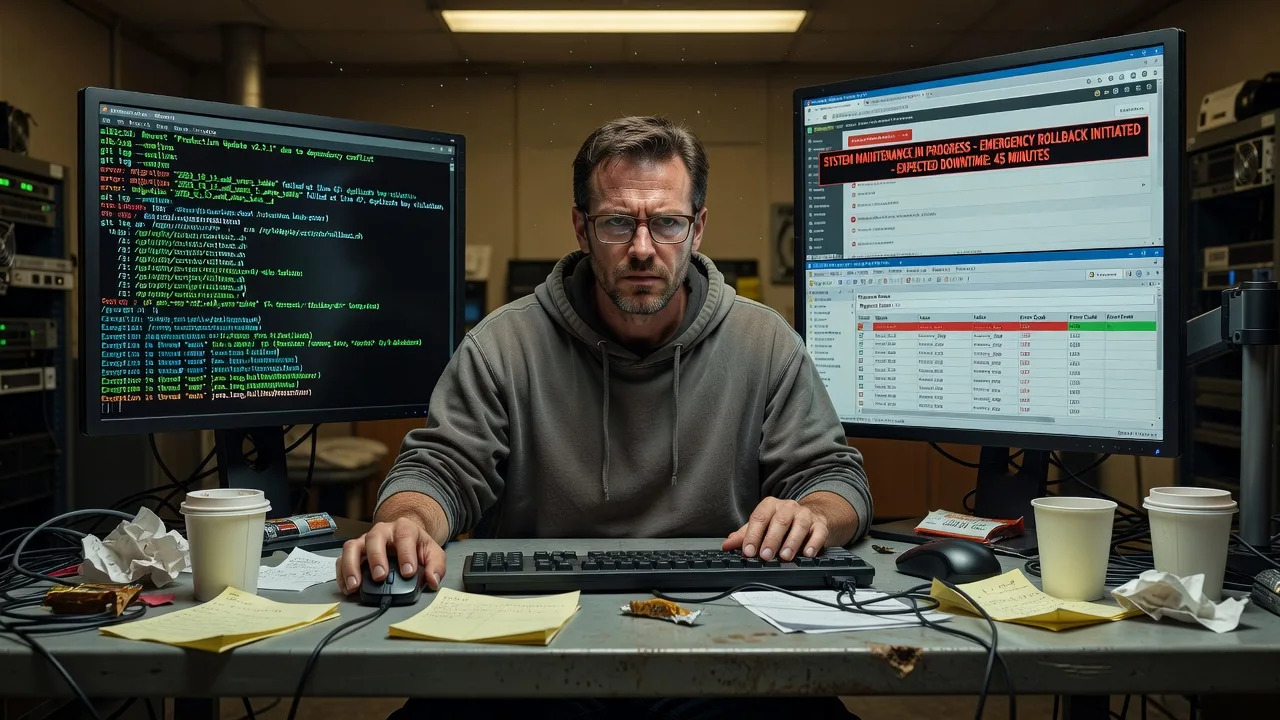
When a core update tanks your live stack, we roll it back, isolate the fault, and get you online again—direct remote disaster recovery for teams who cannot wait on ticket queues.
What You'll Get
- Emergency triage & freeze - We stop further damage, lock write paths if needed, and capture the failing state before anything else changes.
- Targeted rollback - Core, plugin, theme, container image, or dependency restore to the last known-good version with integrity checks.
- Fault root-cause brief - Plain-English report of what broke (API mismatch, PHP/runtime jump, DB migration half-run, cache poison) so it does not repeat.
- Data-safe recovery path - Prefer restore-forward over blind overwrite; protect orders, patient notes, and form submissions.
- Stabilisation patch - Temporary compatibility pins, maintenance mode messaging, and smoke tests on critical flows.
- Hardening handoff - Update staging rule, backup verification, and a short runbook your team can follow next time.
Serving Remote & surrounds
This service exists for organisations that ship updates across time zones and still need a human who can reverse a bad core change at 2 a.m. We specialise in remote-first recovery for WordPress/Woo, Laravel and Node APIs, clinic portals after vendor patches, and multi-tenant SaaS where one faulty release hits every client at once. Delivery is remote worldwide; on-site only where practical for hardware-adjacent stacks.
- E-commerce and membership sites after a weekend core or payment-gateway plugin update fails at peak traffic
- Telehealth and clinic portals where a vendor CMS/security patch breaks booking or SSO
- Distributed teams needing encrypted remote access, clear change windows, and no marketplace middlemen
How We Work
- Step 1: Reach Out - Tell us what changed (core version, plugin list, deploy hash, error text, last good time). We listen first and rank urgency vs data risk.
- Step 2: Tailored Plan - Fixed-scope quote for triage, rollback depth, and testing. No open-ended bidding—clear path and access requirements only.
- Step 3: We Deliver - Secure remote session: snapshots, rollback or surgical reverse-migration, cache flush, and critical-path verification with you on the line if needed.
- Step 4: Confirm & Follow-up - Plain-English handoff, optional monitoring window, and a short prevention checklist for the next update cycle.
Common Issues & How to Fix Them
Use these specialist checks before you force another update—or when the site is already dark.
White screen / HTTP 500 right after a CMS or framework core bump
Often a fatal PHP error from a removed function, stricter type checks, or a plugin that still calls deprecated APIs—common after major WordPress, Drupal, or Laravel upgrades.
- Step 1: Enable temporary error display or tail the PHP/web error log only (do not leave display_errors on in production). Note the exact file and line of the first fatal.
- Step 2: If you have a known-good backup or previous release artifact, restore the core files (not the whole uploads/media tree) and re-run only pending safe migrations. Disable the newest plugin/theme via filesystem rename if the stack boots that way.
- Step 3: Verify the homepage, login, and one write action (add to cart, save draft, or API POST). If fatals are gone and logs stay quiet for five minutes under light load, the rollback held.
Half-applied database migration after a failed core/update job
Symptoms: admin loads but checkout, search, or custom post types throw schema errors; version table says "updated" while columns or indexes are missing. Typical after interrupted WP-CLI, Composer, or CI deploys.
- Step 1: Export a fresh DB dump before any repair. Compare schema (SHOW CREATE TABLE / migration status) against the last good backup—list only tables touched by the failed job.
- Step 2: Prefer restoring the pre-migration DB snapshot and matching application code together. Avoid hand-running reverse SQL unless you know the migration is idempotent; incomplete down-migrations cause worse drift.
- Step 3: Confirm migration version tables match the restored code, run a read-only integrity query on critical tables (order counts, user IDs), then one controlled write test on staging-mirrored data if available.
Object cache or CDN still serving broken assets after you rolled code back
You restored files, but visitors still see old JS/CSS or stale API JSON—Redis/Memcached full-page cache, CDN edge, or opcode cache holding the bad release. Feels like "rollback did nothing."
- Step 1: Hit an origin URL with cache-bypass headers (or a unique query string) and compare HTML/asset hashes to what anonymous users see.
- Step 2: Flush object cache, page cache, and CDN purge for HTML + the versioned asset paths; restart PHP-FPM or clear OPcache if bytecode still pins old classes.
- Step 3: Hard-refresh from a private window on mobile data (not office Wi-Fi). Confirm response headers show a fresh age/miss and critical flows work for a logged-out and logged-in user.
When DIY is not enough (urgent, unsafe, recurring, or burning time), book Fixwebnode for direct professional support—no freelancers, bidding, or marketplace noise.
Why Choose Fixwebnode
We are a direct provider for emergency infrastructure recovery and calm, jargon-free handoffs—not a bid board. You get one accountable specialist path that blends deep Linux/web recovery skill with clear communication for owners, clinic managers, and non-technical stakeholders.
- ✓ Crisis-first remote access playbooks built for production, not classroom demos
- ✓ Data-preserving rollback bias: we refuse reckless overwrites when orders or care records are at stake
- ✓ Post-incident hardening so the next core update is staged, tested, and reversible
Tools & Technologies
SSH and hardened bastion access, WP-CLI and Composer version pins, Git release tags and artifact rollbacks, rsync/snapshots, MySQL/MariaDB and PostgreSQL dump/restore, Redis/Memcached flush patterns, Nginx/Apache config diffs, Docker/Kubernetes prior-image rollback, New Relic/application logs, CDN purge APIs, staging clones, and plain-English runbooks for your team.
Perfect For
SaaS operators, WooCommerce and membership sites, clinic and telehealth portals, education platforms, and small IT teams who just watched a core or dependency update break production. Ideal when you need rapid remote recovery plus a human explanation of what failed—and how to stop the next release from repeating it. Available remotely worldwide; on-site where practical.
Need the stack back now? Call 0421498927 or use fixwebnode.com.au/contact-support for direct emergency support.
Choose a package
Single-site emergency triage and rollback to last known-good core or release with critical-path smoke checks.
Full fault isolation, data-aware restore, cache/CDN purge, and a written root-cause brief with prevention steps.
Multi-service or multi-environment disaster recovery, staging validation, hardening runbook, and extended post-fix watch.
FAQ
Yes. We deliver this service remotely worldwide over secure access (SSH, approved VPN, or your jump host). On-site is only where practical for hardware-adjacent issues. Share the last good version, error logs, and change window and we start triage without marketplace delays.
Typically SSH or host panel, staging if you have it, database credentials or managed-DB restore rights, and CDN/cache control if edges are stale. We use least-privilege accounts, document every change, and prefer snapshots before writes so your data stays protected.
That is the priority. We separate code rollback from content and transactional data, avoid blind full overwrites, and verify order/user integrity after restore. If a migration half-applied, we align code and schema from matched restore points rather than guessing SQL.
Fixwebnode is the direct provider—we perform the recovery ourselves with a fixed scope and clear communication. You are not collecting bids or managing strangers on production. One accountable path from triage through hardening handoff.



