







 Multi-Vendor & Complex SaaS Marketplaces
 Modern Headless & Jamstack Web Development
 High-End Corporate & Specialized Business Websites
 Advanced API, Checkout & Database Troubleshooting
Dokan Pro Amazon-Style Multi-Vendor Marketplace Build — Remote
Launch a full Amazon-style multi-vendor store on WordPress with Dokan Pro—built remotely for specialty retail, wholesale collectives, and brand marketplaces worldwide.
We configure vendor onboarding, commission rules, product catalogues, and checkout so sellers can list and buyers can shop without friction. Ideal when you need one marketplace platform instead of scattered single-shop sites, with clear handoff docs your team can actually use.
Need help scoping or unblocking a live build? Contact Fixwebnode support or chat with us for a direct quote.
- Vendor dashboards, wallets & payouts
- Storefront UX tuned for multi-seller discovery
- Remote delivery with plain-English training
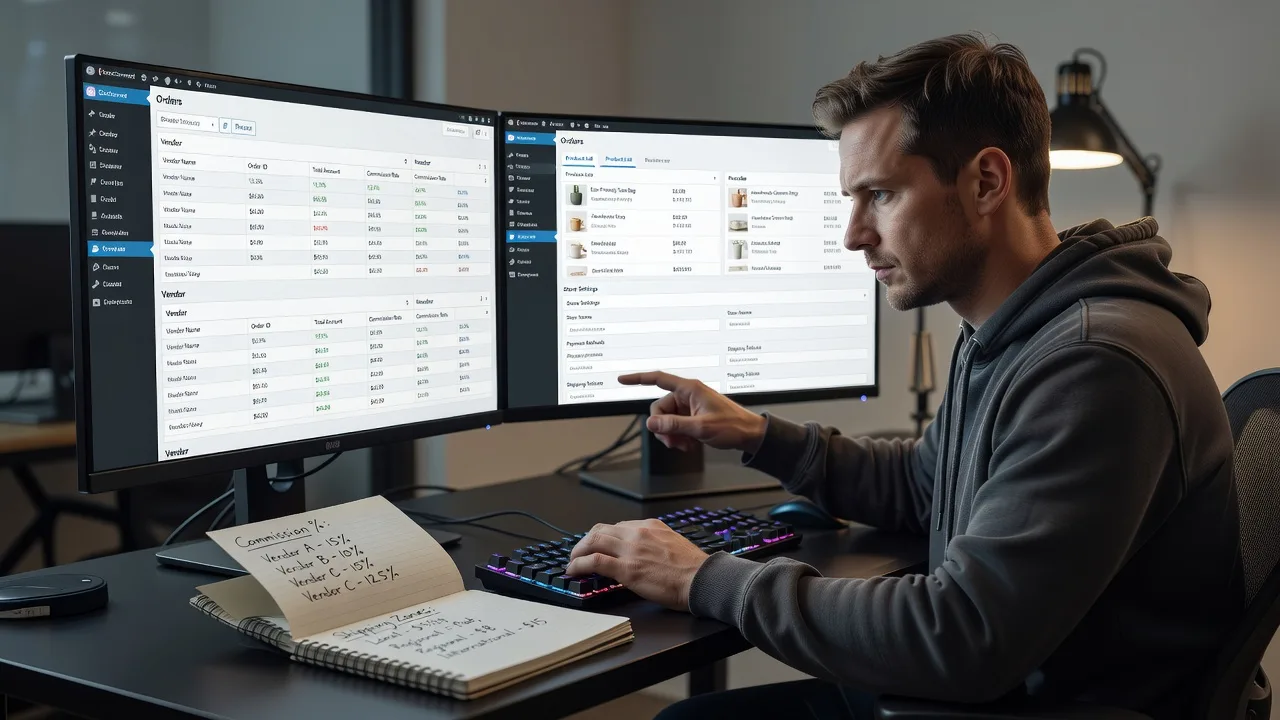
About this service
Get a production-ready Dokan Pro multi-vendor marketplace that works like a focused Amazon-style hub—for independent brands, specialty retail collectives, and B2B wholesale groups—delivered remotely worldwide. We build and harden the platform ourselves so vendors sell cleanly, commissions calculate correctly, and your ops team is not stuck guessing plugin settings.
What You'll Get
- Dokan Pro core marketplace setup - Vendor registration, store pages, product upload flows, and admin controls aligned to your commission model.
- Amazon-style discovery UX - Category architecture, search facets, store listing cards, and product detail patterns that help buyers compare sellers without chaos.
- Commissions, wallets & payouts - Rules for global/per-category fees, withdrawal methods, and vendor earnings visibility that match your commercial policy.
- WooCommerce checkout hardening - Tax, shipping zones, payment gateways, and order routing so multi-seller carts do not break fulfilment.
- Vendor onboarding pack - Short guides and checklist so new sellers can list products without flooding your support inbox.
- Admin handoff & QA - Test orders, role checks, and a written runbook for go-live and first-month operations.
Serving Remote & surrounds
This service is built for remote delivery worldwide: founders, operators, and digital teams running specialty marketplaces across time zones. Demand spikes often follow seasonal retail peaks, wholesale catalogue refreshes, and brand-collective launches when many sellers must go live together. We work async with screen-share sessions when you need live walkthroughs, and on-site only where practical for your region.
- Independent brand collectives needing one storefront instead of ten separate shops
- Regional specialty or farm-to-table style marketplaces with rotating seasonal sellers
- Remote-first teams that want fixed-scope builds, not open-ended marketplace bidding
How We Work
- Step 1: Reach Out - Tell us your seller types, commission goals, payment stack, and whether you already have WordPress/WooCommerce hosting—we listen before we prescribe plugins.
- Step 2: Tailored Plan - You receive a fixed-scope quote (Basic / Standard / Premium) covering Dokan modules, theme fit, integrations, and training path in plain language.
- Step 3: We Deliver - We implement Dokan Pro, vendor flows, catalogue structure, and checkout remotely; optional patient video sessions for non-technical stakeholders.
- Step 4: Confirm & Follow-up - Joint QA on test vendors and orders, handoff docs, and optional maintenance or next-phase modules (subscriptions, reverse withdrawals, reports).
Common Issues & How to Fix Them
These are the multi-vendor failures we see repeatedly on Dokan builds—symptoms first, then safe checks you can run before escalating.
Vendor products invisible on the main shop or category pages
Sellers swear the item is published, but buyers only see admin-created products—usually a product status, vendor capability, or catalogue visibility mismatch after Dokan role mapping.
- Step 1: Log in as the vendor, open Products, and confirm status is Published (not Pending/Draft) and the product is assigned to a public category.
- Step 2: As admin, check Dokan → Settings → Selling and WooCommerce → Products for any "admin approval" or catalogue visibility rules that hide pending vendor items; publish one test SKU deliberately.
- Step 3: View the storefront logged out and search the exact SKU title; if it appears only when logged in as admin, flush permalinks (Settings → Permalinks → Save) and retest in a private browser window.
Commission or vendor earnings show the wrong amount after checkout
Orders complete, but the vendor dashboard wallet does not match the agreed percentage—common when global fees, category overrides, and coupon logic stack in the wrong order.
- Step 1: Place a controlled test order with a known price, no coupon, single vendor cart; note subtotal before tax/shipping.
- Step 2: In Dokan → Settings → Selling, confirm admin commission type (percentage vs fixed) and any category-specific overrides; disable extra fee plugins temporarily for the test.
- Step 3: Open the order and vendor earning line items; earnings should equal product net after the configured admin cut. If still wrong, check tax-inclusive pricing and whether shipping was incorrectly marked as commissionable.
Multi-vendor cart shipping quotes fail or assign the whole cart to one seller
Buyers abandon checkout when shipping is blank, inflated, or fulfilment emails all go to a single vendor—typical when shipping classes and Dokan shipping modes were never aligned per store.
- Step 1: Create two test vendors with different shipping zones/methods and one product each; add both products to cart and open checkout as a guest.
- Step 2: Verify each product has a shipping class and that Dokan vendor shipping (or your chosen table-rate/zone setup) is enabled; remove flat global shipping that overrides per-vendor methods during the test.
- Step 3: Complete a test order and confirm split shipping lines or correct single-method behaviour per your policy, then check each vendor gets only their line items in order emails.
When DIY is not enough (urgent, unsafe, recurring, or burning time), book Fixwebnode for direct professional support—no freelancers, bidding, or marketplace noise.
Why Choose Fixwebnode
We deliver Dokan multi-vendor builds as a direct provider: technical depth on WordPress/WooCommerce infrastructure plus patient, jargon-free walkthroughs for operators who are not full-time developers. You get fixed scopes, real QA against multi-seller edge cases, and documentation your staff can reuse at the next seller intake wave.
- ✓ Hands-on Dokan Pro, WooCommerce, and multi-seller checkout experience—not generic theme installs
- ✓ Dual-track delivery: hardened platform setup plus clear human onboarding for vendors and admin staff
- ✓ Remote-first worldwide process with optional live sessions and practical go-live checklists
Tools & Technologies
WordPress, WooCommerce, Dokan Lite/Pro modules (vendor dashboard, commissions, reverse withdrawal, storefronts), compatible marketplace-ready themes, payment gateways (e.g. Stripe/PayPal as configured on your stack), shipping zone tools, caching/CDN considerations for catalogue performance, staging sites for safe QA, and plain-English SOP docs for your team.
Perfect For
Founders and operators launching specialty multi-vendor marketplaces, brand collectives, or wholesale-style seller hubs who need Amazon-like structure without building a custom marketplace from scratch. Ideal if you want one accountable provider to configure Dokan Pro correctly, train non-technical stakeholders, and leave you with a storefront vendors can actually use. Available remotely worldwide; on-site where practical.
Ready to scope your marketplace? Go to fixwebnode.com.au/contact-support or chat with us to lock a fixed package and start date.
Choose a package
Core Dokan multi-vendor foundation on an existing WordPress/WooCommerce site with essential vendor and commission setup.
Full Amazon-style marketplace configuration including discovery UX, payouts, shipping alignment, and vendor onboarding pack.
End-to-end Dokan Pro marketplace build with advanced modules, staging QA, staff training, and go-live runbook for multi-seller launch.
FAQ
We deliver the full Dokan Pro multi-vendor build remotely worldwide using staging access, secure credentials, and scheduled screen-share sessions. On-site is optional only where practical for your region and is not required for a production-ready launch.
You should provide WordPress/WooCommerce hosting and valid Dokan licenses (Lite or Pro as agreed in scope). We can advise on module choices and server basics, then implement on your staging site so live traffic is not disrupted during build and QA.
Yes. Standard and Premium include vendor-facing setup plus plain-English onboarding materials so sellers can list products and track earnings. We configure roles carefully so vendors cannot access other sellers’ data or critical admin settings.



