







 Multi-Vendor & Complex SaaS Marketplaces
 Modern Headless & Jamstack Web Development
 High-End Corporate & Specialized Business Websites
 Advanced API, Checkout & Database Troubleshooting
CyberPanel + OpenLiteSpeed Setup for WordPress Optimization
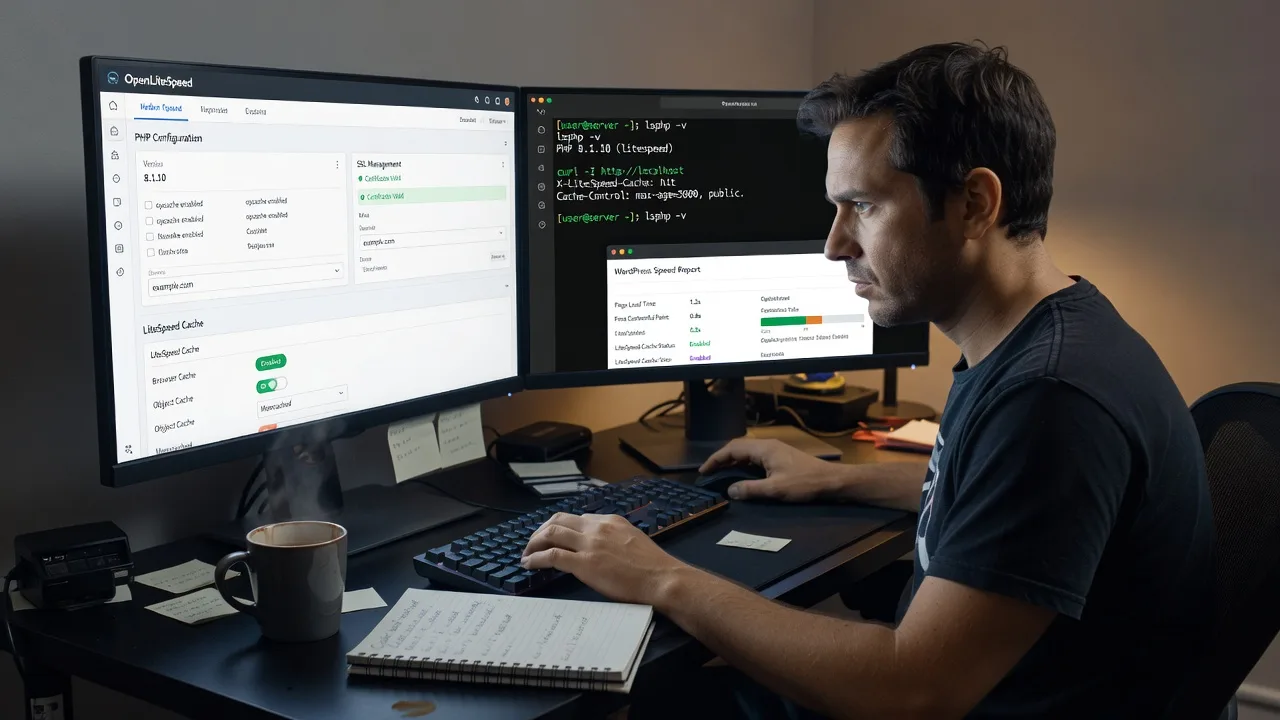
Remote CyberPanel and OpenLiteSpeed setup tuned for WordPress Optimization—faster TTFB, cleaner caching, fewer plugin collisions.
We install and harden the stack on your VPS, wire LSCache correctly, and leave you with measurable page-speed gains for catalogue shops, content hubs, and booking sites that spike after campaigns. Direct provider work—no bidding boards.
Ready to go live cleaner? Chat with us or Book via fixwebnode.com.au/contact-support.
- OLS + CyberPanel on supported Linux VPS
- WordPress LSCache and PHP-FPM tuned
- SSL, backups path, and plain-English handoff
About this service
Get a production-ready CyberPanel stack on OpenLiteSpeed built for WordPress Optimization—lower server wait times, stable PHP workers, and caching that survives real traffic instead of demo-day benchmarks. We deliver the install, harden the defaults, and leave you with a stack you can operate without chasing forum folklore.
What You'll Get
- Clean CyberPanel install - OpenLiteSpeed, MariaDB/MySQL path, and PHP versions matched to your WordPress site rather than leftover defaults.
- WordPress-ready LSCache path - LiteSpeed Cache plugin alignment, purge rules, and exclude lists so carts, checkouts, and membership areas stay dynamic.
- Performance baseline - Before/after checks on TTFB, full-page cache hit behaviour, and PHP-FPM worker headroom under concurrent loads.
- SSL and security hygiene - Let's Encrypt (or your cert), firewall-friendly ports, and admin access tightened beyond out-of-box exposure.
- Backup and restore outline - Snapshot or remote backup path documented so a bad plugin update is recoverable without panic.
- Operator handoff notes - Where to change PHP, how to purge cache safely, and what not to toggle after go-live.
Serving WordPress Optimization & surrounds
Remote delivery means we optimise WordPress estates wherever your VPS lives—shared agency hosts, single-site shops, and multi-site content brands that need OpenLiteSpeed without a marketplace middleman. The genuine need is stack discipline: CyberPanel makes OLS manageable, but default knobs still choke busy WooCommerce peaks, lead-gen landing weeks, and membership renewals.
- Catalogue and checkout sites that stall when flash sales or freight-season traffic multiplies concurrent PHP requests
- Content publishers and course platforms that thrash object/page cache after every editorial publish
- Fully remote access via SSH/panel credentials—no on-site travel required; change windows agreed in your timezone
How We Work
- Step 1: Reach Out - Share VPS OS, current stack (Apache/Nginx/cPanel leftovers), WordPress role (blog, Woo, LMS), and pain points (slow admin, TTFB spikes, 503s). We listen first.
- Step 2: Tailored Plan - Fixed-scope quote: Basic install, Standard with LSCache + SSL hardening, or Premium multi-site/migration and load validation. No hourly fog.
- Step 3: We Deliver - Remote infrastructure work on your server—CyberPanel, OpenLiteSpeed, PHP, cache rules, and WordPress integration with safe rollback points.
- Step 4: Confirm & Follow-up - Plain-English walkthrough, cache purge checklist, optional maintenance window if plugins keep fighting the stack.
Common Issues & How to Fix Them
These are the failure patterns we see repeatedly on CyberPanel + OpenLiteSpeed WordPress builds—symptoms first, then safe checks you can run before escalating.
Issue 1: WordPress admin feels fine but public TTFB stays 800ms+ after OLS install
Usually page cache is off, bypassed by cookies, or PHP is still running a single under-sized worker pool while plugins hammer the DB on every miss.
- Step 1: From an incognito window, load the homepage twice and compare response headers for x-litespeed-cache hit vs miss (or equivalent OLS cache header).
- Step 2: In LiteSpeed Cache, enable cache, set public TTL for anonymous traffic, and exclude cart/my-account/checkout cookies and query strings that force dynamic pages.
- Step 3: Re-test TTFB on a cold vs warm request; a healthy warm hit should drop sharply. If headers never show a hit, the rule set—not the theme—is the problem.
Issue 2: Intermittent 503 / “server is busy” only during peak hours
OpenLiteSpeed PHP process limits or connection queues are too low for the real concurrency of your plugins (page builders + Woo + security scanners are classic).
- Step 1: During a quiet window, note CyberPanel/OLS PHP max connections and process idle timeout for the site’s PHP version; also check error logs for “Max clients” or lsphp related lines.
- Step 2: Raise PHP max concurrency modestly (not 10× overnight), ensure OPcache is on, and disable or reschedule aggressive cron/heartbeat plugins that stampede the same second as traffic.
- Step 3: Load-test with a restrained concurrent tool or staged real traffic; 503s should vanish under the same peak you saw before. If they return at the same concurrency, you need more CPU/RAM—not another cache plugin.
Issue 3: LiteSpeed Cache “works” until a sale, then customers see stale prices or logged-out nav
Over-aggressive full-page cache without proper ESI/cookie variance, or reverse-proxy rules that cache Set-Cookie responses.
- Step 1: Reproduce as a logged-out user after changing a product price; confirm whether the old price remains on category and product URLs.
- Step 2: Add purge-on-product-update rules, exclude cart fragments and account cookies from public cache, and avoid caching responses that set auth cookies.
- Step 3: Update one SKU, purge that URL (or let automatic purge fire), and verify anonymous visitors see the new price within one refresh cycle.
When DIY is not enough (urgent, unsafe, recurring, or burning time), book Fixwebnode for direct professional support—no freelancers, bidding, or marketplace noise.
Why Choose Fixwebnode
We are a direct infrastructure provider: one accountable team for CyberPanel, OpenLiteSpeed, and WordPress Optimization rather than a chain of bids. You get production habits—rollback points, header verification, and cache rules that respect commerce—not a generic “speed plugin” install.
- ✓ Hands-on OLS/CyberPanel experience across VPS providers and WordPress commerce stacks
- ✓ Fixed-scope packages with clear deliverables and remote change windows
- ✓ Empathetic handoff in plain language so your editor or ops person can purge and recover without guesswork
Tools & Technologies
CyberPanel, OpenLiteSpeed (OLS), LiteSpeed Cache for WordPress, LSPHP / PHP-FPM pools, OPcache, MariaDB/MySQL, Redis object cache where appropriate, Let's Encrypt SSL, UFW/firewall basics, WP-CLI, SSH, curl/header inspection, Query Monitor patterns, and restrained load checks for concurrency validation.
Perfect For
Site owners, agencies, and operators who need WordPress Optimization on a modern OLS stack without babysitting Apache leftovers or conflicting cache plugins. Ideal when you run a single high-value store, a content brand with burst traffic, or a small multi-site estate on a VPS and want CyberPanel as the control plane—with remote delivery and a fixed quote.
Power up the next step when you are ready—Chat with us or visit fixwebnode.com.au/contact-support to lock a change window.
Choose a package
CyberPanel + OpenLiteSpeed install on one VPS with PHP and a clean WordPress-ready baseline.
Full WordPress Optimization path: LSCache rules, SSL, performance baseline, and operator handoff.
Migration-aware or multi-site OLS stack with concurrency tuning, object cache option, and extended validation.
FAQ
We deliver this service fully remote. You provide SSH and/or CyberPanel access (and staging if available); we schedule a change window in your timezone, perform the CyberPanel and OpenLiteSpeed work on your VPS, and walk you through verification. On-site travel is not required for stack setup or WordPress Optimization.
Not if cache rules are done correctly. We exclude cart, checkout, account, and authenticated cookies from full-page cache and verify headers so anonymous pages stay fast while dynamic flows remain uncached. Premium scopes add extra validation when you run heavy plugin stacks.
VPS OS details, root or sudo SSH access (or equivalent), current web stack notes, primary domain, WordPress admin access for LSCache configuration, and a preferred maintenance window. If you are migrating from Apache/Nginx/cPanel, tell us early so we plan DNS TTL and cutover safely.
This package centres on CyberPanel as the management layer for OpenLiteSpeed and PHP. If you already run bare OLS or another panel, say so in the brief—we will confirm fit or recommend the closest fixed-scope path rather than forcing the wrong control plane.



