







 Multi-Vendor & Complex SaaS Marketplaces
 Modern Headless & Jamstack Web Development
 High-End Corporate & Specialized Business Websites
 Advanced API, Checkout & Database Troubleshooting
CyberPanel DNS Propagation & Nameserver Fixes | Remote
Get CyberPanel DNS and nameserver issues resolved remotely before mail, SSL, and site traffic stay broken.
We trace glue records, zone serials, resolver cache, and CyberPanel DNS/PowerDNS settings for agencies, SaaS operators, and multi-site hosts after domain moves or NS changes. Clear fixes, not guesswork—available worldwide with remote delivery.
Need hands-on help now? Chat with us or book via fixwebnode.com.au/contact-support.
- Propagation checks across global resolvers
- Nameserver, SOA, and CyberPanel zone alignment
- Fixed-scope packages with plain-English handoff
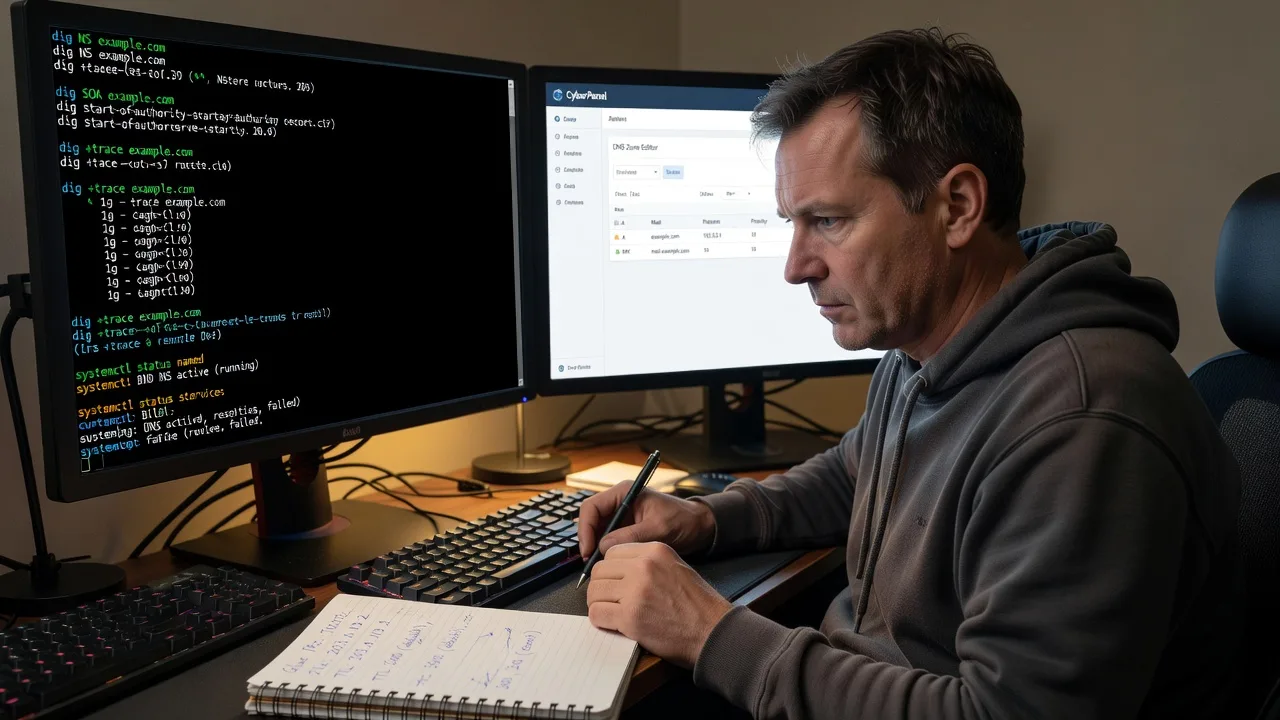
About this service
Restore working DNS after CyberPanel nameserver changes so websites, email, and SSL stop failing across remote and worldwide clients. We diagnose propagation delays, mismatched NS glue, stale SOA serials, and panel DNS conflicts as your direct provider—not a bid board.
What You'll Get
- Full DNS path audit - Registrar NS, glue, CyberPanel/PowerDNS zones, and live resolver answers compared side by side
- Propagation timeline control - TTL strategy, serial bumps, and cache-flush guidance so changes land when you expect
- Nameserver cutover plan - Safe order of operations for domain moves without orphaning mail or subdomains
- CyberPanel DNS health check - Zone files, DNS service status, and panel-side A/AAAA/MX/TXT consistency
- Email & SSL follow-through - Verify MX, SPF/DKIM readiness, and certificate reissue paths after NS settle
- Plain-English report - What broke, what we fixed, and what to watch for the next 24–72 hours
Serving Remote & surrounds
This service is built for operators who run CyberPanel stacks from anywhere—agencies managing client domains, SaaS teams shipping under custom hostnames, and small hosts who cannot afford multi-day DNS blackouts. Work is delivered remotely worldwide; on-site only where practical for local rack or office access.
- WordPress and WooCommerce agencies mid-migration between registrars and CyberPanel VPS nodes
- SaaS and telehealth platforms needing predictable NS cutovers before go-live windows
- Remote-first teams needing after-hours DNS recovery without flying someone to the datacentre
How We Work
- Step 1: Reach Out - Tell us the domain(s), CyberPanel host, registrar, and what fails (site, mail, SSL, only some regions). We listen first and pull dig/whois evidence.
- Step 2: Tailored Plan - Fixed quote for the technical scope: audit-only, single-domain fix, or multi-zone cutover with mail/SSL checks.
- Step 3: We Deliver - Remote session on DNS, CyberPanel, and resolver behaviour; we apply safe changes and document every serial/TTL move.
- Step 4: Confirm & Follow-up - You get verification results from multiple resolvers, a short handoff, and optional watch window for residual cache.
Common Issues & How to Fix Them
These are the failure patterns we see repeatedly on CyberPanel DNS jobs—symptoms first, then safe DIY steps.
Issue 1: Site works on your phone hotspot but fails on office Wi‑Fi after NS change
Often residual resolver cache or split glue: some networks still hit the old nameserver while others already see CyberPanel.
- Step 1: From two networks run dig NS yourdomain.com +trace and dig A yourdomain.com @8.8.8.8 vs @1.1.1.1; note different answers or SERVFAIL.
- Step 2: At the registrar confirm NS hostnames match CyberPanel exactly and that glue A/AAAA for ns1/ns2 point to the live VPS IPs; correct typos and wait for parent TTL.
- Step 3: Re-check with dig +nssearch yourdomain.com until all listed servers return the same SOA serial; flush local OS DNS only after parent and authoritative agree.
Issue 2: CyberPanel shows the zone, but public dig still returns the old A record for hours
Usually the zone never reloaded, SOA serial was not incremented, or PowerDNS/BIND on the box is serving a stale journal while the panel UI looks fine.
- Step 1: SSH in and compare panel A record to authoritative answer: dig A yourdomain.com @SERVER_IP. If the server IP itself is wrong, the public internet cannot heal it.
- Step 2: Bump the SOA serial (YYYYMMDDnn style), save/reload DNS from CyberPanel, and confirm the DNS service is active (systemctl status for pdns or named as installed). Avoid lowering TTL below 300 during active cutovers unless you already planned cache behaviour.
- Step 3: Query again with dig A yourdomain.com @SERVER_IP +norecurse and confirm the new serial via dig SOA yourdomain.com @SERVER_IP; only then test recursive resolvers.
Issue 3: Mail bounces or SSL fails right after pointing nameservers to CyberPanel
NS cutover without MX/TXT parity, or Let's Encrypt still validating against the old edge while half the world sees the new IP.
- Step 1: Inventory pre-cutover MX, SPF, DKIM, and CAA with dig MX, dig TXT, and note mail hostnames before changing NS.
- Step 2: Recreate identical MX/TXT (and needed CNAME/CAA) inside the CyberPanel zone before or at cutover; keep old mail host reachable until both NS sets advertise the same MX.
- Step 3: After NS agree, issue or renew SSL only when dig A from major resolvers matches the vhost IP; test mail with a controlled send and check received-SPF headers.
When DIY is not enough (urgent, unsafe, recurring, or burning time), book Fixwebnode for direct professional support—no freelancers, bidding, or marketplace noise.
Why Choose Fixwebnode
We run CyberPanel DNS incidents as infrastructure work with human clarity: exact commands, measured propagation, and calm explanation for non-DNS stakeholders. You deal with one accountable provider who has cleaned up hundreds of half-migrated zones, not a rotating pool of bidders.
- ✓ Deep CyberPanel / PowerDNS / registrar glue troubleshooting experience
- ✓ Remote worldwide delivery with clear fixed scopes and verification evidence
- ✓ Downtime-aware process that protects mail and SSL during NS moves
Tools & Technologies
CyberPanel, OpenLiteSpeed/LiteSpeed vhosts, PowerDNS or BIND as deployed, dig/delv/whois, DNSViz-style chain reasoning, registrar glue panels, Let's Encrypt/ACME validation paths, SPF/DKIM/DMARC record sets, global public resolvers (Google, Cloudflare, Quad9), Linux systemctl/journalctl for DNS service health, and optional monitoring of SOA serial drift after cutover.
Perfect For
Agencies, multi-site hosts, SaaS founders, clinics on custom domains, and small businesses who just changed nameservers to a CyberPanel VPS and now see intermittent site, mail, or certificate failures. Ideal when you need a specialist to finish the DNS path correctly and explain residual cache windows in plain language. Remote-first; on-site only where practical.
Ready to stabilise DNS? Chat with us or continue at fixwebnode.com.au/contact-support for a scoped remote session.
Choose a package
Single-domain CyberPanel DNS audit with propagation and nameserver mismatch report.
Hands-on remote fix for one primary domain zone including CyberPanel DNS reload and verification.
Full cutover support for multi-zone or high-stakes migrations with mail/SSL follow-through and watch window.
FAQ
Yes—this service is delivered remotely worldwide. We connect via secure remote access to your CyberPanel server and registrar accounts as needed, document every change, and only discuss on-site help where it is practical for your location.
Authoritative fixes can show on the CyberPanel server within minutes, but public recursive caches often need the remaining TTL—commonly 30 minutes to 48 hours depending on prior records. We measure live answers from multiple resolvers and tell you what is fixed versus what is still cache lag.
Yes. We compare pre- and post-cutover MX and related TXT records, restore parity in the CyberPanel zone, and verify that major resolvers agree before you rely on production mail. SSL reissue is sequenced only after A/AAAA answers are consistent.
Typically CyberPanel admin access, SSH or equivalent server access, and registrar login or temporary permission to view/edit nameservers and glue. We work with least privilege where possible and return a clear change log when the session ends.



