







 Multi-Vendor & Complex SaaS Marketplaces
 Modern Headless & Jamstack Web Development
 High-End Corporate & Specialized Business Websites
 Advanced API, Checkout & Database Troubleshooting
Cron Job Setup for Automated Linux Server Maintenance Tasks
Reliable cron automation for Automated Linux Server fleets—maintenance that runs while you sleep.
We design, install, and harden scheduled jobs for package updates, log rotation, backups, and health checks so overnight batch windows stay quiet and predictable. Ideal for remote ops teams managing warehouse APIs, multi-site retail backends, and always-on SaaS hosts.
Need hands-on help? Chat with us or book via fixwebnode.com.au/contact-support—direct Fixwebnode engineers, fixed scope, no marketplace middlemen.
- Idempotent scripts + lock files
- Logging, alerts, and dry-run validation
- Remote delivery with plain-English handoff
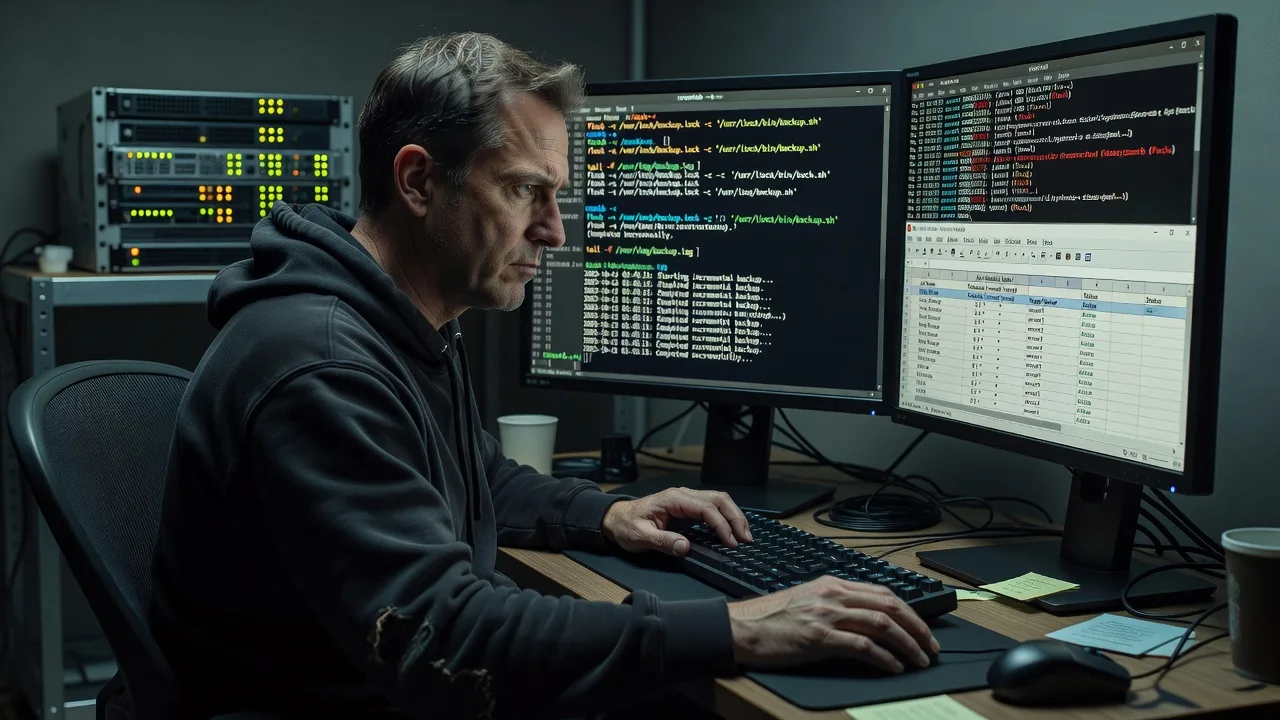
About this service
Stop guessing whether overnight maintenance actually ran. We set up production-grade cron jobs for Automated Linux Server environments so backups, updates, cleanups, and health probes fire on schedule with logging you can trust.
What You'll Get
- Cron inventory & schedule design - Mapped jobs with priorities, windows, and conflict checks so heavy tasks never pile up at:00.
- Hardened job scripts - Shell or Python wrappers with set -euo pipefail patterns, PATH fixes, and flock-based locks.
- Logging & alerting - Per-job logs, exit-code capture, optional mail/webhook on failure—no more silent misses.
- Systemd timer option - Where cron is brittle, we migrate critical tasks to timers with RandomisedDelaySec and Persistent=true.
- Runbook handoff - Plain-English notes: how to pause a job, force a run, and read last-exit status.
- Safety dry-runs - First execution under observation so disk, I/O, and lock behaviour is proven before you leave it unattended.
Serving Automated Linux Server & surrounds
We deliver remote cron and maintenance automation for Automated Linux Server estates—from single VPS hosts to small multi-node fleets backing CBD SaaS, industrial warehouse APIs, and after-hours retail sync. Work is remote-first with secure access; when a physical touch is needed for console recovery we coordinate clearly up front.
- Warehouse and freight backends that must finish stock and EDI jobs before the morning pick wave
- Multi-tenant web stacks where logrotate, cert renewals, and DB dumps share tight night windows
- Remote-only access with bastion/SSH keys, change windows agreed in writing, and rollback notes if a job misbehaves
How We Work
- Step 1: Reach Out - Tell us which hosts, OS versions, and maintenance goals (backups, updates, cleanups, monitoring hooks). We listen first and flag risk windows.
- Step 2: Tailored Plan - Fixed-scope quote: job list, schedule matrix, logging standard, and whether classic cron or systemd timers fit better.
- Step 3: We Deliver - Remote install of scripts, crontab/timers, locks, and log paths; controlled first runs with live verification.
- Step 4: Confirm & Follow-up - You get a short runbook, sample log lines, and optional follow-up after the first full overnight cycle.
Common Issues & How to Fix Them
These are failure modes we see constantly on Automated Linux Server hosts—symptoms first, then safe checks you can try before escalating.
Cron “runs” but the script does nothing useful (empty PATH / missing env)
Jobs exit 0 yet backups are empty or commands “not found” because cron’s minimal environment differs from your interactive shell.
- Step 1: Add a diagnostic line at the top of the job: env > /tmp/cron-env.$$.txt 2>&1 and compare PATH, HOME, and SHELL to your login session.
- Step 2: Set absolute paths for every binary, export PATH explicitly, and source only the vars you need (never blindly source full.bashrc in production jobs).
- Step 3: Re-run via run-parts or a one-shot sudo -u user /path/to/script under the same env block; confirm the artefact (dump file, rotate stamp) appears with expected size/mtime.
Overlapping runs thrash disk or corrupt partial backups
A slow dump still running when the next hour fires causes two mysqldump/rsync processes, spiked load average, and inconsistent snapshots.
- Step 1: Check for concurrent PIDs: pgrep -af backup|mysqldump|rsync and review load with uptime and iostat -xz 1 5 during the window.
- Step 2: Wrap the critical section with flock -n /var/lock/jobname.lock -c '…' (or systemd’s lock logic) and decide fail-fast vs queue behaviour.
- Step 3: Force two overlapping starts in a test window; only one should proceed, and logs should show a clear “lock held, skipping” line on the loser.
Silent failures—no mail, no log, no idea until customers complain
Default cron mail is disabled, scripts redirect everything to /dev/null, and exit codes never reach an alert channel.
- Step 1: Inspect crontab for bare redirects and missing MAILTO; check /var/log/syslog or journalctl -u cron for CRON entries around the schedule.
- Step 2: Log to a dated file with tee, capture STATUS=$?, and on non-zero send a webhook/email; keep at least 14 days of job logs rotated by size.
- Step 3: Intentionally fail a dry-run (bad path) and confirm you receive the alert and see the non-zero line in the log before trusting production nights.
When DIY is not enough (urgent, unsafe, recurring, or burning time), book Fixwebnode for direct professional support—no freelancers, bidding, or marketplace noise.
Why Choose Fixwebnode
We are a direct Linux and remote-IT provider, not a bid board. Cron work is treated as production change control: locks, observability, and rollback notes come standard because we have cleaned up too many “set and forget” crontabs that quietly stopped after a PATH or permission change.
- ✓ Hands-on Linux admin experience with real failure modes (PATH, locks, DST, disk-full mid-job)
- ✓ Fixed quotes for Automated Linux Server scopes—clear deliverables, no proposal theatre
- ✓ Remote delivery with plain-English runbooks your on-call staff can actually use at 2am
Tools & Technologies
Vixie/cronie crontab, systemd timers & journalctl, flock/lockfile, bash/POSIX shell, Python job wrappers, logrotate, rsync/borg/restic hooks, apt/yum/dnf unattended patterns, healthcheck webhooks, SSH/bastion access, Prometheus node_exporter textfile collectors for last-success metrics.
Perfect For
Ops leads, agencies, and small SaaS teams running Automated Linux Server hosts who need overnight maintenance without babysitting. Especially useful when freight cut-offs, retail POS sync, or clinic booking databases cannot tolerate a missed dump or a runaway overlapping job. We keep the tone technical and the handoff human—so your team knows exactly what fires, when, and how to pause it.
Ready to stabilise the night window? Chat with us or start at fixwebnode.com.au/contact-support.
Choose a package
Single-host cron audit plus up to three hardened maintenance jobs with logging.
Multi-job maintenance pack with locks, alerts, and a verified overnight dry-run cycle.
Fleet-ready automation: multi-host schedules, metrics hooks, and follow-up after production nights.
FAQ
Almost all cron and maintenance automation is delivered remotely over SSH or your bastion. We only discuss on-site if console access or hardware intervention is genuinely required; for standard Automated Linux Server fleets, remote change windows are enough.
No. We install scripts, validate under a controlled run, then enable the schedule. Critical jobs get flock locks and logging before we trust an unattended night cycle.
Yes. We inventory existing entries, identify duplicates and silent failures, then migrate job-by-job with overlap protection so dumps and syncs keep their artefacts while schedules become predictable.
SSH with least-privilege sudo for the service account that owns the jobs, plus read access to current crontabs and log paths. We document every change and leave you able to pause or force any job without us.



