







 Multi-Vendor & Complex SaaS Marketplaces
 Modern Headless & Jamstack Web Development
 High-End Corporate & Specialized Business Websites
 Advanced API, Checkout & Database Troubleshooting
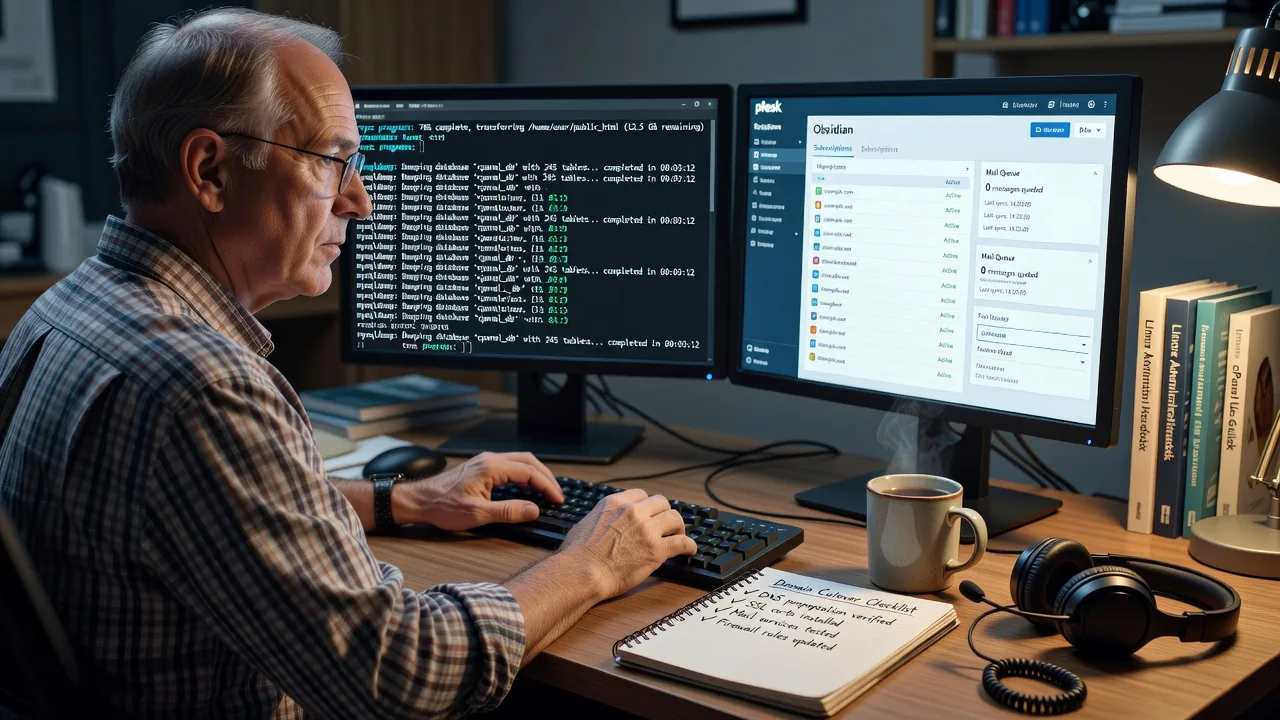
cPanel to Plesk Obsidian Hosting Account Migration | Remote
Move live cPanel accounts onto Plesk Obsidian with controlled cutover—available remotely worldwide.
We migrate domains, mailboxes, databases, SSL, cron, and DNS settings as a direct Fixwebnode server job—not a bid board. Built for agencies and MSPs consolidating multi-tenant cPanel farms onto AlmaLinux/RHEL-aligned Plesk stacks with measurable downtime windows.
Need a scoped plan or an urgent cutover window? Contact support or chat with us for a fixed remote quote.
- Account-level and bulk reseller migrations
- Mail, MySQL/MariaDB, and certificate continuity
- Post-move validation and rollback notes
About this service
Get production cPanel hosting accounts onto Plesk Obsidian without silent mail loss, broken PHP apps, or weekend-long outages—delivered remotely worldwide for agencies, MSPs, and multi-site operators consolidating control-panel estates.
What You'll Get
- Pre-migration inventory & risk map - Domain list, PHP handlers, mail quotas, cron inventory, SSL sources, and DNS TTL plan before any data moves
- Controlled data transfer - Files, MySQL/MariaDB dumps, mailbox stores, and selected configs synced with checksum verification where practical
- Plesk Obsidian provisioning - Subscriptions, document roots, PHP-FPM pools, mail domains, and database users created to match production roles
- Application rewiring - wp-config,.env, connection strings, rewrite rules, and path fixes so apps boot on the new stack
- Cutover window management - Final rsync/delta sync, DNS/MX flip guidance, and smoke tests on HTTP, HTTPS, SMTP/IMAP, and cron
- Handoff pack - Credentials map, known deltas, rollback outline, and optional 7-day post-move check-in
Serving Remote & surrounds
This is a remote infrastructure service for teams anywhere who still run cPanel accounts but need Plesk Obsidian for licensing, security baselines, or multi-server orchestration. Typical demand spikes after hosting renewals, panel EOL pressure, or when MSPs fold several small cPanel boxes into one hardened Plesk node. Work is done over secure remote access; on-site pairing is available only where practical for rack-side handoff.
- Digital agencies parking 10–80 client sites on one Obsidian node after leaving shared cPanel resellers
- Regional MSPs standardising clinics, trades, and education portals onto RHEL-family hosts with Plesk automation
- SaaS and staging operators needing remote cutovers outside business hours with clear rollback notes
How We Work
- Step 1: Reach Out - Share source cPanel access type, destination Plesk Obsidian version, account count, mail volume, and hard downtime limit—we listen first and flag blockers early
- Step 2: Tailored Plan - Fixed-scope quote: single-account, multi-subscription, or bulk reseller-style move with explicit inclusions and cutover timebox
- Step 3: We Deliver - Inventory, transfer, panel build, app rewire, certificate install, and live validation over secure remote sessions
- Step 4: Confirm & Follow-up - Plain-English handoff, optional monitoring window, and next-step hardening if you want ongoing panel care
Common Issues & How to Fix Them
These are the failure modes we still see after hundreds of panel moves—symptoms first, safe checks second.
Issue 1: Site returns 500 / blank page after DNS flip (PHP handler or open_basedir mismatch)
cPanel EasyApache PHP often used different handlers, paths, and disabled functions than Plesk PHP-FPM; WordPress and Laravel boot then die on missing extensions or wrong document-root ownership.
- Step 1: On Plesk, open the domain’s PHP settings and note version + handler. From SSH run plesk bin domain --info example.com and php -v under the subscription’s PHP binary path; compare to source cPanel MultiPHP version.
- Step 2: Align version (e.g. 8.1/8.2), enable required modules (mysqli, gd, intl, zip, opcache), set run-as-user correctly, and fix ownership with chown -R user:psacln on httpdocs only after confirming the system user. Recreate.user.ini / php.ini overrides that lived under cPanel’s home.
- Step 3: Hit a phpinfo probe and the app health URL; check /var/www/vhosts/system/example.com/logs/error_log for open_basedir or permission denials. Success = HTTP 200 and no new fatals after two hard refreshes.
Issue 2: Mail clients connect but folders look empty or new mail stalls (Maildir path / MDBox mismatch)
cPanel defaults to Maildir under ~/mail while Plesk layout and sieve/spam rules differ; a file copy without recreating mailnames leaves Dovecot pointing at empty trees and MX still half-on the old host.
- Step 1: On source, confirm layout (doveadm mailbox list -u user@domain or inspect ~/mail). On Plesk list mailnames and disk usage under /var/qmail/mailnames/ (or current Plesk mail root for your build).
- Step 2: Recreate mailboxes in Plesk first, then rsync Maildir with archive flags preserving mtime; fix permissions to popuser/mail group as Plesk expects. Re-apply spam/sieve rules; lower DNS TTL before MX cutover and keep source SMTP briefly in dual-delivery if volume is high.
- Step 3: Send external test messages, confirm IMAP UIDVALIDITY and folder counts match a pre-move snapshot, and watch queue with postqueue -p / Plesk mail queue UI. Success = inbound + outbound within minutes and clients see historical mail without re-download storms.
Issue 3: App DB errors after import (user grants, collation, or socket vs TCP host)
mysqldump restores data but cPanel’s scoped MySQL users and localhost socket habits do not map 1:1; apps still point at old hostnames or utf8 vs utf8mb4 collations break joins.
- Step 1: Compare row counts and table checksums: mysqldump --single-transaction on source, import on target, then SELECT COUNT(*) on critical tables. Note whether the app used localhost socket or 127.0.0.1.
- Step 2: Recreate DB users in Plesk with matching password hashes only if policy allows—or set known passwords and update wp-config/.env. Grant only needed privileges on the target schema; force utf8mb4 where the app expects it; switch DB_HOST to localhost or the Plesk local socket path consistently.
- Step 3: Run app installer health checks or wp db check / framework migrate status; tail MariaDB error log during login and checkout flows. Success = authenticated sessions and writes without “Access denied” or collation exceptions.
When DIY is not enough (urgent, unsafe, recurring, or burning time), book Fixwebnode for direct professional support—no freelancers, bidding, or marketplace noise.
Why Choose Fixwebnode
We run the migration ourselves as Tier-1 infrastructure work: panel commands, transfer tooling, and cutover discipline—not a middle layer of bids. You get a specialist who has cleaned up half-finished Plesk imports, broken MX flips, and PHP pool mismatches enough times to plan the boring parts that actually prevent downtime.
- ✓ Direct provider model with fixed scopes for account and bulk moves
- ✓ Hands-on Plesk Obsidian, cPanel, DNS, mail, and LAMP/LEMP troubleshooting
- ✓ Remote-first delivery worldwide with plain-English handoff and optional follow-up window
Tools & Technologies
Plesk Obsidian CLI (plesk bin domain, extension, subscription tools), cPanel/WHM UAPI & backups, rsync/sftp, mysqldump/mariadb-dump, Dovecot/Postfix queue tools, Let’s Encrypt and commercial cert import, Apache/nginx vhost inspection, PHP-FPM pool tuning, DNS TTL/MX planning, checksum and smoke-test scripts, secure remote access (SSH/VPN).
Perfect For
Hosting resellers, digital agencies, and MSPs retiring cPanel nodes or escaping shared-reseller lock-in who need production accounts on Plesk Obsidian with mail and databases intact. Also fits internal IT teams consolidating several small Linux hosts onto one managed Obsidian server without putting cutover risk on junior staff. Remote worldwide; we schedule around your maintenance window.
Ready to lock a migration window? Go to fixwebnode.com.au/contact-support or chat with us for a scoped remote plan.
Choose a package
Single cPanel account to Plesk Obsidian with files, one database, SSL reissue guidance, and basic smoke tests.
Up to 5 accounts or one complex multi-DB site including mailboxes, crons, PHP alignment, and extended validation.
Bulk or reseller-style move (up to 20 accounts) with staged sync, dual-mail planning, rollback notes, and 7-day hypercare.
FAQ
Migrations are delivered remotely worldwide over SSH/VPN and panel access. On-site is only where practical for rack or network handoff; most cPanel-to-Plesk jobs complete fully remote with a booked maintenance window.
With lowered DNS TTLs and a final delta sync, many single sites sit in a 15–60 minute cutover for web. Mail-heavy accounts may need a longer dual-delivery or MX hold. We set the window after inventory so you are not guessing from a generic SLA.
Yes—Standard and Premium include mailbox recreation and mail data transfer with validation; Basic focuses on site/files/DB with SSL reissue guidance. We import or reissue certificates on Plesk and verify HTTPS before calling the job done.
Read/admin access on the source (cPanel or WHM as appropriate), admin access on Plesk Obsidian, and DNS control for TTL/MX/A record changes. We work as your direct technicians—no freelancers or bid steps in the middle.



