







 Multi-Vendor & Complex SaaS Marketplaces
 Modern Headless & Jamstack Web Development
 High-End Corporate & Specialized Business Websites
 Advanced API, Checkout & Database Troubleshooting
Configure RunCloud or Ploi for Automated PHP Server Management
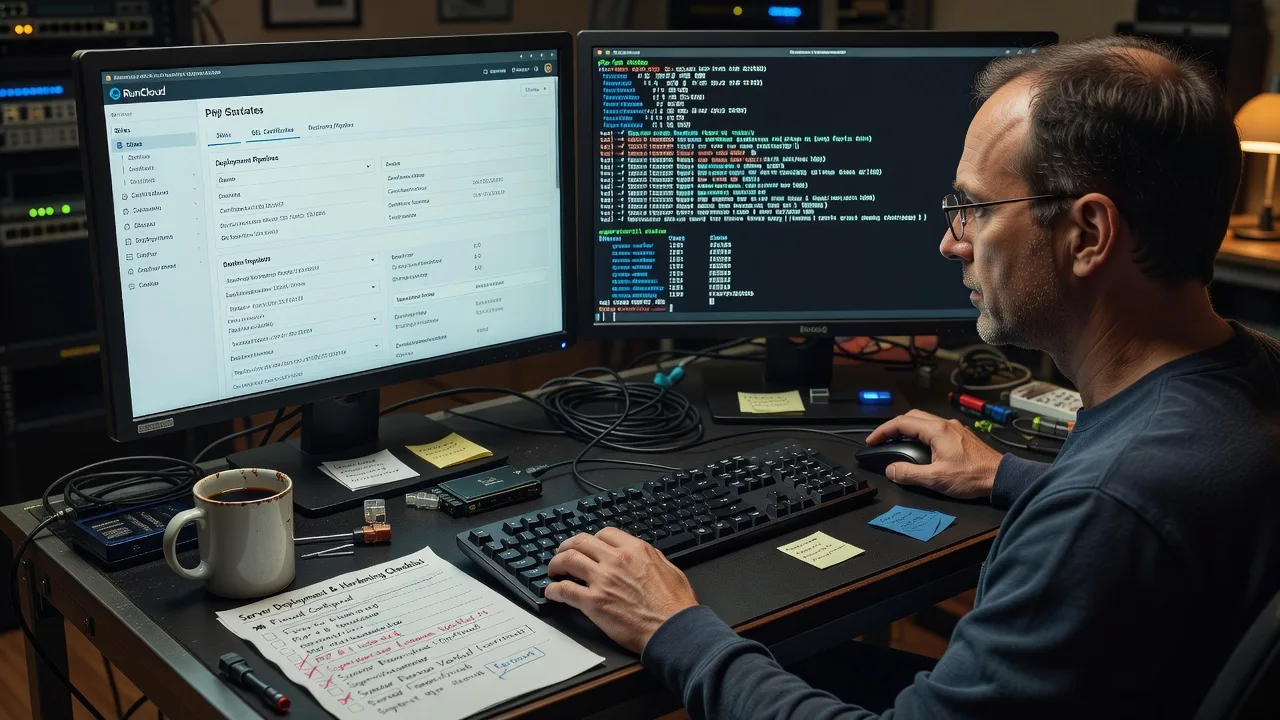
Remote RunCloud and Ploi setup for Automated PHP Server stacks that stay patched, SSL-ready, and deploy-safe.
We wire panels, PHP-FPM pools, workers, and backups for agencies, SaaS teams, and multi-site retailers who cannot afford 502 spikes after a Friday release. Direct specialist delivery—fixed scope, plain-English handoff.
Power up support when you are ready: fixwebnode.com.au/contact-support or chat with us for a clear next step.
About this service
We configure RunCloud or Ploi so your Automated PHP Server fleet deploys cleanly, renews SSL on schedule, and survives traffic spikes without midnight SSH panic. Ideal for agencies, SaaS founders, and ops-lean teams who want panel automation done once—correctly—by the same specialist who will still answer when something breaks.
What You'll Get
- Panel connect & hardening baseline - RunCloud or Ploi linked to your VPS/cloud host with SSH keys, firewall rules, fail2ban posture, and least-privilege sudo paths.
- PHP stack tuned for real traffic - PHP-FPM pools, OPcache, Nginx/OpenLiteSpeed vhosts, and version pins matched to your Laravel, WordPress, or custom app.
- Deploy automation that does not surprise you - Git webhooks, zero-downtime release paths where the stack allows, shared storage for uploads, and rollback notes you can actually follow.
- Workers, queues & cron that stay alive - Supervisor/systemd unit checks, queue restart policy, and schedule entries that survive panel reboots.
- SSL, backups & health signals - Let's Encrypt or custom cert flow, off-box backup targets, and basic uptime/disk alerts so you hear about issues before customers do.
- Plain-English runbook - Where to click, which log path matters, and when to call us instead of guessing.
Serving Automated PHP Server & surrounds
This page exists for teams running Automated PHP Server workloads remotely—multi-site agencies juggling client releases, SaaS products with bursty API traffic, and retail backends that spike when freight or campaign calendars hit. We work Australia-wide over secure remote access; on-site rack work is rare and only when you explicitly need hands on metal.
- Agency shops shipping several Laravel or WordPress sites per week who need consistent RunCloud/Ploi blueprints across client VPSs
- CBD and industrial SaaS teams whose inventory or booking APIs cannot drop during peak order windows
- Fully remote engagement: SSH, panel access, and staged change windows that fit your release calendar—no travel required for standard panel builds
How We Work
- Step 1: Reach Out - Tell us host provider, panel preference (RunCloud or Ploi), PHP apps, and pain points (502s, failed deploys, dead queues). We listen before we touch anything.
- Step 2: Tailored Plan - Fixed-scope quote for the number of servers, environments, and automation depth—no hourly fog and no marketplace bidding.
- Step 3: We Deliver - We connect the panel, harden access, tune PHP/web server, wire deploys/workers/SSL/backups, and verify with real requests and log checks.
- Step 4: Confirm & Follow-up - Handoff doc, optional maintenance window, and a clear path if you later add staging, multi-region, or another app stack.
Common Issues & How to Fix Them
These are the failure modes we see repeatedly on RunCloud and Ploi PHP fleets—symptoms first, then safe checks you can run before escalating.
502 Bad Gateway right after a Git deploy on RunCloud/Ploi
Usually PHP-FPM did not reload cleanly, the new release path is wrong, or OPcache is still serving stale bytecode while Nginx points at a half-switched release.
- Step 1: In the panel, open the site's PHP version and FPM status; note whether the pool is running and check the latest error log timestamp against your deploy time.
- Step 2: Confirm the web root / release symlink matches the commit you intended; if you use shared storage, verify uploads and.env still resolve outside the release folder.
- Step 3: Gracefully reload PHP-FPM (panel reload or sudo systemctl reload php*-fpm on the box), hit a known healthy endpoint, and watch access + FPM slowlog for residual 502s.
Queue jobs stall after server reboot or panel rebuild
Supervisor/systemd units were never re-enabled, the worker user lacks permission on storage/logs, or the queue connection string still points at old Redis/database credentials after a migrate.
- Step 1: Run sudo supervisorctl status (or check the equivalent systemd units) and note FATAL/STOPPED workers tied to your app.
- Step 2: Fix ownership on storage and bootstrap/cache, confirm queue driver credentials, then start workers with a restart policy that survives reboot.
- Step 3: Push a test job, confirm it completes, and verify the unit shows RUNNING after a controlled restart of the process manager.
Let's Encrypt renewal fails on custom or multi-domain vhosts
HTTP-01 challenges break when a reverse proxy, forced HTTPS redirect, or wrong document root blocks /.well-known/acme-challenge, or when the panel still holds an expired custom cert path.
- Step 1: From outside the server, curl the challenge path over plain HTTP and confirm you get a 200 from the live vhost—not a 301 loop or 404 from the wrong root.
- Step 2: Align the panel's domain list with DNS A/AAAA records, temporarily allow HTTP challenge traffic, and re-run issuance from RunCloud or Ploi.
- Step 3: Confirm certificate not-after date, test HTTPS with HSTS in mind, and set a calendar/alert for renewal failures instead of waiting for browser warnings.
When DIY is not enough (urgent, unsafe, recurring, or burning time), book Fixwebnode for direct professional support—no freelancers, bidding, or marketplace noise.
Why Choose Fixwebnode
We are a direct infrastructure provider: one technical team configures your Automated PHP Server panels, documents the edges, and stays accountable. You get specialist depth on RunCloud and Ploi without translating requirements through a bid thread.
- ✓ Hands-on experience with PHP-FPM pool tuning, deploy race conditions, and worker resurrection after panel rebuilds
- ✓ Fixed quotes for defined server counts and environments—scope is clear before we open SSH
- ✓ Remote-first delivery with change windows that respect production traffic, not generic business-hours scripts
Tools & Technologies
RunCloud, Ploi, Nginx, OpenLiteSpeed, Apache where required, PHP-FPM 8.x, OPcache, Redis, MySQL/MariaDB/PostgreSQL, Supervisor, systemd, Git deploy hooks, Let's Encrypt / custom TLS, UFW/firewalld, fail2ban, rsync/S3-compatible backups, Laravel & WordPress stacks, basic Prometheus/Uptime or panel-native health checks.
Perfect For
Agencies standardising client VPSs on one panel, product teams moving off manual SSH spaghetti, and small technical leads who need Automated PHP Server automation without hiring an in-house SRE. If you want a panel that deploys, renews, and restarts workers the same way every time—and a human who has already fixed the ugly edge cases—this engagement is built for you.
Next step: outline your hosts and apps via fixwebnode contact support or chat with us—we will reply with a fixed-scope plan.
Choose a package
Single-server RunCloud or Ploi connect with baseline hardening, one PHP site, SSL, and a concise handoff checklist.
Full automation pass on one production server: deploys, workers/cron, tuned PHP, backups path, and runbook.
Multi-environment or multi-server RunCloud/Ploi blueprint with hardening depth, staging parity, and priority follow-up window.
FAQ
Standard RunCloud and Ploi configuration is fully remote over SSH and panel access. We schedule change windows around your traffic, document every material change, and only discuss on-site work if you have physical datacentre constraints that remote access cannot cover.
Both are strong; the better fit depends on team workflow, server count, and how you ship code. We assess your apps, Git flow, and ops comfort, then recommend one panel and implement it—we do not force a brand if your stack already leans the other way.
No. We agree a maintenance window, snapshot or backup checkpoint where available, and a simple rollback note before risky cutovers. Deploys and PHP reloads are verified with real requests and log checks before we call the job done.
Typically cloud/VPS console or SSH with a dedicated key, panel owner or team access, DNS control for SSL domains, and a short list of apps plus any known pain (502s, stuck queues, failed renewals). We use least-privilege accounts and can rotate keys after handoff.



