







 Multi-Vendor & Complex SaaS Marketplaces
 Modern Headless & Jamstack Web Development
 High-End Corporate & Specialized Business Websites
 Advanced API, Checkout & Database Troubleshooting
Configure Redis & Memcached Object Caching on Linux VPS Remote
Slash query load and harden TTFB with Redis or Memcached object caching on your remote Linux VPS.
We install, size, and wire the cache layer for WordPress, WooCommerce, Magento, Laravel, and custom PHP stacks so peak-sale traffic and multi-tenant SaaS pilots stop thrashing MySQL. Work is delivered by us directly—no bidding chains.
Ready to go live faster? Contact support at fixwebnode.com.au or chat with us for a fixed-scope plan.
- Daemon install & safe memory limits
- App drop-in / client library verified
- Available remotely worldwide
About this service
Get production-grade Redis or Memcached object caching on your Linux VPS so catalogue pages, carts, and API responses stop hammering the database under real traffic. We configure the service end-to-end for remote teams running WooCommerce flash sales, multi-site agencies, and bootstrapped SaaS on DigitalOcean, Linode, Vultr, Hetzner, and similar VPS fleets.
What You'll Get
- Cache engine install - Redis and/or Memcached packages matched to your distro (Ubuntu/Debian/Alma/Rocky) with systemd units that survive reboots
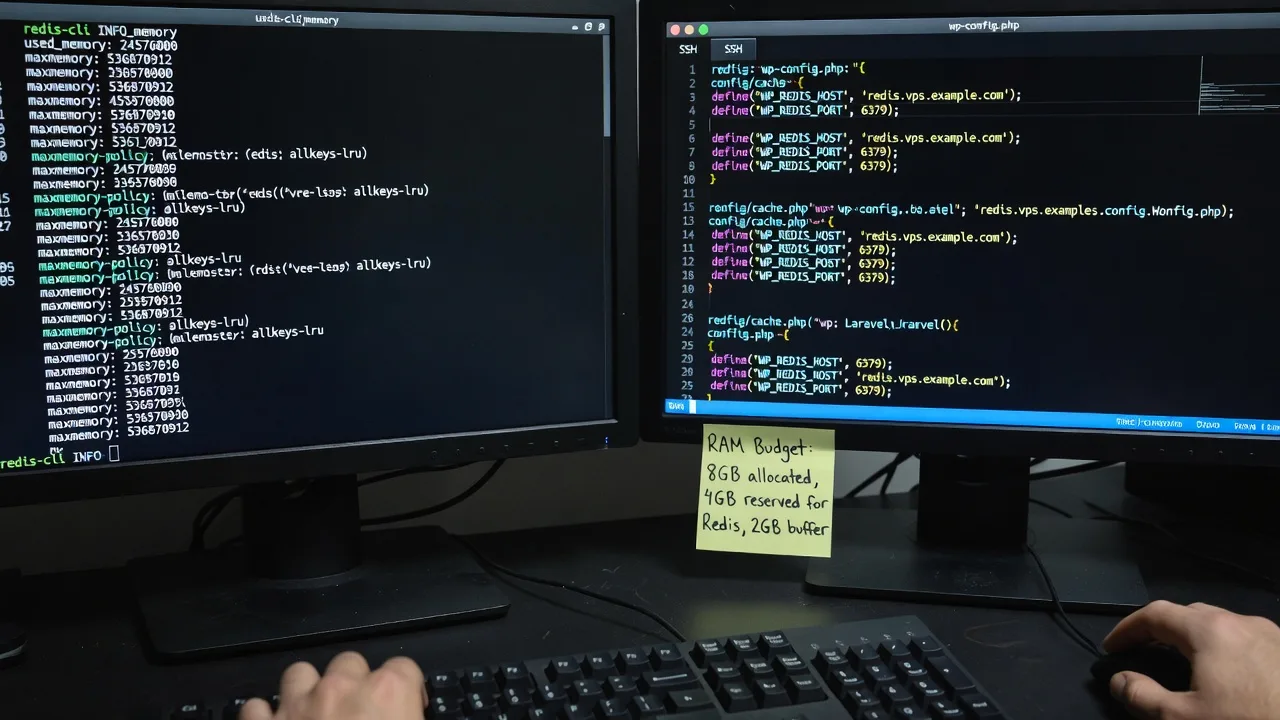
- Memory & eviction policy - maxmemory / -m sizing against free RAM so the OOM killer never takes down PHP-FPM during a campaign spike
- Application wiring - WordPress object-cache drop-in, WooCommerce session handling, Magento cache backends, Laravel/Predis or phpredis, or custom PHP clients
- Security baseline - bind to localhost or private VPC only, requirepass/ACL where needed, firewall rules, and no accidental public exposure on 6379/11211
- Validation pack - redis-cli / memcached-tool checks, hit-rate sampling, and a plain-English notes file for your team
- Optional persistence choice - RDB/AOF guidance for Redis when you need warm cache after restart without treating it as a database of record
Serving Remote & surrounds
This engagement is built for worldwide remote delivery: founders and ops leads who ship on shared or single-node VPS and need caching that holds during seasonal demand—BFCM, enrolment windows, product launches—without overnight war-rooms. We work across time zones with SSH access you control and change windows you approve.
- E-commerce and DTC brands on single VPS that melt under sale-day MySQL load
- Agencies hosting multiple client WordPress stacks who need isolated cache prefixes and safe memory caps
- Fully remote: we connect over SSH/VPN; on-site only where practical and pre-agreed
How We Work
- Step 1: Reach Out - Tell us your OS image, RAM, stack (WP, Magento, Laravel, custom), and whether you already have Redis/Memcached packages or a managed panel (cPanel, Plesk, RunCloud, CloudPanel)
- Step 2: Tailored Plan - Fixed quote for Basic/Standard/Premium scope: which engine, memory budget, app integration, and maintenance notes—no open-ended hourly surprises
- Step 3: We Deliver - We install and tune on your VPS, wire the application, confirm hit rates, and lock down network exposure
- Step 4: Confirm & Follow-up - Handoff with commands to monitor, what "good" hit rate looks like for your workload, and optional ongoing check-ins
Common Issues & How to Fix Them
These are patterns we see constantly on under-tuned VPS object-cache installs—not generic textbook tips.
Redis keeps growing until the kernel OOM-kills PHP-FPM or MySQL
Usually maxmemory is unset (or set to "all free RAM") and the default noeviction policy means writes fail hard once the arena is full—then the OOM killer picks a large innocent process.
- Step 1: Run free -h and redis-cli INFO memory; note used_memory_rss vs total RAM and whether maxmemory is 0
- Step 2: Set maxmemory to roughly 25–40% of RAM on a mixed LAMP/LEMP box (leave headroom for MySQL buffer pool and PHP-FPM), and pick allkeys-lru or volatile-lru for object-cache workloads—not noeviction
- Step 3: Restart Redis, generate cache traffic, confirm used_memory stays under the cap and evicted_keys increments instead of write errors or process deaths
WordPress object-cache drop-in is present but hit rate stays near zero
Common when object-cache.php is copied in without the matching phpredis/predis extension, when a second must-use plugin overrides the drop-in, or when WP_REDIS_HOST points at a socket path that does not exist after a panel rebuild.
- Step 1: In wp-admin or via WP-CLI, confirm an object cache is reported as connected; on CLI check php -m | grep redis (or memcached) and that the drop-in file is exactly wp-content/object-cache.php
- Step 2: Align host/port/socket and password constants with redis.conf; flush only after fixing connectivity so you do not mask a dead client with empty stats
- Step 3: Hit a few uncached then cached URLs; redis-cli INFO stats should show rising keyspace_hits; a healthy storefront often lands 70%+ hits after warm-up—if hits stay flat, the drop-in is still bypassed
Memcached appears "up" but large objects never stick (or slabs thrash)
Default 1MB item limit and poor slab class growth mean product JSON, rendered menus, or Magento blocks get rejected silently while small keys fill the wrong slabs—symptoms look like random cold cache after deploys.
- Step 1: Use memcached-tool 127.0.0.1:11211 stats and slabs; watch evictions, listen_disabled_num, and whether get_misses dominate after warm traffic
- Step 2: Raise -I (max item size) only if your app truly stores large blobs; otherwise shrink what you cache, set a firm -m budget, and avoid dual Redis+Memcached for the same object keys without a clear split (sessions vs objects)
- Step 3: Re-test a known large key path; confirm stores succeed and that hit ratio climbs over a fixed 15-minute window rather than oscillating with every deploy
When DIY is not enough (urgent, unsafe, recurring, or burning time), book Fixwebnode for direct professional support—no freelancers, bidding, or marketplace noise.
Why Choose Fixwebnode
We are a direct technical provider: the same specialists who size Redis eviction policy against your MySQL buffer pool also leave you with runbooks you can actually use at 2 a.m. Empathy shows up as clear change windows and jargon-free handoff—not as diluted infrastructure work.
- ✓ Linux VPS caching tuned for mixed LAMP/LEMP reality, not lab-only defaults
- ✓ Application-aware wiring (WP, Woo, Magento, Laravel) so the daemon is not an empty win
- ✓ Security-first bind and firewall posture so 6379/11211 never face the open internet by accident
Tools & Technologies
Redis (redis-server, redis-cli, ACL/requirepass), Memcached (memcached-tool), phpredis / Predis / PHP memcached extension, WordPress object-cache drop-ins, WP-CLI, Laravel cache/session drivers, Magento cache backends, systemd, UFW/firewalld/nftables, Nginx/Apache + PHP-FPM, optional Redis Insight or simple INFO-based monitoring, Ubuntu/Debian/AlmaLinux/Rocky on common VPS providers.
Perfect For
Remote store operators, SaaS pilots, and agencies whose Linux VPS is CPU-fine but MySQL-bound once catalogue and cart traffic spike. Ideal when you need a fixed-scope cache rollout—not a vague "speed optimisation" retainer—and want one accountable provider from daemon install through application proof.
Power up next steps when you are ready: go to fixwebnode.com.au/contact-support or chat with us to lock a Basic, Standard, or Premium scope.
Choose a package
Single-engine Redis or Memcached install, memory/eviction baseline, localhost bind, and connectivity proof on one Linux VPS.
Full object-cache wiring for WordPress/Woo, Laravel, or similar plus tuned Redis or Memcached and handoff notes.
Both engines or multi-site prefixes, deeper eviction strategy, session-vs-object split, monitoring commands, and priority follow-up.
FAQ
We deliver this service remotely worldwide over SSH or your preferred bastion/VPN. You keep credential control; we work inside agreed change windows. On-site attendance is only where practical and arranged in advance—most Linux VPS cache work never needs it.
Redis is usually the better default for WordPress object caching, rich data structures, and optional persistence; Memcached remains excellent for simple key-value slabs and some legacy Magento/PHP patterns. We pick based on your stack, RAM, and whether you need atomic ops or just fast ephemeral objects—then size eviction so the OOM killer stays quiet.
No. Default posture is bind to 127.0.0.1 or a private VPC interface only, with host firewall rules denying external 6379/11211. If you truly need remote app tiers, we use private networking, stunnel/TLS, or VPN—not open bind + hope.
Yes. We respect panel-managed PHP and service layouts, install missing extensions carefully, and avoid fighting the panel’s package set. Tell us which panel and OS version when you reach out so the plan matches your image.



