







 Multi-Vendor & Complex SaaS Marketplaces
 Modern Headless & Jamstack Web Development
 High-End Corporate & Specialized Business Websites
 Advanced API, Checkout & Database Troubleshooting
Clean Hacked WordPress Site & Remove Hidden Malware | Remote
Get your hacked WordPress site cleaned remotely—malware, backdoors, and spam redirects removed so search, ads, and checkouts work again.
We handle full forensic cleanup for online stores, membership platforms, and multi-site portfolios hit by injected scripts or SEO spam. Work is delivered by our team directly—not a bid board. Need a faster path? Power up support at fixwebnode.com.au/contact-support or chat with us for triage.
- Hidden PHP/JS malware & webshells removed
- Core, theme & plugin integrity restored
- Hardening notes so reinfection is less likely
Book remote malware cleanup — worldwide delivery.
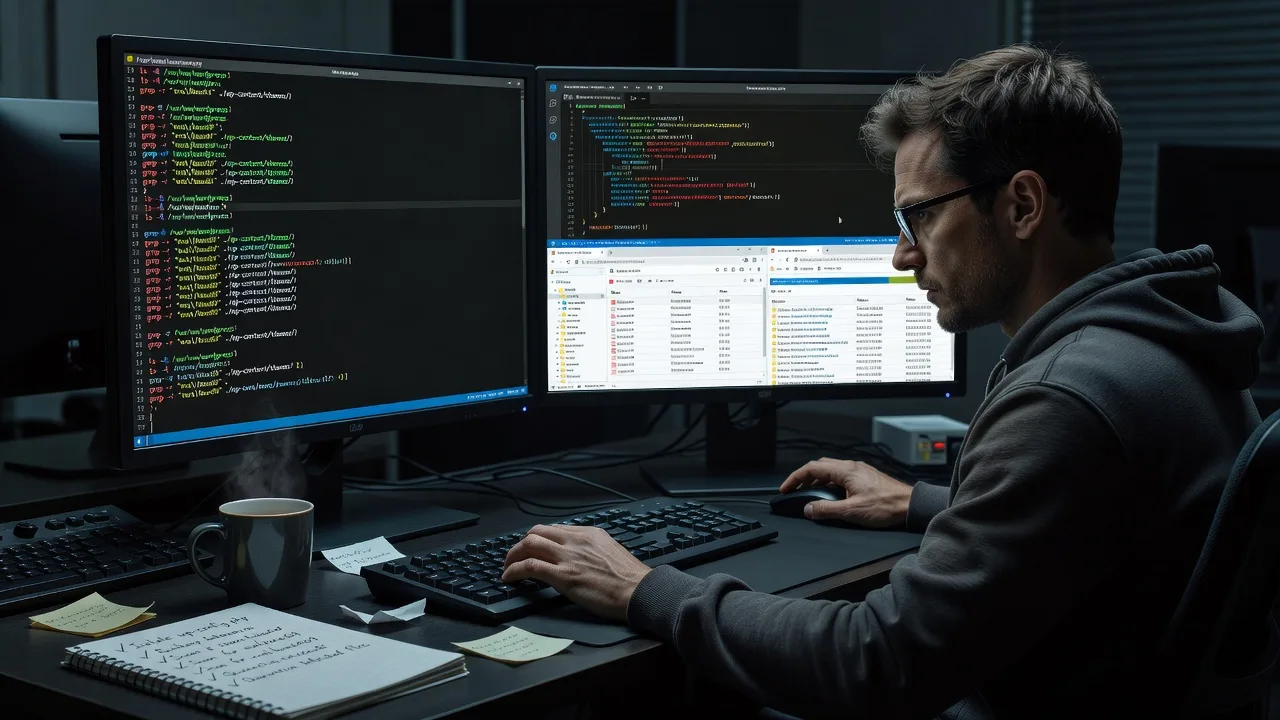
About this service
Restore a compromised WordPress site with a full remote malware cleanup: we strip hidden scripts, reinstate clean files, and lock down the stack so your storefront, clinic portal, or content site can go live safely again—available worldwide.
What You'll Get
- Full malware & backdoor sweep - File system, database, uploads, and mu-plugins scanned for webshells, droppers, and obfuscated loaders
- Core / theme / plugin integrity restore - WordPress core and known-good plugin/theme files replaced; custom code reviewed for injected payloads
- Database spam & admin cleanup - Rogue users, cron jobs, options spam, and injected post content removed
- Redirect & SEO-spam reversal - Malicious.htaccess, Japanese/pharma spam, and search-console blacklisting symptoms addressed
- Hardening baseline - File permissions, wp-config protections, disabled unused XML-RPC where appropriate, and update guidance
- Plain-English incident report - What was found, what we fixed, and what you should monitor next
Serving Remote & surrounds
This service is built for teams who run WordPress as business infrastructure—not hobby blogs. Peak demand often follows campaign launches, Black Friday/end-of-financial-year store traffic, and after bulk plugin updates when a single vulnerable extension opens the door. We work over secure remote access worldwide; on-site only where practical and pre-agreed.
- E-commerce and subscription brands whose checkout or ads were flagged after a drive-by injection
- Professional practices and education portals that must clear Google Safe Browsing / host abuse notices fast
- Agencies and internal IT leads who need a direct cleanup on client or multi-site networks without marketplace hand-offs
How We Work
- Step 1: Reach Out - Share symptoms (redirects, strange admins, host suspension, search warnings). We listen first and confirm access method (SFTP/SSH, host panel, WP admin if still usable).
- Step 2: Tailored Plan - Fixed-scope quote for Basic single-site cleanup through Premium multi-site + hardening + monitoring handoff—no bidding rounds.
- Step 3: We Deliver - Offline/staging-safe cleanup where possible, malware removal, integrity restore, database scrub, and security baseline applied remotely.
- Step 4: Confirm & Follow-up - You re-test front end, login, and forms; we supply a clear report and optional maintenance or reinfection check window.
Common Issues & How to Fix Them
These are patterns we see repeatedly on real WordPress breaches—use the checks below carefully; stop if you are unsure about production risk.
Issue 1: Homepage or random URLs redirect to gambling / pharma spam only for Googlebot or mobile
Attackers often hide conditional redirects in mu-plugins, theme functions.php, or.htaccess so desktop owners never notice.
- Step 1: From a clean device, fetch the homepage with a mobile user-agent or via Google’s URL Inspection; compare HTML to what you see logged in as admin.
- Step 2: Inspect wp-content/mu-plugins, the active theme’s functions.php, and root.htaccess for base64, eval, gzinflate, or unfamiliar RewriteRules; restore those files from a known-good backup if present.
- Step 3: Re-test with the same bot/mobile fetch and Search Console URL live test; redirects should be gone and source should match your theme output.
Issue 2: New administrator accounts or odd cron events keep returning after you delete them
A persistent webshell or infected plugin file re-creates users and scheduled tasks after each cleanup attempt.
- Step 1: Export wp_users and wp_usermeta (prefix may differ); note accounts you did not create and check Tools → Site Health or a cron plugin for unknown hooks.
- Step 2: Search the file tree for recently modified PHP under uploads, cache folders, and abandoned plugins; quarantine unknowns and reinstall plugins from wordpress.org zip packages—not from the infected copy.
- Step 3: Delete rogue users again, rotate all passwords and salts, then wait a full cron cycle and confirm the user and event do not reappear.
Issue 3: Host flags “malware in uploads” or PHP files inside wp-content/uploads
Upload directories should hold media, not executable PHP; webshells are dropped there via vulnerable forms or old file managers.
- Step 1: List uploads for.php,.phtml,.php5, and double extensions like image.php.jpg; do not open them in a browser.
- Step 2: Remove executable files from uploads, block PHP execution in that directory via server rules if you control the vhost, and replace any legitimate plugin that required PHP in uploads with a maintained alternative.
- Step 3: Re-scan with your host scanner and confirm media still loads; new PHP under uploads should stay at zero.
When DIY is not enough (urgent, unsafe, recurring, or burning time), book Fixwebnode for direct professional support—no freelancers, bidding, or marketplace noise.
Why Choose Fixwebnode
We clean and harden WordPress as infrastructure work: methodical file and database forensics, not a one-click “optimizer” checkbox. You deal with our specialists end-to-end, with clear scope and a report you can hand to hosting or stakeholders.
- ✓ Direct provider cleanup—fixed packages, no proposal auctions
- ✓ Experience with store, membership, and multi-site reinfection patterns
- ✓ Remote-first delivery worldwide with plain-English handoff notes
Tools & Technologies
WordPress core integrity checks, WP-CLI where available, SFTP/SSH, host file managers, database inspection (phpMyAdmin/Adminer/CLI), malware pattern review (obfuscated PHP/JS),.htaccess and nginx rule audit, optional Wordfence/Sucuri-class scanning as supporting signals (not sole source of truth), PHP version and extension review, SSL and DNS quick health checks post-cleanup.
Perfect For
Owners and ops leads of WooCommerce stores, course/membership sites, clinic or education portals, and small multi-site networks who need the site delisted from abuse flags and back under trusted control. Ideal when your host issued a suspension notice, ads were disapproved, or customers reported fake login pages—and you want one accountable team to remediate remotely.
Ready to restore a clean WordPress stack? Start at fixwebnode.com.au/contact-support or chat with us for remote triage.
Choose a package
Single WordPress site malware sweep, obvious backdoor removal, and core file integrity restore with a short findings summary.
FAQ
Almost all WordPress malware cleanup is done remotely over SFTP, SSH, or your host panel. We support clients worldwide. On-site is only considered when practical and agreed in advance—for example locked physical server rooms—which is uncommon for standard WordPress hosting.
We prefer least-privilege access: SFTP/SSH or host file and database access is often enough. If wp-admin is still safe to use we may request a temporary admin we can remove afterward. You should rotate passwords and keys when the job completes.
After we remove malware and reinfections paths, you still submit a review in Google Search Console and respond to host abuse tickets. We document what was cleaned so those reviews are straightforward. Persistent warnings usually mean residual files, DNS/cache delay, or a second infected property on the same account.
Basic is a focused single-site clean and core restore. Standard adds deeper database/user/cron scrub plus hardening basics. Premium suits severe or multi-site cases, includes broader hardening, extended reinfection review, and a fuller incident-style report for stakeholders.



