







 Multi-Vendor & Complex SaaS Marketplaces
 Modern Headless & Jamstack Web Development
 High-End Corporate & Specialized Business Websites
 Advanced API, Checkout & Database Troubleshooting
Car Dealership Portals with Live CarXML/CSV Inventory | Remote
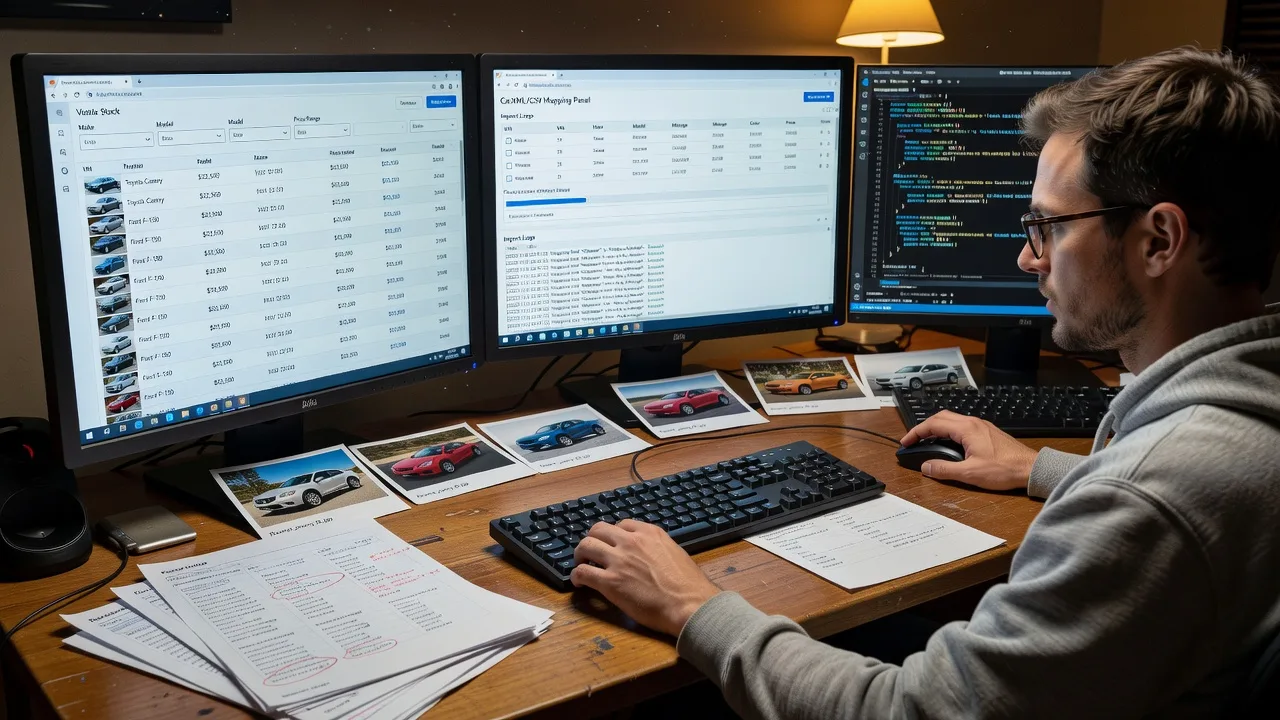
Remote dealership websites with live inventory filters powered by CarXML and CSV automation.
We design and ship dealer portals that keep make, model, price, and photos in sync so buyers filter real stock—not outdated listings. Built for independent yards, multi-rooftop groups, and seasonal clearance campaigns that need reliable online showrooms.
Ready to scope your feed and layout? Contact support at fixwebnode.com.au/contact-support or chat with us for a direct handoff.
- Live stock search & facet filters
- CarXML / CSV automated imports
- Mobile-first vehicle detail pages
About this service
Get a remote-ready car dealership website with live inventory filters driven by CarXML or CSV automation—so shoppers see real stock, not ghost listings, wherever you sell. We build the portal ourselves as your direct provider: clean showroom UX, reliable feed mapping, and plain-English handoff for sales teams.
What You'll Get
- Dealer-grade site architecture - Homepage, stock list, VDP (vehicle detail pages), finance/enquiry forms, and trust blocks tuned for automotive buyers.
- Live inventory filters - Make, model, body type, price band, year, km, fuel, and transmission facets that update from your feed.
- CarXML / CSV automation - Scheduled import, field mapping, photo URL handling, and sold-stock suppression rules.
- Mobile-first showroom UX - Fast grids, sticky filter bars, and enquiry CTAs that work on yard Wi‑Fi and phone data.
- Lead capture & CRM-ready forms - Stock-specific enquiry payloads (stock number, VIN stub, price) so sales staff stop chasing incomplete leads.
- Handoff docs & admin guide - How to re-run imports, override a unit, and spot feed errors without guessing.
Serving Remote & surrounds
Delivery is remote worldwide, with on-site workshops where practical for multi-rooftop groups. The page exists for automotive retailers who live on inventory velocity—independent used-car yards, regional franchise dealers, and groups running end-of-financial-year or demo-clearance pushes—not generic brochure sites.
- Independent used-car yards needing nightly CSV stock refresh without a full DMS rebuild
- Multi-brand or multi-rooftop groups consolidating inventory into one searchable portal
- Seasonal clearance and demo-sale campaigns that spike filter traffic and must hide sold units same-day
How We Work
- Step 1: Reach Out - Tell us your DMS/export format (CarXML, CSV, or hybrid), stock volume, and must-have filters. We listen first—no marketplace bidding.
- Step 2: Tailored Plan - Fixed-scope quote covering design system, feed mapping, filter logic, and lead forms; clear support path for staff training if needed.
- Step 3: We Deliver - We build and wire the portal remotely: templates, automation jobs, staging QA against sample feeds, then production cutover.
- Step 4: Confirm & Follow-up - Plain-English walkthrough, optional import monitoring, and a tidy revision window so sales can trust the live list.
Common Issues & How to Fix Them
These are the inventory and UX failures we see repeatedly on dealer sites—and the safe checks you can run before escalating.
Sold cars still appear in search after the yard marks them sold
Usually the feed still exports the unit, the status field is ignored, or the cache TTL is longer than your sales cycle—buyers book test drives on ghosts and staff lose trust in the site.
- Step 1: Open today’s export and confirm the sold unit’s status/availability column actually changed (not just a yard-note field).
- Step 2: In your import rules, map that status to “exclude from public list” and force a full re-import rather than a delta-only run.
- Step 3: Search the public stock list by stock number and VIN stub; if it still shows, purge page/object cache and recheck within one TTL window.
Filters return empty or wrong results after a CarXML field rename
DMS vendors quietly rename tags or nest options differently; your mapper still reads the old path, so “SUV” or “diesel” facets look broken even though stock exists.
- Step 1: Diff a known-good historical XML/CSV sample against today’s file—note renamed nodes, namespaces, or option codes.
- Step 2: Remap make/model/body/fuel fields to the new paths and re-run import on staging only; keep production on the last good map until verified.
- Step 3: Spot-check 5 diverse units (new, used, exotic body type) and confirm each facet value on the VDP matches the raw feed.
Stock grid feels sluggish once inventory passes a few hundred units
Unindexed filter queries, full-size images in the grid, and loading every photo on first paint crush mobile users—exactly when weekend tyre-kickers bounce.
- Step 1: Load the stock list on a phone throttle profile and note whether delay is “waiting for photos” vs “waiting for filter JSON.”
- Step 2: Serve grid thumbnails (fixed aspect, compressed), lazy-load below the fold, and ensure filter queries hit indexed columns (price, year, make) not free-text scans.
- Step 3: Re-test with a full stock set: first paint under a few seconds and facet changes should not reload the entire page shell.
When DIY is not enough (urgent, unsafe, recurring, or burning time), book Fixwebnode for direct professional support—no freelancers, bidding, or marketplace noise.
Why Choose Fixwebnode
We are a direct two-tier provider: enterprise-grade web and feed engineering paired with patient, jargon-free coaching for sales and admin staff who live in the DMS all day. You get one accountable build path for dealer portals—not a queue of bids.
- ✓ Hands-on CarXML/CSV mapping experience across noisy real-world dealer exports
- ✓ UX decisions grounded in how buyers actually filter stock (price bands before badge noise)
- ✓ Remote delivery worldwide with optional on-site sessions where practical
Tools & Technologies
Modern responsive front ends; server-side or headless stock indexes; CarXML parsers and CSV ETL jobs; scheduled importers; image URL normalisation and CDN-friendly thumbnails; facet search patterns; form payloads with stock IDs; staging/production feed isolation; Core Web Vitals-aware grid patterns; optional WordPress or custom stack depending on your ops preference.
Perfect For
Independent dealers, multi-rooftop groups, and automotive marketing leads who need a living inventory portal—not a static brochure. Ideal when your CSV or CarXML already exists but the public site lags sales floor reality, or when EOFY and demo-clearance spikes demand filters shoppers trust. Available remotely worldwide; on-site where practical.
Power up next steps when you are ready—visit fixwebnode.com.au/contact-support or chat with us to lock scope and feed samples.
Choose a package
Single-rooftop dealer site shell with CSV inventory import, core filters, and enquiry forms.
Full live-inventory portal with CarXML or CSV automation, VDPs, and performance-tuned grid.
Multi-feed dealer group portal with advanced facets, lead routing, monitoring, and staff walkthrough.
FAQ
Most builds are delivered fully remote worldwide: feed mapping, design, staging QA, and cutover happen online. Where practical for multi-rooftop groups, we can arrange on-site workshops for staff training and photo/process reviews—otherwise video walkthroughs cover the same ground.
We regularly wire CarXML exports and structured CSV dumps from dealer management systems. Share a sample file and field list; we map make, model, price, status, photos, and options, then schedule imports with sold-unit suppression so the public list stays honest.
Yes—when your feed marks status correctly. We map availability fields, exclude sold or wholesale-only units from public search, and set cache behaviour so the stock grid refreshes on your import cadence. If the DMS still exports sold cars as available, we flag that upstream so you are not fighting bad data.
Standard and Premium scopes include admin paths for temporary overrides (hide a unit, correct a price display, feature a hero vehicle) while the automated job remains the source of truth. We document exactly what staff should—and should not—edit by hand.



