






 Multi-Vendor & Complex SaaS Marketplaces
 Modern Headless & Jamstack Web Development
 High-End Corporate & Specialized Business Websites
 Advanced API, Checkout & Database Troubleshooting
Broken.htaccess & Permalinks Repair Expert — Remote
Restore broken.htaccess rules and WordPress permalinks remotely—fast relief when pretty URLs, checkout paths, or clinic booking links collapse.
We diagnose rewrite loops, 404 storms after plugin or SSL changes, and Apache config drift for publishers, telehealth sites, and small-business stores. Direct provider delivery worldwide; on-site only where practical—no freelancers or bid boards.
Need hands-on help now? Call 0421498927 or book via fixwebnode.com.au/contact-support.
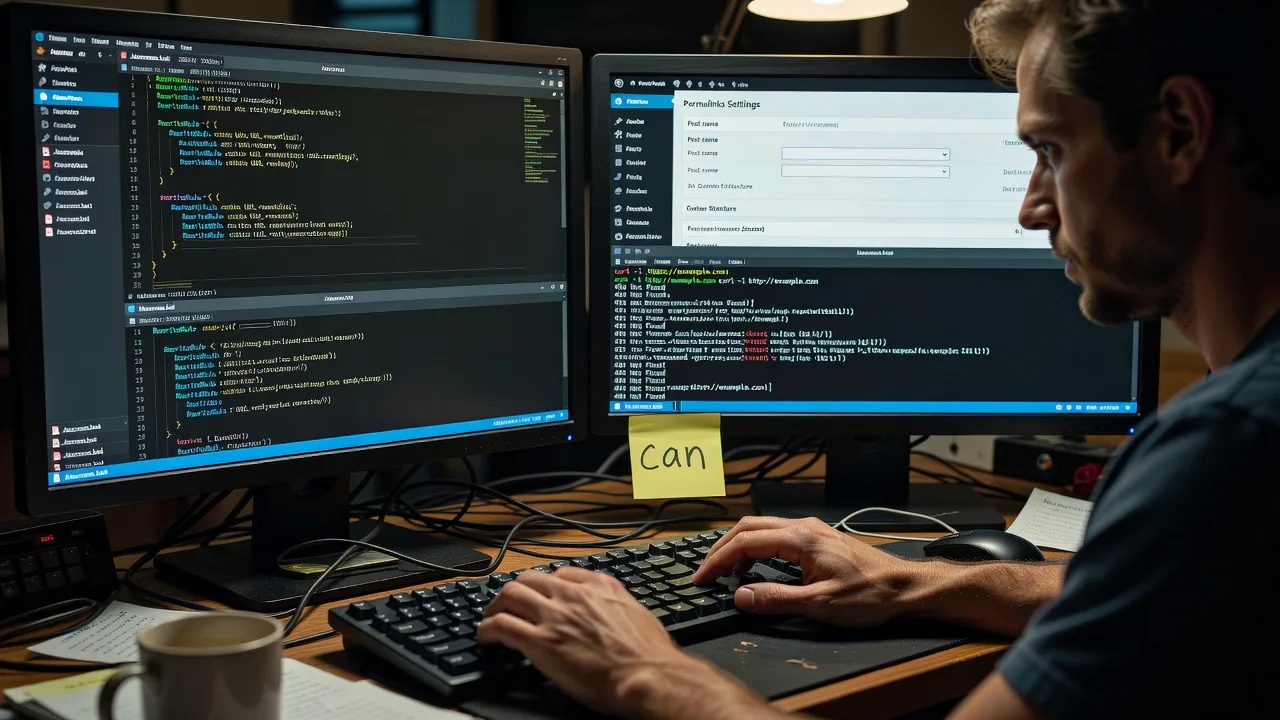
About this service
When.htaccess or permalinks break, visitors hit 404s, carts die mid-checkout, and search rankings bleed—we repair the rewrite layer remotely for live WordPress and Apache sites worldwide.
What You'll Get
- Root-cause.htaccess repair - Corrupted, truncated, or conflicting rewrite blocks restored to a clean, working baseline.
- Permalink structure recovery - Pretty URLs, category/tag bases, and custom post-type slugs regenerating correctly again.
- Redirect map sanity check - 301/302 chains trimmed so old campaign links and SSL force-HTTPS rules stop looping.
- Safe backup before edits - Timestamped copy of the live.htaccess plus notes on what changed.
- Verification pack - Sample curl/status checks, key page spot-tests, and plain-English handoff notes for your team.
- Optional hardening pass - Security headers and deny rules added only after rewrites are stable (Premium).
Serving Remote & surrounds
This offering exists for operators who ship content, bookings, or commerce over Apache/WordPress and cannot wait for a local shop visit when pretty links fail after a deploy, host move, or plugin update. Demand spikes around campaign launches, membership renewals, telehealth booking season, and end-of-quarter catalogue refreshes—exactly when rewrite mistakes hurt revenue most. We work fully remote with secure access; on-site only if your stack and location make it practical.
- Content and membership publishers whose article and lesson URLs suddenly 404 after a theme or SEO plugin change
- Clinics and telehealth practices whose booking or patient-portal paths break when HTTPS or caching rules collide with rewrites
- Remote handoff with screen-share walkthroughs; physical visit only when server access or compliance truly requires it
How We Work
- Step 1: Reach Out - You describe the broken URLs, recent changes (host move, SSL, plugin, bulk import), and how urgent traffic is—we listen before touching config.
- Step 2: Tailored Plan - Fixed-scope quote for tech repair (Basic/Standard/Premium) with clear access needs and risk notes; human-readable plan if non-technical staff will assist.
- Step 3: We Deliver - Remote diagnosis and fix on your stack: backup, rewrite repair, permalink flush, redirect cleanup, and live verification.
- Step 4: Confirm & Follow-up - Plain-English summary, what to watch for 24–48 hours, optional maintenance or a follow-up session if another environment still fails.
Common Issues & How to Fix Them
These are patterns we see repeatedly on live sites—not generic checklist fluff. Try the safe DIY path first; escalate when the site is losing sales or you lack host access.
Issue 1: Infinite redirect loop after forcing HTTPS or WWW
Browsers show ERR_TOO_MANY_REDIRECTS; the address bar flickers between http/https or bare/www while nothing loads. Usually two systems (plugin +.htaccess + host panel) each force the opposite canonical host.
- Step 1: Via SFTP or host file manager, download a copy of.htaccess, then temporarily rename it to.htaccess.bak so Apache stops applying rewrite rules (site may fall back to ugly URLs—that is OK for diagnosis).
- Step 2: In wp-config.php confirm WP_HOME and WP_SITEURL both use the exact same scheme and host you want (https://example.com OR https://www.example.com—pick one). Disable any second force-HTTPS plugin if the host already terminates SSL.
- Step 3: Restore a minimal RewriteEngine On block that only redirects to your single canonical host once, reload a few pages in a private window, and confirm the response headers show a single 301 then 200—not a chain.
Issue 2: Pretty permalinks 404 while the homepage still works
Home loads, but /about/, posts, and products return 404. Classic after a host move, PHP-FPM/Apache switch, or when AllowOverride is effectively off and WordPress rewrites never reach the filesystem.
- Step 1: In wp-admin go to Settings → Permalinks, note the current structure, switch to Plain, Save, then switch back to your preferred pretty structure and Save again (forces rewrite regeneration).
- Step 2: Confirm.htaccess is writable and contains the standard WordPress block between # BEGIN WordPress and # END WordPress—not truncated mid-line and not nested inside another RewriteCond incorrectly.
- Step 3: Hit a known post URL and a category URL; if still 404, check host docs for AllowOverride All on the vhost or ask support whether MultiViews/mod_rewrite is enabled—then retest with curl -I on those paths looking for 200.
Issue 3: Plugin-injected rewrite rules collide after an SEO or security update
Some URLs work, others redirect to login, /index.php/ junk paths, or blank screens. Competing plugins each appended rules; order and flags (L, QSA, R=301) fight each other—especially after bulk updates before a sale or enrolment window.
- Step 1: Diff the current.htaccess against yesterday's backup (or host daily backup). Isolate non-WordPress blocks added by caching, security, or multilingual plugins.
- Step 2: Keep one authoritative WordPress core block; move custom redirects above it with explicit RewriteRule lines and the [L] flag; disable the duplicate plugin feature that writes the same rule again.
- Step 3: Flush any page cache and object cache, retest the failing paths plus one known-good path, and watch server error_log for rewrite:engine or AH00124-style clues that a rule still misfires.
When DIY is not enough (urgent, unsafe, recurring, or burning time), book Fixwebnode for direct professional support—no freelancers, bidding, or marketplace noise.
Why Choose Fixwebnode
We are a direct two-tier provider: enterprise-grade remote Linux/web repair when the stack is on fire, and patient plain-English guidance when non-technical owners need to understand what broke. You work with us—not a rotating bench of bid profiles—so responsibility and continuity stay clear from first symptom to verified fix.
- ✓ Hands-on Apache/WordPress rewrite experience across host moves, SSL cutovers, and plugin collision cleanups
- ✓ Fixed-scope packages with backup-first workflow and written verification notes your team can keep
- ✓ Remote-first worldwide delivery with optional calm walkthroughs for clinic and small-business staff
Tools & Technologies
Apache mod_rewrite and.htaccess, Nginx-to-Apache migration notes where relevant, WordPress permalinks API and WP-CLI rewrite flush, SFTP/SSH, curl and browser devtools for status/header checks, Let's Encrypt/host SSL panels, common SEO and security plugin rewrite surfaces, server error_log review, and safe diff/backup of config files before any live edit.
Perfect For
Publishers, membership operators, telehealth and clinic sites, educators, and small online stores that rely on clean pretty URLs and cannot afford multi-day outages after a deploy or host change. Ideal when you want one accountable specialist to restore rewrites, explain the cause in plain language, and leave you with a stable baseline—not a pile of unanswered marketplace proposals.
Choose a package
Single-site .htaccess restore and WordPress permalink flush with backup and spot-check verification.
Full permalinks recovery plus redirect cleanup, conflict triage, and plain-English change notes for one production site.
Multi-environment or high-stakes repair with hardening, deeper log review, and follow-up verification window.
FAQ
Yes—this service is built for remote delivery worldwide. We use secure SFTP, SSH, or host panel access you approve, then verify URLs live. On-site is available only where practical and agreed in advance; most Apache/WordPress rewrite issues are fully solvable remotely without marketplace middlemen.
Typically file access to the site root (SFTP or host file manager), wp-admin for permalink settings, and optionally SSH if you prefer CLI verification. We never require more than the minimum to back up, repair, and prove the fix. You can revoke access immediately after handoff.
Our goal is the opposite: stop 404s and bad redirect chains that already hurt rankings. We preserve your chosen permalink structure when it is sound, keep intentional 301s, and avoid mass slug changes unless you explicitly request a migration map. You receive notes on what changed so search consoles stay predictable.



