






 Multi-Vendor & Complex SaaS Marketplaces
 Modern Headless & Jamstack Web Development
 High-End Corporate & Specialized Business Websites
 Advanced API, Checkout & Database Troubleshooting
WP-Config & Server Config Security Locksmith — Australia
Lock down wp-config.php and server config files for Australian sites before attackers or a bad deploy wipe you out.
We harden WordPress and Linux host configs for metro retailers, warehouse ops, and regional clinics that cannot afford silent file writes or leaked DB credentials. Remote specialist work—fixed scope, plain-English handoff.
Need it sorted fast? Call 0421498927 or book at fixwebnode.com.au/contact-support.
- Permission, ownership & immutable locks
- Secrets out of web root
- Audit trail + rollback notes
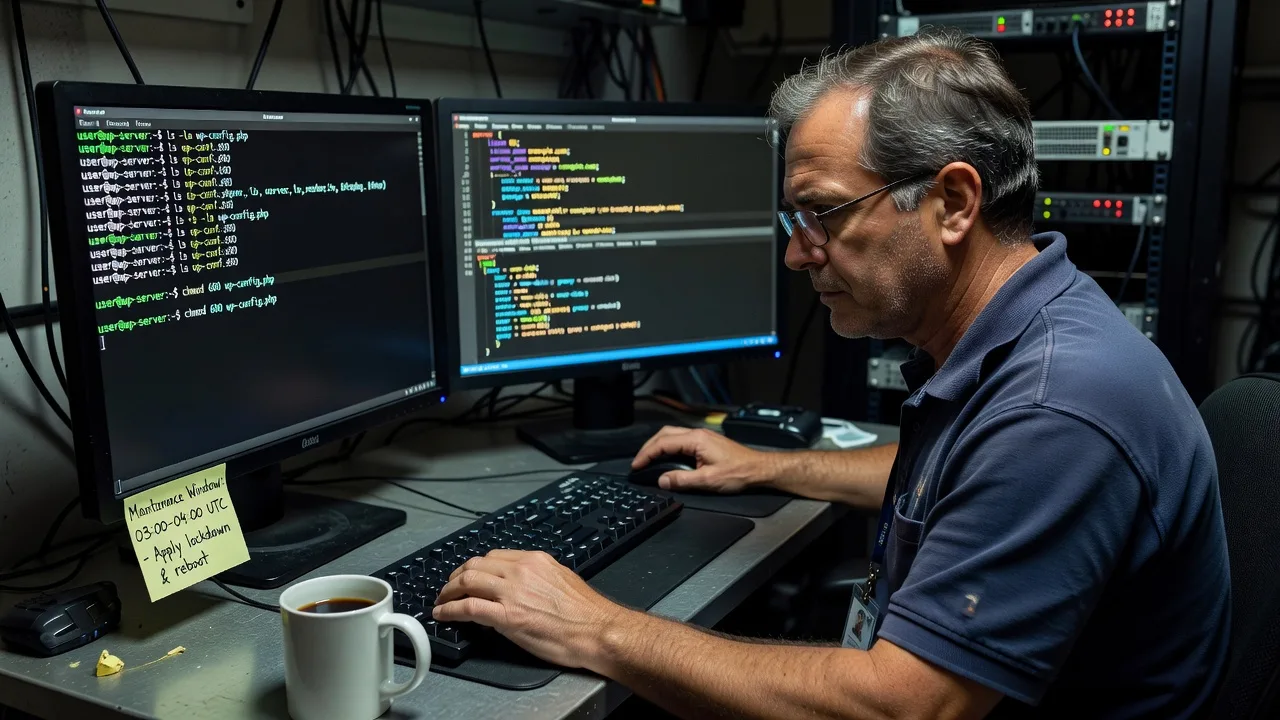
About this service
Stop exposed wp-config.php, loose.env files, and world-writable server configs from becoming your next outage across Australia. Fixwebnode hardens WordPress and Linux configuration files as a direct infrastructure service—credentials moved, permissions locked, and failure modes documented so your stack stays online through peak trading and freight windows.
What You'll Get
- wp-config.php locksmith pass - Permissions, ownership, salts/keys review, and relocation or include-path strategy so the file is not casually writable from the web.
- Server config file audit - Nginx/Apache vhosts, PHP-FPM pools, and include snippets checked for open includes, debug leftovers, and credential bleed.
- Secrets hygiene - DB passwords, API keys, and SMTP secrets moved out of public paths with clear env or include patterns your host actually supports.
- Immutable / chattr guidance where safe - When +i locks help, when they break deploy hooks, and how we reverse them under change control.
- Baseline report + rollback notes - Before/after modes, owner:group, and the exact commands we used so your team is not guessing at 2am.
- Optional monitoring hooks - File integrity checks on config paths so silent rewrites raise an alert instead of a black screen.
Serving Australia & surrounds
Australian businesses mix apartment-dense high-street retail, industrial warehouse precincts, and regional clinic stacks—often on shared or managed VPS hosts where one mis-set permission cascades into a full site takeover. We work remote-first for metro and regional clients, including operators around Brisbane’s commercial corridors and similar CBD-to-industrial patterns elsewhere, with change windows that respect freight season cut-offs and after-hours clinic booking systems.
- High-street and CBD retailers who push product drops and cannot risk a public wp-config read during campaign traffic
- Warehouse and logistics sites where weekend deploy scripts overwrite ownership and leave 666 on includes
- Fully remote locksmith work across Australia—no on-site visit required; SSH/SFTP access and a maintenance window are enough
How We Work
- Step 1: Reach Out - Tell us host type (cPanel, Cloudways, raw VPS, bare metal), WordPress or custom stack, and whether the site is already compromised or just overdue for hardening.
- Step 2: Tailored Plan - Fixed quote for a Basic lock pass, Standard multi-site/config sweep, or Premium lock + integrity monitoring and staged deploy guidance.
- Step 3: We Deliver - Remote SSH session in your window: backup configs, apply modes/owners, relocate secrets, verify PHP still boots, document every change.
- Step 4: Confirm & Follow-up - Plain-English summary, residual risks called out, optional follow-up check after your next deploy or plugin bulk-update.
Common Issues & How to Fix Them
These are the failure patterns we see repeatedly on Australian WordPress and LEMP stacks—symptoms first, then safe DIY checks before you escalate.
wp-config.php is 644/666 and world-readable on a shared or mis-tuned VPS
Often left after a migration or “quick fix” FTP upload; scanners and neighbour accounts can read DB credentials if the host does not isolate users properly.
- Step 1: Via SSH, run ls -la /path/to/wordpress/wp-config.php and note mode and owner. If you see other-read (final digit 4 or 6) treat it as urgent.
- Step 2: Set owner to the PHP/FPM user and tighten: chown www-data:www-data wp-config.php (adjust user) then chmod 440 wp-config.php or 400 if your deploy user is separate and still needs read via group carefully designed.
- Step 3: Confirm the site loads, then namei -l wp-config.php and a quick curl -I on the homepage. If PHP white-screens, loosen only to the minimum that boots (often 440) and stop—do not go back to 666.
Debug leftovers: WP_DEBUG_LOG true with log path inside the web root
Agencies leave WP_DEBUG on after a staging clone; the debug.log path under wp-content becomes a public leak of paths, queries, and sometimes tokens.
- Step 1: Grep the config: grep -n "WP_DEBUG\|WP_DEBUG_LOG\|WP_DEBUG_DISPLAY" wp-config.php and check for a custom log path.
- Step 2: On production set WP_DEBUG to false, WP_DEBUG_DISPLAY false, and either disable logging or point WP_DEBUG_LOG to a path outside the document root with 640 perms. Remove or relocate existing debug.log from under /wp-content/.
- Step 3: Hit a known error page once in staging, confirm no log appears in web root, and that find wp-content -name 'debug.log' returns nothing public.
Deploy scripts reset ownership and break PHP-FPM after every release
CI as root untars files owned by root:root; PHP-FPM runs as www-data and can no longer write uploads—or worse, the opposite, leaving configs root-owned but group-writable for the wrong group.
- Step 1: After a deploy, compare stat -c '%a %U:%G %n' wp-config.php wp-content against a known-good baseline. Note if owner flipped to root.
- Step 2: Fix live ownership to the runtime user, then patch the deploy job: rsync/tar as the app user, or a post-deploy chown -R scoped only to app paths—never blanket chmod 777.
- Step 3: Run one full deploy in a maintenance window and re-check modes. Confirm uploads and cache still write and that wp-config remains non-writable by the web user if your model uses a separate deploy user.
When DIY is not enough (urgent, unsafe, recurring, or burning time), book Fixwebnode for direct professional support—no freelancers, bidding, or marketplace noise.
Why Choose Fixwebnode
We are a direct remote infrastructure provider for Australian operators—not a bid board. You get one specialist path from audit to locked configs, with empathy for non-technical owners who still need production-grade outcomes.
- ✓ Hands-on Linux/WordPress locksmith work with real commands, not generic “security plugin” checklists
- ✓ Change windows aligned to Australian retail peaks, clinic telehealth hours, and warehouse cut-offs
- ✓ Clear fixed packages, phone support on 0421498927, and documented rollback so you stay in control
Expert Insights
On Australian shared and “managed” VPS panels we repeatedly see the same trap: hosts advertise open_basedir isolation while still allowing the web user to read sibling paths if the home layout is flat and wp-config sits at 644. After five-plus years of incident cleanups, our default is not “chmod 400 and hope.” We map the actual PHP-FPM pool user, the deploy user, and whether the panel’s file manager runs as a third UID. Only then do we choose 440 vs 400, optional chattr +i on wp-config (and never on wp-content), and whether DB credentials move to a parent-directory include loaded via require with open_basedir adjusted. A practical metric we track: after lockdown, failed login and file-write spikes on /wp-admin and random PHP droppers in uploads should drop within 24–48 hours on a previously probed site; if they do not, assume an already-planted web shell and pivot to full malware triage rather than more chmod theatre. For a coastal tourist-season retailer whose Friday deploy always broke sessions, the fix was not “more caching”—it was stopping root-owned rsync from flipping wp-config to 644 and restoring a post-deploy ownership assert that fails the pipeline if mode ≠ 440.
Tools & Technologies
SSH, Bash, namei/stat/lsattr/chattr, Nginx & Apache vhost includes, PHP-FPM pools, WordPress wp-config patterns,.env outside docroot, fail2ban/log review, rsync deploy hooks, optional AIDE/Tripwire-style integrity checks, cPanel/Plesk and raw Ubuntu/Debian VPS layouts.
Perfect For
Australian SMEs, clinic and telehealth sites, education portals, and warehouse-linked storefronts that run WordPress or LEMP and need configuration files treated like production secrets—not leftover migration clutter. Ideal when you want a direct locksmith engagement with a fixed quote, not a parade of proposals.
Ready to lock the files that matter? Call 0421498927 or continue at fixwebnode.com.au/contact-support.
Choose a package
Single-site wp-config and core permission lock with backup and written before/after notes.
Full config locksmith for one production stack including vhost/PHP-FPM review and secrets path fix.
Multi-environment hardening with integrity monitoring hooks, staged deploy guidance, and priority remote support.
FAQ
Yes—we deliver this locksmith work remote-first for clients anywhere in Australia. Secure SSH or panel access plus an agreed maintenance window is enough; on-site travel is not required for wp-config and server config hardening. If your host blocks outbound admin access, we guide you through opening a temporary allow-list for our session.
It can if deploys run as root and expect a writable config, or if a plugin rewrites constants. We map your deploy user versus PHP-FPM user first, choose modes that still boot PHP, and give you a post-deploy ownership assert so releases do not silently undo the lock. Page builders rarely need to write wp-config; if yours does, we isolate that requirement instead of leaving 666 in place.
SSH with sudo or equivalent for the web root, confirmation of the document root path, and a short note on host type (raw VPS, Cloudways, cPanel, etc.). We never ask you to paste production DB passwords into chat—if rotation is needed, we do it live in-session and hand credentials back through your agreed secure channel.
Plugins help with scanning and login friction; they do not replace correct file ownership, mode bits, and keeping secrets outside the web root. We work at the OS and config layer so a plugin failure or compromised admin user cannot casually rewrite your database credentials.



