






 Multi-Vendor & Complex SaaS Marketplaces
 Modern Headless & Jamstack Web Development
 High-End Corporate & Specialized Business Websites
 Advanced API, Checkout & Database Troubleshooting
Sticky Header & Z-Index Overlap Layout Repair | Australia
Fix sticky headers and overlapping layers for Australian business sites—clean stacking, no more buried menus.
We repair fixed navs, modal stacking, and z-index collisions that break booking bars and mobile CTAs on high-street retail and metro clinic sites across Australia. Direct provider work: diagnose stacking contexts, restore scroll behaviour, and hand back a stable layout.
Need it sorted fast? Call 0421498927 or book at fixwebnode.com.au/contact-support.
- Sticky header & mobile nav repair
- Z-index / overlay collision fixes
- Remote delivery Australia-wide
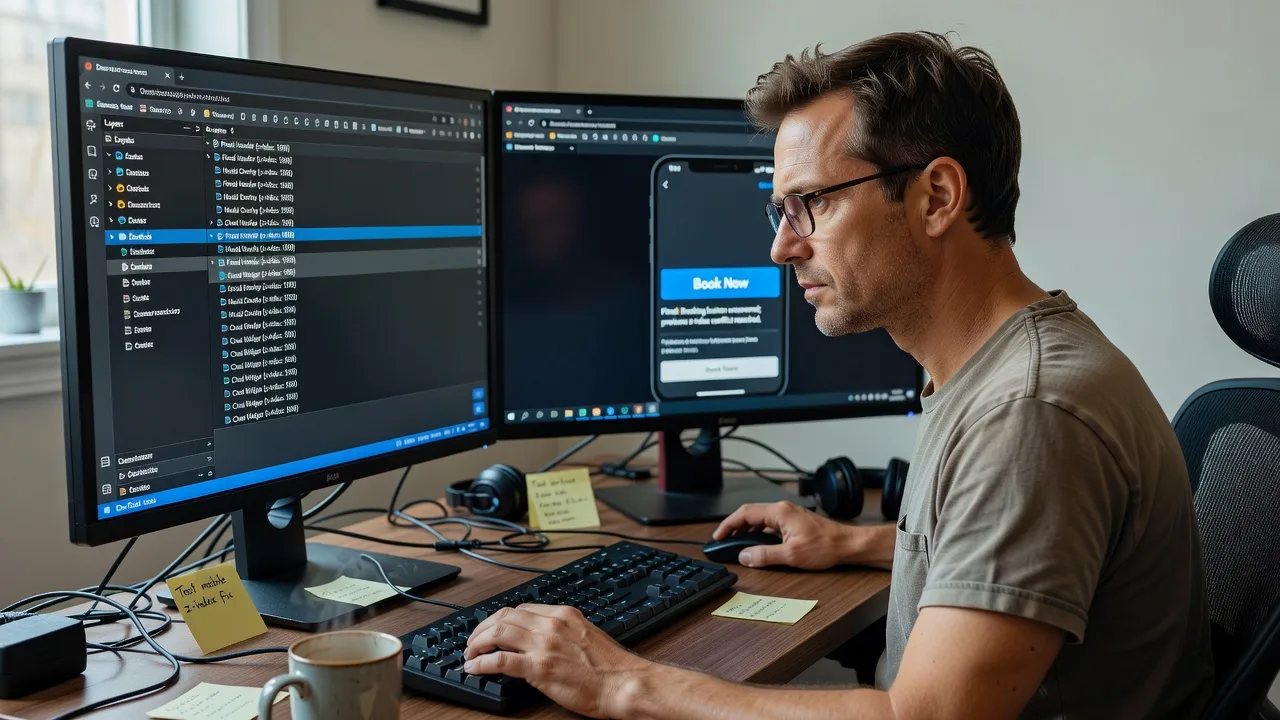
About this service
We repair sticky headers, fixed bars, and overlapping z-index layers so Australian business sites keep menus, booking widgets, and CTAs usable on every viewport. No marketplace handoff—Fixwebnode diagnoses stacking contexts and ships a direct, tested layout fix.
What You'll Get
- Sticky / fixed header repair - Restore position, offset, and scroll lock without jumping content or double scrollbars.
- Z-index & stacking-context audit - Map which layers trap modals, drawers, chat widgets, and mega-menus.
- Overlap collision resolution - Stop hero media, sticky carts, and cookie bars from covering primary actions.
- Mobile safe-area & notch handling - Align fixed UI with iOS/Android viewport units and bottom bars.
- Cross-breakpoint regression pass - Verify desktop, tablet, and phone after the fix.
- Plain-English change notes - What broke, what we changed, and how to avoid a repeat.
Serving Australia & surrounds
Australian sites often stack a sticky header with a booking bar, chat bubble, and promo strip at once—especially on café-strip retail, clinic telehealth pages, and warehouse-to-web B2B catalogues. We work remote across metro and regional Australia, including teams near Parramatta commercial corridors and coastal high-street stores that push seasonal campaigns hard.
- High-street and café-strip retailers whose sticky “order now” bars collide with mobile navs during lunch peaks
- Clinic and telehealth pages where fixed headers hide form fields under cookie or NDIS enquiry widgets
- Fully remote delivery Australia-wide—screen share, staging access, or production hotfix with clear rollback notes
How We Work
- Step 1: Reach Out - Send the URL, device/browser where it fails, and a short note (header jumps, modal behind backdrop, button unclickable). We listen first.
- Step 2: Tailored Plan - Fixed-scope quote for the pages and components involved—no open-ended bidding.
- Step 3: We Deliver - Remote CSS/JS/layout repair on staging or agreed production windows; we own the technical work end to end.
- Step 4: Confirm & Follow-up - You retest key flows; we adjust within package revisions and leave optional maintenance notes.
Common Issues & How to Fix Them
These are the stacking failures we see weekly on Australian business sites—try the safe checks first, then call us if it keeps returning.
Sticky header covers content or the first form field after scroll
Usually a fixed header without a matching body/offset, or a theme that injects a second admin bar on logged-in staff.
- Step 1: In DevTools, select the header and confirm position: fixed or sticky and note its computed height.
- Step 2: Add matching top padding/margin on the main content (or a CSS variable like --header-h) equal to that height; remove duplicate fixed wrappers.
- Step 3: Hard-refresh, scroll to the first H1 and the first input—neither should sit under the bar on mobile and desktop.
Modal, drawer, or date-picker appears behind a dimmed overlay (unclickable)
A parent created a new stacking context (transform, filter, opacity, or isolation) so the dialog’s z-index never escapes the page shell.
- Step 1: Inspect the dialog and each ancestor; look for transform, filter, will-change, opacity < 1, or isolation: isolate.
- Step 2: Portal the modal to document.body (or remove the offending transform from the shell) and set a deliberate z-index scale for overlay → dialog.
- Step 3: Open the modal, tab through controls, and confirm clicks hit buttons—not the backdrop—on Chrome and Safari.
Mobile sticky bar + chat widget + cookie banner fight for the bottom edge
Common on Australian retail and clinic funnels where three vendors each ship a “fixed bottom” component with the same high z-index.
- Step 1: List every fixed/sticky element at the bottom; note heights and z-index values on a narrow phone viewport.
- Step 2: Assign one owner stack (e.g. cookie 40 → chat 50 → sticky CTA 60) and offset the primary CTA by the cookie height when visible.
- Step 3: Accept cookies, open chat, and confirm the main button remains tappable with thumb reach above the home indicator.
When DIY is not enough (urgent, unsafe, recurring, or burning time), book Fixwebnode for direct professional support—no freelancers, bidding, or marketplace noise.
Expert Insights
After years fixing Australian Shopify, WordPress, and custom React storefronts, the silent killer is not “z-index: 99999”—it is an ancestor with transform or filter that quietly creates a stacking context, so your mega-menu never paints above the hero video. Good looks like a documented layer scale (base 0–10, chrome 100–200, overlays 1000+) and modals portaled to body. Bad looks like every plugin shouting 9999 while a parent transform: translateZ(0) for “performance” traps them all. On Australian clinic booking pages we often see the sticky header height change after a top promo loads asynchronously—reserve the max header height with a CSS variable up front, or the first form label jumps under the bar the moment the promo appears.
Why Choose Fixwebnode
We are a direct provider: one specialist path from diagnosis to deploy, blending infrastructure-grade front-end repair with plain-language handoff for owners and office managers. Australian commercial patterns—multi-widget retail, telehealth forms, strata-office brochure sites—shape how we test, not a generic template.
- ✓ Direct layout repair—no freelancer bidding or escrow theatre
- ✓ Remote Australia-wide delivery with staging-first habits and rollback notes
- ✓ Stacking-context expertise across CSS, common CMS themes, and component libraries
Tools & Technologies
Chrome/Safari DevTools (Layers, Accessibility, device mode), CSS position/sticky/fixed, stacking contexts, custom properties for header offset, Intersection Observer where relevant, WordPress/Shopify theme CSS, React/Vue portal patterns, BrowserStack or real-device spot checks, Git-friendly patches.
Perfect For
Australian small businesses, clinics, education providers, and lean marketing teams whose site “almost works” until a sticky header, chat bubble, or promo strip breaks taps and bookings. Ideal when you need a fixed-scope technical fix plus a calm explanation staff can follow—not a multi-vendor marketplace thread.
Ready to unstick the layout? Call 0421498927 or reach us at fixwebnode.com.au/contact-support.
Choose a package
Single-page sticky header or one clear z-index collision fixed and verified on key breakpoints.
Multi-section audit and repair for header, overlays, and bottom bars across main templates.
Site-wide layer system rebuild: documented z-index scale, sticky chrome, and regression pass.
FAQ
Yes—we deliver this layout repair remotely Australia-wide. Most sticky header and z-index work is faster and safer over secure staging access or screen share. If your team prefers a guided session, we schedule a remote walkthrough so staff can retest booking and contact flows with us live.
A live or staging URL, the pages that fail, device/browser notes, and admin or repo access if CSS/theme files must change. Screenshots or a 20-second screen recording of the overlap help us quote a fixed scope without guesswork.
That risk is exactly why we map the full fixed-layer stack first. Standard and Premium packages assign deliberate order and offsets so chat, cookie consent, and primary CTAs coexist instead of fighting for the same pixels.
We treat stacking contexts, async promo height changes, and mobile safe areas as a system—not a single z-index number. You get verified behaviour across breakpoints plus notes your team can maintain, delivered by us directly.



