






 Multi-Vendor & Complex SaaS Marketplaces
 Modern Headless & Jamstack Web Development
 High-End Corporate & Specialized Business Websites
 Advanced API, Checkout & Database Troubleshooting
SSL Expiry & Connection Not Private Fixes | Australia
Stop Australian sites showing Connection Not Private—we fix SSL expiry, chain gaps, and HTTPS trust errors remotely.
Direct Fixwebnode support for online stores, clinic booking portals, and CBD office web apps when certificates lapse mid-trading day. Clear scope, plain-English handoff, no marketplace bidding.
Need help now? Dial 0421498927 or book via fixwebnode.com.au/contact-support.
- Expiry & renewals
- Chain / intermediate repair
- Browser trust restored
About this service
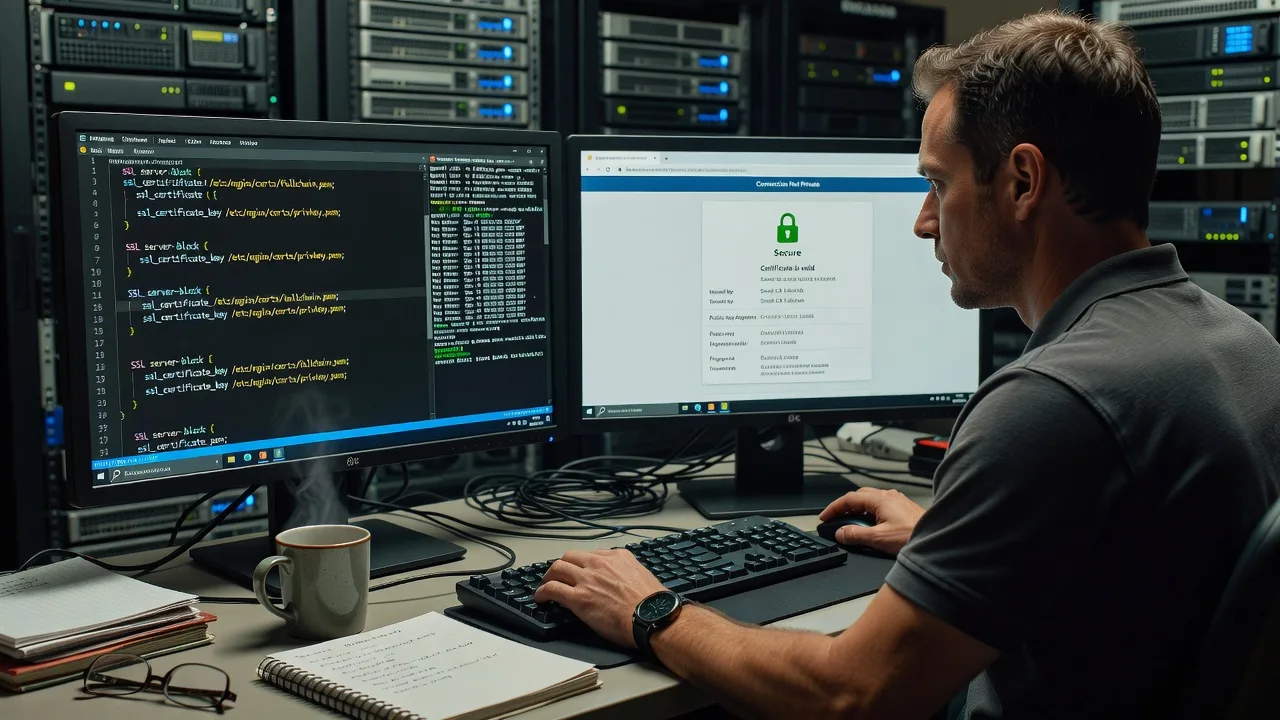
We restore trusted HTTPS for Australian businesses when SSL certificates expire or browsers block visitors with Connection Not Private—so sales, bookings, and staff logins keep moving. You work with us directly: technical depth for servers and cert stacks, plus clear steps your team can follow without jargon.
What You'll Get
- Full certificate health check - Expiry dates, SANs, chain completeness, protocol/ciphers, and browser trust path reviewed end to end.
- Renewal or reissue executed - Commercial CA or ACME/Let's Encrypt path completed correctly on the live host or load balancer.
- Connection Not Private cleared - Root-cause fix for date invalid, name mismatch, incomplete chain, or mixed-content fallout after renew.
- Auto-renew hardening - Cron/systemd timers, webroot or DNS challenges, and failure alerts so the next expiry does not surprise you.
- Plain-English report - What failed, what we changed, and how to verify from Chrome, Edge, and mobile Safari.
- Optional monitoring handoff - Expiry reminders and a short runbook for your admin or IT contact.
Serving Australia & surrounds
Australian trading hours mean an expired cert at 9am can freeze card payments on high-street retailers, block patient portals for clinics, and lock staff out of cloud tools in CBD tenancies and industrial estates. We work fully remote across metro and regional Australia, aligning fixes with your quiet window so freight-season or school-term traffic is not disrupted.
- E-commerce and café-strip retailers whose checkout dies the moment Chrome flags NET::ERR_CERT_DATE_INVALID
- Clinics and education portals needing trusted HTTPS for telehealth links and parent/student logins during term peaks
- Strata office suites and warehouse precincts where the cert lives on a shared host, reverse proxy, or offsite VPS we can reach securely without on-site delay
How We Work
- Step 1: Reach Out - Tell us the domain, exact browser error text, hosting type (cPanel, nginx, IIS, Cloudflare, load balancer), and whether checkout or logins are blocked. We listen first.
- Step 2: Tailored Plan - You receive a fixed-scope quote: single-site emergency renew, multi-domain SAN repair, or full auto-renew + monitoring path—no open-ended bidding.
- Step 3: We Deliver - Secure remote session: install or renew the certificate, rebuild the intermediate chain, reload services, and clear residual HSTS/cache issues where needed.
- Step 4: Confirm & Follow-up - You verify the padlock on desktop and mobile; we leave a short runbook and optional follow-up window if a secondary host still serves the old cert.
Common Issues & How to Fix Them
These are the failure patterns we see repeatedly on Australian production sites—each with safe checks you can try before escalating.
Browser shows NET::ERR_CERT_DATE_INVALID or Certificate Expired
The leaf certificate passed its notAfter date, or the server still presents last year's file after a partial renew—common after a missed Let's Encrypt timer or a host reboot that loaded an old path.
- Step 1: On a trusted machine open the site, click the warning details, and note notBefore/notAfter plus the exact common name; also check the server clock is correct (wrong time mimics expiry).
- Step 2: On the host, confirm which files nginx/Apache/IIS actually load (fullchain vs cert-only), renew via your CA or certbot/acme.sh, install fullchain.pem + privkey, then reload the web service—not only restart PHP.
- Step 3: Verify with an external SSL checker and a private/incognito window on phone data (not only office Wi‑Fi cache); confirm padlock and matching expiry on the live hostname.
ERR_CERT_COMMON_NAME_INVALID or name mismatch on www vs apex
Users hit www.example.com.au while the certificate only lists example.com.au (or a staging hostname)—frequent after a marketing site cutover or CDN hostname change.
- Step 1: Compare the URL bar hostname to every name on the certificate (CN and SAN list); note redirects between apex and www.
- Step 2: Reissue with both apex and www (and any booking. or api. hosts you actually serve), update the vhost/CDN custom hostname, and ensure HTTP→HTTPS redirects land on a covered name.
- Step 3: Test apex, www, and one deep checkout URL; mismatch is gone only when all three show the same valid leaf without intermediate warnings.
Connection Not Private with incomplete chain (works on some devices, fails on others)
Mobile carriers and corporate laptops lack the missing intermediate that desktops cached years ago—classic after installing leaf.crt only, or after a CA hierarchy change.
- Step 1: Run a chain check; if intermediates are missing or out of order, note which CA brand and product you use.
- Step 2: Install the CA-provided full chain (leaf + intermediates), prefer fullchain.pem for nginx, and disable serving outdated cross-signs; reload TLS on every node behind the load balancer.
- Step 3: Retest on iOS Safari and a fresh Windows profile; trust should match without installing private roots on client devices.
When DIY is not enough (urgent, unsafe, recurring, or burning time), book Fixwebnode for direct professional support—no freelancers, bidding, or marketplace noise.
Expert Insights
After hundreds of Australian renewals, the silent killer is not the leaf expiry itself—it is serving an old certificate from a second listener. Retail and clinic stacks often terminate TLS on Cloudflare or an AWS/ALB layer while origin nginx still holds last year's file; staff testing from the office IP hit the CDN (green padlock) while customers on other paths hit origin and see Connection Not Private. Before you celebrate a renew, map every TLS termination point (CDN, load balancer, reverse proxy, origin), force a host-header check against each, and confirm auto-renew writes to the path that production actually reads—not a leftover staging directory. That single inventory step prevents the 6am Monday outage pattern we still clear most weeks.
Why Choose Fixwebnode
We are a direct provider for remote IT and web infrastructure across Australia—not a board of competing freelancers. You get fixed scopes, accountable handoff, and support that balances server competence with explanations your non-technical owners can trust.
- ✓ Hands-on TLS experience across nginx, Apache, IIS, cPanel, Cloudflare, and common load balancers
- ✓ Fixed quotes aligned to Australian business hours and low-disruption change windows
- ✓ Human-clear runbooks for clinic, retail, and small-business operators who need calm next steps
Tools & Technologies
OpenSSL, certbot, acme.sh, Let's Encrypt and commercial CAs, nginx/Apache/IIS certificate stores, Cloudflare custom hostnames, SSL Labs-style chain validation, dig/curl diagnostics, systemd timers and cron renew hooks, fullchain assembly, HSTS and redirect review.
Perfect For
Australian online stores, professional services, clinics, education providers, and small teams whose public site or booking portal must stay trusted in Chrome and Safari. Ideal when an expiry warning just appeared, auto-renew failed overnight, or only some customers see Connection Not Private after a host or CDN change. Fully remote delivery nationwide.
Ready to restore the padlock? Call 0421498927 or continue at fixwebnode.com.au/contact-support.
Choose a package
Single-domain SSL health check plus guided or remote renew for one live hostname.
Emergency Connection Not Private repair for one site including chain fix, reload, and auto-renew check.
Multi-host TLS recovery with full termination inventory, renewals, monitoring handoff, and priority follow-up.
FAQ
We deliver this SSL and Connection Not Private work remotely nationwide across Australia. Most certificate repairs complete over a secure session on your host, panel, or CDN without a site visit. If your stack is locked to an internal network only, we will outline the access path up front before any paid work begins.
Yes. We check every TLS termination point—CDN edge, load balancer, reverse proxy, and origin—because mixed paths are a frequent reason some customers still see errors after a renew. The Standard and Premium packages explicitly cover chain install and reload on the layer that actually serves the public certificate.
The live domain(s), a screenshot or exact browser error code, hosting or DNS provider details, and a way to deploy the new certificate (panel login, SSH, or CA account). We confirm scope and give a fixed quote before changing production.
Web TLS renewals usually do not touch mail certificates, but shared multi-service hosts can share files. We identify which services read the same paths and schedule reloads so HTTPS returns first while flagging any mail or API listeners that still need their own update.



