






 Multi-Vendor & Complex SaaS Marketplaces
 Modern Headless & Jamstack Web Development
 High-End Corporate & Specialized Business Websites
 Advanced API, Checkout & Database Troubleshooting
Ransomware File Decryption & Hacked Backup Restoration Australia
Recover encrypted files and restore compromised backups across Australia—remote triage with clear next steps.
We handle ransomware-locked documents, server shares, and hacked backup chains for offices, clinics, and warehouse teams when mapped drives or overnight jobs left everything exposed. Fixed-scope remote work; plain-English updates so you know what is salvageable before you commit further time.
Need urgent help? Call 0421498927 or book via fixwebnode.com.au/contact-support.
- Isolate, assess, and prioritise critical data
- Decrypt where tools allow; rebuild from clean backups
- Hardening notes so the same strain cannot loop back in
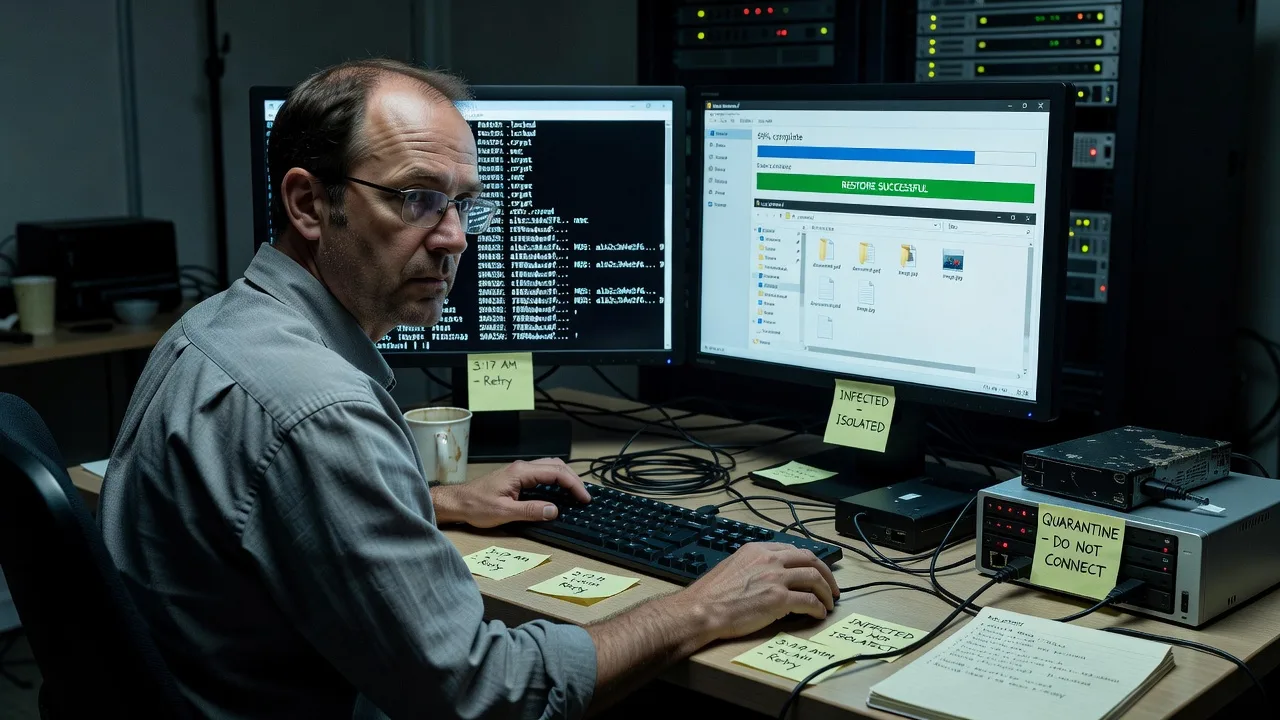
About this service
When ransomware locks Australian business files or your backup set was hit in the same wave, we restore what is recoverable and rebuild a clean path back to work—without marketplace noise or vague "maybe" quotes. You get direct remote investigation, honest salvage limits, and a fixed plan for decryption attempts plus hacked-backup restoration.
What You'll Get
- Incident triage & containment guidance - We confirm which hosts, shares, and backup targets are still safe to touch before anything is powered back into production.
- Ransomware strain & extension analysis - Extension patterns, ransom notes, and known decryptor availability checked against your sample set.
- Selective file decryption attempts - Where public or vendor decryptors apply, we run controlled trials on copies—not live originals.
- Hacked backup chain restoration - NAS, external drives, cloud sync, and image backups reviewed for clean restore points; corrupted jobs rebuilt where possible.
- Priority data shortlist - Finance, patient/client records, and current-period work staged first so trading can resume while deeper recovery continues.
- Post-incident hardening brief - Plain checklist: offline backup cadence, admin rights, remote access, and what to watch the following week.
Serving Australia & surrounds
Australian SMEs and clinics often share the same failure pattern: a single mapped drive or always-on NAS sitting on the LAN overnight, then a morning of locked PDFs and silent backup jobs. We work remote-first nationwide—metro office floors, industrial estates with freight peaks, and regional practices that cannot wait on a site visit for first response.
- CBD and high-street retailers who need till-side documents and supplier folders back before the next trading day
- Warehouse and logistics offices where shared job sheets and invoice archives sit on a single file server hit during night-shift windows
- Fully remote assessment and guided restore for Australia-wide clients; on-site only when you request hardware handoff or air-gapped media work
How We Work
- Step 1: Reach Out - Tell us what is locked (extensions, ransom note text if any), which backups still look normal, and whether machines are still online. We listen first and stop risky "just restore everything" moves.
- Step 2: Tailored Plan - Fixed-scope quote: triage only, decryption trials, backup rebuild, or full recovery-plus-hardening. Clear inclusions so you are not guessing mid-incident.
- Step 3: We Deliver - Secure remote session or staged file exchange; work on isolated copies; restore clean trees into a verified folder structure you can open safely.
- Step 4: Confirm & Follow-up - You spot-check key files with us; we leave a short handoff note and optional follow-up window if another encrypted batch surfaces.
Common Issues & How to Fix Them
These are patterns we see repeatedly on Australian business networks—symptoms first, then safe DIY checks before you escalate.
Files renamed with odd extensions and every mapped drive is dead
Ransomware often encrypts whatever the logged-in user can write to—including S: and Z: shares—so the whole office feels offline at once even when only one PC was the entry point.
- Step 1: Disconnect the suspect PC from Wi-Fi/Ethernet and unplug any external USB/NAS cables. Do not reboot into production yet if encryption is mid-run.
- Step 2: From a clean machine, list one sample folder: note the new extension, any ransom.txt/.html, and the earliest file timestamp change.
- Step 3: Verify isolation worked by confirming no new files flip extensions on the share after the host is offline. If timestamps keep moving, something else is still live—stop DIY and escalate.
Cloud or NAS backup completed last night—but the backup itself is encrypted
Always-connected backup targets and continuous sync folders get hit in the same pass as live data, so the "good" copy is useless when you need it most.
- Step 1: Check whether any offline, versioned, or immutable copy exists (object lock, previous versions, or a drive that was unplugged).
- Step 2: If versions exist, restore a single non-critical test file to a new empty folder—never overwrite the remaining originals.
- Step 3: Open the test file fully (not just the icon). If it opens clean, expand restore by priority; if it fails, mark that job set as compromised and move to older media or images.
Partial decryptor run left half the folder unreadable or double-garbled
Wrong decryptor builds, interrupted runs, or working on live originals instead of copies can damage headers so even the correct tool later fails.
- Step 1: Stop further decryptor attempts. Copy the damaged set as-is to a quarantine disk labelled with date and tool name used.
- Step 2: Locate an untouched encrypted original (from before the DIY run) if any still exists on another disk or email attachment archive.
- Step 3: Compare file sizes and headers between untouched encrypted samples and the partially processed ones; only retry tools against untouched copies. If no clean originals remain, professional binary recovery is the next step—not another random free tool.
When DIY is not enough (urgent, unsafe, recurring, or burning time), book Fixwebnode for direct professional support—no freelancers, bidding, or marketplace noise.
Expert Insights
After years of Australian SME ransomware jobs, the silent killer is not the ransom note—it is the backup job that "succeeded" while writing into a live share the malware already owned. End-of-month and EOFY weeks are worst: accounts teams keep finance folders mapped 24/7, overnight backup accounts often hold broad write rights, and nobody notices until Monday invoices will not open. Good recovery starts by ranking restore sources by air-gap age, not by the green tick in the backup console. Bad recovery looks like restoring the newest image straight over production while the same admin credential is still valid on the attacker side. Our rule of thumb: if the backup account could delete or overwrite last week’s set from the infected host, treat that set as hostile until proven otherwise on an isolated restore host—then rebuild retention with at least one copy that the production domain cannot touch.
Why Choose Fixwebnode
We are the direct technical team on your incident—not a board of bids. You get sober limits on what decryptors can and cannot do, plus human-clear updates for owners who are not full-time IT. Australian business hours response patterns and remote-first delivery mean regional and metro clients get the same structured process.
- ✓ Fixed-scope ransomware and backup recovery plans quoted before deep work begins
- ✓ Copy-first methodology so originals are not sacrificed to experimental tools
- ✓ Practical hardening notes tuned to mapped-drive and NAS habits common in local SMEs
Tools & Technologies
Controlled decryptor tooling where publicly validated for the strain; forensic disk imaging and bit-level copies; Windows Volume Shadow Copy inspection when remnants survive; NAS and image-backup restore workflows (SMB shares, vendor appliances, common cloud versioning); malware cleanup coordination with endpoint logs; secure remote support sessions; checksum verification on restored trees; optional Linux/Windows server path rebuilds for mixed environments.
Perfect For
Australian small businesses, clinics, education offices, and warehouse admin teams whose files or backups were encrypted and who need a straight recovery path—not a lecture. Ideal when you still have some offline media, a ransom note sample, or a half-working server and want prioritised restore of finance, client, or roster data so operations can restart safely.
Ready to stabilise the incident? Call 0421498927 or reach us at fixwebnode.com.au/contact-support for direct remote support.
Choose a package
Remote triage of ransomware symptoms, strain/extension notes, and a written recovery options plan.
Guided decryption trials on copies plus restoration of priority data from the cleanest available backup set.
Full multi-source recovery effort, broader data rebuild, cleanup coordination, and follow-up verification window.
FAQ
We deliver this service remote-first for clients anywhere in Australia. Most ransomware triage, decryptor trials, and backup restores are completed securely online once you can share samples or grant supervised access. On-site work is only arranged if you need physical media handling or air-gapped hardware we cannot reach remotely.
Do not pay before an assessment. Many strains have no reliable decryptor even after payment, and payment does not fix compromised backups or stolen credentials. Share the ransom note text, file extensions, and what backup media still exists; we will tell you honestly what is recoverable without paying.
That usually means the backup target was online and writable during the attack, so the job archived already-encrypted data. We look for older versions, offline disks, cloud version history, or system images that pre-date the encryption window, then restore test files to a clean location before any bulk overwrite.
No ethical provider can guarantee 100% recovery. Success depends on strain, whether clean originals or offline copies survive, and damage from earlier DIY attempts. We give a clear salvage outlook after triage and only bill deeper packages once you accept the realistic scope.



