






 Multi-Vendor & Complex SaaS Marketplaces
 Modern Headless & Jamstack Web Development
 High-End Corporate & Specialized Business Websites
 Advanced API, Checkout & Database Troubleshooting
Hidden Backdoor & Malicious Cron Job Disinfection Australia
Remove hidden backdoors and malicious cron jobs on Australian servers—fast, direct cleanup.
We hunt stealth reverse shells, rogue crontab entries, and persistence tricks that keep reinfecting VPS and shared hosts used by cafés, clinics, and warehouse teams. Plain-English findings, fixed-scope work, no marketplace bidding.
Power up support: dial 0421498927 or visit fixwebnode.com.au/contact-support.
- Root-cause removal, not just symptom wipes
- Hardening notes you can keep
- Remote Australia-wide delivery
About this service
We disinfect Australian Linux and web hosts of hidden backdoors and malicious cron jobs so your site, API, or clinic portal stops phoning home and stays under your control. Direct specialist work—not freelancers, not bids—focused on real persistence that survives naive file deletes.
What You'll Get
- Full persistence audit - Crontabs (user + system), systemd timers, rc scripts, authorized_keys, web shells, and unusual SUID binaries reviewed in context.
- Backdoor & payload removal - Confirmed malicious files, droppers, and reverse-shell stubs removed with before/after evidence.
- Malicious cron disinfection - Rogue schedules that re-download malware, mine crypto, or spam are identified, disabled, and replaced with clean schedules where needed.
- Reinfection path closure - Writable web roots, weak CMS plugins, and leaked credentials called out with concrete fix order.
- Plain-English incident summary - What was found, what we changed, and what you should rotate next—no jargon dump.
- Optional hardening pass - Fail2ban/SSH hygiene, permission baselines, and monitoring hooks suited to small Australian business hosts.
Serving Australia & surrounds
Australian SMEs on VPS and managed clouds often share the same pain: a marketing site or booking stack on a lean Linux box that looked fine until CPU spiked overnight or search engines flagged malware. We work remote-first across metro and regional clients—from CBD SaaS teams to industrial and high-street operators who cannot afford multi-day downtime during freight peaks or school-holiday trade.
- High-street retailers and café groups whose WordPress or booking plugins left world-writable upload folders
- Warehouse and logistics offices running internal dashboards on always-on VPS that attract crypto-miner crons after a weak SSH password
- Fully remote engagement for Australia-wide hosts; screen-share walkthroughs when your on-site staff need to rotate keys or restart services safely
How We Work
- Step 1: Reach Out - Tell us host type (VPS, cPanel, bare metal), symptoms (high load, strange emails, Google Safe Browsing flags), and whether you have root or panel access. We listen first.
- Step 2: Tailored Plan - Fixed-scope quote: single-host triage, multi-user audit, or full disinfection plus hardening. Clear inclusions—no hourly surprise.
- Step 3: We Deliver - Secure remote session, evidence capture, removal of backdoors and bad crons, permission and key hygiene, restart of clean services.
- Step 4: Confirm & Follow-up - You get a plain summary, rotate credentials with us if needed, and optional short monitoring check-in so the same payload does not return.
Common Issues & How to Fix Them
Practical checks we teach clients before—or alongside—a full clean. Safe DIY only; stop if you are unsure.
Phantom CPU spikes with empty process lists in htop
Often a short-lived miner or reverse shell respawned by a user crontab or a /tmp dropper every few minutes—common on under-patched Australian shared and budget VPS images.
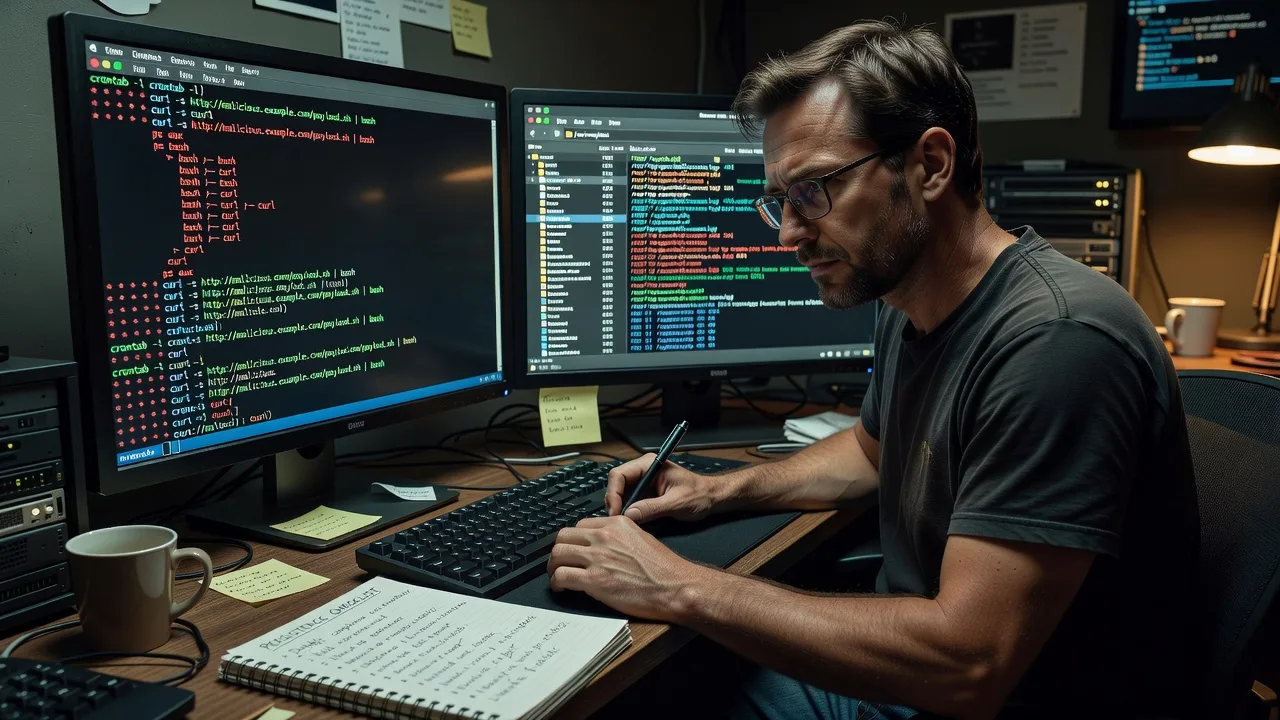
- Step 1: As root, run crontab -l for every user plus inspect /etc/cron.* and /var/spool/cron; note any curl|bash, base64, or unknown paths.
- Step 2: Disable suspicious lines (comment or move the file aside), delete matching binaries only after copying them to an offline evidence folder, then kill lingering PIDs tied to those paths.
- Step 3: Watch load for 15–30 minutes with uptime and ps auxf; if spikes return, a second persistence point (systemd timer or web shell) remains—escalate.
Website keeps reinfecting after you delete one PHP shell
A cron or CMS plugin quietly re-writes the shell into uploads or a theme file; deleting the visible backdoor alone never sticks.
- Step 1: Search the web root for recently modified PHP/JS with patterns like eval(base64_decode, assert(, and preg_replace /e; record full paths and mtimes.
- Step 2: Fix ownership and modes (web user should not own code dirs writable by the world), remove rogue plugin/theme drops, and clear every malicious cron that re-fetches the payload.
- Step 3: Re-scan mtimes after 24 hours and hit a known clean page; if new files appear with the same fingerprint, credentials or an upstream supply path are still live.
SSH logins succeed for keys you never added
Attackers drop keys into ~/.ssh/authorized_keys or a second admin account, then schedule quiet outbound beacons—frequent after password spray on exposed port 22.
- Step 1: Diff every authorized_keys file against a known-good backup; list unexpected users with getent passwd and check sudoers.
- Step 2: Remove unknown keys and accounts, set PermitRootLogin/PasswordAuthentication policy appropriately, restart sshd, and rotate remaining private keys offline.
- Step 3: Confirm only expected fingerprints remain and review auth logs for post-change success from foreign IPs; unexplained entries mean a backdoor still holds a session path.
When DIY is not enough (urgent, unsafe, recurring, or burning time), book Fixwebnode for direct professional support—no freelancers, bidding, or marketplace noise.
Why Choose Fixwebnode
We clean the persistence layer Australian operators actually hit—mixed cPanel/VPS estates, lean CMS stacks, and always-on boxes that cannot sit offline for a week. Technical depth with calm, jargon-free handoff so owners and clinic managers understand what changed.
- ✓ Direct provider: one accountable specialist path, fixed scopes in AUD
- ✓ Evidence-minded removal—what was bad, why it stayed, how we closed the loop
- ✓ Australia remote coverage with optional guided credential rotation for on-site staff
Expert Insights
After years of Australian VPS cleanups, the pattern that still fools “malware scanner only” workflows is the two-stage cron: a benign-looking shell script in a home directory that merely curls a remote list, while the real payload name changes daily. Scanners whitelist the script; load still explodes. Good practice: hash-and-diff every executable path referenced by cron and systemd timers against a known-good baseline taken after a clean rebuild—not against “popular malware names.” Bad practice: deleting only /tmp/* and assuming victory while a www-data crontab still runs every five minutes as the web user. For a Brisbane logistics client last freight season, the smoking gun was a second crontab under a disabled-looking deploy user nobody monitored; load normalised only after that user’s spool and SSH key were both retired together.
Tools & Technologies
Linux shell forensics (find, stat, ausearch where available), crontab/systemd timer review, rkhunter/chkrootkit as supporting signals (not sole truth), ClamAV/custom YARA-style greps for web shells, SSH and key hygiene, fail2ban basics, nginx/Apache log timeline reads, WordPress/Drupal file integrity checks, secure copy of evidence tarballs, and post-clean monitoring hooks (simple load + outbound connection watches).
Perfect For
Australian small businesses, clinics, education sites, and agencies whose Linux or CMS host shows reinfection, odd cron mail, mining load, or Safe Browsing warnings. Ideal when you want a direct remote disinfection with clear next steps—not a ticket ping-pong or a marketplace bidding thread. We balance deep server work with patient explanation for non-technical owners.
Ready to lock out the backdoor for good? Call 0421498927 or book via fixwebnode.com.au/contact-support.
Choose a package
Single-host scan with removal of obvious malicious crons and one confirmed web/backdoor path.
Full single-server persistence audit: crons, timers, keys, web roots, plus reinfection path notes.
Multi-account or dual-host disinfection with hardening, credential rotation guidance, and short monitoring plan.
FAQ
We deliver Australia-wide as a remote specialist service. Most cleanups complete over secure remote access. If your warehouse or clinic PC is the jump host, we guide your on-site person step-by-step for key rotation and restarts so nothing unsafe is left half-done.
We treat reinfection as the real job. That means crons, timers, keys, writable uploads, and weak CMS components—not a single PHP file. You receive a plain summary of root causes and the order to close them so the same payload cannot simply land again.
Preferably SSH root or equivalent sudo on the affected host, or full panel access plus SSH. We never ask you to lower security blindly; we agree a short maintenance window, capture evidence, remove persistence, then help you tighten access afterward.
Yes. Plugins catch known signatures inside the web root. Many Australian hosts we clean are kept sick by system crons, stolen SSH keys, or droppers outside the CMS tree. We cover OS-level persistence and the web layer together.



