






 Multi-Vendor & Complex SaaS Marketplaces
 Modern Headless & Jamstack Web Development
 High-End Corporate & Specialized Business Websites
 Advanced API, Checkout & Database Troubleshooting
Google Maps API Grey Screen & Development-Only Fix | Australia
Clear the grey map and remove the Development Purposes Only watermark on Australian sites—fast, direct fix.
We diagnose billing, key restrictions, referrer mismatches, and tile 403s that blank store locators for CBD retailers, tourism operators, and regional service businesses. Fixed-scope remote work with plain-English handoff.
Power up support: dial 0421498927 or book at fixwebnode.com.au/contact-support.
- Production-ready API key & billing check
- Map loads restored without marketplace bidding
- Australia-wide remote delivery
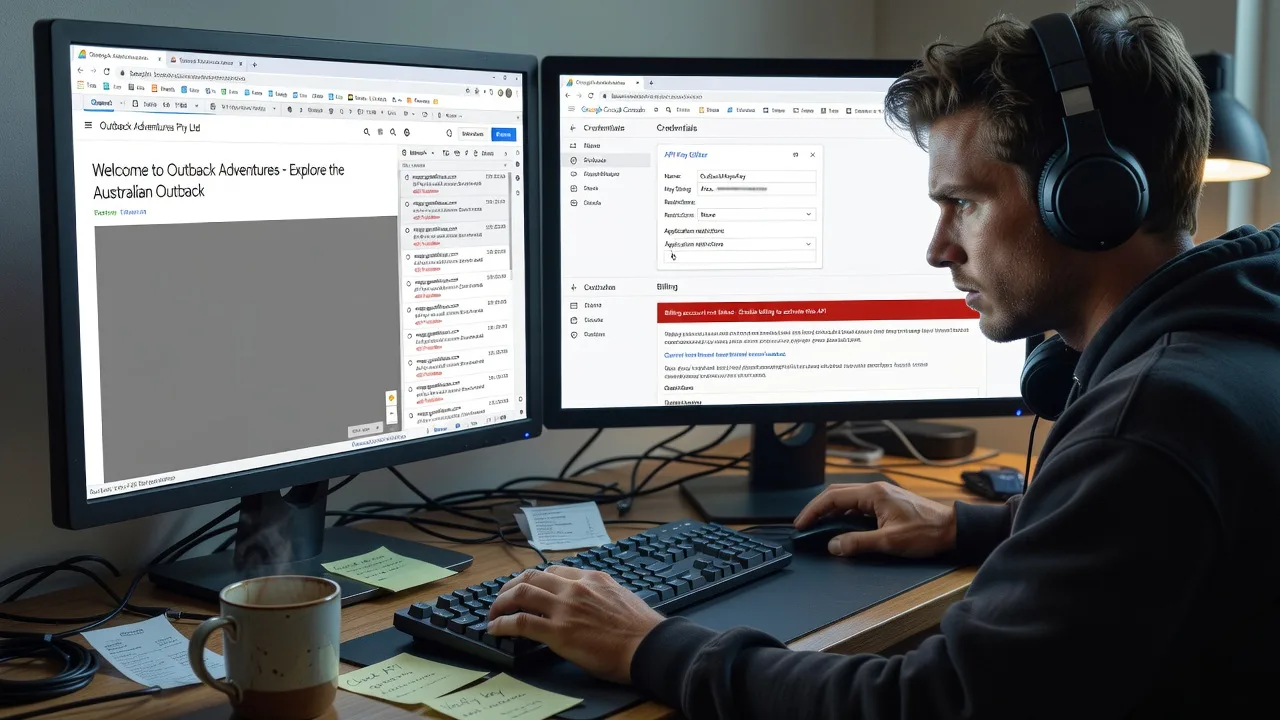
About this service
Stop showing a blank grey Google Map or the "For development purposes only" banner on your Australian website—we fix the root cause and hand you a production-safe setup. Ideal when store finders, booking maps, or fleet trackers must work for customers nationwide without embarrassing watermarks.
What You'll Get
- Root-cause diagnosis - Billing, enabled APIs, key restrictions, referrers, CSP, and quota reviewed end-to-end
- Production API key hardening - Correct Maps JavaScript / Places / Geocoding enablement with safe HTTP referrer rules
- Grey-screen tile recovery - Fix 403 map-tile failures so basemap imagery loads again
- Code-side loader cleanup - Async/defer callback, libraries list, and map options verified in your stack
- Plain-English runbook - What changed, how to rotate keys, and what to monitor in Google Cloud
- Optional follow-up check - Confirm map loads after DNS/CDN cache settle
Serving Australia & surrounds
Australian businesses lean hard on Google Maps for click-and-collect, clinic directions, and seasonal tourism traffic. We work remote across metro CBDs, high-street retail strips, and regional operators who cannot afford a dead map during school holidays or freight peaks. One-off mentions of denser pockets such as inner-Brisbane retail corridors or Perth industrial estates only appear when the access pattern matches—not as keyword stuffing.
- CBD and high-street retailers whose store-locator widgets go grey after a domain or SSL cutover
- Tourism and accommodation sites that spike map loads in summer and hit silent quota or billing walls
- Fully remote delivery Australia-wide—screen share when useful; no on-site travel required for API and front-end fixes
How We Work
- Step 1: Reach Out - Share the live URL, screenshot of the grey map or development watermark, and whether you hold the Google Cloud project (we listen first, jargon-light)
- Step 2: Tailored Plan - Fixed quote for the technical scope: key/billing audit only, full production cutover, or multi-environment (dev/staging/prod) cleanup
- Step 3: We Deliver - Remote infrastructure and code fixes—enable APIs, attach billing safely, tighten referrers, patch loader snippets, verify Network tab tile responses
- Step 4: Confirm & Follow-up - You sign off on a clean map in production; optional monitoring notes or a short maintenance window if keys rotate later
Common Issues & How to Fix Them
These are the failures we see repeatedly on Australian production sites—not generic "check your API key" advice.
Grey basemap tiles while the JS UI chrome still draws
The Maps JavaScript bundle loads, controls appear, but the map area stays light grey because tile requests return 403/denied—often after a domain move or stricter referrer list.
- Step 1: Open DevTools → Network, filter by maps.googleapis.com or googleapis.com/maps/vt, reload, and note status codes and the full error body (look for RefererNotAllowedMapError or ApiNotActivatedMapError).
- Step 2: In Google Cloud Console → APIs & Services → Credentials, edit the browser key: add both bare and www hosts, http and https, with and without trailing paths as needed (e.g. https://example.com/* and https://www.example.com/*). Enable Maps JavaScript API on that same project.
- Step 3: Hard-refresh production (bypass CDN cache if you front the site). Successful tile calls return 200 and imagery fills; watermark should clear once billing is also active.
"For development purposes only" watermark on an otherwise working map
Imagery loads but every map is branded as development-only—classic sign the Cloud project has no active billing account or billing was closed after a card expiry.
- Step 1: In Google Cloud, open Billing and confirm a billing account is linked to the project that owns the key (not a different sandbox project).
- Step 2: Ensure Maps JavaScript API (and Places/Geocoding if used) show Enabled; set a sensible budget alert in AUD so seasonal tourism spikes do not surprise finance.
- Step 3: Wait a few minutes, purge any HTML/CDN cache holding an old key, reload the page signed-out—watermark gone confirms production entitlement.
Map works on localhost but greys out only on the live Australian domain
Localhost was allow-listed during build; production host, staging subdomain, or a reverse-proxy Host header never made the referrer list—common after agency handoff.
- Step 1: Compare the key used in local.env versus production secrets/CMS fields; confirm you are not still shipping a second unrestricted "dev" key that Google later throttles.
- Step 2: Add every public origin that serves the map (apex, www, booking subdomain, preview URLs you still use). Avoid * wildcards on bare TLDs broader than you need; prefer https://yourdomain.com/* patterns.
- Step 3: From a clean mobile network (not office Wi‑Fi that might hit a different host), load the page and confirm tiles and Places autocomplete both succeed.
When DIY is not enough (urgent launch, recurring 403s, multi-brand keys, or CSP/CDN complexity), book Fixwebnode for direct professional support—no freelancers, bidding, or marketplace noise.
Expert Insights
After hundreds of Maps cutovers, the failure mode we still catch weekly is a split-brain project: billing sits on Project A while the browser key and enabled APIs live on Project B, so Console "looks fine" to whoever opens the wrong project. Always match Project number on the key, the Enabled APIs list, and the Billing link before touching referrers. Second hard-won rule for Australian retail stacks: if you terminate TLS at CloudFront, Cloudflare, or a WAFaaS, the browser Referer may be your apex while server-side Geocoding uses a server key—never reuse a referrer-restricted browser key on Node/PHP backends or you will chase intermittent greys that only appear on certain navigation paths. Prefer a dedicated IP-restricted server key for Geocoding/Directions and keep the browser key referrer-scoped; document both in the runbook so the next domain add does not reopen the watermark.
Why Choose Fixwebnode
We are a direct provider—enterprise-grade remote web/IT capability with human, plain-English delivery. You get one accountable specialist path for Maps API failures, not a queue of competing bids. Local commercial context matters: we plan around Australian billing currency, seasonal traffic, and multi-domain retail setups.
- ✓ Direct Fixwebnode delivery for Maps, keys, and front-end loaders—no freelancer marketplace
- ✓ Experience with store locators, clinic finders, and tourism maps under real AU traffic patterns
- ✓ Clear fixed packages, remote screen-share diagnostics, and practical handoff notes
Tools & Technologies
Google Cloud Console (APIs & Services, Credentials, Billing), Maps JavaScript API, Places Autocomplete, Geocoding API, Chrome DevTools Network/Console, CSP header review, common CMS embeds (WordPress, custom React/Vue loaders), CDN cache purge patterns, referrer and API-key restriction design, optional server-side key separation for Directions/Geocoding.
Perfect For
Australian SMEs, clinic and allied-health directories, tourism operators, and multi-location retailers whose public map suddenly greys out or shows Development Purposes Only after a go-live, rebrand, or billing lapse. Also fits agencies needing a senior pair of eyes on a client Cloud project without adding marketplace overhead. If you need the map trustworthy before Monday trading or a campaign launch, this is built for you.
Ready to restore a clean production map? Call 0421498927 or reach us via fixwebnode.com.au/contact-support.
Choose a package
Remote diagnosis and fix for a single-site grey screen or development-only watermark on one production domain.
Full production cutover: key hardening, loader/code review, and verification across live plus staging hosts.
Multi-environment or multi-brand Maps recovery with server/browser key separation, quota alerts, and extended support.
FAQ
We deliver this Maps API work fully remote Australia-wide. Screen share is available when you want to walk through Google Cloud together; almost all grey-screen and watermark fixes complete without an on-site visit. If your team is spread across metro and regional offices, one Cloud project fix covers every location using that key.
Yes—for a lasting fix someone with project Owner or appropriate IAM must link billing and adjust credentials. We can guide you step-by-step on a call so you retain control of payment methods, or work inside a temporary role you grant and revoke after delivery. We never require marketplace escrow or third-party freelancers.
The watermark usually means the JavaScript map initialised but the project is still treated as unpaid/development (billing missing or detached). A flat grey canvas more often means tile or API requests are denied—wrong key, referrer block, API not enabled, or CSP cutting maps.googleapis.com. We diagnose both paths before changing production keys.
Yes. We handle CMS embeds, tag-manager injected scripts, and SPA loaders (callback, dynamic import, or @googlemaps/js-api-loader patterns). Standard and Premium packages include a code-side review so the new key and async loading pattern stick after theme or deploy updates.



