






 Multi-Vendor & Complex SaaS Marketplaces
 Modern Headless & Jamstack Web Development
 High-End Corporate & Specialized Business Websites
 Advanced API, Checkout & Database Troubleshooting
Google Login & Social OAuth Button Repair — Australia
Broken Google sign-in or social OAuth buttons fixed for Australian sites and apps—fast, direct repair.
We diagnose redirect mismatches, dead Login with Google buttons, expired client secrets, and consent-screen blocks that stop customers on high-street retail, café-strip booking sites, and clinic portals across metro and regional Australia. Clear scopes, fixed quotes, no marketplace runaround.
Need it sorted now? Call 0421498927 or book at fixwebnode.com.au/contact-support.
- OAuth 2.0 / OpenID Connect repair
- Google, Apple, Facebook & custom IdP flows
- Remote fix with plain-English handoff
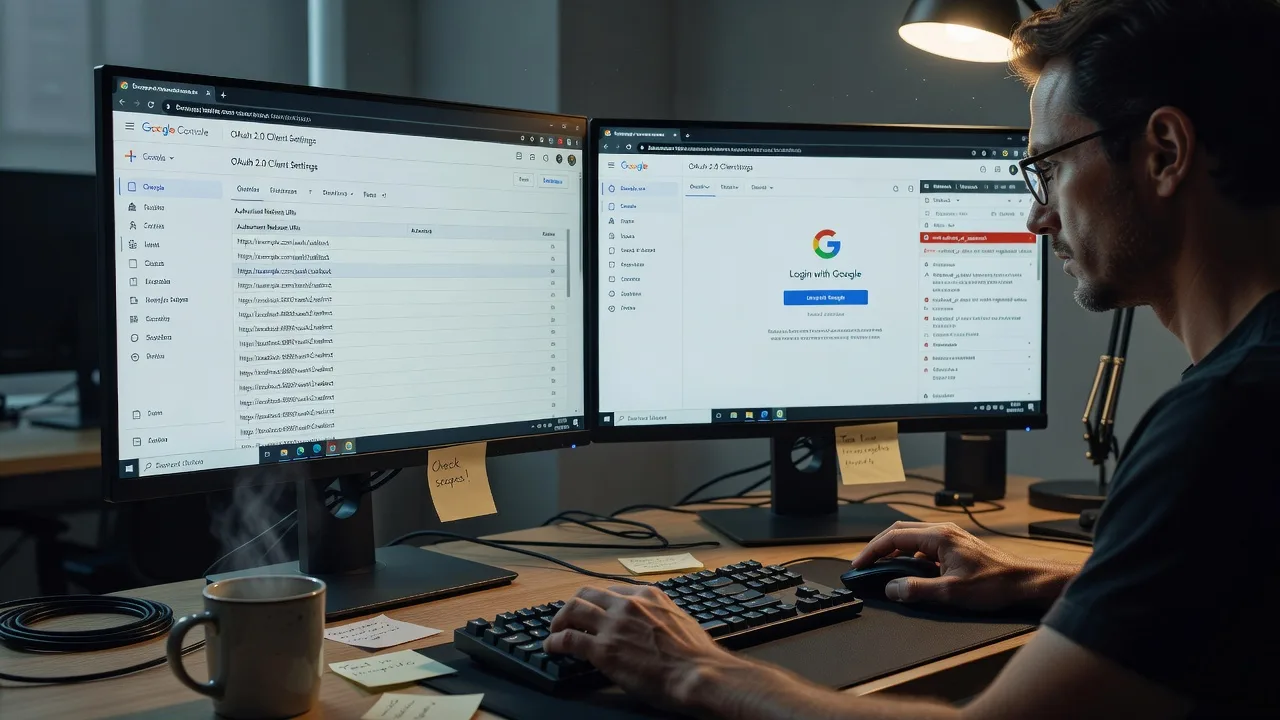
About this service
Get your Login with Google button and social OAuth flows working again for Australian customers—secure, tested, and explained in plain English so your team can keep them healthy.
What You'll Get
- Root-cause OAuth diagnosis - We trace redirect URIs, client IDs, scopes, and callback handlers so the failure is fixed, not masked.
- Working social login buttons - Google, and related providers where needed, restored on web and app entry points with verified success and error paths.
- Secure credential hygiene - Client secrets, authorised domains, and environment separation reviewed so staging and production stop colliding.
- Consent screen & brand verification guidance - Practical steps for Google Cloud Console setup that match how Australian businesses present themselves.
- Session & cookie behaviour checks - Third-party cookie, SameSite, and popup issues that break login on modern browsers are addressed.
- Plain-English runbook - What changed, how to re-test after a domain move, and when to call us again.
Serving Australia & surrounds
Australian sites face a familiar mix: multi-location retailers with separate booking domains, telehealth and clinic portals that must keep patient logins reliable, and small operators whose Google Cloud project was set up years ago and never updated after a domain or hosting move. We work remote-first nationwide, with the same care whether you run a single shopfront site or a multi-brand stack.
- High-street and café-strip booking sites where a dead Google button means abandoned carts at peak lunch and weekend trade
- Clinic and allied-health portals that need stable Google sign-in for staff and patients without confusing error screens
- Fully remote diagnosis and repair across Australia—screen-share optional; no on-site travel required unless you request a coached session
How We Work
- Step 1: Reach Out - Tell us what fails (button greyed out, redirect_uri_mismatch, infinite spinner, works on mobile only). We listen first and note environments, domains, and providers.
- Step 2: Tailored Plan - You get a fixed-scope quote for the repair path—console config, code callbacks, or both—plus clear options if human walkthrough support is needed for your team.
- Step 3: We Deliver - Remote infrastructure and application fixes: Google Cloud OAuth clients, authorised origins, redirect URIs, library updates, and button UX checks.
- Step 4: Confirm & Follow-up - Joint verification on success/fail paths, a short handoff note, and optional follow-up if you rotate secrets or add a new domain later.
Common Issues & How to Fix Them
These are the failures we see repeatedly on Australian business sites—and safe first checks before you escalate.
Error 400: redirect_uri_mismatch after a domain or hosting change
The button starts the Google flow, then dies with a red error page. Common after moving from a temporary host domain, adding www, or switching to a booking subdomain.
- Step 1: Open the failing URL’s full error text and copy the redirect_uri Google expected (it is usually listed on the error page).
- Step 2: In Google Cloud Console → APIs & Services → Credentials → your OAuth 2.0 Client ID, add that exact URI under Authorised redirect URIs (match http/https, www, trailing slash, and path).
- Step 3: Wait a minute, hard-refresh, retry Login with Google in a private window, and confirm you land on your success callback—not the Google error page.
Login with Google button does nothing or opens a blank popup
Click registers, but no account chooser appears—or a blank window flashes and closes. Often popup blockers, incorrect client ID in front-end code, or FedCM / third-party cookie changes.
- Step 1: Open browser DevTools → Console and Network; click the button once and note blocked popups, CORS, or 401/403 on accounts.google.com or your token endpoint.
- Step 2: Confirm the front-end uses the correct Web client ID, authorised JavaScript origins include your exact site origin, and the button is not covered by an overlay or pointer-events CSS issue.
- Step 3: Retry in a clean private window with popups allowed for your domain; if the chooser appears and returns an auth code or credential, the client config is healthy and you can narrow remaining issues to callback handling.
invalid_client or “Access blocked” after secret rotation or old OAuth project
Server-side token exchange fails, or users see Access blocked: authorisation error. Typical when a secret was rotated in Console but not updated in env vars, or the OAuth consent screen is stuck in Testing with only test users allowed.
- Step 1: In Console, check OAuth consent screen publishing status (Testing vs In production) and whether the signed-in Google account is on the test-user list if still in Testing.
- Step 2: Verify the backend uses the matching client ID and current client secret from the same OAuth client; restart the app/process after updating environment variables so old secrets are not cached.
- Step 3: Run a full login once more and confirm token exchange returns 200 and your session cookie or JWT is set—then sign out and repeat with a second account if you serve staff plus customers.
When DIY is not enough (urgent, unsafe, recurring, or burning time), book Fixwebnode for direct professional support—no freelancers, bidding, or marketplace noise.
Why Choose Fixwebnode
We repair social login as a direct provider: technical OAuth competence plus calm, jargon-free explanation for owners and non-dev staff. Australian businesses get fixed quotes, remote delivery, and handoffs that respect how your site actually takes bookings and enquiries.
- ✓ Direct Fixwebnode engineers—not a bid board or multi-seller marketplace
- ✓ Experience with Google Cloud OAuth, OpenID Connect, and mixed CMS/custom stacks common in AU small business
- ✓ Human-clear documentation so your team can re-test after the next domain or plugin change
Expert Insights
After a long weekend market push, an Australian multi-location retailer often adds a promotional subdomain (e.g. events.yoursite.com.au) and wires the same Google button copy-pasted from production. The client ID stays valid, but Authorised JavaScript origins and redirect URIs only list the apex and www hosts—so metro staff testing on the promo URL see intermittent failures while head office on the main domain swears login is fine. Good looks like every public origin and every callback path listed exactly once per environment, with separate OAuth clients for staging and production. Bad looks like one shared client, a secret pasted into three repos, and “works on my laptop” because someone is still on the old host file. If you only change one thing this quarter: split staging/production clients and keep a one-page checklist of origins and redirect URIs next to your domain DNS notes.
Tools & Technologies
Google Cloud Console (OAuth 2.0 clients, consent screen), OpenID Connect, OAuth 2.0 authorisation code and implicit/token flows as applicable, Google Identity Services / GIS button, passport.js and similar server libraries, NextAuth/Auth.js style handlers, JWT/session cookies, SameSite and secure cookie flags, browser DevTools, Postman or curl for token endpoint checks, WordPress/social-login plugin config where relevant, custom Node/PHP/Python callbacks.
Perfect For
Australian small businesses, clinic and telehealth portals, education providers, and operators who need Login with Google or social OAuth working reliably without babysitting Console settings. Ideal when a domain move, redesign, or “it worked last year” secret broke sign-in and you want one direct specialist to restore it and explain the fix.
Ready to restore sign-in? Call 0421498927 or continue at fixwebnode.com.au/contact-support.
Choose a package
Single-environment Google login diagnosis and fix for one domain’s OAuth client and button flow.
Full Google social login repair including consent screen review, secret hygiene, and success/fail path testing.
Multi-provider or multi-domain OAuth recovery with deeper code-path review and team walkthrough.
FAQ
Yes. We deliver this service remote-first for clients anywhere in Australia. Most Google OAuth and Login with Google repairs are completed via secure access, Console collaboration, and optional screen-share—no on-site visit required unless you specifically want a coached session with your team.
Share the public site URL, whether the failure is on web or app, the exact error text (screenshot helps), when it started (domain move, redesign, plugin update), and whether you can grant temporary access to Google Cloud Console or your staging site. We work as your direct provider and only request the minimum access needed.
Both. We handle custom stacks and common CMS/plugin setups. The fix may be Console configuration, plugin settings, theme script conflicts, or server-side callback handling—we identify which layer is broken before changing anything.
No. We guide rotation and placement in your environment variables or secret store, confirm the app picks up the new values, and leave credentials under your control. Our handoff tells you what was changed without exposing secrets in tickets or email.



