






 Multi-Vendor & Complex SaaS Marketplaces
 Modern Headless & Jamstack Web Development
 High-End Corporate & Specialized Business Websites
 Advanced API, Checkout & Database Troubleshooting
Core Web Vitals CLS Visual Bug Fix for Australia Sites
Stop layout jumps and CLS score drops on Australian business sites—we stabilise shifting UI before it costs conversions.
We diagnose late-loading images, ads, web fonts, and dynamic embeds that shove content around on mobile and desktop. Ideal for high-street retailers, café booking pages, and multi-location service sites competing in search across Australia. Direct Fixwebnode delivery—no freelancers or bid noise.
Power up support: call 0421498927 or visit fixwebnode.com.au/contact-support for a clear CLS fix plan.
- Lab + field CLS measurement
- Stable image, font & ad slots
- Before/after Core Web Vitals report
About this service
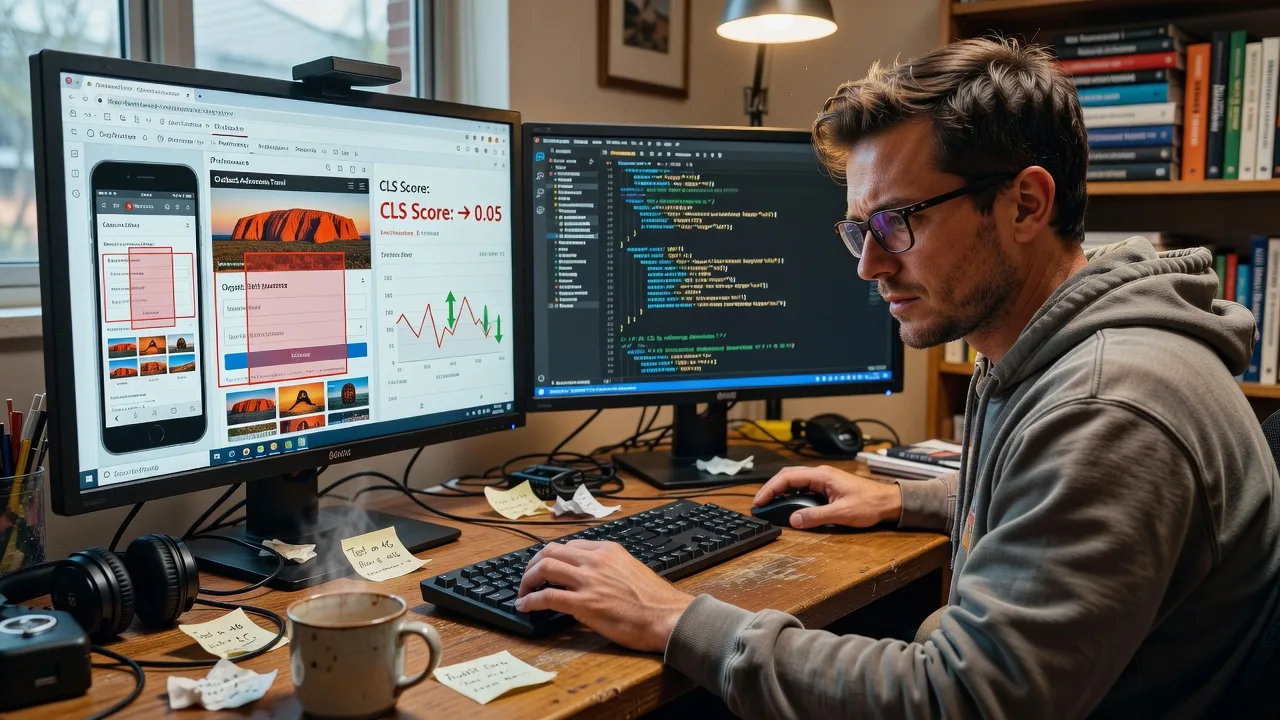
We fix Cumulative Layout Shift so Australian visitors stop losing buttons mid-tap and your Core Web Vitals stay green under real traffic—not just a quiet lab test. If your product grid, booking widget, or hero banner jumps after load, we track the shift sources and lock the layout so UX and rankings stop fighting each other.
What You'll Get
- CLS root-cause map - Field and lab traces showing which images, embeds, fonts, or JS injects move the page.
- Reserved space & aspect-ratio fixes - Dimensions, placeholders, and CSS so media never shove content after paint.
- Font & FOIT/FOUT control - Stable typography loading so headings do not reflow after swap.
- Ad / third-party slot hardening - Fixed containers for banners, chat, and booking iframes common on AU service sites.
- Before/after CWV pack - CLS, LCP context, and screenshots you can share with stakeholders or agencies.
- Deploy-safe patch notes - Clear change list for WordPress, Shopify, custom stacks, or your developer handoff.
Serving Australia & surrounds
Australian sites face a mix of mobile-heavy CBD lunch traffic, regional slower connections, and seasonal campaign spikes that load heavier creatives. We tune CLS for that reality—not a US-only lab profile—so a pharmacy booking flow in a metro strip and a warehouse catalogue inland both stay visually steady. Work is remote-first with plain-English updates for owners and ops teams nationwide.
- High-street and café-strip booking pages where menu images and Google Maps embeds shove the CTA after load
- Strata and multi-location service directories where card grids reflow when late thumbnails arrive
- Fully remote diagnostics across Australia with optional screen-share walkthroughs for your in-house editor or IT contact
How We Work
- Step 1: Reach Out - Share your URL, device complaints ("button jumps on mobile"), and any PageSpeed or Search Console CLS flags—we listen first.
- Step 2: Tailored Plan - Fixed-scope quote: which templates, how many shift sources, and whether we patch live or hand you a staged PR.
- Step 3: We Deliver - We instrument CLS, reserve space, fix fonts/media/embeds, and re-test under realistic AU network conditions.
- Step 4: Confirm & Follow-up - Plain-English handoff, optional monitoring tips, and a short follow-up window if a campaign asset reintroduces shift.
Common Issues & How to Fix Them
These are the CLS patterns we see repeatedly on Australian business sites—symptoms first, then safe DIY checks before you escalate.
Hero or product image loads without reserved height
The page paints text first, then a large image drops in and pushes the primary button down—especially painful on mobile checkout or booking flows.
- Step 1: Open DevTools Performance or Layout Shift regions and note the element that moves when the hero appears.
- Step 2: Set explicit width/height or CSS aspect-ratio on the image (and its wrapper) matching the real asset ratio; use a lightweight placeholder or blur-up that keeps the same box.
- Step 3: Hard-refresh on a mid-tier phone; confirm the CTA does not jump and lab CLS for that view drops toward 0.1 or better.
Web font swap reflows headings and nav
System font paints first, then your brand font loads wider/taller and every H1 and menu item shifts—common after a rebrand or theme update.
- Step 1: Check Network for late font files and note font-display behaviour (swap vs optional vs block).
- Step 2: Preload critical woff2 files, set font-display to optional or a controlled swap, and match fallback metrics (size-adjust / ascent-override where supported) so the fallback box is close to the final face.
- Step 3: Reload with cache disabled; headings should hold position. Re-run a CLS trace—font-related shifts should disappear from the list.
Late ad, chat, or booking iframe injects into the flow
Third-party scripts insert a banner or calendar after first paint and shove main content—frequent on AU retail and clinic sites during campaign weeks.
- Step 1: Identify the inject with a layout-shift log (which node and when) while the widget loads on a throttled connection.
- Step 2: Give the slot a min-height matching the final widget, load below the fold when possible, or render into a reserved container that never collapses to zero height.
- Step 3: Simulate slow 4G; the surrounding paragraphs and buttons must stay put while the widget fills its box. Field CLS should stop spiking on those URLs.
When DIY is not enough (urgent, unsafe, recurring, or burning time), book Fixwebnode for direct professional support—no freelancers, bidding, or marketplace noise.
Why Choose Fixwebnode
We are a direct provider: one specialist team that both reads Core Web Vitals telemetry and explains the fix in plain language for owners, marketers, and clinic admins. Australian commercial patterns—campaign image dumps, multi-location templates, mixed CMS stacks—shape how we prioritise shift sources, not generic overseas checklists.
- ✓ Hands-on CLS remediation across WordPress, Shopify, and custom front ends
- ✓ Remote-first coverage for metro and regional Australia with clear fixed quotes
- ✓ Balance of technical depth and human-readable reports your non-dev stakeholders can action
Tools & Technologies
Chrome DevTools Layout Shift regions, Lighthouse & PageSpeed Insights, CrUX / Search Console CWV, Web Vitals JS snippets, PerformanceObserver CLS entries, aspect-ratio and size attributes, font preload & metric overrides, Cloudflare/CDN image resizing where in use, WordPress theme/CSS child patches, Shopify Liquid/section CSS, and staged Git or host deploys as appropriate.
Perfect For
Australian SMEs, multi-location services, clinics, education providers, and online retailers whose mobile users report "the page jumps" or whose Search Console shows poor CLS. Ideal when you need infrastructure-grade front-end fixes plus clear guidance for whoever updates content next—without turning the job into a freelancers marketplace exercise.
Expert Insights
On many AU retail and booking sites we audit, lab CLS looks acceptable on a cold Lighthouse run because hero assets are cached and third parties are blocked—yet field CLS fails during weekday lunch peaks when promotional banners and maps load late on mid-range Androids. A practical rule we use after years of fixes: treat any inject that can change height after first contentful paint as a reserved skeleton first, content second. Measure shift with attribution on a throttled 4G profile against your real campaign creative set, not the bare staging theme. If a single late map embed or font face accounts for most shift, lock that box before chasing micro-optimisations elsewhere—that sequence routinely moves pages under the 0.1 CLS threshold faster than blanket "optimise all images" passes.
Ready to steady the layout? Call 0421498927 or book via fixwebnode.com.au/contact-support.
Choose a package
Single key template CLS audit and targeted visual-stability fixes with a before/after summary.
Multi-template CLS remediation across main journeys plus field-oriented verification and deploy notes.
Site-wide CLS stabilisation programme with deeper third-party control, stakeholder report, and follow-up check.
FAQ
We deliver CLS and Core Web Vitals fixes remotely nationwide across Australia. Screen-share sessions work well for walkthroughs with your web editor or IT contact; on-site visits are rarely needed for layout-shift work because diagnostics and patches run through your staging and production environments.
No—we reserve space and control load order so creatives still appear, they just stop shoving content after paint. Campaign banners and booking widgets keep their visual role inside stable containers rather than being stripped for score chasing.
A live URL list (or staging access), notes on where users feel jumps, and any PageSpeed or Search Console CLS screenshots. CMS/admin access or a developer contact speeds deployment; we can also deliver patch-ready CSS/HTML/JS with clear instructions if you prefer internal deploy.
Fixed package scopes in AUD for defined templates and deliverables. We are Fixwebnode, a direct provider—you work with us on a clear plan, not a board of competing freelancers or open bids.



