






 Multi-Vendor & Complex SaaS Marketplaces
 Modern Headless & Jamstack Web Development
 High-End Corporate & Specialized Business Websites
 Advanced API, Checkout & Database Troubleshooting
Contact Form Failure & Spam Bombing Fix — Australia
Stop lost leads and spam floods on Australian websites—we repair contact forms that fail silently or attract bot storms.
Whether you run a high-street retailer, clinic booking page, or regional trades site, we diagnose submission errors, harden spam controls, and restore clean inbox delivery. Direct Fixwebnode support—not a marketplace queue.
Power up your fix: dial 0421498927 or go to fixwebnode.com.au/contact-support.
- Form delivery & mail-server checks
- Spam-bombing shutdown & rate limits
- Clear handoff in plain English
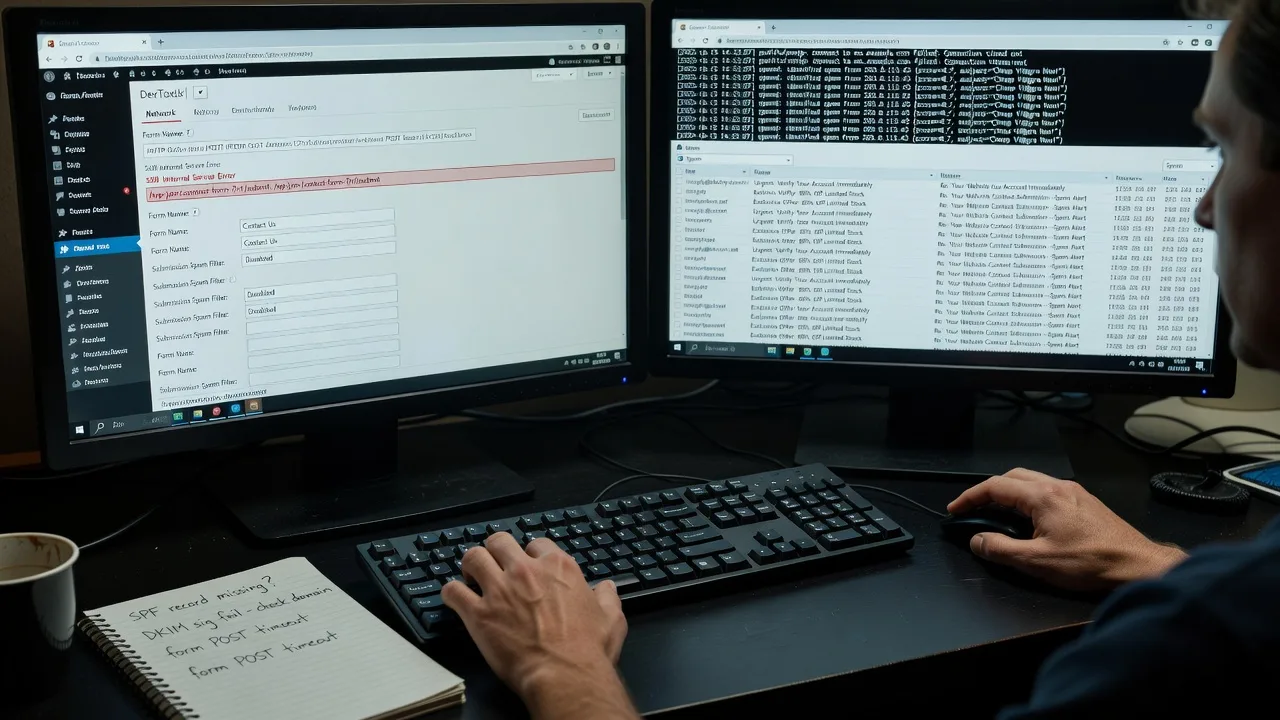
About this service
When Australian enquiry forms stop delivering or get buried under spam bombs, we restore reliable submissions, clean routing, and practical anti-abuse controls—so genuine leads reach you again.
What You'll Get
- Full form path diagnosis - Front-end validation, AJAX handlers, CSRF tokens, and server-side mail pipeline checked end-to-end
- Spam bombing containment - Bot floods throttled with rate limits, honeypots, reCAPTCHA/hCaptcha, and IP/user-agent filters that fit your stack
- Delivery repair - SMTP, SPF, DKIM, DMARC, and plugin/theme conflicts fixed so messages leave the server and land in the right inbox
- Notification & CRM routing - Admin alerts, auto-replies, and webhook/CRM hooks verified so nothing vanishes into a black hole
- Hardening report - Plain-English notes on what broke, what we changed, and how to spot the next wave early
- Optional monitoring handoff - Lightweight checks or a short follow-up window after go-live
Serving Australia & surrounds
We support metro and regional Australian businesses whose contact forms are business-critical—from CBD professional suites and warehouse freight yards to café-strip retailers and telehealth clinics that cannot afford silent form failures during peak enquiry hours. Remote-first delivery means fast turnaround without waiting on site visits, with optional screen-share walkthroughs when your team needs clarity.
- High-street and strip retail sites hit by seasonal bot waves after campaigns or market weekends
- Industrial and logistics operators needing reliable quote forms when freight season spikes enquiries
- Fully remote diagnosis across Australia; on-screen handover when your office policy prefers a live walkthrough
How We Work
- Step 1: Reach Out - Tell us the symptoms (no emails arriving, spam floods, double submits, or CRM gaps). We listen first and confirm stack access needs.
- Step 2: Tailored Plan - Fixed-scope quote for the form path, spam controls, and mail authentication work—no open-ended bidding.
- Step 3: We Deliver - Remote repair of code, plugins, server mail, and anti-spam layers, with patient plain-English updates while we work.
- Step 4: Confirm & Follow-up - Live test submissions, spam probe checks, documented changes, and optional short follow-up if volume spikes again.
Common Issues & How to Fix Them
These are the failure patterns we see constantly on Australian business sites—use the safe checks below before you rewrite half the form.
Issue 1 — Form says "sent" but nothing arrives (silent mail drop)
Often SPF/DKIM misalignment, the host blocking PHP mail, or a plugin routing to a dead SMTP credential after a password rotate.
- Step 1: Submit a test with a unique subject string and check spam, plus any form-plugin log or server mail log for that exact string.
- Step 2: Confirm the From address domain matches authenticated SMTP (or switch off bare PHP mail) and that SPF includes the actual sending host.
- Step 3: Resend the test; if logs show accepted-by-MTA and the message lands in inbox/spam consistently, delivery path is restored—then tune DMARC reporting.
Issue 2 — Spam bombing: hundreds of junk enquiries in hours
Bots hammer unprotected endpoints, especially after your URL appears in ads, directories, or scraped contact pages; CAPTCHA alone is often bypassed if the POST URL is open.
- Step 1: Temporarily rate-limit or disable the public endpoint (or add IP challenge) and export recent spam patterns (same user-agent, empty honeypot fields, nonsense timing).
- Step 2: Add a hidden honeypot field, server-side time-to-submit check, and a modern CAPTCHA; block obvious bot signatures at WAF/host level where available.
- Step 3: Re-open the form and watch a 30–60 minute window—legitimate tests should pass while bulk identical junk drops sharply.
Issue 3 — AJAX/JS validation fails on mobile or after a theme update
Theme or cache plugins minify scripts out of order; required fields never post, or nonce/CSRF tokens expire behind aggressive page cache—common after sales-period redesigns.
- Step 1: Test in a private mobile window with cache bypass (query string or host purge) and note console errors on submit.
- Step 2: Exclude the form page from full-page cache, restore correct script dependencies, and ensure nonce refresh on cached pages.
- Step 3: Successful submit returns the expected success state on phone and desktop without console errors; confirm the backend still receives the payload.
When DIY is not enough (urgent, unsafe, recurring, or burning time), book Fixwebnode for direct professional support—no freelancers, bidding, or marketplace noise.
Expert Insights
After years repairing Australian SMB and clinic forms, the pattern that still surprises owners is partial success: desktop works, mobile fails, or only one notification email fires. Before touching CAPTCHA, map every listener on the submit event and every server handler that can short-circuit mail. A practical local scenario: a regional trades site runs a weekend promotion; bots scrape the form URL from Google Ads extensions and POST faster than human fill times. Good outcome looks like server-side minimum fill time (e.g. 3–5 seconds), honeypot trip logging, and SMTP auth that still works after the host rotates credentials. Bad outcome looks like stacking three CAPTCHA plugins, leaving PHP mail on a shared host with no SPF, and declaring the form "fixed" because the thank-you page loads while zero messages leave the queue. Always verify with a unique subject token in both application logs and the receiving mailbox—not just the front-end success toast.
Why Choose Fixwebnode
We are a direct provider blending infrastructure-grade web and mail fixes with calm, jargon-free guidance for owners and office staff. You deal with us—not a bid board—so scope, pricing, and accountability stay clear from first call to confirmed test submission.
- ✓ End-to-end form + mail + anti-abuse experience across WordPress, custom PHP, and common Australian hosts
- ✓ Remote-first speed for metro and regional clients with plain-English handovers
- ✓ Fixed package scopes so you know what will be repaired before work starts
Tools & Technologies
WordPress Contact Form 7, WPForms, Gravity Forms, Fluent Forms; custom PHP/Node handlers; reCAPTCHA v2/v3, hCaptcha, Turnstile; honeypots and rate limits; SMTP (Postmark, Mailgun, Amazon SES, host SMTP); SPF/DKIM/DMARC alignment; Cloudflare/WAF rules; browser DevTools, mail-tester style checks, server logs, and staging clones for safe change windows.
Perfect For
Australian small businesses, clinics, NDIS/aged-care providers with booking enquiries, education providers, and teams whose website is the front door for leads. Ideal when spam volume is drowning real messages, when "message sent" lies, or when a recent theme/host change broke submissions and your staff need a clear fix—not another plugin pile-on.
Ready to restore clean enquiries? Call 0421498927 or visit fixwebnode.com.au/contact-support and we will map the fastest safe path back to reliable form delivery.
Choose a package
Single contact form path diagnosis and repair for submission failure or basic spam noise on one site.
Full spam-bombing containment plus delivery hardening and notification routing for one production site.
Multi-form or high-traffic hardening with WAF/rules review, staging-safe changes, and extended follow-up.
FAQ
Yes—we deliver this service Australia-wide as remote-first work. Most contact-form and spam issues are resolved via secure access and screen share. If your policy requires a live walkthrough with staff, we schedule that online; pure on-site visits are rarely needed for form and mail pipeline repairs.
We design controls so humans still pass: sensible time-to-fill checks, honeypots invisible to people, and CAPTCHA only where needed. After changes we run live legitimate tests on desktop and mobile and watch a short window for false positives before handing back.
Typically WP/admin or repo access, hosting panel or SMTP credentials, and a sample of recent spam plus one failed genuine enquiry if available. We use least-privilege access, document every change, and can work on staging first when you prefer zero risk on production.
On the Standard or Premium path we prioritise containment first—temporary rate limits or endpoint protection—then permanent controls and mail authentication. Many floods calm within the first hardening pass; full clean delivery verification follows once the volume is under control.



