






 Multi-Vendor & Complex SaaS Marketplaces
 Modern Headless & Jamstack Web Development
 High-End Corporate & Specialized Business Websites
 Advanced API, Checkout & Database Troubleshooting
Broken Image URL & 404 Missing Asset Path Locator — Australia
Locate and repair broken image URLs and 404 missing asset paths on Australian sites—remote, precise, and plain-English.
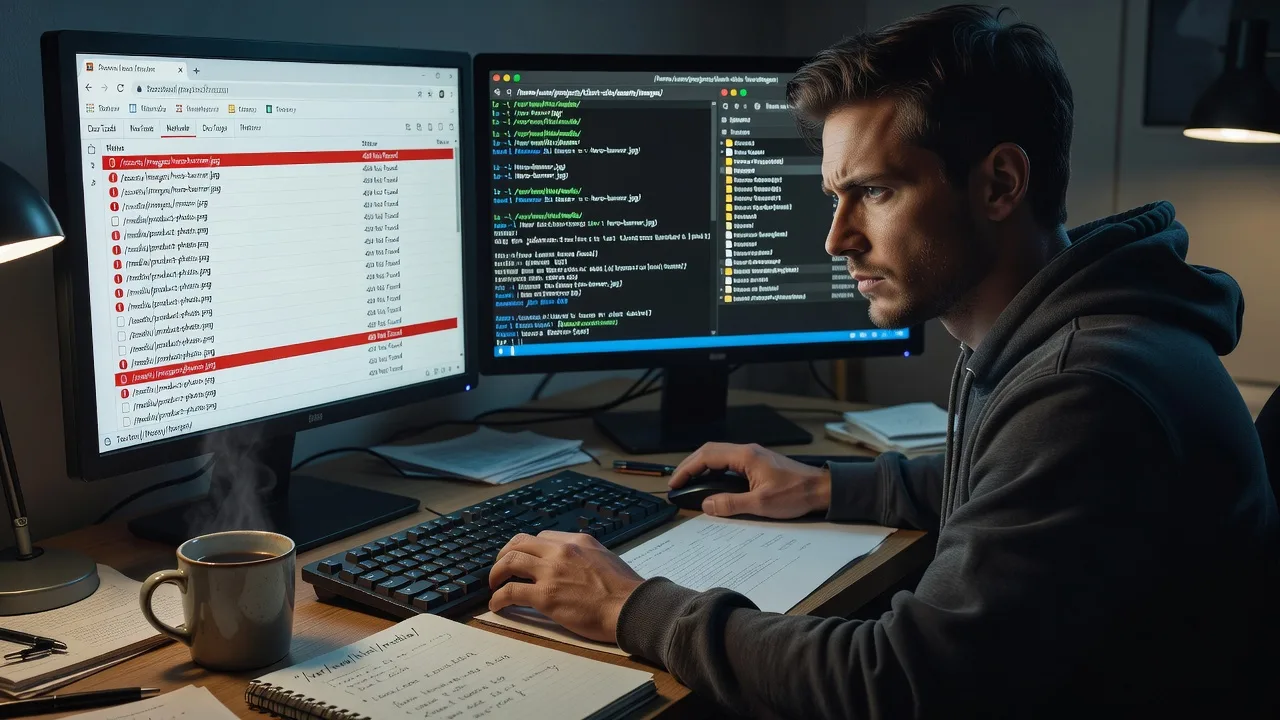
We trace dead media links, case-sensitive server paths, CDN leftovers, and post-migration folder moves that blank product galleries, menus, and landing pages for metro retailers and regional operators alike. You get a clear path map, corrected references, and optional bulk fixes.
Need hands-on help now? Call 0421498927 or book via fixwebnode.com.au/contact-support.
About this service
We find every broken image URL and missing asset path on your site, then restore clean loads for Australian businesses that cannot afford blank galleries or 404 noise. Remote diagnosis, fixed quotes, and a specialist who explains the root cause—not a ticket queue.
What You'll Get
- Full broken-asset scan - Crawl of pages, CSS, JS, and media references that return 404 or soft-fail images
- Path root-cause map - Case mismatch, moved folders, CDN origin drift, absolute vs relative URL mix, or leftover staging hosts
- Corrected URL set - Updated references you can deploy, or we apply the patch with you
- Bulk rename / rewrite plan - Safe find-replace rules for media libraries and theme assets
- Cache & CDN checklist - What to purge so fixed paths actually appear for visitors
- Plain-English handoff - What broke, what we changed, and how to stop it recurring after the next upload or deploy
Serving Australia & surrounds
Australian sites mix high-street retail, warehouse product catalogues, strata-office booking pages, and regional tourism listings—each with different media habits and hosting quirks. We work fully remote across the country, with screen-share walkthroughs when your team needs to see the path tree live. One-off mentions of denser metro strips (for example around Parramatta commercial corridors) sit alongside regional operators who still ship weekly stock photos from phone uploads.
- CBD and high-street retailers whose product grids go blank after a theme or CDN switch
- Industrial and freight-season catalogues where bulk SKU images land in the wrong folder casing on Linux hosts
- Fully remote delivery Australia-wide—no on-site travel required; optional guided screen share for your staff
How We Work
- Step 1: Reach Out - Send the live URL, a few example broken images, and whether you use WordPress, custom HTML, Shopify, or a static/CDN setup. We listen first.
- Step 2: Tailored Plan - Fixed-scope quote: scan only, scan + rewrite list, or full apply-and-verify. Clear path for tech fixes and optional patient walkthrough for non-technical owners.
- Step 3: We Deliver - Remote path locator run, root-cause notes, corrected references, and CDN/cache steps. Screen share available if your team wants to watch the fix.
- Step 4: Confirm & Follow-up - You confirm images load on key templates; we leave a short prevention note and optional maintenance check after your next content drop.
Common Issues & How to Fix Them
These are the failure patterns we see repeatedly on Australian production sites—each with safe DIY checks before you escalate.
Case-sensitive path mismatch on Linux hosting
Images work on a Windows laptop or local MAMP stack but 404 on the live Linux server because Product.JPG was uploaded as product.jpg—common after staff email photos from phones during stock updates.
- Step 1: Open the broken image URL directly in a browser and note the exact path casing in the address bar versus the filename in your media library or FTP listing.
- Step 2: Rename the file on the server to match the HTML/CSS reference exactly (or update the reference to match the real filename)—never rely on case-insensitive local preview.
- Step 3: Hard-refresh the page (Ctrl/Cmd+Shift+R) and confirm the image binary loads with a 200 status in DevTools Network.
Media folder moved after CMS or theme migration
Old posts still point at /wp-content/uploads/2021/... or a custom /assets/img/ path that no longer exists after a redesign, host move, or "clean install" restore.
- Step 1: Pick three broken URLs from different years or templates and compare their path prefix to where files actually live now (FTP, S3 console, or media library).
- Step 2: Run a controlled search-replace on post content and theme options for the old prefix only—export a DB/file backup first; avoid blind global replaces on the whole domain string.
- Step 3: Re-scan those same three URLs plus one new upload; if all four return 200 and display, expand the replace to remaining templates.
CDN or cache still serving the old origin path
You fixed the origin file, but Cloudflare, CloudFront, or a host CDN keeps returning 404 or a stale error edge for Australian visitors—especially after bulk renames during a sale weekend.
- Step 1: Bypass CDN by hitting the origin host header or temporary direct URL; if origin is 200 but public URL is 404, the edge is the problem.
- Step 2: Purge the exact asset URL (not only "everything" if you can avoid it), then purge the HTML page that embeds it so markup and binary stay in sync.
- Step 3: Test in a private window on mobile data as well as office Wi‑Fi; confirm Network tab shows the CDN POP returning 200 with the new path.
When DIY is not enough (urgent, unsafe, recurring, or burning time), book Fixwebnode for direct professional support—no freelancers, bidding, or marketplace noise.
Why Choose Fixwebnode
We are a direct provider: infrastructure-grade path tracing when you need speed, and patient plain-English guidance when your office manager just needs images back before Monday trade. Australian hosting patterns, GST-era invoice sites, and seasonal catalogue drops are familiar ground—not a generic overseas script.
- ✓ Direct remote specialists—you work with us, not a bid board
- ✓ Fixed-scope packages with root-cause notes, not endless hourly surprises
- ✓ Balanced delivery: technical path repair plus clear handoff your non-technical staff can follow
Tools & Technologies
Browser DevTools Network and Status filters; Screaming Frog or similar link crawlers; wget/curl path probes; WordPress media and Search-Replace patterns (with backup discipline); Nginx/Apache static path checks; S3/Cloudflare/CloudFront purge workflows; case-sensitive Linux filesystem verification; HTML/CSS/JS reference greps; optional screen-share walkthrough for your team.
Expert Insights
After years of Australian retail and catalogue fixes, the pattern that still fools capable site owners is the "half-migrated CDN": origin files were renamed on the VPS, HTML was updated in the CMS, but a second asset host (often an old bucket or image-resizing proxy) still appears in srcset or lazy-load data attributes. Good looks like every candidate URL in the page source—src, srcset, data-src, og:image—resolving to the same live origin with matching case. Bad looks like the hero image loading while thumbnail srcset entries 404, which search consoles and social previews still punish. Before a long weekend sale, export a list of unique image hosts from one product template; if you see more than one hostname, reconcile them in one pass rather than chasing single broken thumbs for hours.
Perfect For
Australian small businesses, clinic and telehealth sites with staff-uploaded photos, NDIS and aged-care providers whose portals must stay accessible, education pages, and operators who need infrastructure competence without jargon. Ideal when blank images are costing trust or sales and you want one direct team to locate paths, fix them, and explain prevention in plain language.
Ready to restore every missing asset? Call 0421498927 or start at fixwebnode.com.au/contact-support.
Choose a package
Remote scan of key pages with a broken-image and 404 asset path report plus priority fix list.
Full path locator plus corrected URL rewrite list and guided apply steps for your stack.
End-to-end locate, apply, verify, and harden asset paths across templates with follow-up check.
FAQ
Yes. This is a remote service for Australian businesses and organisations nationwide. We diagnose and repair broken image URLs and missing asset paths over secure remote access and screen share, so metro retailers and regional operators get the same specialist support without travel delays.
A live site URL, two or three example broken image links if you have them, CMS or stack type (WordPress, static, Shopify, custom), and whether a CDN is in front. Staging credentials help when we apply fixes; for report-only Basic we can often work from the public site alone.
Basic is report and priority list. Standard includes a rewrite list and guided apply steps. Premium includes agreed live or staging application plus verification. We never push production changes without your go-ahead and a backup expectation clear up front.
Uptime tools often miss soft failures: case mismatches, srcset orphans, og:image 404s, and CDN edge lag while the homepage still returns 200. We trace asset paths the way a specialist reads a site—templates, media hosts, and cache layers—then leave you with fixes and prevention, delivered directly by us.



