






 Multi-Vendor & Complex SaaS Marketplaces
 Modern Headless & Jamstack Web Development
 High-End Corporate & Specialized Business Websites
 Advanced API, Checkout & Database Troubleshooting
Broken Chat Widget & Booking Calendar Integrator — Australia
Restore live chat and booking calendars for Australian sites when third-party widgets fail mid-enquiry.
We diagnose script conflicts, timezone drift, consent blockers, and API failures that drop leads for clinics, high-street retailers, and service teams across metro and regional Australia—then reconnect the stack cleanly so enquiries and appointments flow again.
Need support fast? Call 0421498927 or book at fixwebnode.com.au/contact-support.
- Direct Fixwebnode delivery—no bidding or marketplace handoffs
- Fixed scopes for repair, re-integration, and handover notes
- Remote-first with plain-English updates for owners and staff
About this service
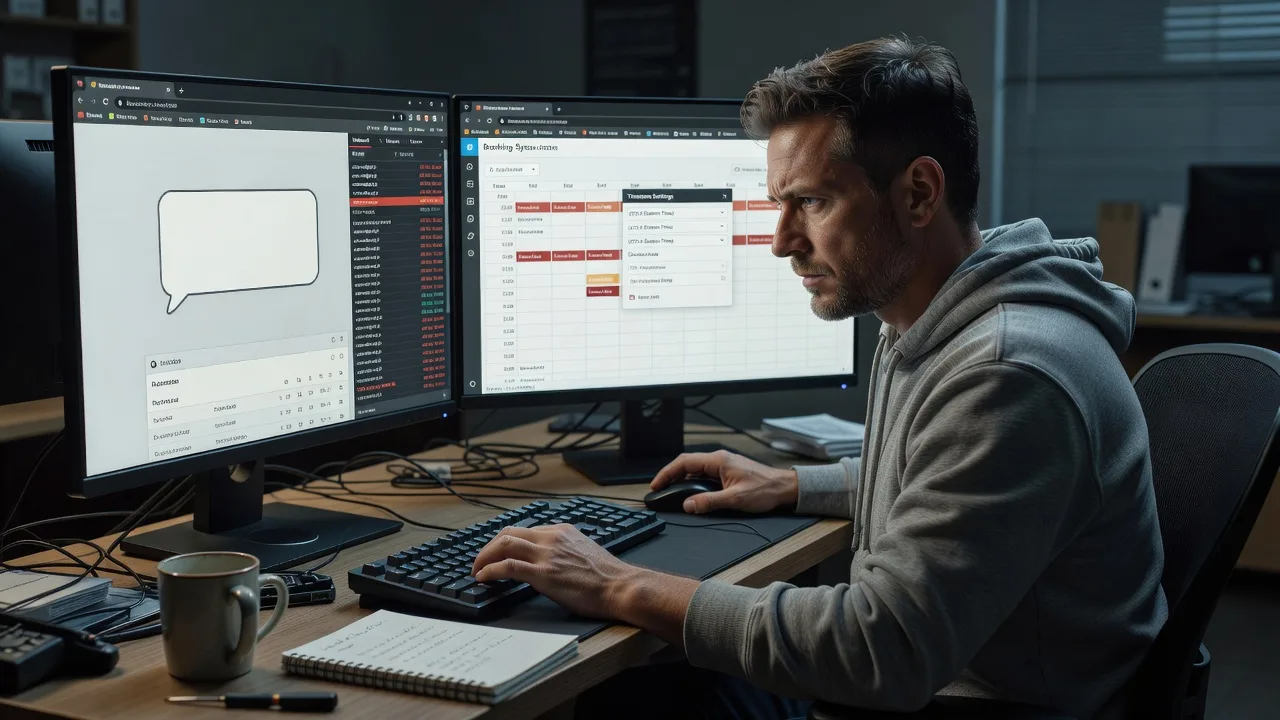
When your third-party chat bubble freezes or the booking calendar stops taking slots, Australian customers bounce—and we reconnect the integration so enquiries and appointments land again. Fixwebnode delivers the repair directly: technical root-cause work plus clear guidance your team can follow without jargon.
What You'll Get
- Full widget & calendar audit - Console, network, CSP, consent, and cache path reviewed against your live theme and plugins.
- Root-cause fix - Script order, API keys, webhooks, domain allowlists, and embed code corrected—not papered over.
- Timezone & availability alignment - Booking rules matched to Australian states, daylight saving edges, and staff rosters.
- Lead-path verification - Test chats, test bookings, confirmation emails/SMS, and CRM or inbox delivery checked end-to-end.
- Handover notes for staff - Plain steps for pausing the widget, updating hours, and spotting the next breakage early.
- Optional hardening pass - Consent mode, deferred load, and mobile layout so peak traffic does not kill the embed.
Serving Australia & surrounds
Australian businesses lean hard on chat and online booking—especially service clinics juggling Telehealth slots, café and salon strips with walk-in overflow, and warehouse or industrial operators who only staff phones in limited windows. We work remote-first nationwide so metro storefronts and regional operators get the same repair quality without waiting on a site visit for a script issue.
- High-street and CBD retailers whose chat dies under sale-day traffic or aggressive page caching
- Health, NDIS-adjacent, and education providers needing booking calendars that respect state timezones and after-hours rules
- Fully remote diagnostics and fix delivery across Australia; optional screen-share coaching so local staff can re-test on their devices
How We Work
- Step 1: Reach Out - Tell us the platform (WordPress, Shopify, custom), chat/booking vendor, and what broke—missed chats, blank bubble, double bookings, or silent form fails. We listen first.
- Step 2: Tailored Plan - You receive a fixed-scope quote: Basic triage, Standard full re-integration, or Premium multi-widget plus staff handover. No open-ended bidding.
- Step 3: We Deliver - Remote infrastructure and front-end repair, secure access only as needed, with patient plain-English updates if non-technical owners are on the call.
- Step 4: Confirm & Follow-up - Joint test of chat send/receive and a real booking path; optional short maintenance window or training session if staff need confidence.
Common Issues & How to Fix Them
These are the breakage patterns we see repeatedly on Australian business sites—try the safe checks below before you burn another afternoon in plugin toggles.
Chat bubble appears but messages never reach the inbox or dashboard
Usually a blocked third-party request (CSP, ad-blocker-style privacy tool, expired API key, or wrong workspace domain) rather than a “broken theme.”
- Step 1: Open the site in a private window, launch DevTools → Network, filter by the chat vendor domain, and send a test message while watching for red failed requests (403/401/CORS).
- Step 2: In the chat vendor admin, confirm the snippet ID, allowed domains (include www and apex), and that billing/API tokens are active; re-copy the official embed if your theme still holds an old ID.
- Step 3: Retest from mobile data (not only office Wi‑Fi). Success means the conversation appears in the vendor inbox within seconds and any email/SMS notify fires.
Booking calendar shows wrong times or double-books across states
Common when the calendar is stuck on UTC or a single “Sydney” zone while staff or clients sit in Queensland, WA, or NT—especially around daylight saving changeovers in the south-east.
- Step 1: In the booking tool, set the primary calendar timezone to the location where the appointment is fulfilled (clinic room or service depot), not merely where head office sits.
- Step 2: Align staff working hours per state, disable overlapping buffers that ignore travel or room turnover, and turn off “floating” local-browser time if clients book interstate.
- Step 3: Place two test bookings: one from a device set to AEST and one set to AWST (or simulate via the vendor’s timezone preview). Confirm both land at the intended wall-clock time for the business and no slot is offered twice.
Widget vanishes after caching, optimisation, or cookie-consent updates
Defer/async optimisers and consent banners often strip or delay the embed until a category is accepted—leaving a blank footer on return visits.
- Step 1: Temporarily bypass cache (vendor “development mode,” query-string, or logged-in view) and accept all cookies once to see if the widget returns—this isolates consent vs. minify issues.
- Step 2: Exclude the chat/booking script URLs from combine/defer lists; map the vendor to the correct consent category (functional vs. marketing) so essential booking still loads when required by your policy.
- Step 3: Purge CDN/page cache, retest in a fresh private window before and after consent. The bubble or calendar iframe should render consistently on first and second load.
When DIY is not enough (urgent, unsafe, recurring, or burning time), book Fixwebnode for direct professional support—no freelancers, bidding, or marketplace noise.
Why Choose Fixwebnode
We are a direct provider for both enterprise-grade web/IT repair and patient human digital support. You deal with us—not a queue of bids—so fixes stay accountable, documented, and sized to Australian trading hours and multi-state operations.
- ✓ Hands-on experience reconnecting major chat and booking vendors on WordPress, Shopify, and custom stacks
- ✓ Australia-aware timezone, consent, and peak-traffic patterns baked into the checklist
- ✓ Clear fixed packages plus optional staff coaching so reception and clinic teams stay confident after handover
Expert Insights
After many Australian retail and clinic recoveries, the failure we still see misdiagnosed is split daylight saving plus cached embed HTML. NSW/VIC/SA shift clocks; QLD/WA/NT do not. If your booking snippet was rendered server-side on a page cache built in October and never purged after the April rollback, interstate clients book “correct” browser times that land an hour off for staff—or the reverse. Good practice: force the calendar app to store UTC internally, display in the fulfilment site’s zone, purge full-page cache on every DST boundary, and run one synthetic booking from an alternate zone the morning after the change. Bad practice: setting the calendar to “detect visitor timezone” while staff calendars stay locked to head-office wall clocks with a 30-day HTML cache on the booking page. That single mismatch quietly creates double-books and no-shows for weeks before anyone blames the widget.
Tools & Technologies
WordPress & Shopify embeds, common chat stacks (e.g. Tidio, Intercom, HubSpot, Facebook/Meta chat bridges), booking tools (e.g. Calendly, SimplyBook, setmore-style and native theme bookings), Google Tag Manager, cookie-consent platforms, Cloudflare/CDN cache rules, browser DevTools, webhook & Zapier/Make-style relays, DNS/domain allowlists, and CRM/email notification paths.
Perfect For
Australian small businesses, clinic and Telehealth operators, education providers, and service teams whose live chat or online booking stopped converting. Ideal when you need a competent technical repair explained in plain language so owners, NDIS/aged-care office staff, or front-desk teams can keep using the tools daily. Remote across Australia with optional guided screen-share.
Ready to restore enquiries? Call 0421498927 or reach us via fixwebnode.com.au/contact-support.
Choose a package
Focused remote triage and fix for one broken chat widget or one booking calendar embed on a single site.
Full chat plus booking path repair, timezone/consent checks, and staff-ready handover for one Australian business site.
Multi-widget or multi-location booking repair, hardening, and live coaching so your team can operate and re-test confidently.
FAQ
We deliver this service remote-first anywhere in Australia. Most chat and booking failures are diagnosed through secure access, browser tools, and vendor admin—so metro and regional clients get the same turnaround. If your team prefers, we include screen-share walkthroughs so local staff can confirm bookings on their own devices without an on-site visit.
We regularly reconnect mainstream third-party chat widgets and online booking calendars embedded in WordPress, Shopify, and custom sites—including cases involving consent banners, CDNs, and CRM notifications. Share your vendor names when you enquire and we confirm fit before you commit to a package.
Typically: WordPress/Shopify or host access, the chat and booking admin logins, and permission to place test conversations or test appointments. We use least-privilege access, document every change, and can work alongside your existing developer or agency without marketplace-style handoffs.
Basic triage often restores a single embed within a few days once access is granted. Complex stacks—multiple widgets, strict CSP, or multi-state calendars—fit Standard or Premium timelines. Urgent lead-loss cases can be prioritised when you contact us by phone or the support form.



