






 Multi-Vendor & Complex SaaS Marketplaces
 Modern Headless & Jamstack Web Development
 High-End Corporate & Specialized Business Websites
 Advanced API, Checkout & Database Troubleshooting
Blacklist Removal Specialist Australia — McAfee, Norton, Sucuri
Get Australian sites off McAfee, Norton & Sucuri blacklists so customers stop seeing scary browser blocks.
We clean malware, submit delist requests, and harden WordPress or custom stacks for metro retailers, warehouse portals, and high-street clinics across Australia—remote, fixed-scope work with plain-English updates.
Power up support: dial 0421498927 or book at fixwebnode.com.au/contact-support.
- McAfee / Norton / Google Safe Browsing / Sucuri delist
- Malware clean-up & reinfection checks
- Direct provider—no bidding or freelancers
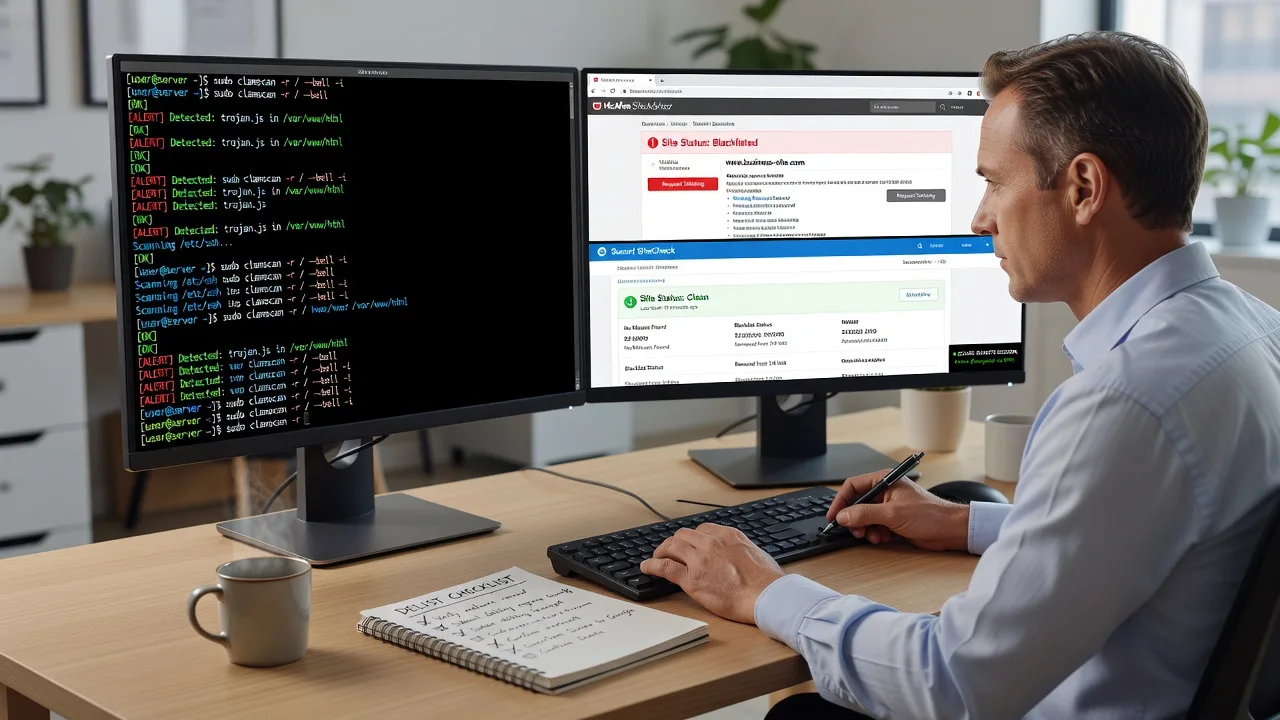
About this service
We remove McAfee, Norton, Sucuri and Safe Browsing blacklists for Australian businesses so shoppers, patients and partners can load your site without red warnings again. You get a direct specialist who cleans the root cause, files the delist paperwork, and explains every step in plain English—not a marketplace queue of bids.
What You'll Get
- Full blacklist scan report - Clear list of which engines flag you (McAfee SiteAdvisor, Norton Safe Web, Sucuri, Google Safe Browsing) and why.
- Malware & injection clean-up - Remove backdoors, spam injections, phishing pages and rogue cron jobs from WordPress, WooCommerce or custom PHP/Linux stacks.
- Vendor delist submissions - We file and chase McAfee, Norton, Sucuri and related reputation vendors until the warning clears.
- Post-clean verification - Re-scan, cache/CDN purge guidance, and proof the public warning is gone on major browsers.
- Hardening checklist - Plugin/theme audit, file integrity notes, and simple monitoring tips so the same flag does not return next freight season.
- Plain-English handoff - What changed, what you should watch, and optional follow-up support paths for your team or clinic staff.
Serving Australia & surrounds
Australian sites get hit hard when a blacklist lands mid-week: café-strip booking pages lose walk-ins, CBD ecommerce carts drop at the trust badge, and regional clinics see Telehealth links bounce. We work fully remote across Australia with after-hours windows that suit east-coast trading days and west-coast ops teams, including clients running storefronts near dense apartment corridors and warehouse inventory portals that spike in peak freight season.
- High-street and shopping-strip retailers whose Google ads keep converting but browsers still block the landing page
- Logistics and warehouse stock sites that cannot afford Safe Browsing flags during end-of-month dispatch rushes
- Fully remote delivery Australia-wide—no on-site visit required; we work over secure access with clear change windows for strata-office and home-based teams alike
How We Work
- Step 1: Reach Out - Tell us which warning you see (McAfee, Norton, Sucuri, Chrome red screen), your CMS/host, and when traffic dipped. We listen first and confirm scope before quoting.
- Step 2: Tailored Plan - Fixed-scope package for clean-up + delist, or a broader harden-and-monitor path if reinfection risk is high. Clear AUD quote, no hourly surprises.
- Step 3: We Deliver - Secure remote access, malware removal, reputation submissions, and verification scans while you keep running day-to-day ops.
- Step 4: Confirm & Follow-up - You receive a plain-English report, screenshot proof where possible, and optional maintenance or a short staff walkthrough so the same issue does not return.
Common Issues & How to Fix Them
These are the blacklist patterns we clear for Australian sites week after week—try the safe DIY checks first, then call us if the flag sticks or reinfection keeps looping.
McAfee SiteAdvisor still red after you deleted one infected plugin
McAfee often keeps the rating until their crawler sees a clean site AND you submit a review—deleting the visible spam page alone rarely clears it for local retailers.
- Step 1: Note the exact McAfee URL/report ID and take a screenshot of the warning from an external network (not only your office Wi-Fi).
- Step 2: From hosting file manager or SFTP, search for recently modified PHP files outside wp-content/uploads expectations; quarantine (do not only rename) unknown eval/base64 blobs, then update core, themes and plugins from official sources.
- Step 3: Submit McAfee’s site review form, purge CDN/cache, wait for recrawl, then re-check the public SiteAdvisor page from a clean browser profile to confirm green/yellow status.
Norton Safe Web warning after a phishing form was injected on a contact page
Norton flags reputation when users report phishing or when their scanners hit hidden form posts—common on ageing WordPress contact forms used by small clinics and tutoring sites near school zones.
- Step 1: Open the live contact page in view-source and look for extra <form> actions, iframes, or scripts pointing to unknown domains; also check.htaccess for rewrite tricks.
- Step 2: Restore clean copies of theme templates and form plugins from a known-good backup; rotate database and admin passwords; remove any rogue admin users created in the last 30–90 days.
- Step 3: Request a Norton Safe Web review, confirm the phishing URL 404s, and re-test with Norton’s browser extension or Safe Web lookup until the community/reputation state updates.
Sucuri SiteCheck or firewall alert: “malware” or “spam SEO” on an otherwise normal homepage
Sucuri often catches doorway spam in uploads, old backup ZIP files left in web root, or Japanese/pharma spam deep in cache—classic after a rushed plugin install before a sales weekend.
- Step 1: Run Sucuri SiteCheck and note the exact infected URLs; download those paths and inspect for hidden links, encoded JS, or unexpected.php inside image folders.
- Step 2: Delete or restore infected files, remove leftover install/backup archives from public directories, disable unused plugins, and ensure wp-config and salt keys are not world-readable.
- Step 3: Re-run SiteCheck until clean, clear host/CDN caches, then if you use Sucuri WAF or another firewall, clear its blacklist state and verify Google Safe Browsing status in Search Console.
Expert insight (Australia trading reality): When a Melbourne or Brisbane CBD storefront site is blacklisted on a Thursday, paid search keeps spending while organic and direct traffic dies—yet many owners only clean the homepage. After five-plus years of these jobs we still see the real culprit in forgotten staging subfolders, old full-site ZIP backups in /wp-admin copies, or a secondary domain on the same hosting account that reinfects overnight. Good outcome = every public vhost on the account scanned, admin users audited, and delist filed only after two clean external scans 12–24 hours apart. Bad outcome = one plugin delete, immediate delist request, and the same Norton flag back by Monday freight run. If DIY is not enough (urgent, unsafe, recurring, or burning trading hours), book Fixwebnode for direct professional support—no freelancers, bidding, or marketplace noise.
When DIY is not enough (urgent, unsafe, recurring, or burning time), book Fixwebnode for direct professional support—no freelancers, bidding, or marketplace noise.
Why Choose Fixwebnode
We are a direct Australian remote provider: infrastructure-grade clean-up for Linux/WordPress stacks, plus patient explanations your office manager or clinic receptionist can follow. You deal with us—not a rotating bench of unknown sellers—so timelines and responsibility stay clear when a blacklist is costing real sales.
- ✓ Hands-on experience with McAfee, Norton, Sucuri, Google Safe Browsing and host-level malware queues
- ✓ Fixed AUD scopes suited to small business, clinic and warehouse budgets—not open-ended hourly freelancers
- ✓ Remote delivery tuned to Australian time zones, peak trading days and after-hours change windows
Tools & Technologies
Sucuri SiteCheck, Google Safe Browsing / Search Console, McAfee and Norton reputation review flows, Wordfence / MalCare / custom PHP malware signatures, WP-CLI, SFTP/SSH, Linux file integrity checks,.htaccess and nginx vhost review, Cloudflare/CDN cache purge, database dump inspection for spam injections, and secure staging restores where your host allows.
Perfect For
Australian SME owners, clinic and Telehealth operators, NDIS or education providers with public booking sites, and warehouse or high-street retailers whose checkout or lead forms must stay trusted. Ideal when Chrome, McAfee or Norton is blocking customers and you need one accountable specialist to clean, delist and harden—without learning server forensics under sales pressure.
Ready to clear the warning? Call 0421498927 or continue at fixwebnode.com.au/contact-support and we will map the fastest safe path for your stack.
Choose a package
Single-engine blacklist investigation plus guided clean checks and one delist submission for one site.
Full remote malware clean-up, multi-vendor delist chasing, and verification for one production site.
Deep clean, multi-vhost scan on the account, hardening, delist proof, and short follow-up monitoring window.
FAQ
Yes—we deliver this service fully remote to clients across Australia, including metro CBD retailers, regional clinics, and warehouse teams. Secure SSH/SFTP or host-panel access is enough in almost every case; on-site travel is not required for blacklist removal and malware clean-up.
We routinely handle McAfee SiteAdvisor, Norton Safe Web, Sucuri SiteCheck/WAF flags, and Google Safe Browsing warnings, plus the underlying malware or spam injection that caused them. Scope is confirmed before work starts so you know exactly which engines and which site URLs are included.
Cleaning the site can be same-day or within a few business days depending on depth of infection. Vendor reputation updates vary: some refresh within 24–72 hours after a successful review, others take longer. We only push delist requests after clean external scans so you are not stuck in reject loops.
Typically hosting panel or SFTP/SSH, WordPress admin if applicable, and DNS/CDN access if cache must be purged. We plan changes in agreed windows, keep backups before major edits, and aim to avoid unnecessary downtime for trading sites.



