







 Multi-Vendor & Complex SaaS Marketplaces
 Modern Headless & Jamstack Web Development
 High-End Corporate & Specialized Business Websites
 Advanced API, Checkout & Database Troubleshooting
Advanced Server-Level Caching for Dynamic WordPress Sites
Cut TTFB and database load on Dynamic WordPress Sites with real server-level caching—not another plugin pile-up.
We tune Redis/object cache, reverse proxies, and opcode layers for membership, WooCommerce, and content-heavy builds where page caches alone fail under concurrent logins. Remote delivery with clear metrics before and after.
Ready to move forward? Contact support or chat with us at fixwebnode.com.au—direct Fixwebnode engineers, fixed scopes, no bidding.
- Object cache + full-page strategy matched to your stack
- Before/after load and TTFB reporting
- Safe rollback plan on every change
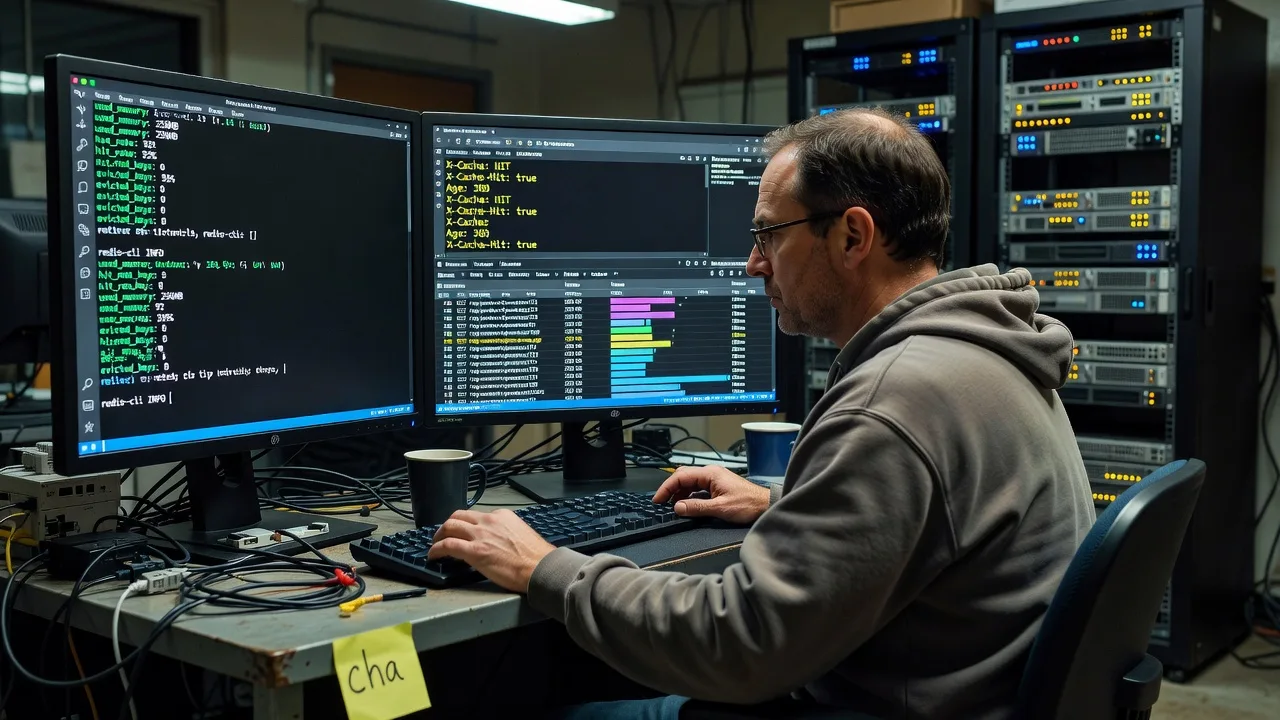
About this service
We implement advanced server-level caching so Dynamic WordPress Sites stay fast when logged-in traffic, carts, and personalised blocks would otherwise thrash PHP and MySQL. You get infrastructure work we perform ourselves—measured gains, not generic “speed plugin” advice.
What You'll Get
- Stack audit for cache readiness - PHP-FPM, MySQL/MariaDB, web server, and object-cache drop-in reviewed against your actual traffic pattern.
- Object cache implementation - Redis or Memcached wired correctly for WordPress, with persistent connections and key prefixes that avoid collisions on multi-site or shared hosts.
- Full-page / reverse-proxy layer - Nginx FastCGI cache, Varnish, or LiteSpeed cache rules tuned so dynamic endpoints stay uncached while public pages hit edge memory.
- Opcode and PHP runtime hardening - OPcache validation, JIT where safe, and pool sizing so workers are not the bottleneck after cache hits climb.
- Purge and invalidation map - Hook-aware purge on publish, cart, and membership state changes so editors never fight stale content.
- Before/after performance pack - TTFB, requests/sec, and slow-query baselines with a plain-English handoff you can keep for stakeholders.
Serving Dynamic WordPress Sites & surrounds
Dynamic WordPress Sites are rarely “just blogs”—they are membership hubs, clinic booking portals, course platforms, and catalogue stores where every logged-in hit bypasses naive page cache. We focus on those commercial patterns: concurrent sessions at peak enrolment, cart bursts during freight-season promos, and editorial spikes when content teams publish in waves. Work is remote-first across metro and regional operators; when a host panel or private rack needs a controlled window, we schedule it around your quiet hours.
- Membership and LMS sites that collapse under simultaneous lesson loads and profile widgets
- WooCommerce and high-street retail catalogues that stay dynamic on cart, checkout, and account routes
- Remote server access with change windows, staging validation, and on-call rollback—no travel required for standard infrastructure work
How We Work
- Step 1: Reach Out - Tell us host type (VPS, cloud, managed WP), traffic shape, and what feels slow—checkout, dashboard, or public pages. We listen before touching production.
- Step 2: Tailored Plan - Fixed-scope quote for the cache tier that fits your stack: object cache only, reverse proxy + object, or full multi-layer with monitoring.
- Step 3: We Deliver - Remote implementation on your servers: packages, configs, WordPress drop-ins, purge rules, and load checks against real URLs.
- Step 4: Confirm & Follow-up - Metrics handoff, optional retention of purge playbooks, and a short follow-up window if traffic patterns shift after go-live.
Common Issues & How to Fix Them
These are failure modes we see repeatedly on Dynamic WordPress Sites—symptoms first, then safe checks you can run before escalating.
Redis is “connected” but hit rate stays under 40% and admin-ajax still hammers MySQL
Usually a wrong drop-in, disabled alloptions caching, or keys exploding from unprefixed transients on a busy membership plugin.
- Step 1: From SSH run redis-cli INFO stats and note keyspace_hits vs keyspace_misses; also confirm object-cache.php exists in wp-content and is the vendor drop-in matching your Redis client.
- Step 2: Enable a unique key prefix in wp-config, flush once with wp cache flush (WP-CLI) or redis-cli FLUSHDB only on the dedicated DB index, then warm critical URLs with a logged-out crawl.
- Step 3: Re-check hit ratio after 15–30 minutes of real traffic; healthy dynamic sites often climb above 70–85% on object cache when plugins stop writing unique keys per page view.
Full-page cache serves stale carts or logged-in dashboards (wrong content, privacy risk)
Cookie and bypass rules are incomplete—common after adding membership, multilingual, or currency plugins that set new cookies the cache never learned.
- Step 1: In a private window, load homepage then log in; compare X-Cache, Age, or LiteSpeed/Nginx cache headers on both states. Note any Set-Cookie names on login and cart add.
- Step 2: Add bypass conditions for those cookies and for URI patterns like /cart, /checkout, /my-account, /wp-admin, and REST routes you must keep dynamic; purge the cache fully once after the rule change.
- Step 3: Verify logged-out still hits HIT/MISS correctly and logged-in always BYPASS; place a test product in cart and confirm another browser session cannot see that cart HTML.
TTFB improves on homepage but origin CPU stays pegged during editorial publish storms
Purge storms and thundering herds: every publish invalidates too broadly, then concurrent PHP rebuilds stampede the database.
- Step 1: Watch top/htop and MySQL SHOW PROCESSLIST during a publish; if dozens of identical SELECNs appear, you have a stampede, not “slow hosting.”
- Step 2: Narrow purge to related URLs/tags instead of whole-site flush; add a short grace/stale-while-revalidate window at the reverse proxy; lock expensive homepage queries behind a single regenerator (mutex or transient lock).
- Step 3: Publish again under load and confirm only one rebuild path spikes briefly while others receive stale-but-valid HTML; CPU should settle within seconds, not minutes.
When DIY is not enough (urgent, unsafe, recurring, or burning time), book Fixwebnode for direct professional support—no freelancers, bidding, or marketplace noise.
Why Choose Fixwebnode
We are a direct provider of server and WordPress performance work—enterprise-grade remote IT with human clarity when we explain what changed. You talk to the people who edit Nginx, Redis, and PHP-FPM, not a middle layer of bids.
- ✓ Hands-on Linux and control-panel experience across VPS, cloud, and managed WordPress hosts
- ✓ Caching strategies proven on membership, WooCommerce, and high-churn editorial workloads
- ✓ Fixed package scopes, rollback discipline, and plain-English metrics—not plugin spam
Tools & Technologies
Nginx FastCGI cache, Varnish, LiteSpeed Cache / LSCache, Redis, Memcached, PHP OPcache, WP-CLI, Query Monitor, New Relic or host metrics, MySQL slow query log, Cloudflare or origin-only setups, cPanel/Plesk/RunCloud/GridPane-style stacks, and staging-first change control.
Perfect For
Operators of Dynamic WordPress Sites who already tried plugin-only speed fixes and still see slow TTFB under login, cart, or membership load. Ideal for small technical teams, clinic or education portals, and catalogue retailers who need server-level gains with a clear remote delivery path and measurable outcomes.
Power up your next step when you are ready—go to fixwebnode.com.au/contact-support or chat with us to lock a change window.
Choose a package
Object-cache audit and Redis/Memcached drop-in setup for one Dynamic WordPress site with hit-rate baseline.
Object cache plus reverse-proxy/full-page rules, purge map, and before/after TTFB for one production site.
Multi-layer caching, stampede controls, PHP-FPM/OPcache tuning, staging rehearsal, and extended post-go-live support.
FAQ
Almost all advanced caching work is remote via SSH, host panel, or approved deploy access. Dynamic WordPress Sites rarely need a physical visit; we schedule maintenance windows around your peak traffic and keep a rollback path. If your policy requires a supervised session, we can join a screen-share change window with your internal admin.
Not when bypass rules are designed correctly. We explicitly exclude cart, checkout, account, admin, and cookie-authenticated responses from full-page cache while still accelerating public catalogue and content URLs. Object cache is tuned separately so session-safe data stays coherent.
SSH or equivalent host terminal access, WordPress admin (or WP-CLI), and permission to install Redis/Memcached if missing. Staging credentials are preferred for Premium scopes. We never require marketplace-style escrow—you engage Fixwebnode directly and we work inside your existing hosting account.
We capture TTFB and representative page timings before changes, then again after warm-up under comparable conditions. You also receive cache header examples and, where available, Redis hit ratios or proxy HIT/MISS samples so stakeholders can see infrastructure gains—not vanity scores alone.



