Multi-Vendor & Complex SaaS Marketplaces
 Modern Headless & Jamstack Web Development
 High-End Corporate & Specialized Business Websites
 Advanced API, Checkout & Database Troubleshooting
Encrypted E-commerce PC Recovery After Plugin Backdoor in Australia
Store PC locked by ransomware after a weak plugin backdoor? Learn the on-site checks, safe isolation steps, and when Fixwebnode restores from offsite read-only snapshots so your brand is back without guessing at wipe commands.
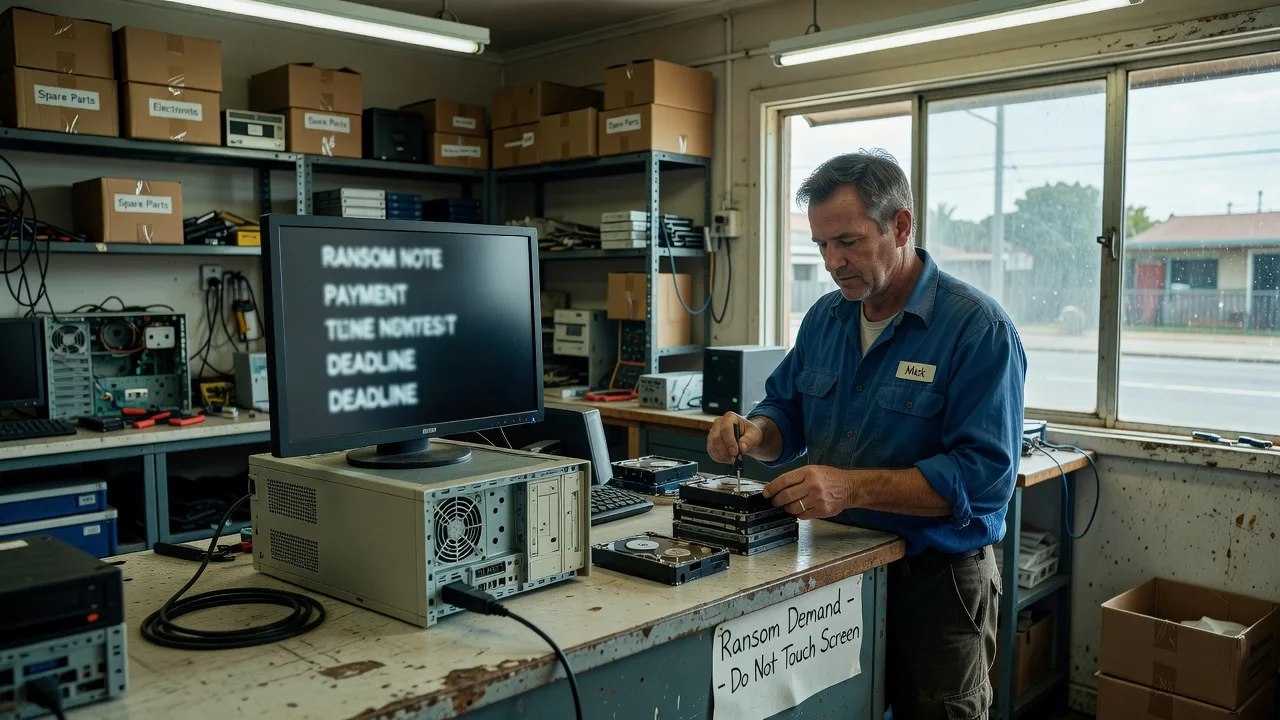
If your Australian e-commerce shopfront machine suddenly shows ransom notes, locked product folders, or a fully encrypted drive after a weak plugin was exploited, you need a calm, hardware-first recovery path—not more guesswork on a live infected box.
This guide walks sole traders and small retail operators through what actually happens when attack code encrypts the on-site computer that runs stock, orders, and checkout tools; how aggressive process freezes, a controlled wipe of the corrupted system volume, and restore from offsite read-only isolated snapshot backups can save the brand in a tight window; and when to stop DIY and book a direct specialist. Fixwebnode handles this as a local / on-site and drop-off repair service for people across Australia—see website repair for individuals, sole traders, and local operators—without marketplace bidding or freelancers in the middle.
Why a fully encrypted store machine matters right now
An e-commerce store that is fully encrypted after hackers exploited a weak plugin backdoor is not only a software story. On the shop floor the same incident often lands as a dead till PC, a locked NAS-style backup box under the counter, or a small tower that hosted the catalogue and payment bridge. Freezing the attack code, wiping the corrupted root (system) directory on that hardware, and restoring from offsite, read-only isolated snapshot backups is how many brands recover in about four hours when the physical device is handled correctly. Delay usually means the malware keeps touching remaining disks, USB sticks, and any “live” cloud sync still connected to the infected machine.
Fixwebnode works with Australian operators who need the device inspected on-site or brought in, the infection contained at the hardware level, and clean data returned from known-good snapshots—not a patchwork of untested scripts on a still-hot system.
Can a locked e-commerce PC in Australia be recovered after ransomware from a weak plugin?
Yes—if you isolate the machine immediately, avoid paying or running random “decrypt” tools, and restore only from offsite read-only snapshots that never stayed attached to the infected drive. Freezing active attack processes, wiping the corrupted system volume, and rebuilding from clean backups is the practical path; continuing to boot the encrypted disk online usually makes recovery harder.
| Symptom | Quick on-site action | When to call Fixwebnode |
|---|---|---|
| Ransom note on boot or desktop | Power off, unplug network and USB storage | Note reappears after safe boot attempts or disks stay locked |
| Store folders show scrambled names / .encrypted extensions | Do not open files; photograph the screen for evidence | You lack a verified offsite snapshot or the only copy is on the same PC |
| Checkout or POS dongle dead after plugin-related malware | Remove card readers and spare drives from the chassis | Hardware must be wiped and rebuilt same day for trading |
Common issues after a plugin backdoor encrypts the store machine
These problems show up repeatedly for Australian small retailers when a weak plugin opens the door and encryption hits the on-site hardware.
1. Ransom wallpaper and locked catalogue folders on the till PC
The screen shows a countdown or payment demand. Product images, CSV exports, and order PDFs will not open. The machine may still “feel” responsive, which tempts staff to keep clicking—exactly what spreads the encryptor to attached drives.
2. Corrupted system volume after partial encryption
Windows or the shop OS boots to repair loops, missing boot files, or a root/system directory that no longer loads services. Staff sometimes force shutdowns mid-encrypt, leaving a half-written system volume that DIY “repair install” tools cannot fix cleanly.
3. Backup drive was plugged in and got encrypted too
The only “backup” sat in a USB cradle next to the PC. Attack code followed the open volume and encrypted both. Offsite or read-only isolated snapshots were never configured, so restore options look empty until a specialist checks cloud object versions or a true offline disk.
4. Payment terminal and label printer stop talking after the wipe attempt
Someone deleted folders by hand or ran a partial reset. Drivers, COM ports, and dongle licences for card and shipping hardware break, so even a restored catalogue cannot take money on the counter.
How to fix each issue (DIY-safe steps first)
Issue 1 — Ransom note and locked store folders
Goal: freeze further encryption on the physical machine without feeding the malware more disks.
- Do not pay, do not run unknown decryptor EXEs from the ransom note, and do not log into webmail from the same PC.
- Hard power-off: hold the power button until the unit is fully dark. Unplug power, Ethernet, Wi-Fi dongles, and every USB stick or phone.
- Photograph the ransom screen (for insurer or bank evidence) using a separate phone—not the infected PC’s camera app if it somehow still runs.
- If you must move the box, carry only the chassis and original PSU; leave card readers and spare HDDs disconnected.
- From a clean phone or another computer, confirm you still have offsite, read-only snapshot access (object-lock / immutable backup, or a disk that was offline during the attack).
When to book Fixwebnode: the note returns after any boot, folders stay unreadable, or you are unsure whether a snapshot is truly isolated. An on-site or drop-off session can freeze residual attack processes at the hardware level and prepare a controlled wipe.
Issue 2 — Corrupted system / root volume will not boot cleanly
Goal: stop using the damaged system directory as a live workspace; prepare for wipe and rebuild.
- Attempt one boot only. If repair loops or missing boot-manager messages appear, power off again—do not run automatic “fix” tools that write to the encrypted volume.
- Label the internal drive (masking tape on the bay) as infected. Do not reformat yet if forensic or insurance notes are required; imaging may come first.
- Gather licence keys, POS software USB sticks, and router admin details on paper so rebuild time is not spent hunting emails on the dead machine.
- Confirm the restore source: offsite read-only snapshots taken before the plugin compromise window. Note the snapshot date relative to the last good orders.
- Plan a full OS reinstall on a clean disk or after a verified wipe of the corrupted system volume—not a “repair in place” over malware leftovers.
When to book Fixwebnode: boot repair utilities fail, BitLocker or firmware passwords block you, or you need the corrupted root directory wiped and a known-good image restored under time pressure so trading can resume the same day.
Issue 3 — On-site backup was encrypted with the PC
Goal: stop treating the attached USB disk as safe; locate true offsite isolation.
- Leave the encrypted USB disk unplugged. Do not “scan and fix” it on another office PC—that can spread remnants.
- Log into your backup provider only from a clean device. Look for immutable / object-lock / compliance-mode snapshots, or version history older than the attack.
- If you used a rotating external disk kept off-site (home safe, alternate shop), collect that disk only—never the one that was live during encryption.
- Write down which folders the e-commerce stack needs first: product DB export, media, .env or config backups, SSL material, and theme customisations.
- Restore those folders to a freshly installed OS, not back onto the still-infected original volume.
When to book Fixwebnode: you cannot tell which snapshot is clean, cloud versions look incomplete, or the brand needs a verified restore path while the old drive is quarantined for evidence.
Issue 4 — POS, printers, and payment hardware dead after a rushed wipe
Goal: separate malware cleanup from peripheral bring-up so the counter can take orders again.
- After any OS rebuild, reconnect one device at a time: display, then printer, then payment terminal last.
- Reinstall vendor drivers from official media or a clean download on a different computer transferred via new USB media—not files copied from the encrypted disk.
- Test a non-customer receipt print and a $0.00 or vendor test auth if your acquirer supports it, before opening the doors.
- Change all admin passwords for the store platform, hosting panel, plugin marketplace, and router—assume the weak plugin backdoor exposed them.
- Remove or replace the vulnerable plugin on the restored site build; do not reconnect payment until that plugin is gone or fully patched from a trusted source.
When to book Fixwebnode: dongles still fail, COM/USB mapping is wrong after the wipe, or you need the full stack—OS, store files from snapshot, and counter hardware—proven in one visit.
What to bring or expect for on-site / drop-off recovery in Australia
For a drop-off or arranged on-site visit, bring the tower or mini-PC, power brick, and any offline backup disks that were not plugged in during the attack. Leave payment terminals and spare customer USBs at the shop unless asked. Note the approximate time the ransom appeared and which plugin or theme update happened last. Fixwebnode focuses on inspection checks (drive health, signs of ongoing encryptor activity, whether the system volume is salvageable), controlled freeze of attack activity on the hardware, wipe of the corrupted system directory when required, and restore from your offsite read-only isolated snapshots. Service coverage is described on the Australia service area page; wider coverage maps sit under all service areas.
Soft scheduling only: early bookings are often handled the same day when capacity allows—never treat timing as a guarantee.
When DIY is enough vs when to book Fixwebnode
DIY can be enough when you powered off quickly, no backup disk was attached, you already hold a verified offsite read-only snapshot from before the plugin incident, and you are comfortable reinstalling the OS yourself then copying only clean data. Stay offline until passwords and the weak plugin are dealt with.
Book Fixwebnode when the system volume is half-encrypted, ransom returns after reboot, backups were live-connected and also locked, POS hardware must trade again within hours, or you simply cannot risk a wrong wipe. The same story that saves brands in roughly four hours—freeze attack code aggressively at the process/hardware layer, wipe the corrupted root/system directory, restore from offsite read-only isolated snapshot backups—is exactly the on-site workflow a direct specialist runs so you are not experimenting on the only copy of your catalogue.
Fixwebnode is the direct provider for this work—not a freelance board and not a bid marketplace.
Talk through recovery and book the next step
If your e-commerce store machine in Australia is encrypted after a weak plugin backdoor, isolate it now and get a clear plan for freeze, wipe, and snapshot restore before another disk is touched. Start a conversation or booking with Fixwebnode via the landing page for individuals, sole traders, and local operators. Bring the device state, snapshot details, and counter hardware notes—we will work the recovery path that protects the brand without marketplace middle steps.