Multi-Vendor & Complex SaaS Marketplaces
 Modern Headless & Jamstack Web Development
 High-End Corporate & Specialized Business Websites
 Advanced API, Checkout & Database Troubleshooting
Elementor Pro Law Firm Portfolio Fixes for Northgate Practices
Boutique law firms on Elementor Pro often hit broken portfolio filters, slow attorney grids, and form failures. This guide gives numbered DIY checks, log commands, and when to book Fixwebnode remote support.

If you run a boutique practice site on Elementor Pro and your matter portfolio, attorney bios, or enquiry forms look polished in the editor but fail for real clients, this guide is for you. You will diagnose the failures most Northgate, QLD firms see on Elementor Pro law-firm portfolios, apply safe DIY fixes, and know exactly when remote specialist support is the smarter path.
Premium Elementor Pro design for boutique law firms is not only visual polish. Practice areas, case-result cards, solicitor profiles, and consultation CTAs must stay fast, accessible, and trustworthy. When filters break, mixed content appears, or PHP workers choke on nested widgets, prospective clients leave. Website support from Fixwebnode is built for this stack: WordPress, Elementor Pro, and law-firm portfolio patterns—delivered remotely for practices in your area and across our service areas.
Why Elementor Pro law-firm portfolios fail in production
Boutique firms often assemble a homepage hero, practice-area cards, a filterable matters or results portfolio, team grids, testimonials, and a multi-step enquiry form—all inside Elementor Pro Theme Builder. That density is powerful and fragile. A single outdated Pro licence, a conflicting query loop, aggressive caching, or a mis-set custom field can make the portfolio empty on mobile, hide CTAs behind sticky bars, or drop form submissions into a dead mail queue. For a Northgate practice competing on trust, those failures read as operational risk—not a minor design glitch.
Why does my Elementor Pro law firm portfolio show blank cards or broken filters?
Blank portfolio cards and dead filters almost always come from a Query Loop or Portfolio widget pointed at the wrong post type or taxonomy, a stale Elementor CSS/JS cache, or a PHP/memory limit cutting the loop short before cards render. Confirm the loop source, regenerate Elementor files, then inspect the server error log before you rebuild the entire section.
| Symptom | Quick fix | When to call Fixwebnode |
|---|---|---|
| Empty matter/result cards | Verify Query Loop post type & regenerate CSS | Loop still empty after cache clear & correct CPT |
| Filters do nothing on mobile | Disable conflicting JS; test without optimization plugins | Filter JS errors persist across themes/plugins |
| Mixed-content padlock warnings | Force HTTPS URLs; renew SSL; purge CDN | Hard-coded HTTP assets deep in Theme Builder |
| Enquiry form never arrives | WP Mail logging + SMTP test; check spam | Intermittent delivery or webhook/CRM failures |
Common issues on boutique law-firm Elementor Pro sites
These problems are distinct. Each has a different root cause and a different first response.
- Filterable portfolio returns empty cards after a Pro update — Practice-area or “results” grids load the shell but no titles, excerpts, or featured images. Desktop may show placeholders; mobile shows white space.
- Attorney or matter grid tanks Core Web Vitals — Largest Contentful Paint and Interaction to Next Paint spike because nested containers, unlazy images, and third-party review embeds block the main thread.
- Consultation form submits with a success message but no email or CRM row appears — Elementor form actions fire in the browser while wp_mail or the SMTP plugin fails silently, or a redirect action aborts the email action order.
- Trust signals break: mixed content, expired SSL, or insecure form endpoint — Browsers flag the padlock; some corporate clients cannot complete the enquiry form at all.
Fix 1 — Empty or broken Elementor Pro portfolio / matter filters
Root cause is usually query configuration, Elementor file cache, or a PHP fatality mid-loop—not “the theme is broken.”
Step 1 — Confirm the data source in the editor
- Open the portfolio page or Theme Builder archive in Elementor.
- Select the Loop Grid / Portfolio / Posts widget.
- Under Query, verify Source is the correct custom post type (for example
matters,case-results, or standard posts) and that Include/Exclude taxonomies match your practice-area terms. - Set Avoid Duplicates off temporarily and raise Posts Per Page to a known count so you can see whether any items resolve.
Step 2 — Regenerate Elementor CSS/JS and flush object cache
- In wp-admin go to Elementor → Tools → Regenerate CSS & Data, then Sync Library.
- Purge your host or plugin page cache and any CDN cache.
- Hard-refresh the front end (Ctrl/Cmd+Shift+R) and retest filters on a phone-sized viewport.
Step 3 — Read the application and web server logs
On SSH access (or your host’s log viewer), check recent PHP fatals while reloading the portfolio URL:
sudo tail -n 100 /var/log/nginx/error.log
sudo tail -n 100 /var/log/php8.2-fpm.log
# WordPress debug log if enabled:
tail -n 100 wp-content/debug.log
Look for memory exhausted, allowed memory size, or Elementor query class errors. If you manage the stack yourself:
# Confirm PHP-FPM is healthy, then reload gracefully
sudo systemctl status php8.2-fpm
sudo systemctl reload php8.2-fpm
sudo systemctl reload nginx
Step 4 — WP-CLI sanity checks (when available)
wp plugin list --status=active
wp elementor library sync
wp cache flush
wp post list --post_type=matters --fields=ID,post_title,post_status --defer-term-counting
Replace matters with your actual CPT slug. If the CLI lists published items but the front end stays empty, the widget query—not the database—is wrong.
When to call Fixwebnode: After correct CPT/taxonomy settings, regenerated CSS, and a clean error log, cards still fail or filters throw console errors only on production. That usually means a custom query filter in a child theme, a security plugin stripping REST/AJAX, or a corrupted Pro licence transient—remote diagnosis is faster than rebuilding sections blind.
Fix 2 — Slow attorney grids and heavy portfolio widgets
Boutique sites often stack portrait images, hover overlays, animated counters, and embedded maps. Elementor Pro will render it; mobile clients will bounce.
Step 1 — Measure before changing design
- Run a field test on the live URL (PageSpeed or WebPageTest) on mobile.
- Note LCP element (often the hero image or first attorney photo) and long main-thread tasks.
Step 2 — Tighten media and loop output
- Compress attorney and matter images; serve WebP/AVIF where the host allows; set explicit width/height in Elementor image widgets.
- Enable lazy load on below-the-fold loop images; disable lazy load on the true LCP image only.
- Reduce nested containers: prefer one Loop Grid with a simple item template over multiple nested sections per card.
- Defer non-essential third-party scripts (chat, heatmap, review carousels) until after enquiry CTA interaction where policy allows.
Step 3 — Server-side performance checks
# Quick TTFB sense-check from your workstation
curl -s -o /dev/null -w "%{http_code} time_total=%{time_total}\n" https://your-firm-domain.example/

# Confirm opcode cache / PHP limits (values vary by host)
php -i | grep -E 'memory_limit|max_execution_time|opcache.enable'
If TTFB is consistently high, inspect object caching (Redis/Memcached) and whether full-page cache bypasses logged-out law-firm landing pages. Avoid stacking multiple “optimize everything” plugins that minify Elementor assets twice—that often breaks portfolio filter JS.
When to call Fixwebnode: You need a controlled performance pass that keeps practice-area IA and compliance wording intact while cutting LCP without gutting the premium layout. Remote work covers Elementor template refactoring, cache rules, and conflict isolation.
Fix 3 — Consultation forms “succeed” but nothing is delivered
For law firms this is critical: missed enquiries are missed retainers. Elementor’s front-end success state only means the browser finished the AJAX call—not that mail or CRM actions completed.
Step 1 — Inspect form actions order
- Edit the form → Actions After Submit.
- Keep Email (and Email 2 if used) before Redirect. A redirect-first order can skip mail on some setups.
- Confirm To address is a monitored practice inbox; set Reply-To to the field ID for the visitor email.
- If you use webhook/CRM, temporarily disable it and test email only.
Step 2 — Prove mail transport
- Install or open a mail-logging approach your host supports; send a test from the form.
- Configure authenticated SMTP (practice Google Workspace / Microsoft 365) rather than bare PHP mail where possible.
- Check spam and the hosting mail queue; confirm SPF/DKIM for the sending domain.
# On servers you control, watch the mail log while submitting the form
sudo tail -f /var/log/mail.log
# or
sudo tail -f /var/log/maillog
Step 3 — Reproduce with browser and server evidence
- Submit the form with DevTools Network open; confirm the admin-ajax or Elementor endpoint returns 200 with a success payload.
- If the response is 500 or 403, correlate the timestamp with
debug.logand WAF/security plugin blocks (REST or admin-ajax often get over-filtered on legal sites).
When to call Fixwebnode: Delivery is intermittent, only certain practice-area dropdown values fail, or the form must fan out to multiple partners plus a practice-management webhook without losing spam protection. That is specialist wiring, not a tutorial checkbox.
Fix 4 — Mixed content, SSL, and broken trust on the enquiry path
Clients evaluating a boutique firm notice padlock warnings immediately. Elementor Theme Builder kits sometimes hard-code http:// asset URLs from staging.
Step 1 — Validate the certificate and redirects
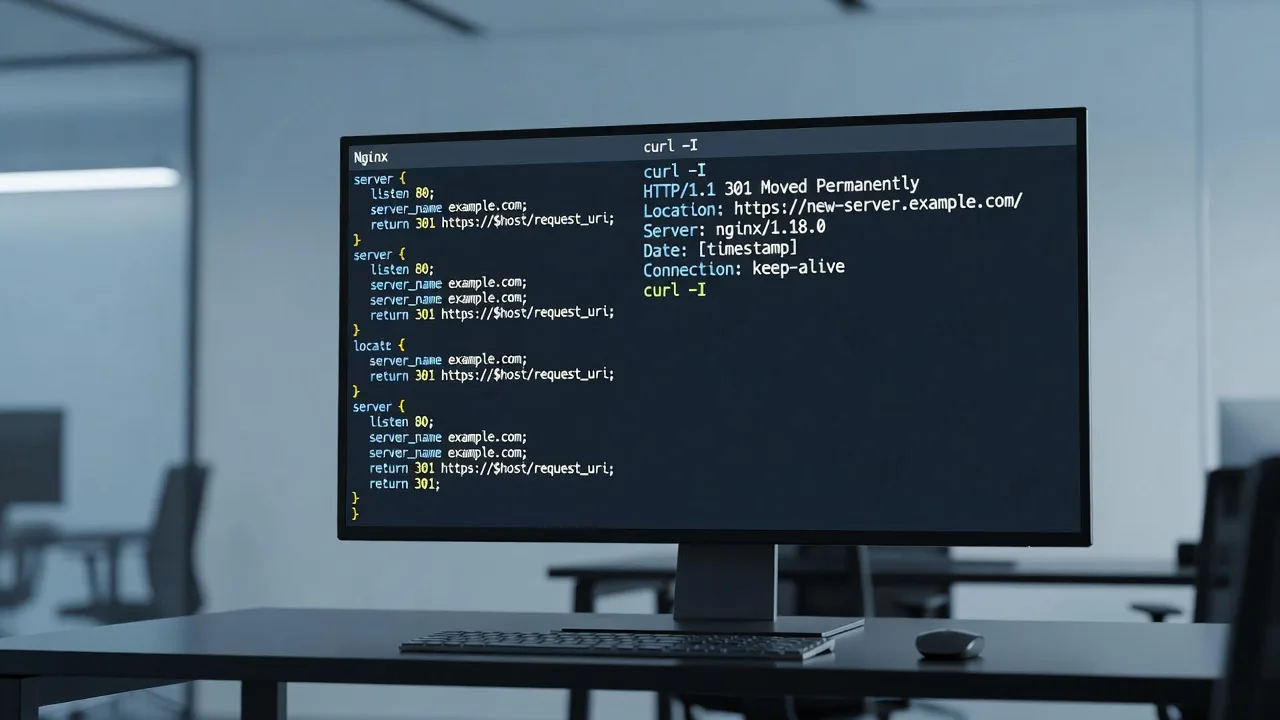
curl -I https://your-firm-domain.example/
openssl s_client -connect your-firm-domain.example:443 -servername your-firm-domain.example </dev/null 2>/dev/null | openssl x509 -noout -dates -subject
Confirm HTTP→HTTPS redirects and that the certificate dates are valid.
Step 2 — Hunt mixed content
- Open the portfolio and contact pages in DevTools → Security / Console; note any blocked HTTP images, fonts, or scripts.
- In Elementor, search global site settings and Theme Builder headers/footers for hard-coded HTTP media URLs; replace with HTTPS or relative media library URLs.
- If you use a CDN, purge and ensure the SSL mode is full (not flexible) so origin and edge agree.
Step 3 — Renew or reload TLS on the origin when you manage the VPS
sudo certbot renew --dry-run
sudo systemctl reload nginx
When to call Fixwebnode: Mixed content remains after visible URL fixes—often buried in custom HTML widgets, old PDF matter summaries, or a staging domain still referenced in Pro template JSON. Remote cleanup preserves the premium design while restoring a clean padlock.
When DIY is enough vs when to book Fixwebnode
DIY is enough when you can correct an obvious Query Loop source, regenerate Elementor files, compress a handful of attorney images, reorder form actions, or renew a straightforward Let’s Encrypt certificate—and you can verify the result on mobile within one sitting.
Book Fixwebnode when symptoms cross layers: empty loops plus AJAX 403s, form success with no CRM row, Pro licence/sync anomalies, cache plugins breaking filter scripts, or a redesign that must stay compliant in wording while meeting performance targets. Fixwebnode works as a direct specialist provider for website support—not a freelance marketplace—so you deal with one remote technical path focused on Elementor Pro law-firm portfolios.
We also maintain related high-performance builds in other niches (useful if your firm group shares a multi-brand host), including Darwin bathroom renovator website specialist work and website solutions for Canberra builders and construction specialists. The same remote discipline—logs first, measured changes, no marketplace bidding—applies to boutique legal sites in Northgate and beyond.
Book remote help for your Elementor Pro law-firm portfolio
If your matters grid is blank, filters fail on mobile, Core Web Vitals sink the attorney section, or consultation emails never arrive, stop guessing in the editor. Gather the page URL, a short screen recording of the failure, and any debug.log lines from the time of the error, then start a conversation with Fixwebnode.
Request remote website support and outline the Elementor Pro portfolio symptom you need fixed. We will prioritise diagnosis, safe DIY boundaries, and production-grade remediation so your boutique firm site in Northgate, QLD presents the premium, trustworthy experience clients expect—without rebuilding what already works.