Multi-Vendor & Complex SaaS Marketplaces
 Modern Headless & Jamstack Web Development
 High-End Corporate & Specialized Business Websites
 Advanced API, Checkout & Database Troubleshooting
Debug WooCommerce Plugin Conflicts Slowing Checkout in Norwood
Slow WooCommerce checkout? Learn how plugin conflicts stall payments, how to isolate them with safe DIY steps, and when Fixwebnode should take over remote debugging for Norwood stores.
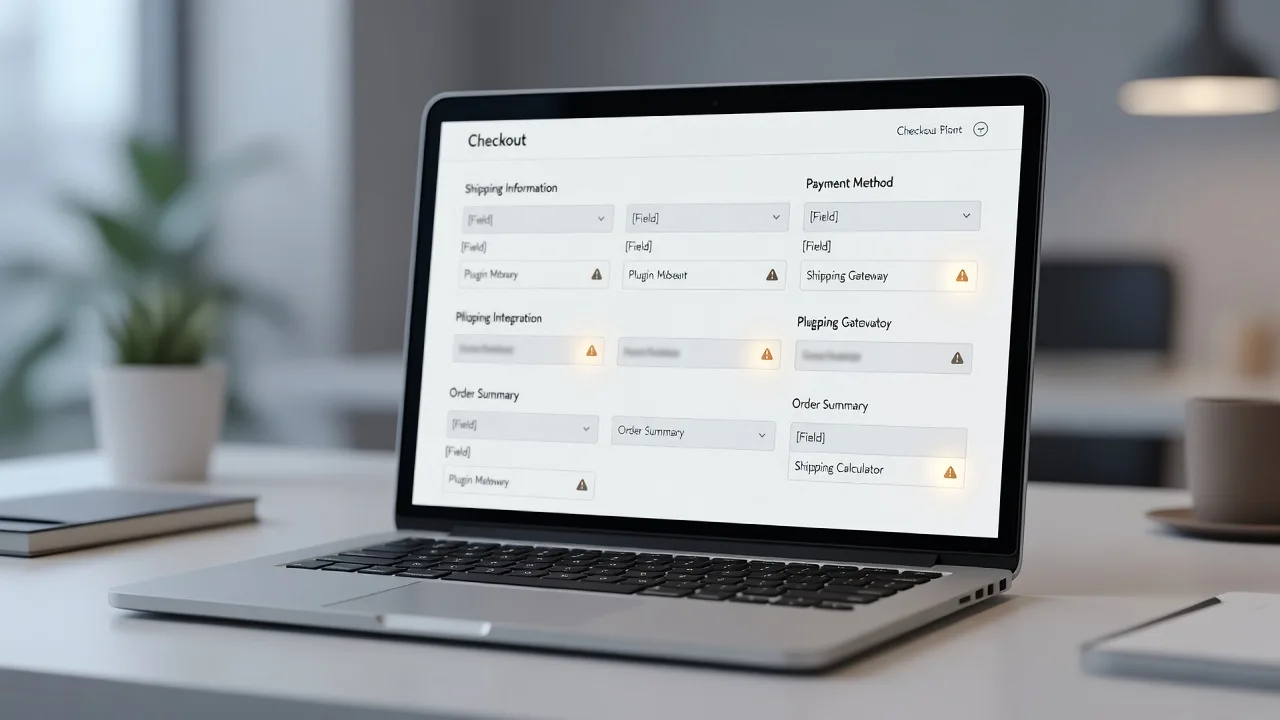
If your WooCommerce checkout crawls, freezes on “Place order,” or times out after a plugin update, this guide walks you through isolating plugin conflicts and fixing them without guessing.
Store owners in Norwood and across Adelaide often see checkout lag after stacking payment gateways, shipping calculators, page builders, and cache plugins. This post stays on that problem: practical diagnostics, numbered DIY steps, and clear points where remote help from Fixwebnode’s WooCommerce plugin conflict service is the safer path.
Why plugin conflicts wreck checkout speed
Checkout is the most fragile path on a WooCommerce site. It loads cart sessions, tax and shipping AJAX, payment scripts, fraud checks, and order creation in one short window. One poorly written or outdated plugin can block the main thread, spam the database, or break wc-ajax endpoints. Customers abandon; you lose sales. For remote / digital stores serving Norwood and wider SA, you can diagnose most of this from wp-admin, SSH, or hosting panels without a site visit.
What usually causes slow WooCommerce checkout from plugin conflicts?
Slow checkout from plugin conflicts usually means two or more plugins fighting over the same checkout scripts, AJAX handlers, or database queries—not a “slow host” alone. Start by reproducing the delay on a staging copy, then disable non-essential plugins only on checkout-related hooks and measure time-to-interactive on the payment step. If the cart still hangs after a clean plugin binary search, book Fixwebnode for deeper PHP, Redis, and gateway tracing.
| Symptom | Quick DIY check | Call Fixwebnode when |
|---|---|---|
| Place order spins forever | Disable cache + payment plugins one pair at a time | Order fails only with live gateway keys |
| Shipping rates never load | Watch Network tab for failed update_order_review | Multi-carrier APIs time out under load |
| Checkout JS errors in console | Turn off minify/combine for checkout pages | Builder + gateway scripts still clash after excludes |
| Admin fast, checkout slow | Profile slow queries / object cache on cart session | Session or Redis locks need server-side fixes |
Common plugin-conflict issues that slow checkout
These problems show up repeatedly on WooCommerce stores. Each has a different root cause—treat them separately.
1. Payment gateway scripts colliding with cache or optimization plugins
Symptoms: The payment box is blank or “Place order” spins; browser console shows failed Stripe/PayPal/Afterpay scripts; the issue vanishes in a private window only when cache plugins are off.
2. Shipping or checkout-field plugins breaking update_order_review AJAX
Symptoms: Changing address never refreshes rates; spinner never stops; Network tab shows 500 or 403 on ?wc-ajax=update_order_review; sometimes only with a specific shipping or field-editor plugin active.
3. Tracking, chat, and pixel plugins injecting heavy scripts on checkout only
Symptoms: Product pages feel fine; checkout TTI jumps several seconds; Lighthouse or WebPageTest shows long third-party main-thread work from analytics, heatmaps, or live chat.
4. Session / cart-fragment conflicts with object cache or Redis
Symptoms: Cart count wrong, “Session expired” on pay, intermittent slow checkout under concurrency; logs mention woocommerce_sessions or object-cache lock waits.
How to fix each issue (DIY first)
Work on a staging site or during a quiet window. Take a full backup (files + database) before bulk deactivations. Prefer staging clones from your host or a tool you already trust.
Fix 1 — Payment gateway vs cache / minify conflicts
Optimization plugins often defer or combine gateway JavaScript, which breaks tokenization and 3-D Secure.
Step 1 — Confirm the failure mode
- Open checkout in Chrome, press F12 → Network and Console.
- Tick “Disable cache,” reload, fill the form, click Place order.
- Note failed script hosts (Stripe, PayPal, etc.) or CORS / 404 on gateway assets.
Step 2 — Exclude checkout from page cache and JS optimization
- In your cache plugin (e.g. LiteSpeed Cache, WP Rocket, FlyingPress, Autoptimize), exclude URLs containing
/checkoutand/cartfrom page cache. - Exclude gateway script handles from defer/delay/combine (common handles:
wc-stripe-upe-classic,stripe,ppcp-gateway, or the handle shown in the page source). - Purge all caches (plugin, CDN, host).
Step 3 — Binary-search plugins if excludes are not enough
- Install a temporary staging copy if possible.
- Deactivate all plugins except WooCommerce and the payment gateway. Retest checkout.
- Re-enable half the plugins, retest; narrow until the conflicting pair appears (often cache + gateway, or security firewall + gateway callbacks).
Step 4 — WP-CLI isolation (SSH hosts)
List plugins and disable non-essentials safely:
wp plugin list --status=active --fields=name,version,status
wp plugin deactivate autoptimize litespeed-cache --skip-plugins=woocommerce
wp cache flush
wp wc tool run clear_woocommerce_transients 2>/dev/null || true
Re-test checkout, then reactivate one plugin at a time with wp plugin activate plugin-slug and retest after each.
Step 5 — Verify
- Place a real low-value or sandbox order.
- Confirm no console errors and order appears under WooCommerce → Orders.
If live keys fail only in production while sandbox works, stop DIY on payment config and involve a specialist—gateway webhooks and firewall rules are easy to break.
Fix 2 — Shipping / field-editor AJAX failures
Checkout depends on admin-ajax and wc-ajax. A shipping calculator, multi-address, or checkout-field plugin can fatally error inside those handlers.
Step 1 — Capture the failing request
- On checkout, open Network, filter by
wc-ajaxoradmin-ajax. - Change postcode or shipping method; note status codes and response body (HTML error vs JSON).
Step 2 — Read PHP and web server logs
On many VPS or cloud hosts:
# Recent PHP / Woo fatals (paths vary by host)
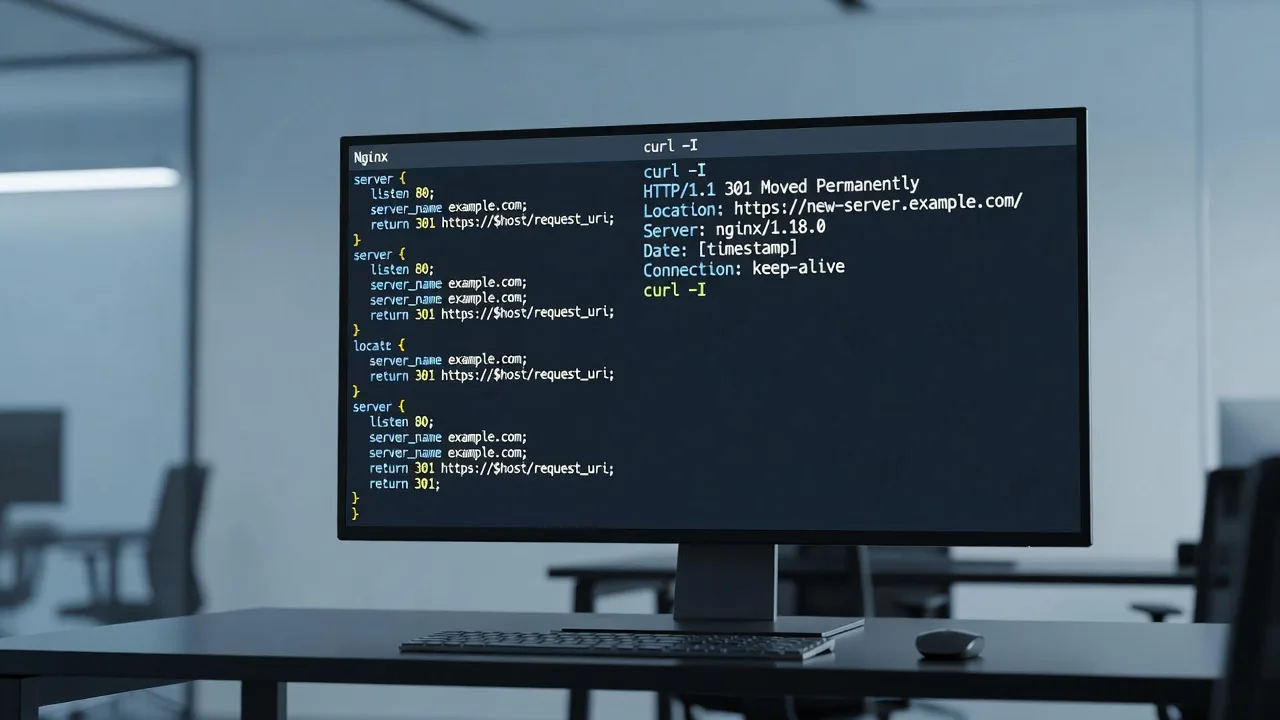
sudo tail -n 100 /var/log/nginx/error.log
sudo tail -n 100 /var/log/php8.2-fpm.log
# WordPress debug log if enabled
tail -n 100 ~/public_html/wp-content/debug.log
Enable logging only temporarily in wp-config.php (then turn off):
define('WP_DEBUG', true);
define('WP_DEBUG_LOG', true);
define('WP_DEBUG_DISPLAY', false);
Step 3 — Isolate the shipping or fields plugin
- Deactivate checkout field editors, conditional fields, and extra shipping plugins first.
- Retest address change and rate refresh.
- Update WooCommerce, the shipping plugin, and PHP to supported versions if logs show deprecated or missing method fatals.
Step 4 — Conflict with security / bot protection
- Whitelist
/?wc-ajax=*and your payment webhook URLs in WAF, Wordfence, Cloudflare bot fight mode, or ModSecurity. - Retest from a normal browser and a mobile network (not only office Wi-Fi).
Step 5 — Verify
- Rates return under 2–3 seconds on a warm cache.
- No 500s on
update_order_review.
When multiple carriers, custom rate tables, or membership pricing are involved and AJAX still 500s after updates, hand the stack to Fixwebnode for stack traces and mu-plugin conflict checks.
Fix 3 — Heavy third-party scripts on the checkout page
Chat widgets, ad pixels, session recorders, and tag managers often load sitewide and punish checkout.
Step 1 — Measure
- Run a WebPageTest or browser Lighthouse trace on
/checkoutonly (logged-out and logged-in if needed). - List third-party domains by main-thread time.
Step 2 — Stop non-essential tags on checkout
- In Google Tag Manager or your pixel plugin, add exceptions for Cart and Checkout pages.
- Disable live chat and heatmap plugins on checkout via their built-in page rules, or with a small conditional snippet you already maintain—do not paste unverified code from random forums onto production.
- Keep only payment and essential consent scripts.
Step 3 — Confirm theme / builder is not duplicating Woo scripts
- Ensure only one checkout template path (theme override vs page builder form).
- Remove duplicate “Add to cart / checkout” widgets that enqueue extra jQuery copies.
Step 4 — Verify
- Recheck Lighthouse TBT on checkout.
- Complete a test order; confirm pixels that must fire on purchase still fire on the thank-you page, not necessarily on every checkout keystroke.
Fix 4 — Cart sessions and object cache contention
Object caching speeds catalogs but can corrupt or lock WooCommerce sessions when misconfigured.
Step 1 — Clear WooCommerce-specific caches
wp cache flush
wp transient delete --all
wp db query "SELECT COUNT(*) AS sessions FROM wp_woocommerce_sessions;"
Replace wp_ if your table prefix differs (wp db prefix).
Step 2 — Test without object cache
- Temporarily rename
object-cache.phpinwp-content(staging first), or disable Redis/Memcached from the host panel. - Retest concurrent checkouts in two browsers.
Step 3 — Session cleanup and cron health
wp cron event list
wp wc tool run clear_sessions 2>/dev/null || wp db query "DELETE FROM wp_woocommerce_sessions WHERE session_expiry < UNIX_TIMESTAMP();"
Step 4 — PHP service health (VPS)
sudo systemctl status php8.2-fpm nginx
sudo systemctl reload php8.2-fpm
# Watch slow log if enabled
sudo tail -n 50 /var/log/php8.2-fpm-slow.log
If checkout only fails when Redis is on, leave object cache off for cart/checkout cookies and get a specialist to tune the drop-in—do not force-flush production Redis blindly during peak sales.
When DIY is enough vs when to book Fixwebnode
DIY is enough when: you can reproduce a single conflicting plugin on staging, excludes fix gateway scripts, AJAX returns clean JSON after one plugin update, or removing checkout tags restores speed and test orders succeed.
Book Fixwebnode when:
- Live payment capture fails after isolation (webhooks, 3DS, or fraud plugins).
- Fatals point into custom themes, mu-plugins, or multiple must-use loaders.
- Redis/session locks, deadlock logs, or host-level WAF rules need coordinated changes.
- You need a remote maintenance window with backups, staged rollback, and a clean re-enable plan for a Norwood or SA-facing store that cannot stay down during business hours.
Fixwebnode works as a direct specialist provider—not a freelance marketplace. Remote debugging covers plugin binary search, checkout AJAX traces, cache/CDN excludes, and coordinated fixes with your host. For geography and coverage notes, see all service areas.
Get checkout stable before the next sale
Plugin conflicts that slow WooCommerce checkout are solvable when you treat symptoms as evidence: failed gateway scripts, broken update_order_review calls, third-party main-thread bloat, or session/object-cache friction. Use the numbered steps above on staging, verify with a real sandbox order, and keep debug logging off when you finish.
If you want a specialist to take over the isolation, payment-safe testing, and hardening of cache rules, start a conversation with Fixwebnode via the WooCommerce plugin conflicts landing page. Describe the symptom, your stack (host, PHP version, main gateway), and whether you have staging access—we will map next steps for your store serving customers in Norwood and beyond.